










Product Details
Product Overview
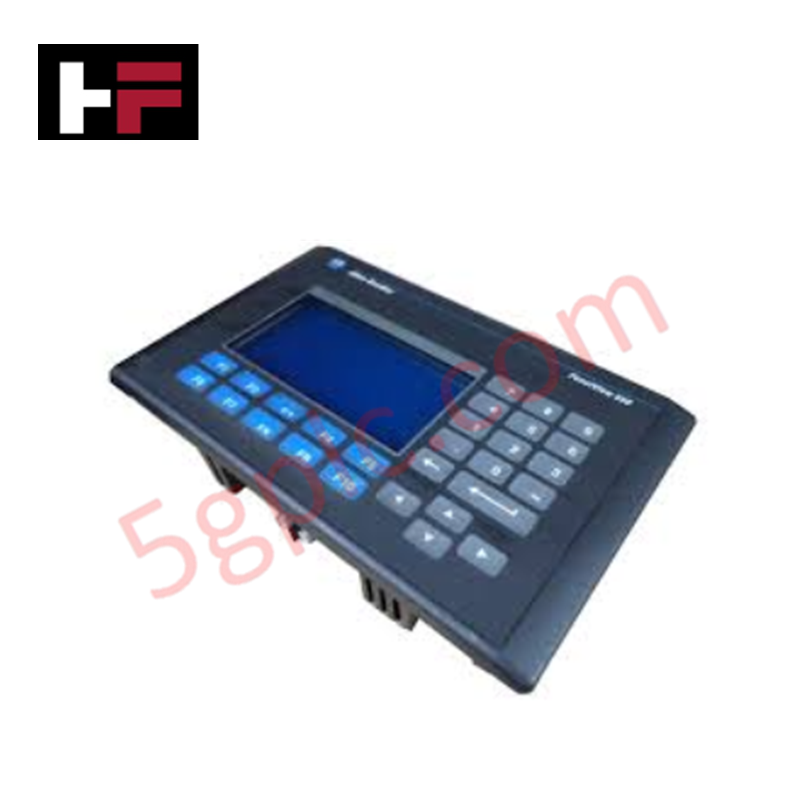
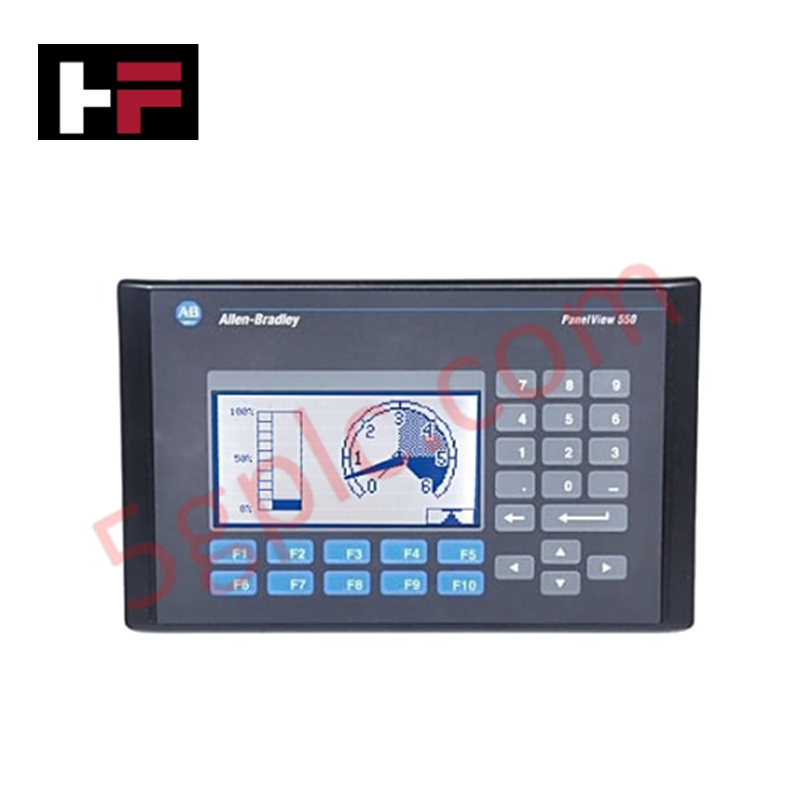
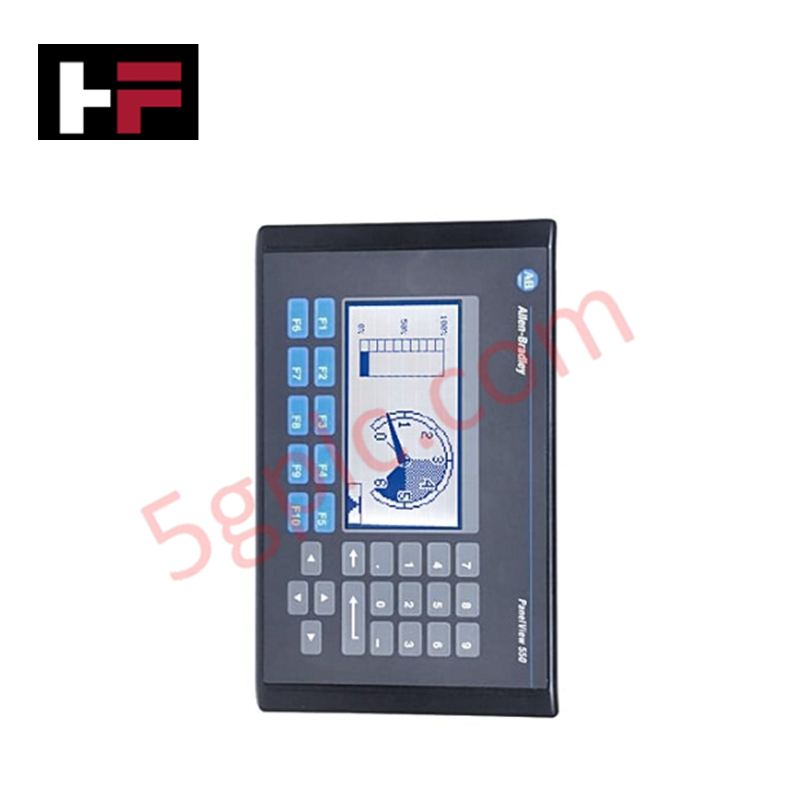
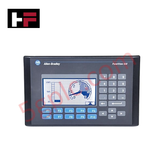
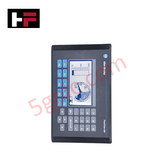
The Allen Bradley 2711-K5A10 functions as a high-integrity Human-Machine Interface (HMI) within the PanelView 550 Standard series. It provides a tactile control solution for industrial environments, utilizing a stainless-steel domed keypad and a high-contrast blue monochrome LCD. This terminal facilitates seamless integration into DeviceNet networks, allowing operators to monitor and control machine-level data without complex programming overhead. We supply this unit as 100% Brand New and Factory Original, offering a vital replacement for obsolete systems to avoid costly full-panel migrations.
Technical Specifications
The 2711-K5A10 delivers reliable performance through specialized industrial hardware:
| Feature | Specification |
| Operator Input | Tactile Keypad (10 Function Keys, F1–F10) |
| Display Type | Monochrome LCD Blue Mode |
| Display Size | 5.5-inch (120 x 60 mm display area) |
| Resolution | 256 x 128 Pixels |
| Communication | DeviceNet Port; RS-232 (Printer Port) |
| Input Voltage | 85–264V AC (Universal AC Input) |
| Memory | 170 KB Application Runtime; 240 KB Nonvolatile |
| Backlight Life | 100,000-hour LED Backlight |
| Enclosure Rating | NEMA 4X, 12, 13; IP54, IP65 |
| Weight | 3.31 lbs (1.50 kg) |
Engineering Advantages
-
Tactile Feedback for Harsh Environments: The mechanical keypad provides definitive tactile feedback, ensuring accurate command entry even when operators wear heavy industrial gloves. This eliminates the "ghost touches" often associated with capacitive screens in high-vibration or electrically noisy environments.
-
Native DeviceNet Integration: The integrated DeviceNet port supports producer/consumer communication technology. This enables high-speed data exchange with scanners and other nodes on the network, reducing cabling complexity compared to traditional point-to-point wiring.
-
Industrial-Grade Sealing: The terminal meets NEMA 4X (indoor) and IP65 standards when properly mounted. This level of protection prevents the ingress of dust, oil, and splashing water, making it ideal for food processing, wastewater, or heavy manufacturing applications.
-
Extended Visibility: The blue monochrome LCD features a 100,000-hour LED backlight. This high-longevity illumination ensures consistent contrast and readability for over a decade of continuous 24/7 operation, drastically reducing maintenance interventions.
-
Universal AC Power Compatibility: The 85–264V AC power range accommodates global electrical standards. This versatility allows engineers to standardize on a single HMI model across international facilities without requiring localized power transformers.
FAQs
-
Is this 2711-K5A10 unit 100% Brand New?
Yes. We guarantee this unit is 100% Brand New and ships in its original factory-sealed Allen Bradley packaging. Since this model is officially discontinued, our factory-new stock provides the most reliable path for critical system restoration.
-
Can I replace a touchscreen PanelView 550 with this keypad version?
You can, provided your PanelBuilder32 application supports keypad navigation. The "K" in the part number denotes Keypad, while "T" denotes Touchscreen. Physical panel cutouts remain the same for most PanelView 550 models, but you must verify the software configuration for function key assignments.
-
What software do I need to program the 2711-K5A10?
You must use PanelBuilder32 software. You can download the application via the RS-232 printer port using a 2711-NC13 cable or directly over the DeviceNet network if your PC has a compatible interface card.
-
How do the status indicators assist in troubleshooting?
The unit features two LEDs on the rear. A solid green COMM light indicates active network communication, while a red FAULT light signals internal hardware errors or firmware issues. This allows for rapid diagnostic assessment without opening the control cabinet.
Additional Information
- 100% Genuine Parts: All products are original and authentic, ensuring reliable industrial performance.
- 30-Day Refund Guarantee: Return any in-stock item within 30 days in original, unopened packaging for a full refund (excluding shipping and fees).
- 12-Month Warranty: Covers defects in materials or workmanship; excludes misuse, normal wear, or unauthorized modifications.
- Worldwide Shipping: We ship via USPS, UPS, FedEx, and DHL. Delivery times vary by country and may be subject to customs or import fees.
- Support & Contact: Technical and warranty assistance is available anytime. Contact us here: Contact.
- Purchase Guidance: Check product specifications and compatibility carefully before ordering to ensure proper application.
Tech & Buying Guide

Demystifying the DDE Protocol in Legacy Industrial Automation Systems
Modern control systems rely heavily on seamless interprocess communication to exchange operational data between software programs. Microsoft first introduced the Dynamic Data Exchange (DDE) protocol in 1987 to enable real-time data sharing. In factory automation, DDE served as an early bridge between control software and Windows desktop applications. Therefore, understanding DDE mechanics provides crucial insights into how legacy industrial networks established software-level connectivity.

Demystifying CPU Communication Ports in Siemens PLC Architectures
Industrial automation relies heavily on robust data exchange between devices. Without seamless connectivity, field instruments, network switches, human-machine interfaces, and programmable logic controllers cannot coordinate effectively. Therefore, understanding the various CPU communication ports available in Siemens hardware ensures efficient factory automation design and seamless system integration.

Mastering the Siemens PLC Scan Cycle: How the CPU Executes Automation Programs
Industrial automation relies heavily on programmable logic controllers (PLCs) to manage complex manufacturing processes. Many engineers dive straight into programming without mastering the underlying architecture. However, understanding how a PLC CPU executes a program ensures reliable system design. Therefore, mastering the scan cycle optimizes both performance and troubleshooting in modern control systems.