






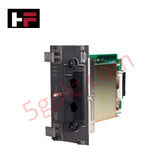
Product Details
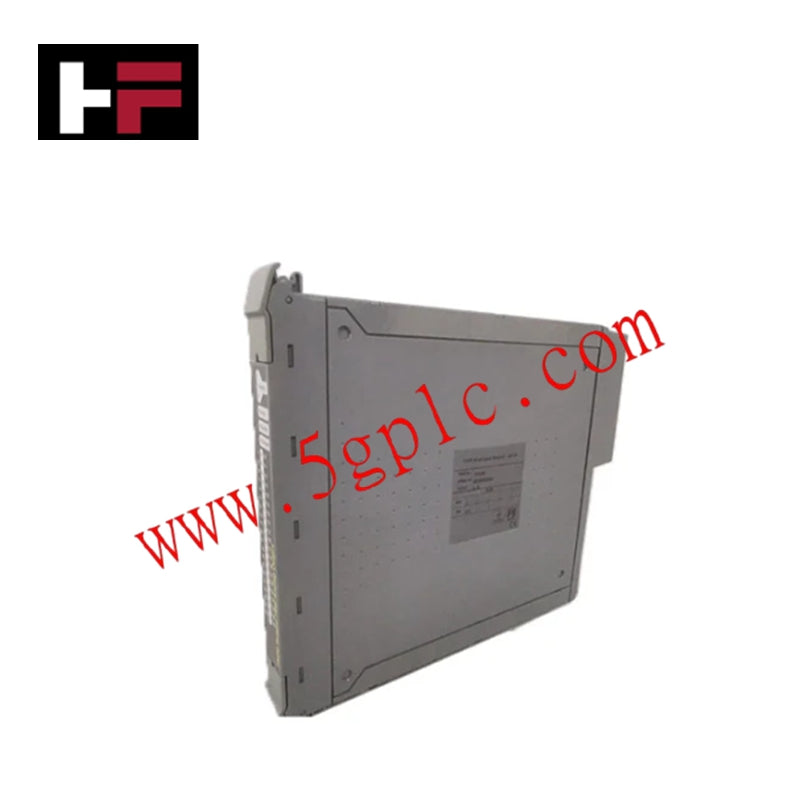
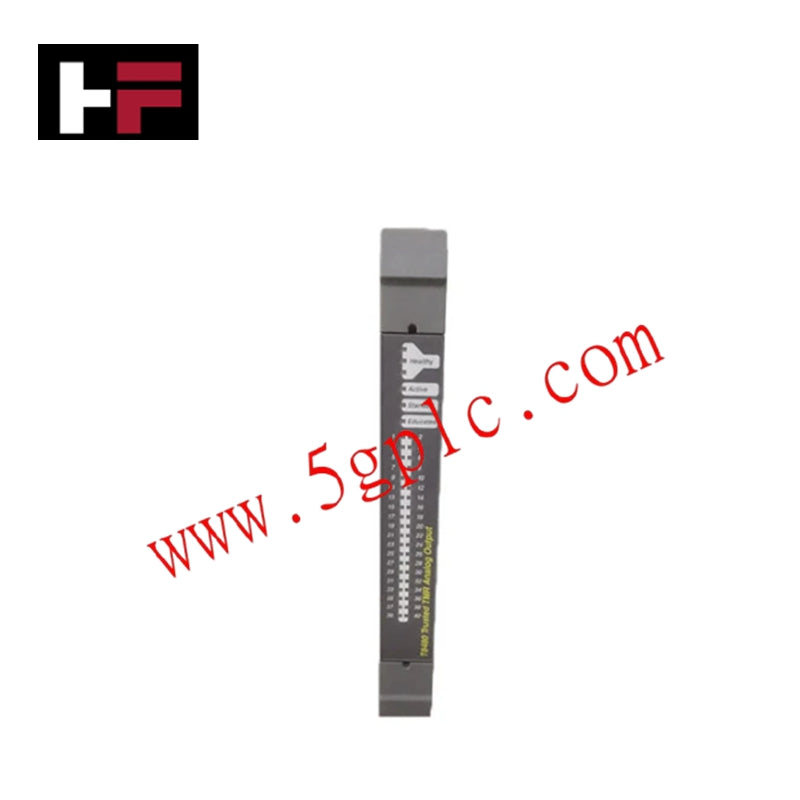
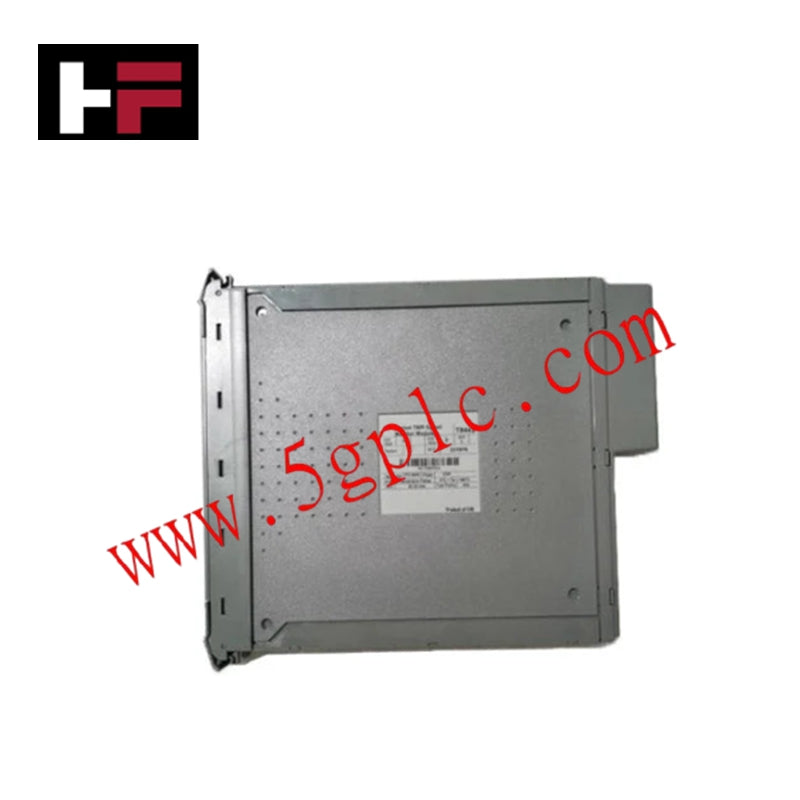
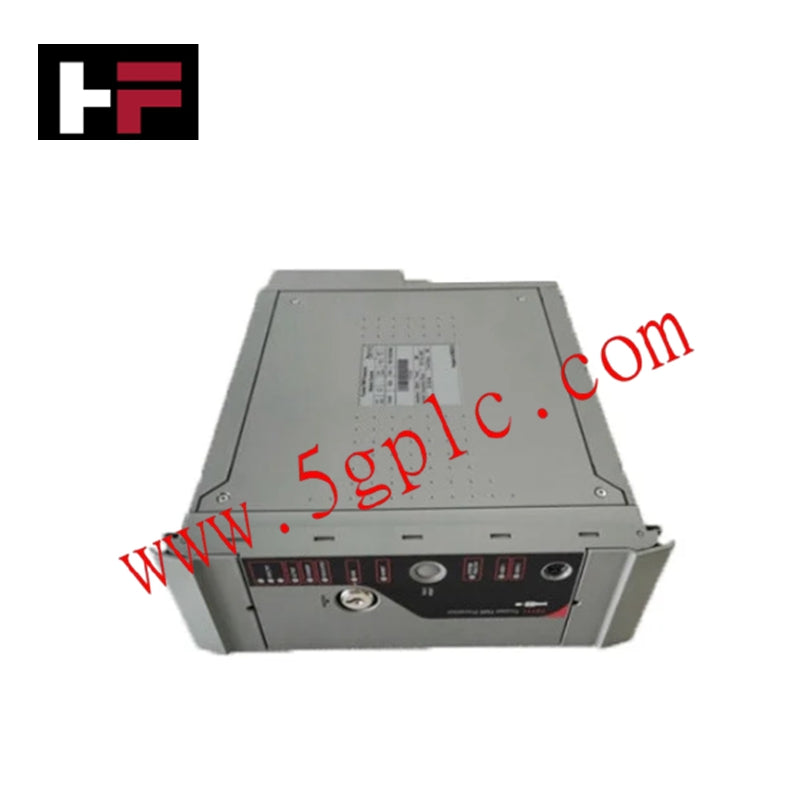
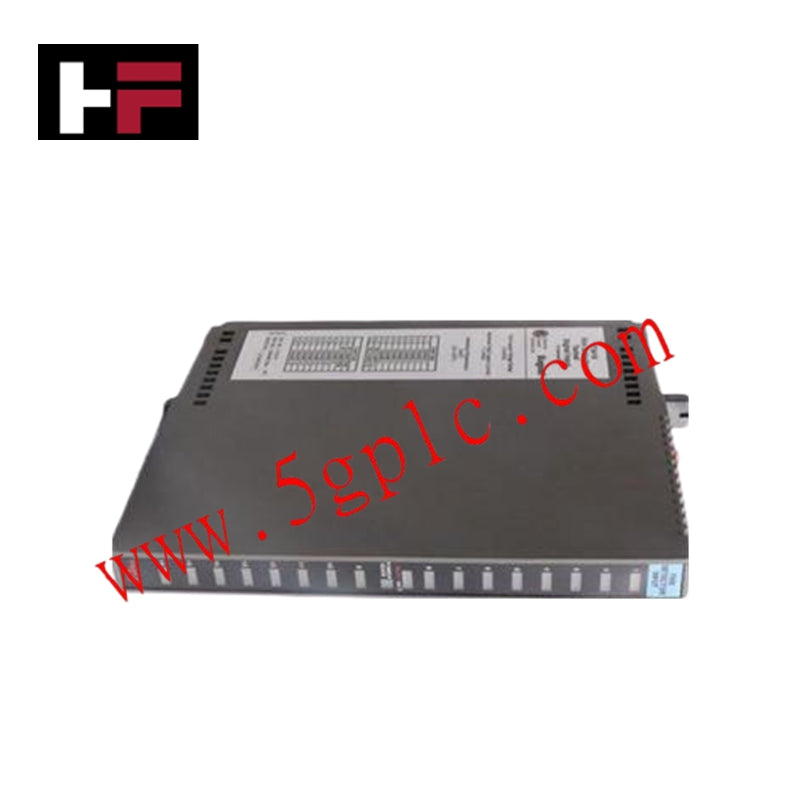
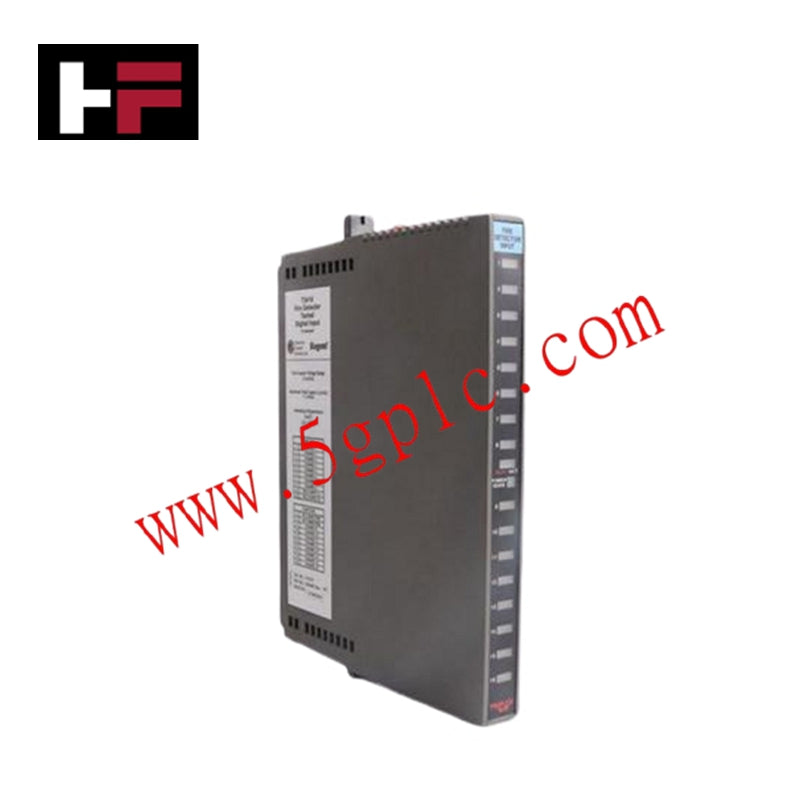
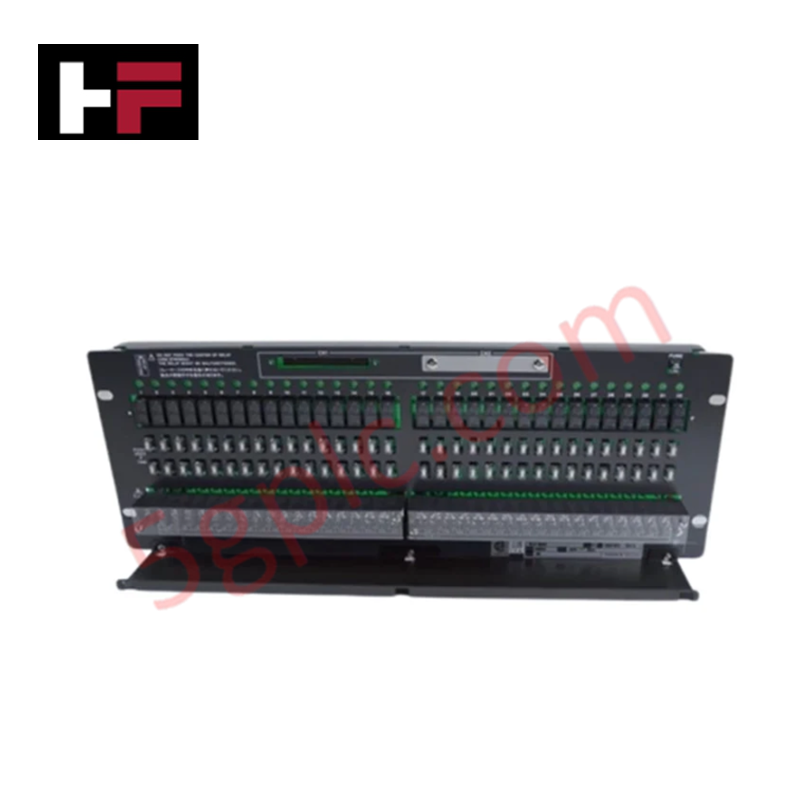
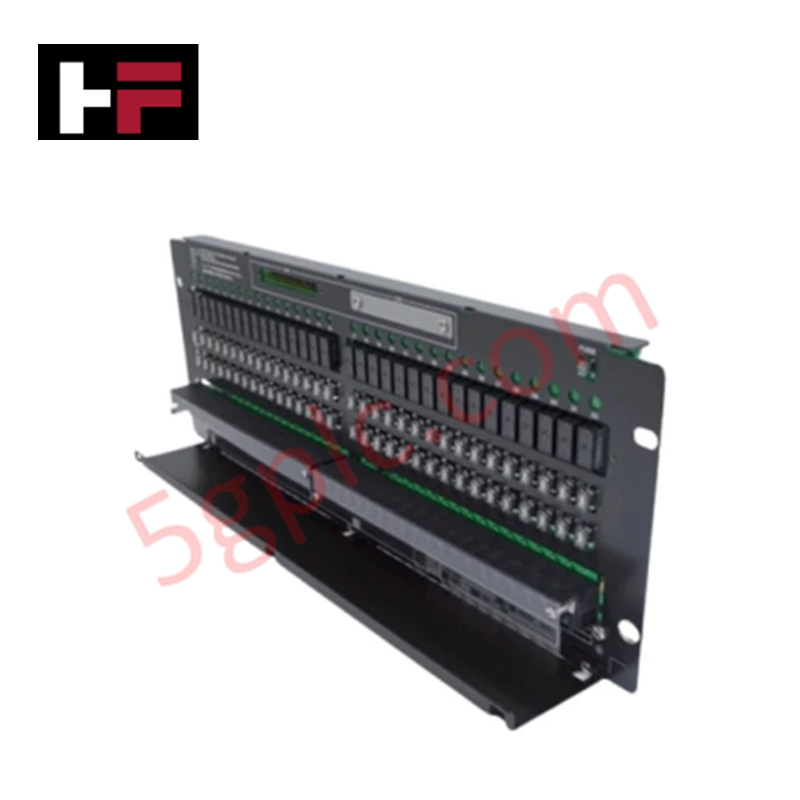
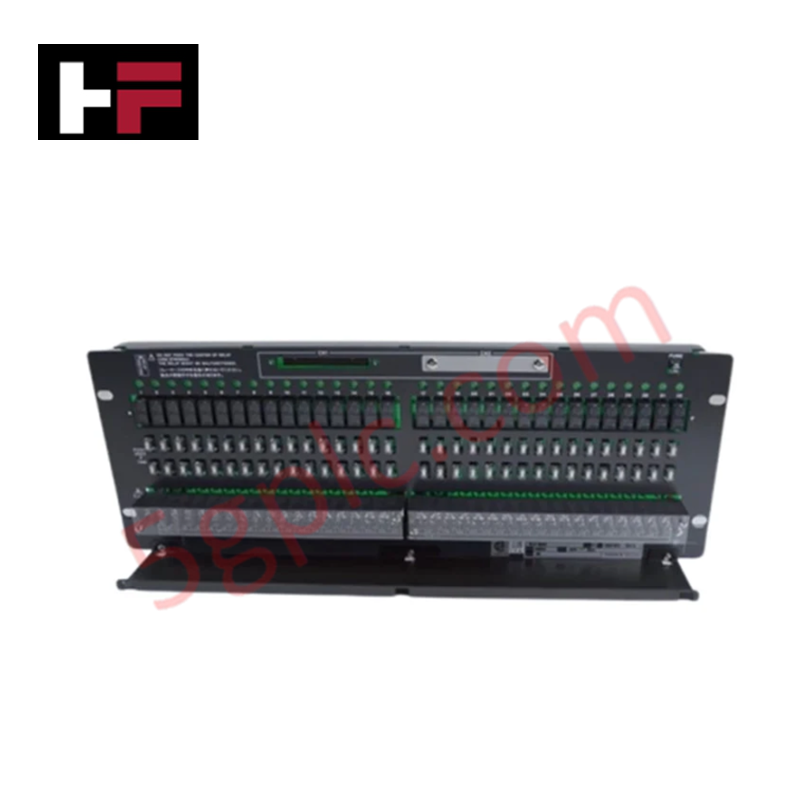
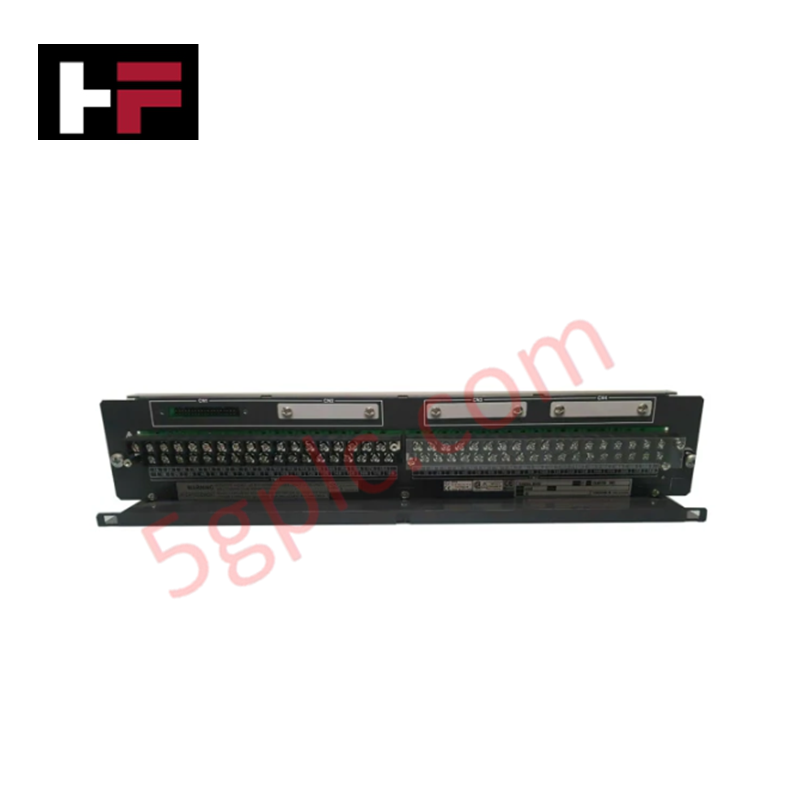
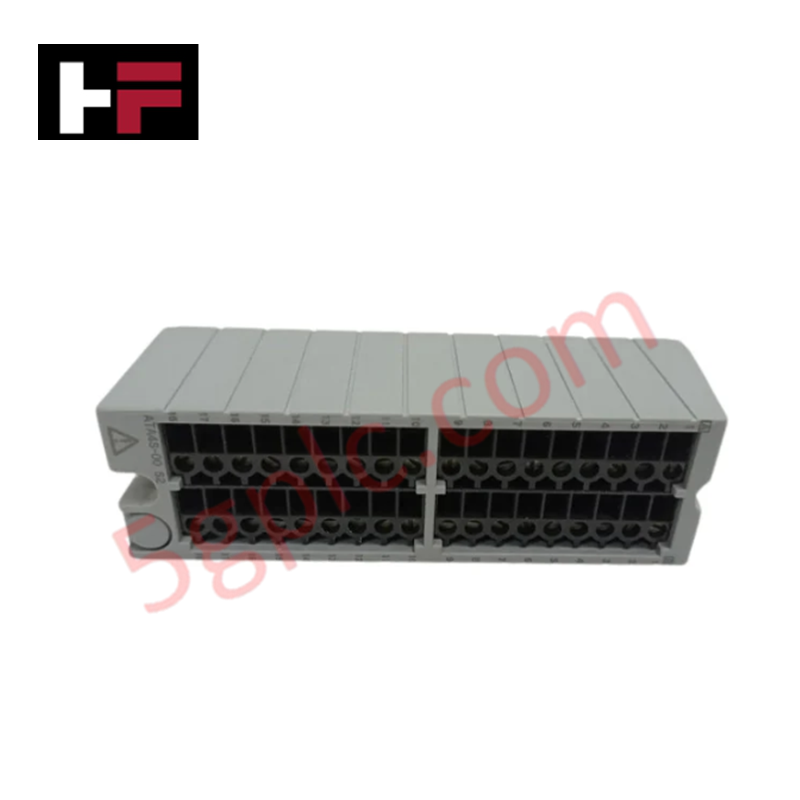
The Yokogawa AIP571 Electrical Transceiver serves as the critical physical layer interface for Remote Input/Output (RIO) architectures within the Centum VP distributed control system. It resolves the challenge of extending control network reach by converting electrical signals from local RIO I/O modules into optical signals for transmission over fiber optic cables. This module establishes high-speed, noise-immune communication links between remote field stations and the Field Control Unit (FCU) or creates daisy-chain topologies between multiple AIP571 units. By leveraging fiber optics, the AIP571 eliminates electromagnetic interference (EMI) risks in harsh industrial environments and supports dual-redundant ESB bus configurations, ensuring uninterrupted data integrity even if a primary communication path fails.
Technical Specifications
|
Parameter |
Specification |
|---|---|
|
Product Type |
Electrical Transceiver RIO I/O Module |
|
Compatible Systems |
Yokogawa Centum VP, CS1000 DCS |
|
Primary Function |
Electrical-to-Optical Signal Conversion for RIO |
|
Communication Media |
Optical Fiber Cable |
|
Connection Topology |
Point-to-Point (FCU to RIO) or Daisy-Chain (RIO to RIO) |
|
Bus Architecture |
Supports Dual-Redundant ESB Bus Configuration |
|
Interface Type |
Connects RIO I/O Modules to Field Control Unit (FCU) |
|
Key Benefit |
High noise immunity and extended transmission distance |
|
Target Industries |
Manufacturing, Process Control, Utilities, Oil & Gas |
|
Integration |
Seamless integration with Yokogawa automation setups |
Model Code Decomposition
The Yokogawa AIP571 adheres to the standardized Centum VP module naming convention. Unlike analog input cards that may carry suffixes for terminal block types or intrinsic safety ratings, the AIP571 is a dedicated communication transceiver with a fixed functional definition.
Part Number: AIP571
-
AI: Identifies the module category within the Centum architecture, typically denoting Interface or Communication functions in this context.
-
P: Specifies the hardware platform series, indicating compatibility with the Centum VP and CS1000 node structure.
-
571: The unique functional identifier for the Electrical Transceiver used in RIO fiber optic links.
-
Note: This model does not utilize variable alphanumeric suffixes (e.g., -S1, -H2) for standard ordering. The "AIP571" designation confirms it is the standard electrical-to-optical converter for RIO networks. Specific fiber connector types (ST or SC) are generally consistent across the batch or defined by the accompanying node cabling kit rather than a distinct part number suffix on the module itself.
Installation Recommendations and Wiring Guidelines
Installing the AIP571 requires strict adherence to fiber optic handling protocols to ensure signal integrity. Before insertion, verify that the target slot in the RIO node is configured for fiber communication. While the module supports hot-swapping, it is advisable to place the node in a maintenance state via the engineering station to prevent transient communication alarms during installation.
For cabling, use high-grade multimode or single-mode optical fiber cables as specified by the system distance requirements. Connect the fiber patch cords securely to the transceiver ports, ensuring the transmit (TX) port of the AIP571 connects to the receive (RX) port of the destination device (FCU or downstream AIP571). When configuring a dual-redundant ESB bus, ensure both Channel A and Channel B fibers are routed through physically separate cable trays to protect against simultaneous physical damage. Avoid sharp bends in the fiber optic cable (maintain a bend radius greater than 10 times the cable diameter) to prevent signal attenuation. After connection, inspect the link status LEDs on the module front panel; a steady green light typically indicates a healthy optical link, while blinking or amber states suggest alignment issues or cable faults.
Frequently Asked Questions (FAQ)
Q: What is the maximum distance supported by the AIP571 module?
A: The transmission distance depends on the type of optical fiber used (multimode vs. single-mode) and the specific transceiver optics. Generally, multimode fiber supports distances up to several hundred meters, while single-mode fiber can extend the link to several kilometers. Consult the specific Centum VP engineering manual for exact distance limits based on your cable specifications.
Q: Can the AIP571 connect directly to a PLC?
A: No, the AIP571 is designed specifically to interface Yokogawa RIO I/O modules with the Yokogawa Field Control Unit (FCU) or other AIP571 modules within the Centum VP ecosystem. It uses proprietary signaling for the RIO bus. Connecting to third-party PLCs would require a gateway or protocol converter that supports the Yokogawa RIO protocol.
Q: How does the AIP571 support system redundancy?
A: The module facilitates dual-redundant ESB bus configurations. By installing two AIP571 modules (or utilizing dual ports where applicable in the node architecture) and running two separate fiber optic paths, the system maintains communication even if one cable is cut or one transceiver fails. The FCU automatically switches to the healthy path without process interruption.
Q: Is the AIP571 compatible with legacy Centum CS3000 systems?
A: The AIP571 is primarily engineered for Centum VP and CS1000 systems. While Yokogawa maintains some backward compatibility, RIO architectures often differ between major generations. Using this module in a CS3000 system requires verifying the node type and backplane compatibility, as older systems may utilize different transceiver models (e.g., AIP55x series).
Additional Information
- 100% Genuine Parts: All products are original and authentic, ensuring reliable industrial performance.
- 30-Day Refund Guarantee: Return any in-stock item within 30 days in original, unopened packaging for a full refund (excluding shipping and fees).
- 12-Month Warranty: Covers defects in materials or workmanship; excludes misuse, normal wear, or unauthorized modifications.
- Worldwide Shipping: We ship via USPS, UPS, FedEx, and DHL. Delivery times vary by country and may be subject to customs or import fees.
- Support & Contact: Technical and warranty assistance is available anytime. Contact us here: Contact.
- Purchase Guidance: Check product specifications and compatibility carefully before ordering to ensure proper application.
Tech & Buying Guide

Essential Motion Control Commands: A Practical Guide for Engineers
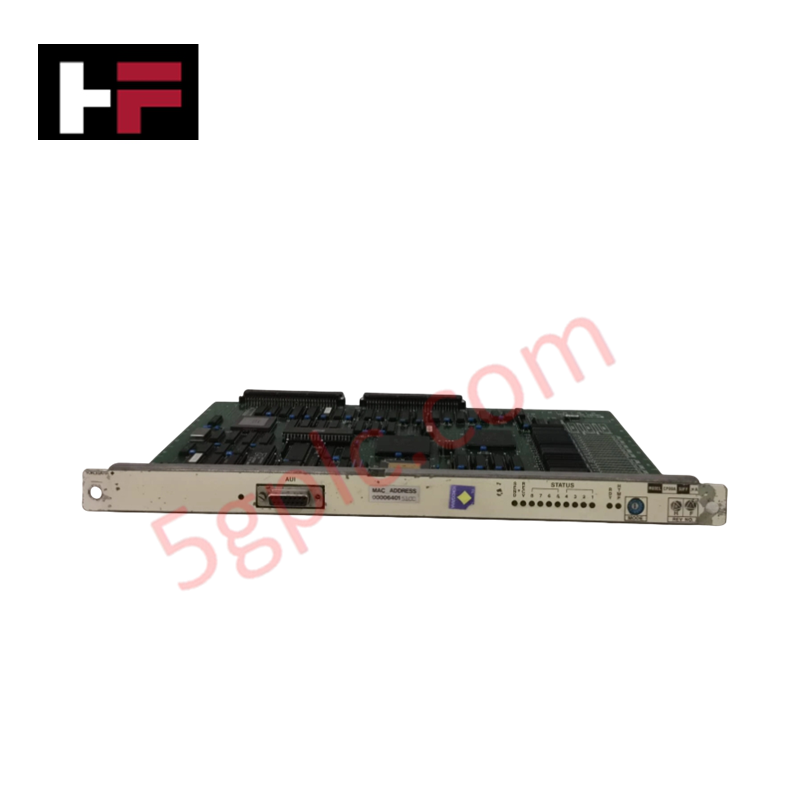
Automation engineers often rely on precise position and speed control to drive modern factory machinery. Modern industrial systems, such as Programmable Logic Controllers (PLCs) and Distributed Control Systems (DCS), depend heavily on standardized motion instructions. Mastering these commands ensures operational safety, protects mechanical components, and optimizes cycle times across production lines.

Mastering Modern Industrial Joystick Controls in Heavy Automation
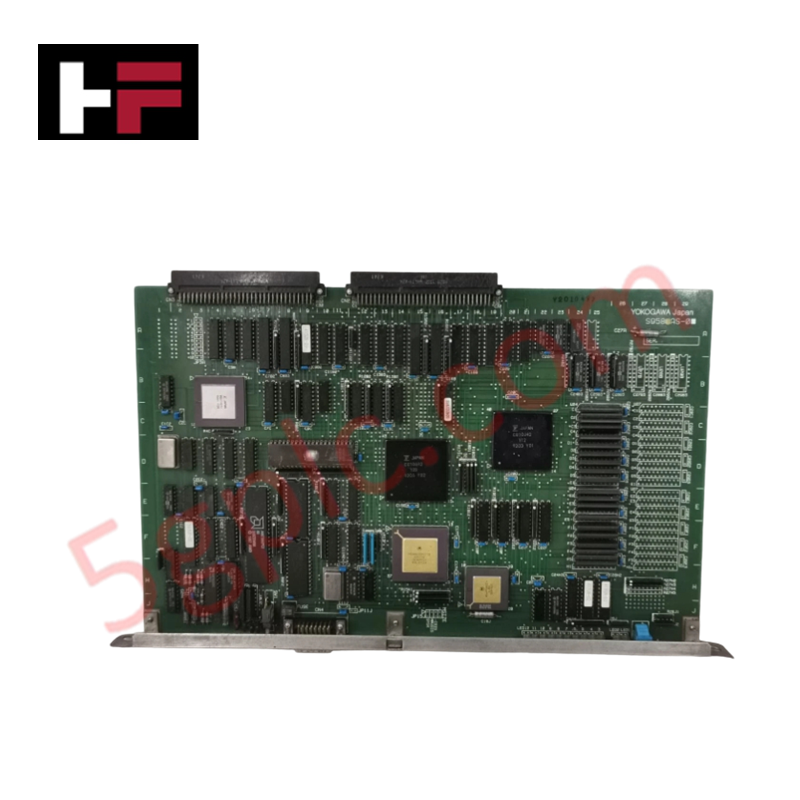
Industrial joysticks play a pivotal role in human-machine interaction across heavy material handling and mobile hydraulics. These tactile controllers translate complex operator movements into precise electrical signals for PLCs, motion controllers, and DCS networks. Consequently, selecting and installing the right joystick architecture ensures operator safety, reduces fatigue, and optimizes equipment performance.

Navigating Industrial Automation Failures: Types, Causes, and Mitigation Strategies
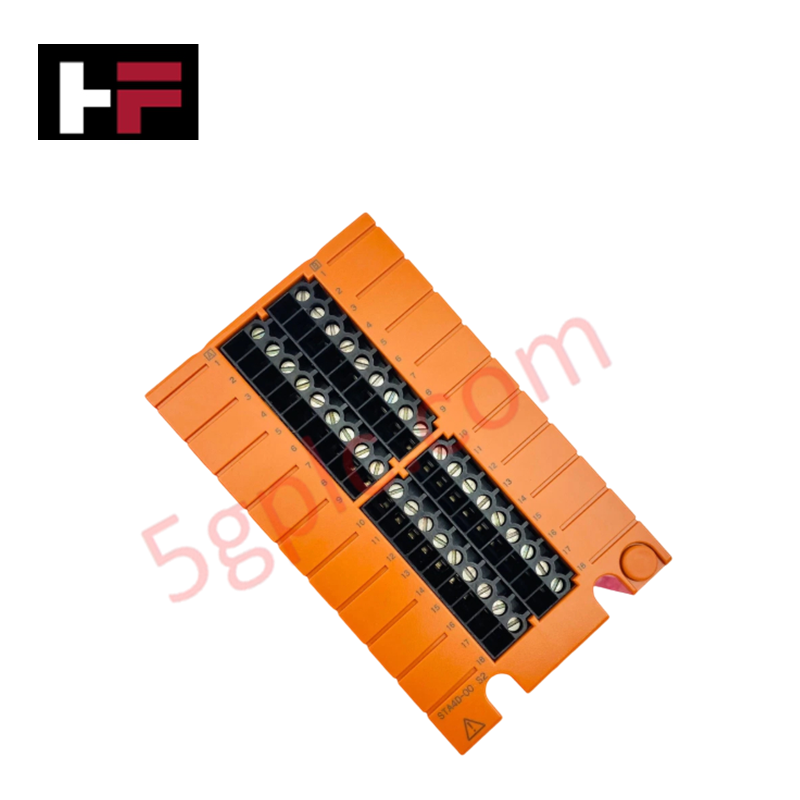
Modern manufacturing relies heavily on automated control systems to maximize throughput and maintain product quality. However, unplanned downtime in industrial automation can cost facility operators thousands of dollars per hour. Understanding how programmable logic controllers (PLCs), distributed control systems (DCS), and field instrumentation fail empowers engineering teams to implement robust preventive maintenance strategies.