


Product Details
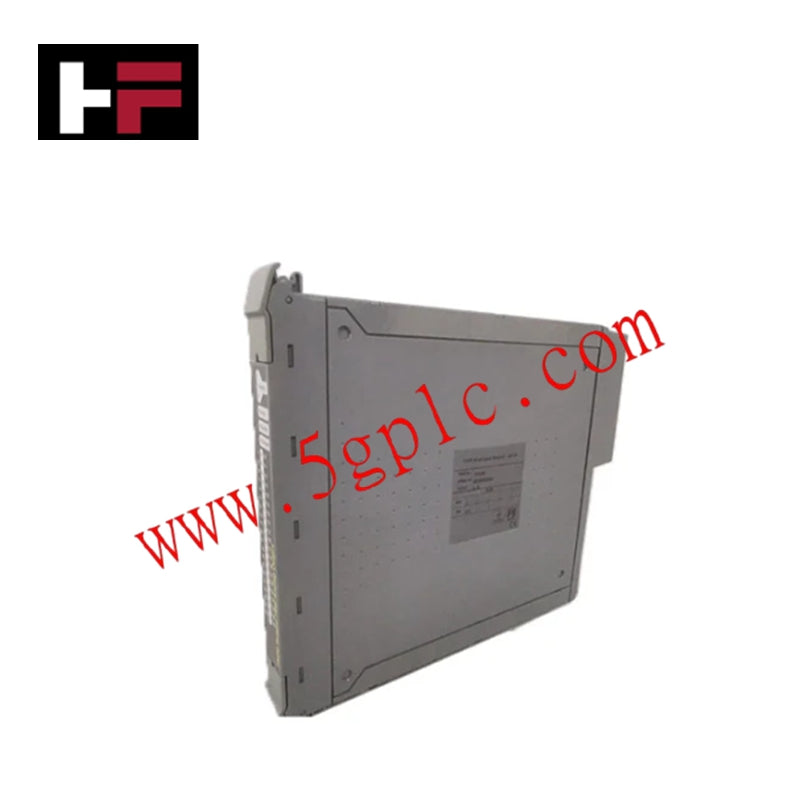
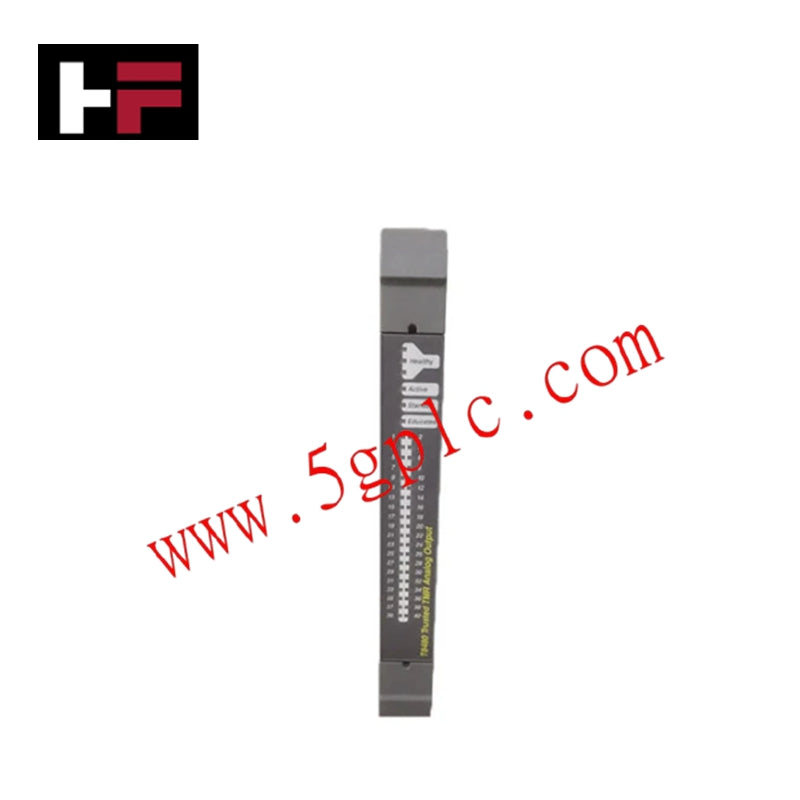
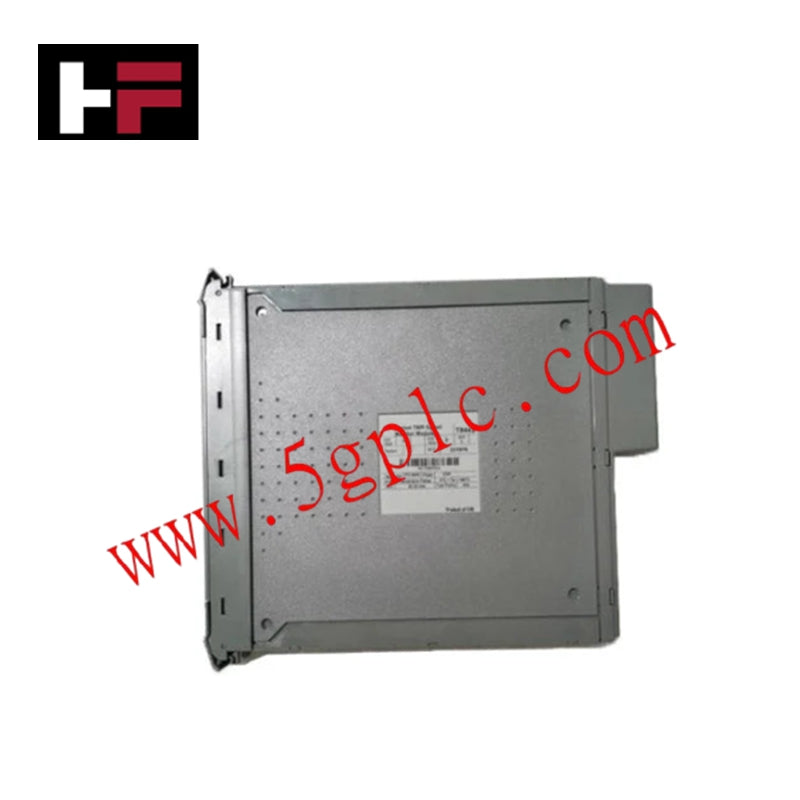
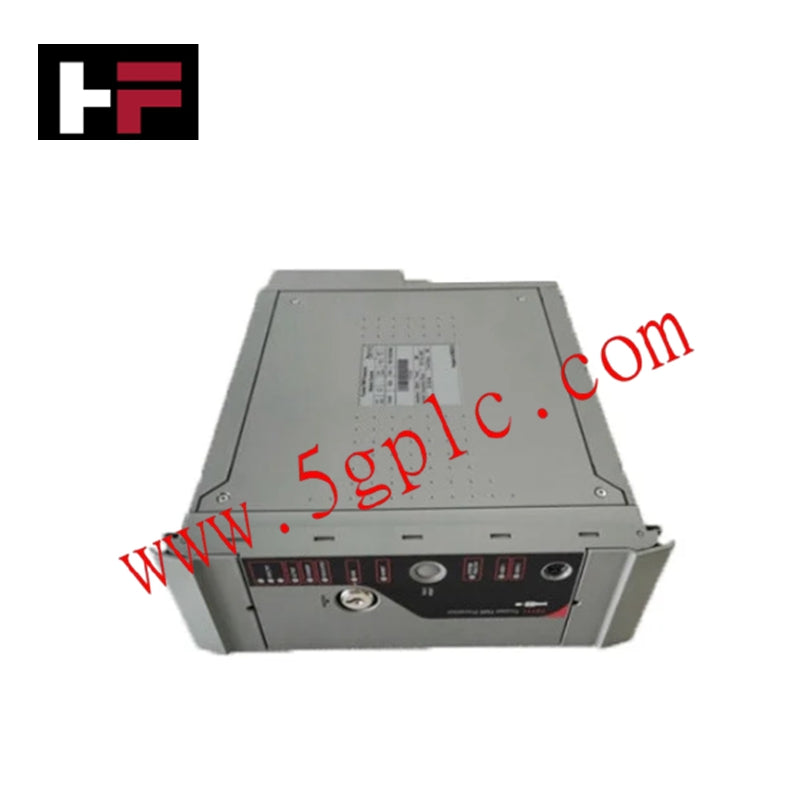
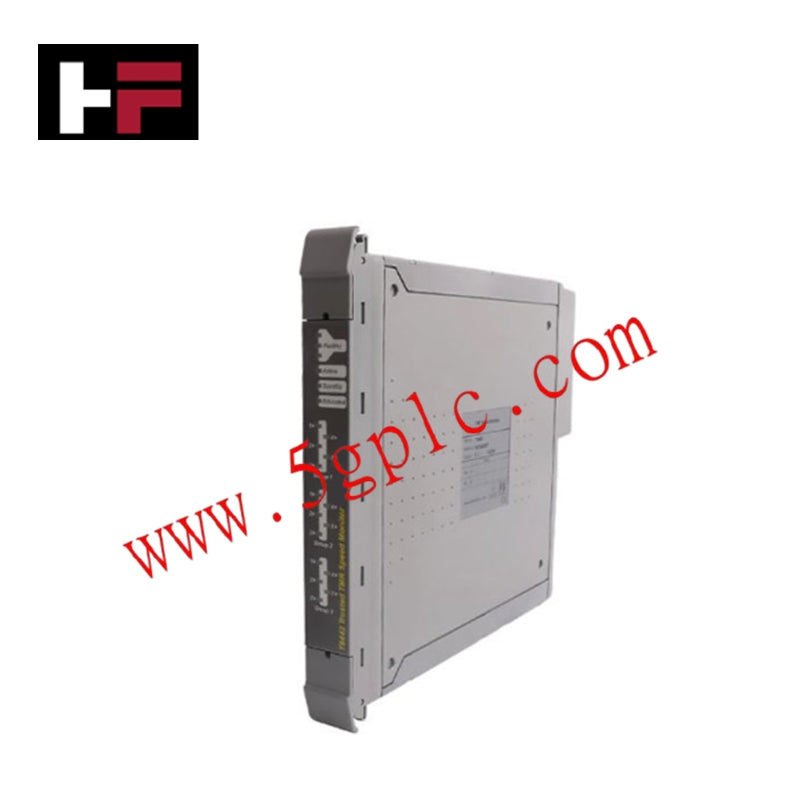
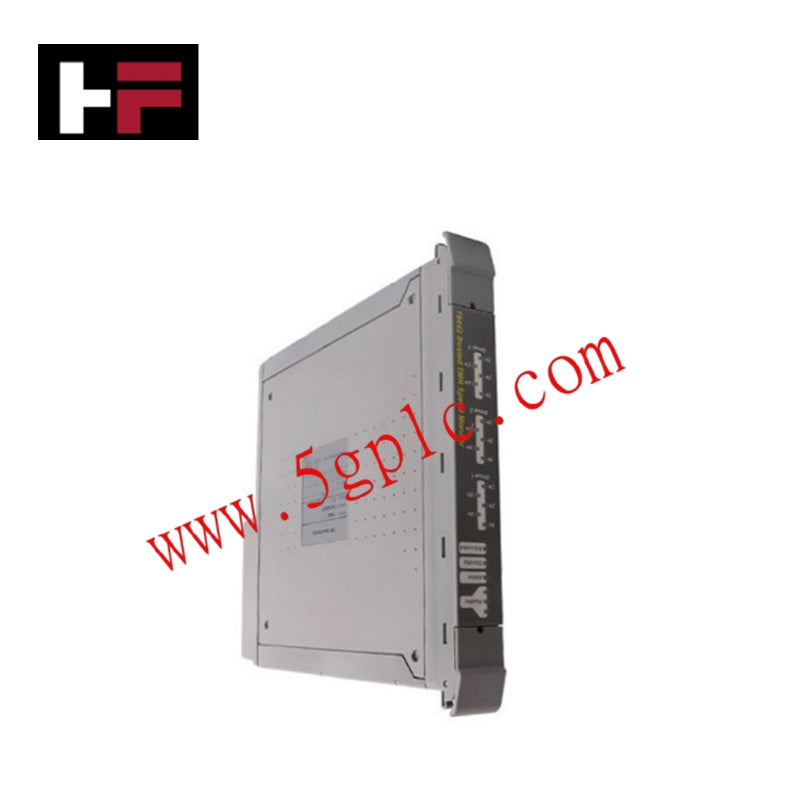
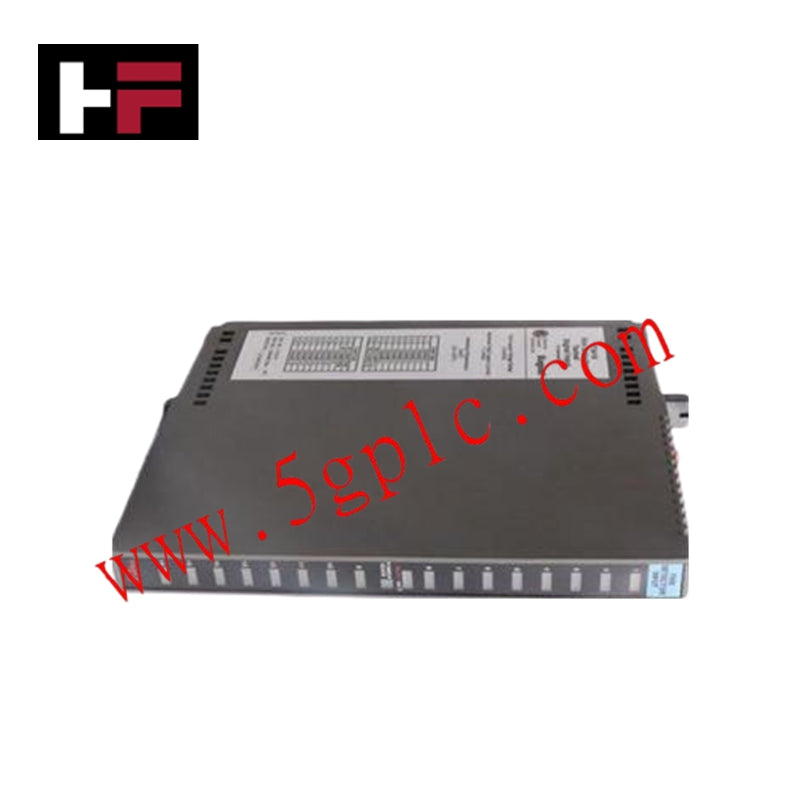
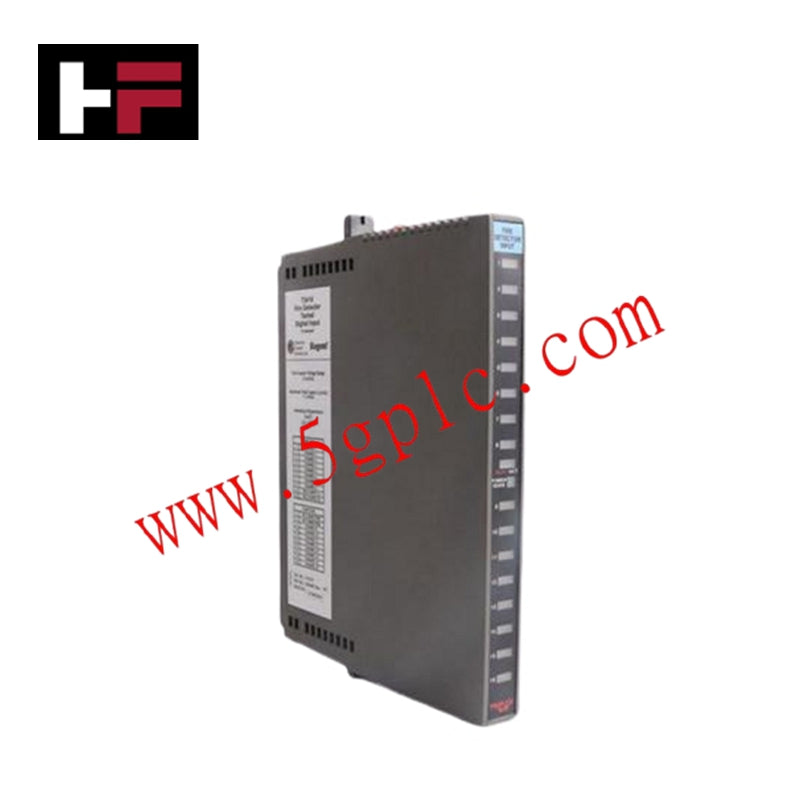
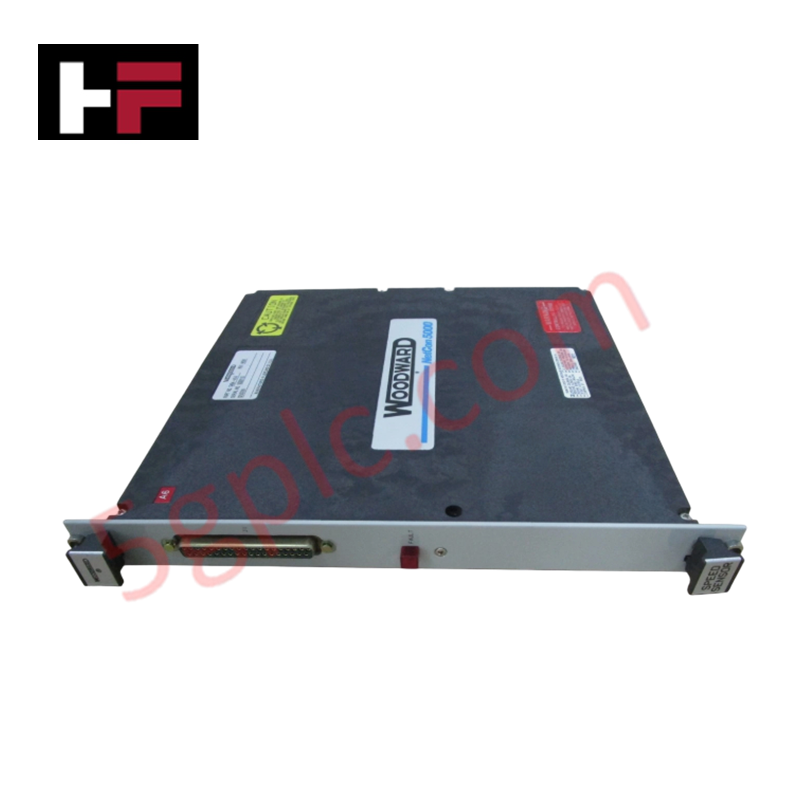
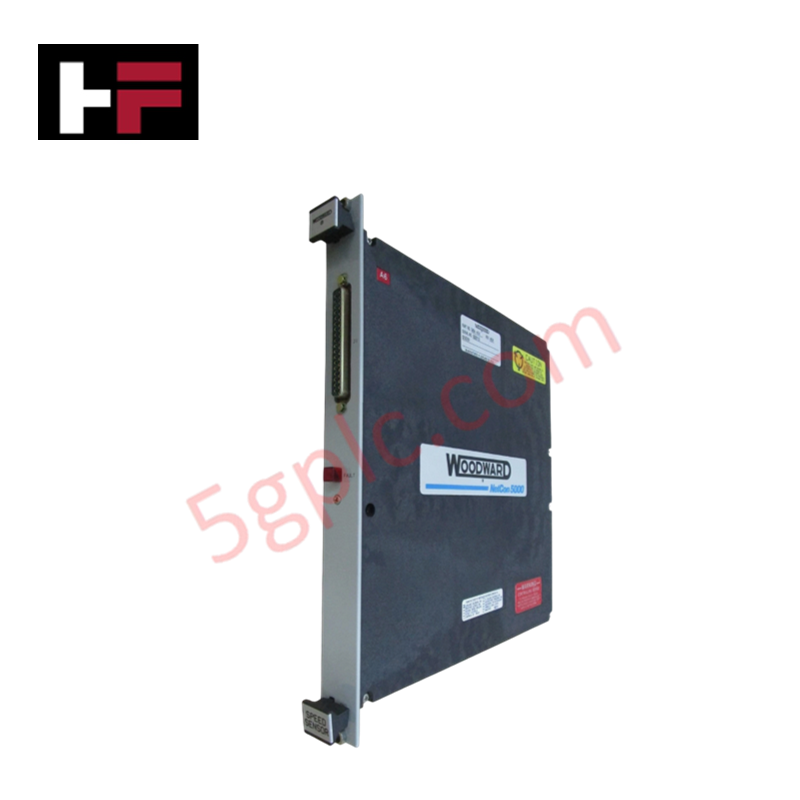
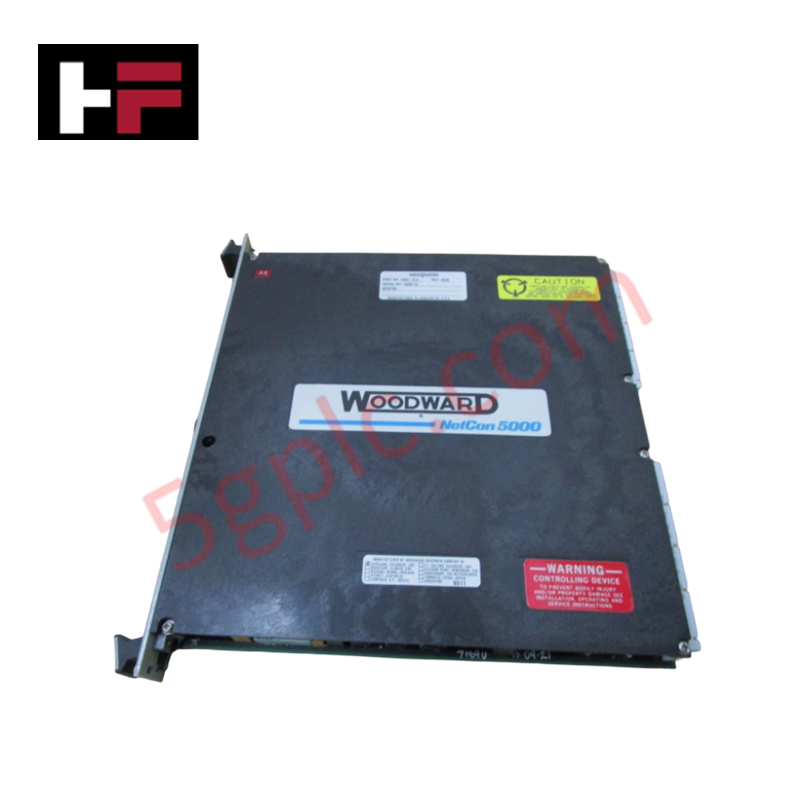
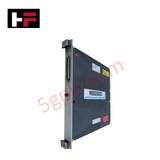
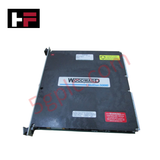
Configured for thermal signal acquisition in NETCON 5000 control platforms, the Woodward 5464-013 (5464-013 RTD Input Driver Module) provides direct physical/electrical execution of semi-insulated RTD signal conditioning.
Hardware Specifications
| Parameter | Specification |
|---|---|
| Model | 5464-013 |
| Brand | Woodward |
| Origin | Not specified |
| Weight | 1.85 lbs |
| Input Type | RTD (Semi-insulated) |
| Fault Indication | Red LED |
| Mounting | Panel Mount |
V/Hz and Field-Oriented Vector Control
The 5464-013 is utilized within the NETCON 5000 architecture to convert resistance-temperature detector (RTD) signals into the process variables required for thermal management and control. In the context of governing applications, precise temperature feedback is required to execute V/Hz and field-oriented vector control algorithms, particularly for cooling fan modulation and thermal protection of the prime mover. The semi-insulated input design helps mitigate ground loops and common-mode interference, ensuring that the control system maintains a stable actuator loop feedback response even when exposed to the electromagnetic environment of large-scale generator systems.
Frequently Asked Questions
Q: What does the red LED indicator signify on the front panel?
A: The red LED functions as a hardware-level fault diagnostic indicator. Illumination indicates an open circuit, short circuit, or out-of-range signal on the connected RTD input channels.
Q: Can this module be installed in a standard rack configuration?
A: The module is designed for panel mounting. Ensure that the panel surface is grounded to provide a reference for the module's shielding and to maintain electrical immunity against radiated noise.
Field Installation Guidelines
- Mounting: Fix the module to a secure, flat panel using the designated mounting holes. Ensure adequate space for thermal dissipation and terminal wiring.
- RTD Wiring: Use high-quality, shielded extension wire for all RTD inputs. Connect the cable shield to a single point at the chassis ground to prevent ground loops that could introduce offset errors in the temperature reading.
- Signal Segregation: Route RTD input wiring away from high-power AC output cabling or motor drive cabling to prevent induced noise on the sensitive resistance-measurement loop.
- Validation: Before final commissioning, measure the resistance of each connected RTD at the terminal block to ensure values fall within the expected operating range and confirm the module detects no faults.
- Fault Monitoring: Verify the status of the red LED during system startup; if illuminated, inspect the physical RTD probe and wire continuity before clearing the fault in the control software.
Additional Information
- 100% Genuine Parts: All products are original and authentic, ensuring reliable industrial performance.
- 30-Day Refund Guarantee: Return any in-stock item within 30 days in original, unopened packaging for a full refund (excluding shipping and fees).
- 12-Month Warranty: Covers defects in materials or workmanship; excludes misuse, normal wear, or unauthorized modifications.
- Worldwide Shipping: We ship via USPS, UPS, FedEx, and DHL. Delivery times vary by country and may be subject to customs or import fees.
- Support & Contact: Technical and warranty assistance is available anytime. Contact us here: Contact.
- Purchase Guidance: Check product specifications and compatibility carefully before ordering to ensure proper application.

Tech & Buying Guide

Why 24V DC Power Supplies Standardize Modern Industrial Automation
Industrial control cabinets worldwide rely on 24V DC as the universal power standard for field instrumentation, sensors, and controllers. Walk into any manufacturing plant, and you will find PLCs, human-machine interfaces (HMIs), and smart actuators running on extra-low voltage DC. Standardizing on 24V DC enhances operational safety, lowers cabinet footprint, and maintains steady control performance across factory networks.

Essential Motion Control Commands: A Practical Guide for Engineers
Automation engineers often rely on precise position and speed control to drive modern factory machinery. Modern industrial systems, such as Programmable Logic Controllers (PLCs) and Distributed Control Systems (DCS), depend heavily on standardized motion instructions. Mastering these commands ensures operational safety, protects mechanical components, and optimizes cycle times across production lines.
Mastering Modern Industrial Joystick Controls in Heavy Automation
Industrial joysticks play a pivotal role in human-machine interaction across heavy material handling and mobile hydraulics. These tactile controllers translate complex operator movements into precise electrical signals for PLCs, motion controllers, and DCS networks. Consequently, selecting and installing the right joystick architecture ensures operator safety, reduces fatigue, and optimizes equipment performance.