










Product Details
Product Overview
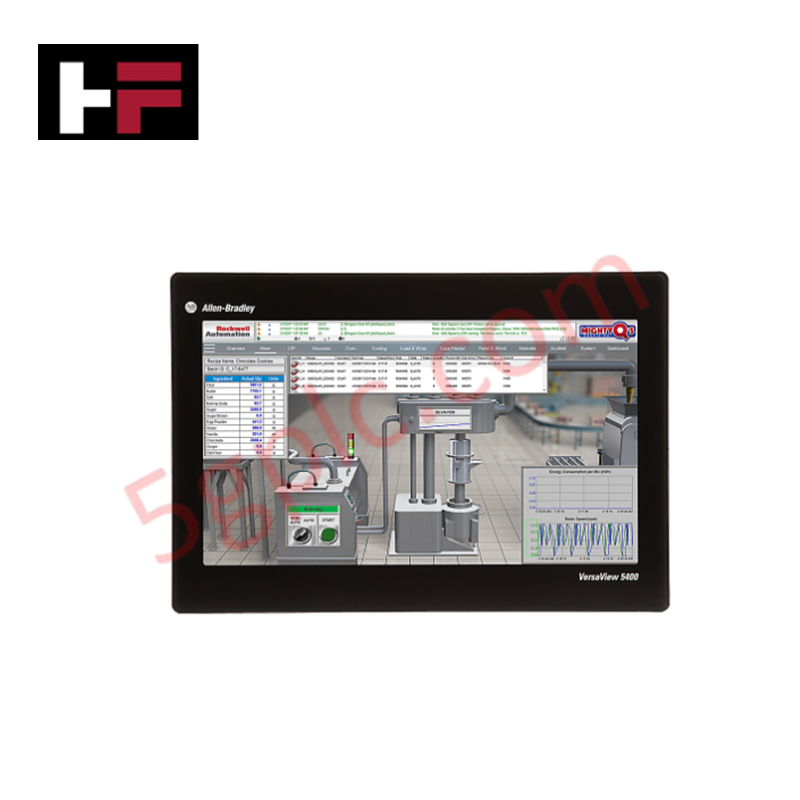
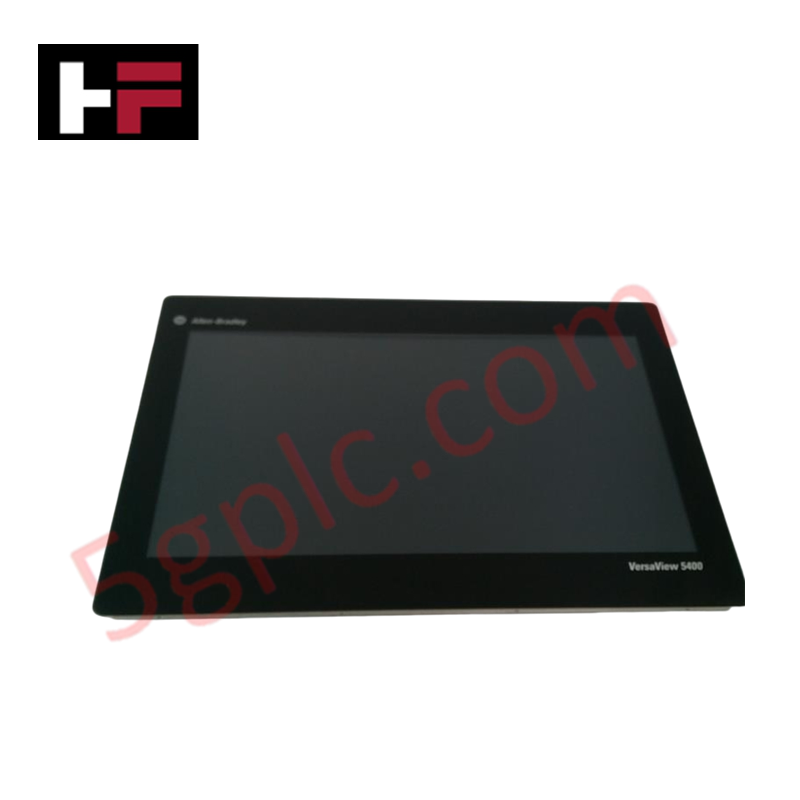
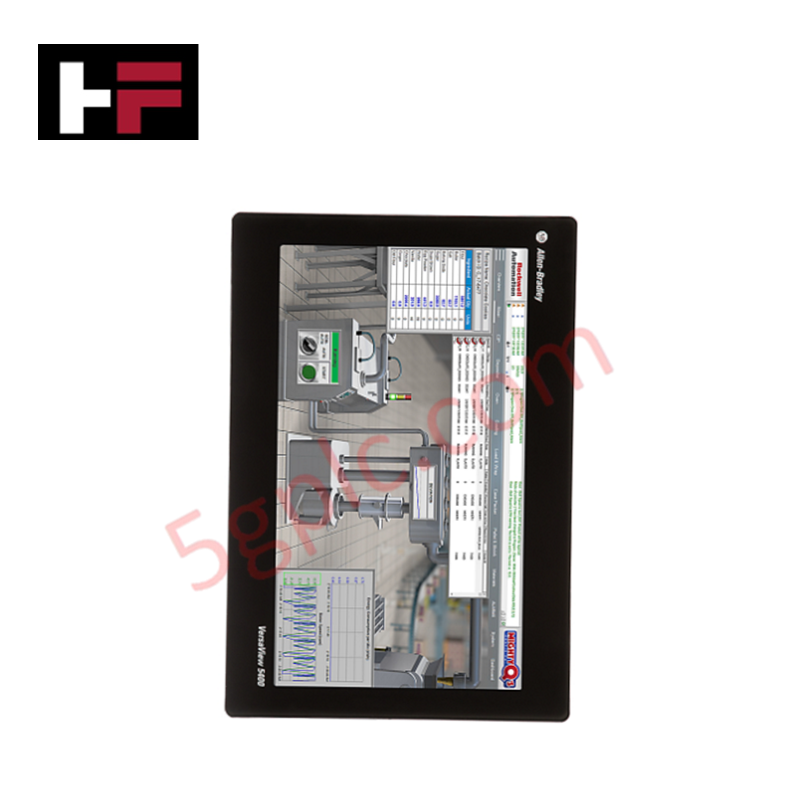
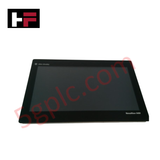
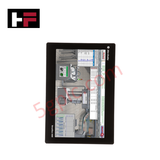
The Allen-Bradley 6200P-22WS3A1 serves as a high-performance human-machine interface (HMI) and edge computing platform for modern industrial environments. This VersaView 6200P industrial computer combines a 22.5-inch widescreen display with a rugged, fanless metal chassis. It delivers a crisp 1920x1080 Full HD resolution and features a projected capacitive multi-touch screen for intuitive operator interaction. The unit runs on 24 VDC power and includes dual Gigabit Ethernet ports for high-speed network integration. We supply this item as a 100% Brand New, factory-sealed unit.
Part Number Breakdown
-
6200P: Identifies the VersaView 6200P Industrial Computer series.
-
22: Specifies the 22.5-inch widescreen display size.
-
W: Denotes the Widescreen aspect ratio.
-
S3: Indicates the storage configuration (128 GB SSD).
-
A1: Specifies the processor and operating system variant.
Technical Specifications
| Parameter | Specification |
|---|---|
| Manufacturer | Allen-Bradley (Rockwell Automation) |
| Product Line | VersaView 6200P Computers |
| Display Size | 22.5 inches (Widescreen) |
| Screen Resolution | 1920 x 1080 (Full HD) |
| Touchscreen Type | Projected Capacitive Multi-Touch |
| Storage | 128 GB SSD |
| Network Connectivity | Dual Port Gigabit Ethernet |
| Input Power | 24 VDC |
| Cooling Method | Fanless |
| Mounting Method | Panel Mount |
| Weight | 15.00 lbs (6.80 kg) |
Engineering Advantages
Fanless Thermal Management
The 6200P-22WS3A1 utilizes a fanless cooling design integrated into its rugged metal chassis. By eliminating internal fans, the unit prevents dust, metal shavings, and airborne contaminants from being sucked into the electronics. This significantly reduces maintenance requirements and extends the operational lifespan of the computer in dirty or harsh factory environments.
Intuitive Multi-Touch Interface
The 22.5-inch widescreen display features projected capacitive multi-touch technology, similar to modern smartphones and tablets. Operators can use natural gestures like pinch-to-zoom and swipe to navigate complex SCADA screens or digital work instructions. The 1920x1080 resolution provides ample screen real estate to display multiple process trends and alarms simultaneously without clutter.
Secure Panel Mount Installation
This industrial computer is designed for flush panel mounting. The rugged metal chassis secures tightly into a cutout on a control cabinet or machine console, creating a seamless and protected front surface. This mounting method saves valuable desk space and protects the rear electronics while keeping the large display easily accessible to operators.
FAQs
Q: What type of touchscreen does the 6200P-22WS3A1 use?
A: It features a projected capacitive multi-touch screen. This technology offers high durability, excellent optical clarity, and supports multi-finger gestures for a modern user experience.
Q: Does this industrial computer require an internal fan for cooling?
A: No. The 6200P-22WS3A1 is a fanless device. It dissipates heat through its rugged metal chassis, which ensures silent operation and prevents the intake of dust and debris.
Q: How is the 6200P-22WS3A1 mounted?
A: The unit is designed for panel mounting. It installs directly into a rectangular cutout on an enclosure or console, securing it firmly in place for a clean, integrated look.
Q: What are the networking capabilities of this VersaView PC?
A: It comes equipped with dual Gigabit Ethernet ports. This allows for high-speed data transfer and network redundancy, or the ability to connect to two separate network segments simultaneously (e.g., machine network and plant IT network).
Q: What is the power requirement for this unit?
A: The industrial computer operates on a standard 24 VDC industrial power supply, simplifying integration into existing control panels without the need for additional AC transformers.
Additional Information
- 100% Genuine Parts: All products are original and authentic, ensuring reliable industrial performance.
- 30-Day Refund Guarantee: Return any in-stock item within 30 days in original, unopened packaging for a full refund (excluding shipping and fees).
- 12-Month Warranty: Covers defects in materials or workmanship; excludes misuse, normal wear, or unauthorized modifications.
- Worldwide Shipping: We ship via USPS, UPS, FedEx, and DHL. Delivery times vary by country and may be subject to customs or import fees.
- Support & Contact: Technical and warranty assistance is available anytime. Contact us here: Contact.
- Purchase Guidance: Check product specifications and compatibility carefully before ordering to ensure proper application.
Tech & Buying Guide

Understanding Marshalling Cabinets in Industrial Control Systems Architecture
Industrial control system deployments rely on structured signal distribution to bridge field instrumentation with central processing hardware. A marshalling cabinet serves as the vital intermediate connection point between heavy field home-run multi-pair cables and delicate input/output (I/O) modules housed inside Programmable Logic Controller (PLC) or Distributed Control System (DCS) enclosures. By segregating field cable terminations from control hardware, engineers maintain system flexibility, safeguard controller components, and streamline commissioning workflows.

FAT vs SAT in Industrial Control Systems: Key Differences and Execution Guide
Industrial control system deployment relies on strict verification protocols to guarantee operational safety, system stability, and regulatory compliance. Commissioning complex Programmable Logic Controller (PLC) racks, Distributed Control Systems (DCS), and Safety Instrumented Systems (SIS) requires two critical milestones: the Factory Acceptance Test (FAT) and the Site Acceptance Test (SAT). Both procedures validate that system automation meets design specifications, but they occur at different stages of project execution and target distinct operational risks.

Hub vs Switch vs Router in Industrial Automation Architecture
Modern factory automation relies on reliable industrial networking infrastructure to exchange real-time field data across operational technology systems. Engineers often encounter networking hardware like hubs, switches, and routers when integrating Programmable Logic Controllers, Distributed Control Systems, and SCADA monitoring nodes. Although these devices share physical ports, they operate at different layers of the Open Systems Interconnection reference model and deliver distinct traffic management capabilities.