





Product Details
Product Overview
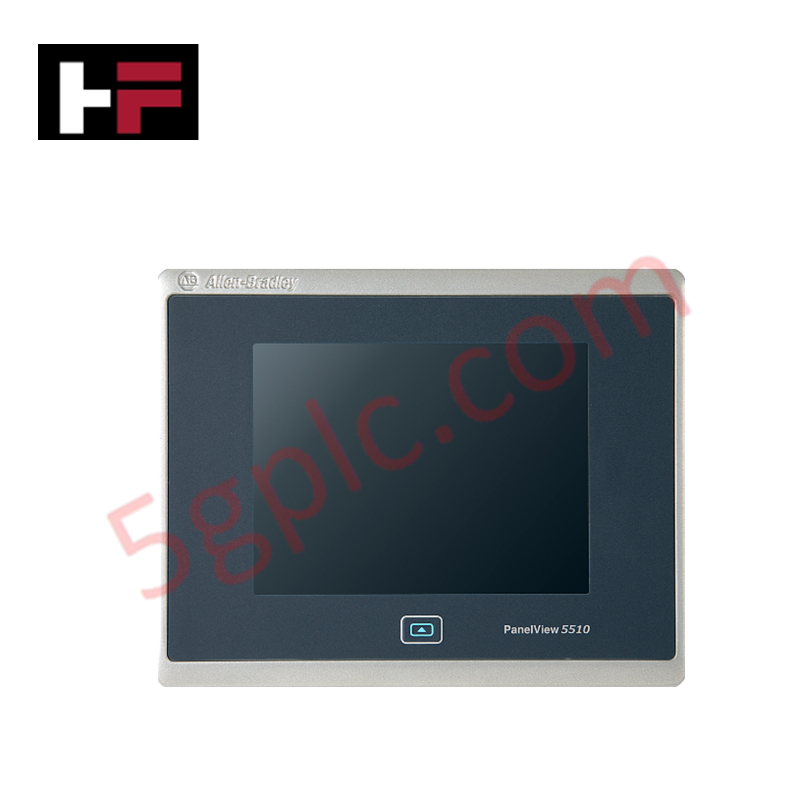
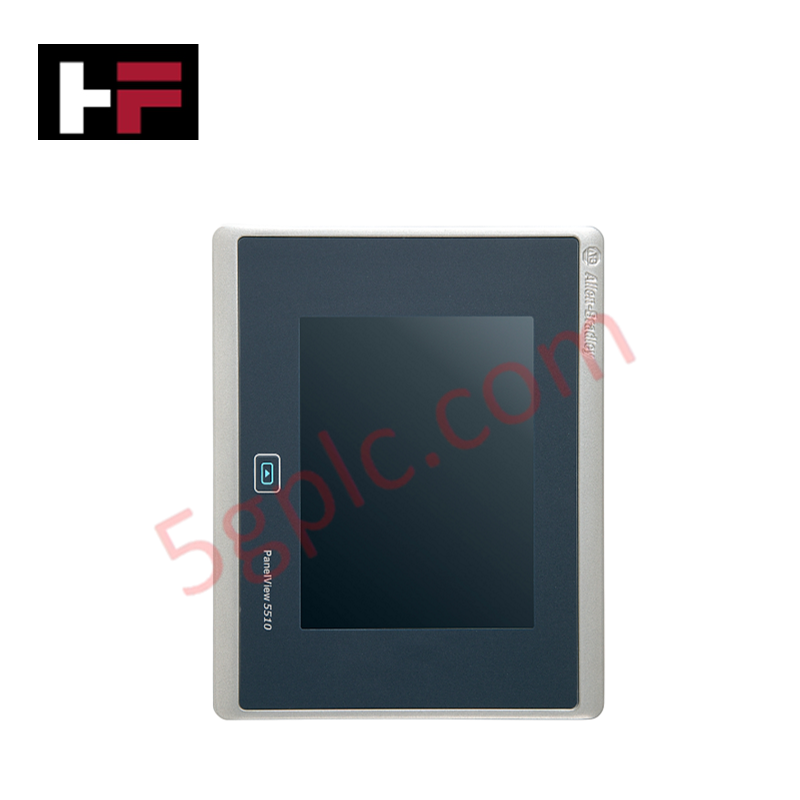
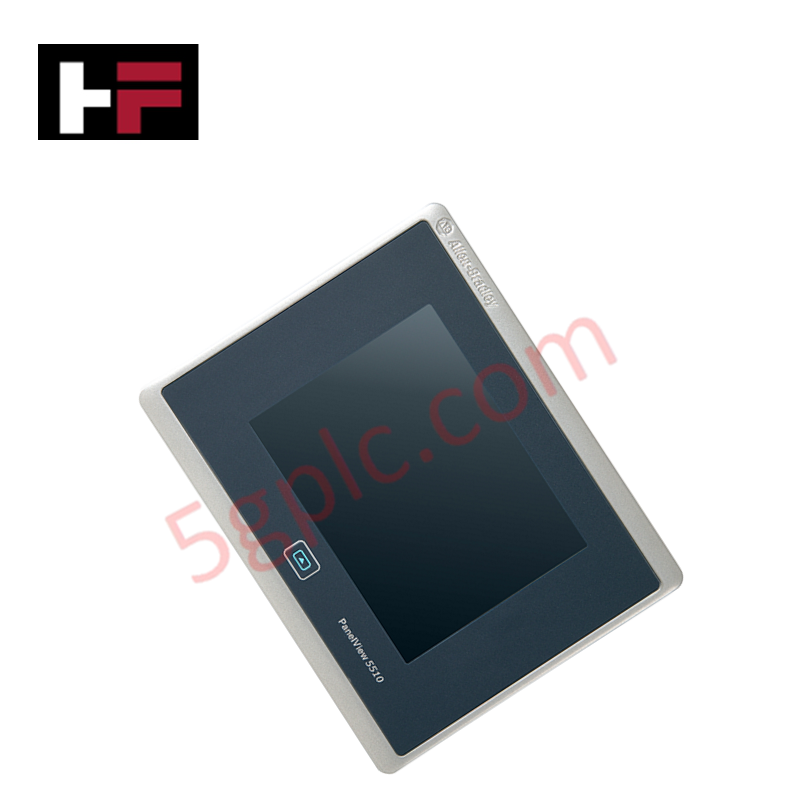
The Allen-Bradley 2715P-T7CD operates as a high-performance, responsive human-machine interface (HMI) within the modern PanelView 5510 operator terminal portfolio. This graphical display terminal provides advanced integration with Logix-based control platforms, rendering complex machine schematics, real-time alarm vectors, and active process variables directly to operators.
We supply this automation interface strictly as a 100% brand new, original factory-sealed unit, which ensures a pristine analog resistive touchscreen surface, complete internal component life, and untouched native firmware registers directly from Rockwell Automation.
Technical Specifications
The table below charts the complete physical interface, computational memory, and electrical parameters of this 6.5-inch terminal:
| Parameter | Performance & Industrial Rating |
| Manufacturer | Allen-Bradley / Rockwell Automation |
| Part Number | 2715P-T7CD |
| Product Series | PanelView 5510 Platform |
| Display Size & Type | 6.5-inch Color TFT Active Matrix LCD |
| Native Screen Resolution | 640 x 480 Pixels (VGA, 4:3 Aspect Ratio) |
| Operator Input Interface | High-Precision Analog Resistive Touchscreen |
| System Volatile Memory | 1 GB RAM |
| Nonvolatile Project Storage | 1 GB Internal Flash Memory |
| Expansion Storage Option | 1 x Secure Digital (SD) Card Slot |
| Peripheral Connections | 2 x USB 2.0 Type A Ports, 1 x USB 2.0 Type B Port |
| Network Interfaces | 2 x 10/100Base-T Auto MDI/MDI-X Ethernet Ports |
| Input Supply Voltage | 24V DC Nominal Input Power |
Engineering Advantages
-
Streamlines High-Speed Device Level Ring Network Topologies: The dual built-in 10/100Base-T Ethernet ports feature Auto MDI/MDI-X sensing and support Device Level Ring (DLR) network structures. This architecture allows the HMI to connect directly into a resilient cable ring, eliminating external Ethernet switches and maintaining active machine monitoring even if one network branch fails.
-
Accelerates Screen Navigation via Tight Logix Integration: The 1 GB RAM processor subsystem utilizes shared tag definitions directly from Studio 5000 controller projects. This tight integration updates intensive graphical faceplates, numerical indicators, and trend charts simultaneously without inducing the screen lag or data buffering issues common in legacy third-party interfaces.
-
Resists Severe Liquid and Dust Ingress during Washdowns: When technicians clamp this compact 6.5-inch flush-mount bezel into a standard enclosure cutout, the compression sealing gasket blocks fine particulate matter, airborne oil mist, and direct water sprays. This high-integrity seal shields the internal motherboard from short-circuiting in food processing or chemical blending environments.
FAQs
-
Does this PanelView 5510 terminal use the same software platform as older PanelView Plus hardware?
No. The 2715P-T7CD utilizes Studio 5000 View Designer software, which integrates natively with Logix firmware. This differs from the older PanelView Plus series, which relies on FactoryTalk View ME. You must configure or convert your target application inside Studio 5000 View Designer before downloading the runtime project file to this terminal.
-
What specific electrical grounding steps ensure reliable touchscreen inputs near heavy motors?
Technicians must connect a heavy-gauge copper grounding strap from the functional earth terminal lug on the rear of the terminal housing straight to the master panel ground bus bar. This dedicated path drains off common-mode high-frequency electromagnetic interference (EMI) generated by adjacent variable frequency drives (VFDs), preventing erratic touch coordinates or false button triggers.
-
Can I use the integrated USB ports to back up active alarm histories or recipes?
Yes. The two USB 2.0 Type A ports accept standard, industrially rated USB flash drives. Through the runtime interface, operators can export active alarm logs, trend histories, and recipe configurations directly to external storage, or utilize the built-in SD card slot for permanent project backups and easy unit cloning.
Additional Information
- 100% Genuine Parts: All products are original and authentic, ensuring reliable industrial performance.
- 30-Day Refund Guarantee: Return any in-stock item within 30 days in original, unopened packaging for a full refund (excluding shipping and fees).
- 12-Month Warranty: Covers defects in materials or workmanship; excludes misuse, normal wear, or unauthorized modifications.
- Worldwide Shipping: We ship via USPS, UPS, FedEx, and DHL. Delivery times vary by country and may be subject to customs or import fees.
- Support & Contact: Technical and warranty assistance is available anytime. Contact us here: Contact.
- Purchase Guidance: Check product specifications and compatibility carefully before ordering to ensure proper application.
Tech & Buying Guide
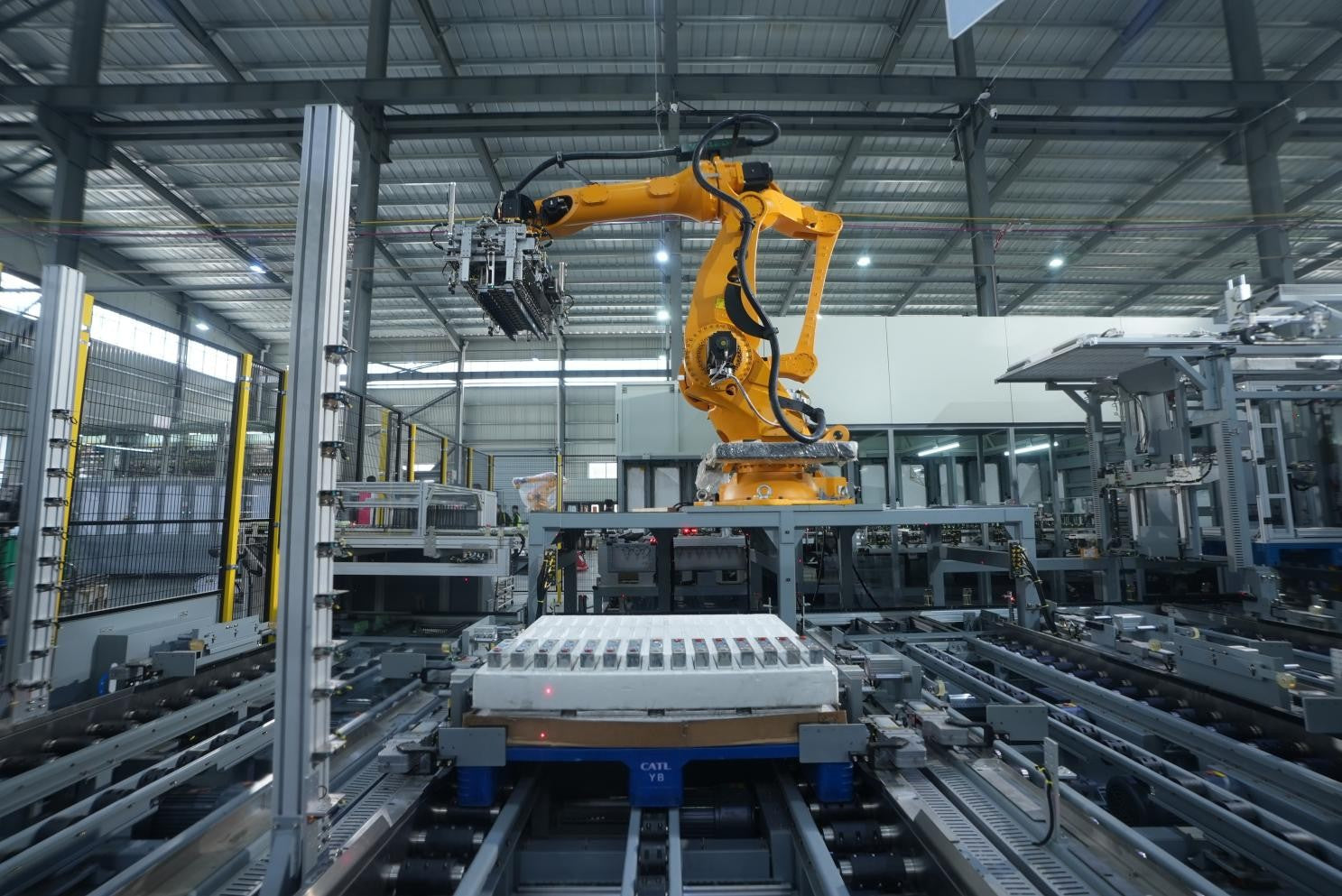
Strategic Selection: Choosing the Right SCADA Software for Your PLC Project
In industrial automation, the SCADA (Supervisory Control and Data Acquisition) system acts as the bridge between raw machine data and actionable human intelligence. Selecting the incorrect software platform can lead to integration bottlenecks, scalability issues, and excessive long-term maintenance costs. As an automation consultant with 15 years of experience, I have guided many projects through the selection process. Below are the essential criteria for choosing a platform that ensures both performance and longevity.

Ensuring Operational Continuity: The Strategic Value of Redundant Automation Systems
In modern industrial landscapes, unplanned downtime is the ultimate adversary. For sectors relying on complex PLC and DCS architectures, a single hardware failure can trigger catastrophic production losses. Therefore, implementing redundant automation systems is no longer a luxury; it is a fundamental requirement for mission-critical operations. In this article, I analyze why redundancy remains the backbone of reliable industrial infrastructure.
Selecting the Right Cables for Industrial Automation: A Comprehensive Guide
Selecting the appropriate cabling infrastructure is critical for the success of any industrial automation project. Improper cable selection often leads to signal degradation, system instability, and costly downtime. As an automation engineer, I frequently see projects compromised by poor cabling choices in harsh industrial environments. This guide simplifies the complex landscape of cabling to help you make informed decisions for your PLC, DCS, and control systems.