






Product Details
Product Description
The 2711-T10C16 is a high-performance operator interface from the legacy PanelView 1000 Standard series. Designed for rugged industrial environments, this terminal features a 10.1-inch Active Matrix Thin-Film Transistor (TFT) color display, providing operators with a clear, 640 x 480 resolution view of complex process data. The interface utilizes a resistive touchscreen matrix composed of 384 individual touch cells, allowing for intuitive, direct-action control of machinery and automated sequences.
Communication on the 2711-T10C16 (Part Number: 2711-T10C16) is handled via dual RS-232 ports. The primary port supports the DF1 protocol for direct point-to-point connection to Allen-Bradley controllers, while the secondary port is dedicated to printing alarms and screen triggers. This AC-powered terminal is built to withstand harsh conditions, carrying NEMA 4X, 12, and 13 ratings when properly panel-mounted. While this model is officially categorized as discontinued by the manufacturer, it remains a critical component for maintaining existing legacy control architectures.
Technical Specifications
-
Series: PanelView 1000 Standard
-
Model Number: 2711-T10C16
-
Operator Input: Analog Resistive Touchscreen (24 columns x 16 rows)
-
Display Technology: Color Active Matrix TFT with CCFL Backlight
-
Viewing Area: 211 x 158 mm (8.3 x 6.2 in)
-
Resolution: 640 x 480 Pixels
-
Application Memory: 1008 KB non-volatile memory for screen storage
-
Communication Interface: RS-232 (DF1 Protocol)
-
Peripheral Port: RS-232 Printer Port
-
Input Voltage: 85 to 264V AC (Universal), 47 to 63 Hz
-
Thermal Output: 39 Watts (132 BTU/hr)
-
Environmental Ratings: NEMA Type 12/13, 4X (Indoor use)
-
Operating Temperature: 0 to 55 °C (32 to 131 °F)
-
Physical Weight: 2.72 kg (6.0 lbs)
Operational Context and Maintenance
The 2711-T10C16 is typically integrated into systems utilizing SLC 500 or MicroLogix controllers where DF1 serial communication is the standard. Given its legacy status, users should ensure the CCFL backlight remains within its functional lifespan; though the original specifications mention LED upgrades in later revisions, most standard 1000 units rely on CCF bulbs for illumination.
Technical FAQ
What software is required to program the 2711-T10C16?This terminal is configured using PanelBuilder32 software. It is important to note that modern FactoryTalk View Studio does not support direct editing of these legacy .PVA or .PBA files without conversion.
Can the RS-232 port be used for DH-485 communication?No, the 2711-T10C16 is hardware-specific for DF1. If DH-485 or DH+ is required, a different catalog number (such as the 2711-T10C1 or 2711-T10C8) would be necessary, as the internal communication daughtercards are not interchangeable.
Additional Information
- 100% Genuine Parts: All products are original and authentic, ensuring reliable industrial performance.
- 30-Day Refund Guarantee: Return any in-stock item within 30 days in original, unopened packaging for a full refund (excluding shipping and fees).
- 12-Month Warranty: Covers defects in materials or workmanship; excludes misuse, normal wear, or unauthorized modifications.
- Worldwide Shipping: We ship via USPS, UPS, FedEx, and DHL. Delivery times vary by country and may be subject to customs or import fees.
- Support & Contact: Technical and warranty assistance is available anytime. Contact us here: Contact.
- Purchase Guidance: Check product specifications and compatibility carefully before ordering to ensure proper application.
Tech & Buying Guide
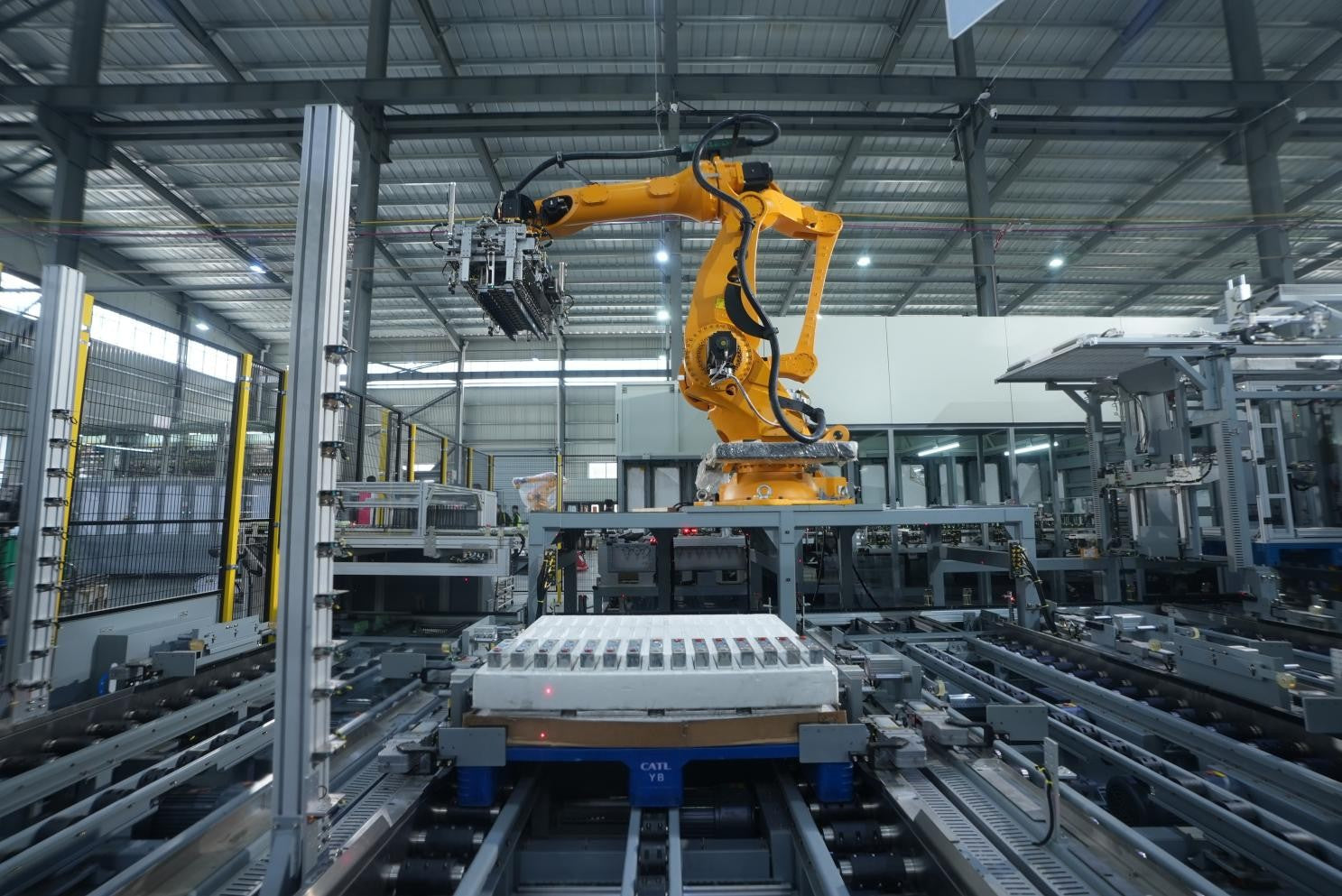
Strategic Selection: Choosing the Right SCADA Software for Your PLC Project
In industrial automation, the SCADA (Supervisory Control and Data Acquisition) system acts as the bridge between raw machine data and actionable human intelligence. Selecting the incorrect software platform can lead to integration bottlenecks, scalability issues, and excessive long-term maintenance costs. As an automation consultant with 15 years of experience, I have guided many projects through the selection process. Below are the essential criteria for choosing a platform that ensures both performance and longevity.

Ensuring Operational Continuity: The Strategic Value of Redundant Automation Systems
In modern industrial landscapes, unplanned downtime is the ultimate adversary. For sectors relying on complex PLC and DCS architectures, a single hardware failure can trigger catastrophic production losses. Therefore, implementing redundant automation systems is no longer a luxury; it is a fundamental requirement for mission-critical operations. In this article, I analyze why redundancy remains the backbone of reliable industrial infrastructure.
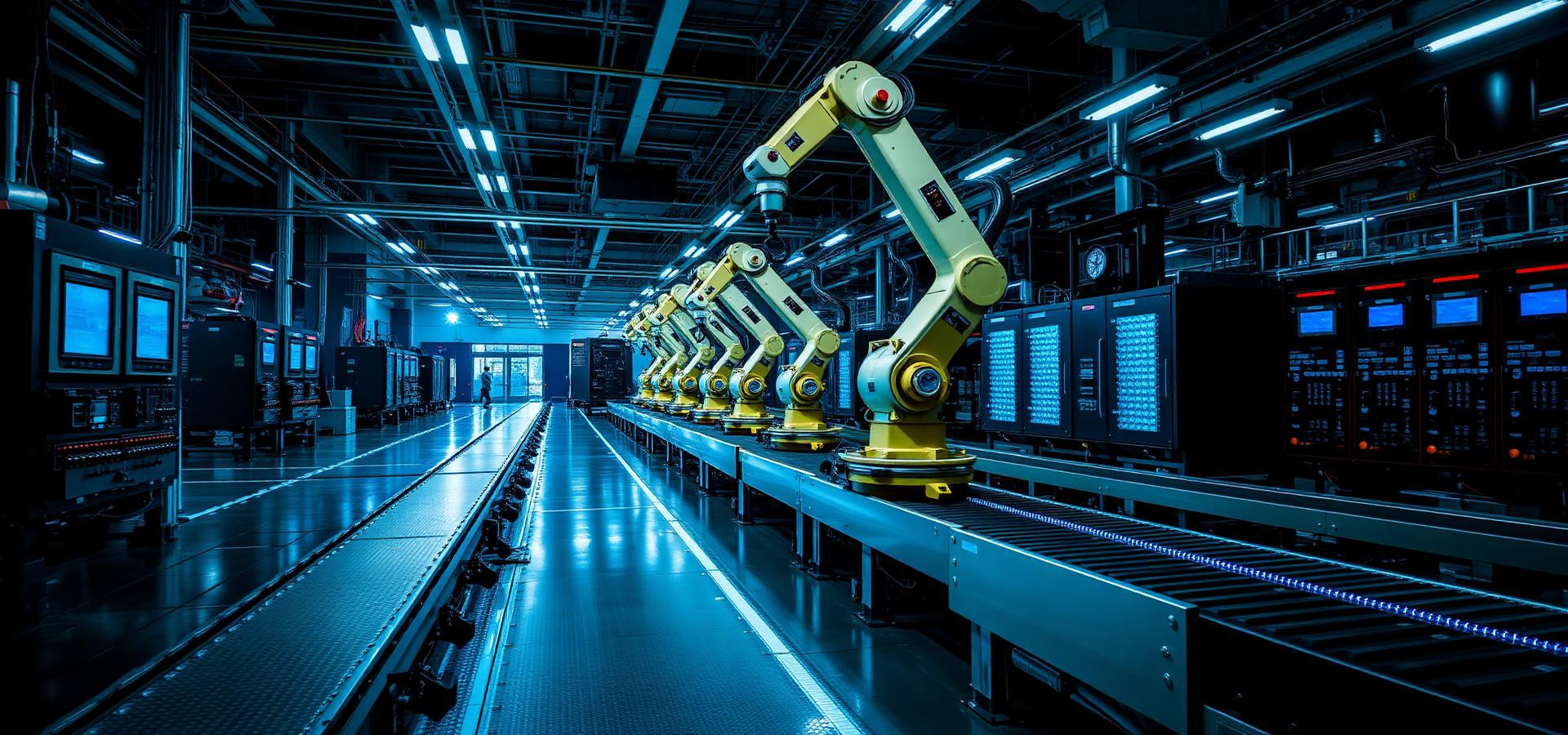
Selecting the Right Cables for Industrial Automation: A Comprehensive Guide
Selecting the appropriate cabling infrastructure is critical for the success of any industrial automation project. Improper cable selection often leads to signal degradation, system instability, and costly downtime. As an automation engineer, I frequently see projects compromised by poor cabling choices in harsh industrial environments. This guide simplifies the complex landscape of cabling to help you make informed decisions for your PLC, DCS, and control systems.