




Product Details
Product Overview
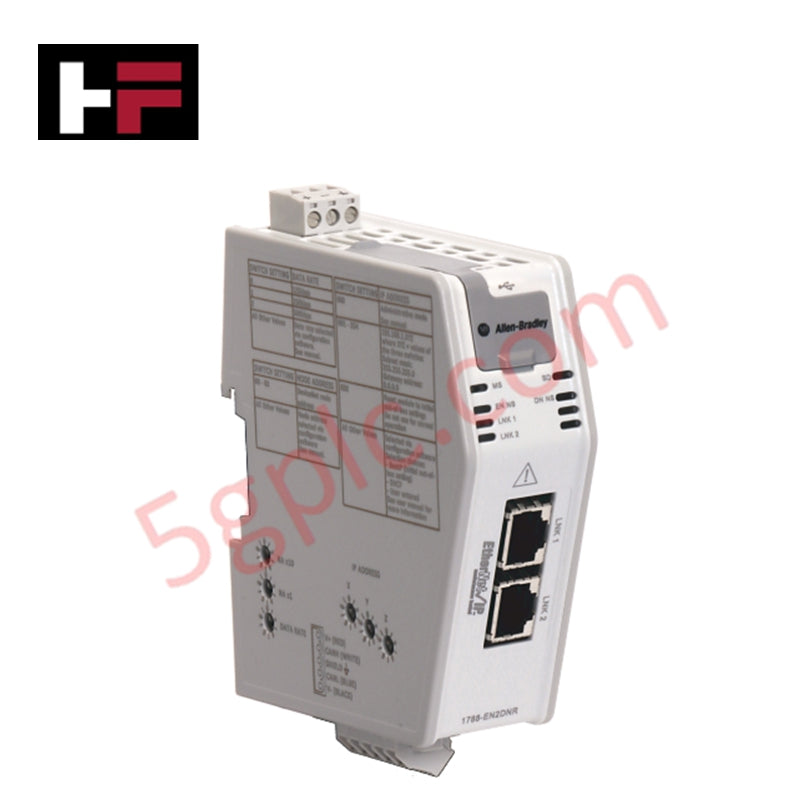
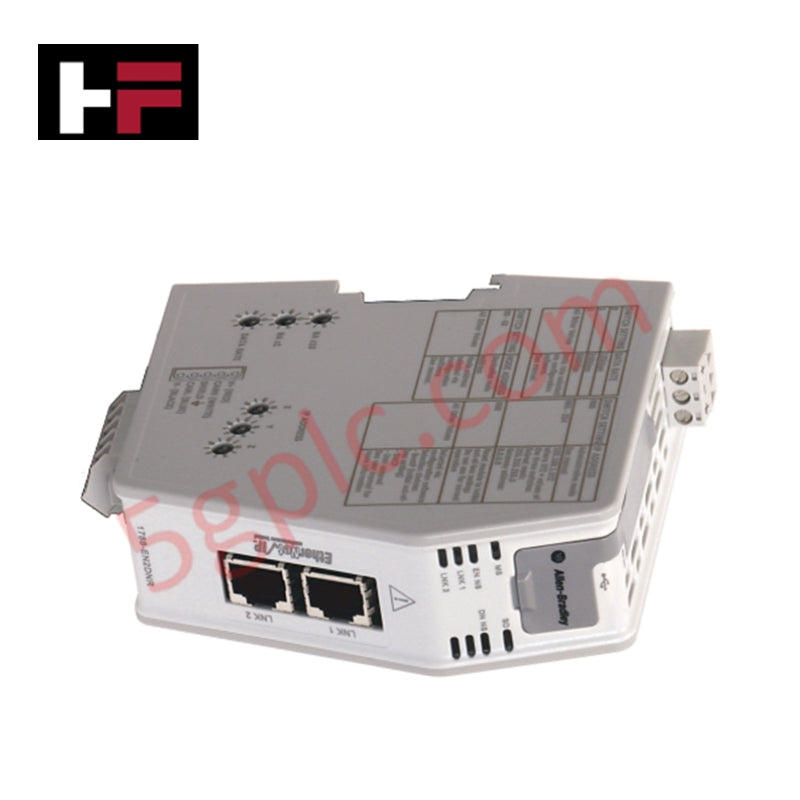
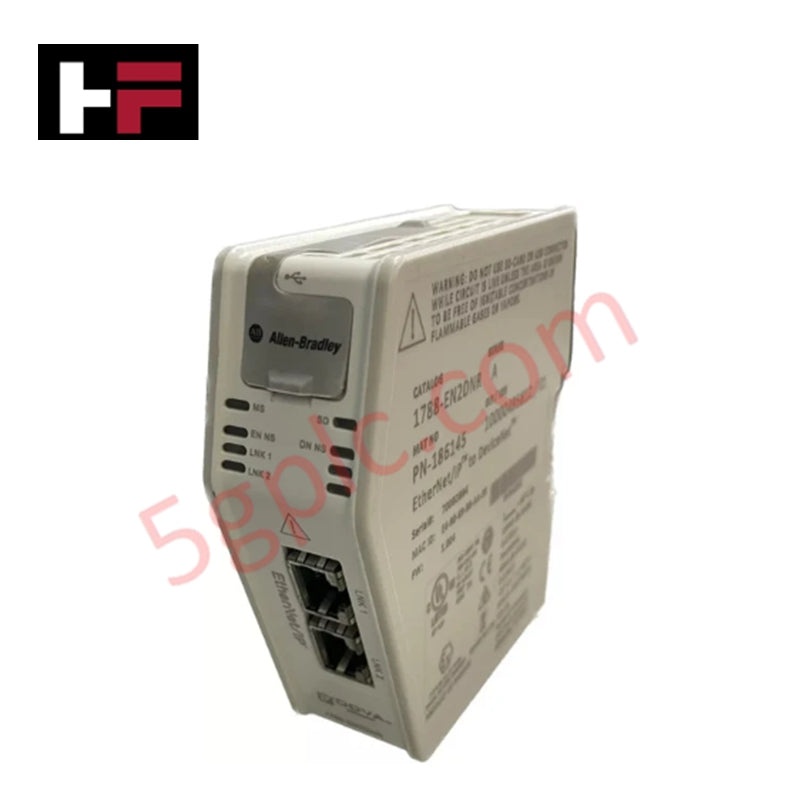
The 1788-EN2DNR from Allen-Bradley connects EtherNet/IP networks directly to DeviceNet segments in industrial control systems. This linking device enables PLCs and controllers to access, monitor, and control up to 63 DeviceNet slave devices through standard Ethernet infrastructure.
This unit ships as 100% Brand New original hardware, ensuring full lifecycle reliability and compatibility with modern automation architectures. The integrated web server allows engineers to configure diagnostics, monitor network status, and manage DeviceNet nodes without additional software tools.
The dual Ethernet ports support flexible network topologies such as linear and ring configurations, while deterministic communication maintains real-time data exchange between control layers.
Technical Specifications
| Parameter | Specification |
|---|---|
| Manufacturer | Allen-Bradley |
| Product Type | EtherNet/IP to DeviceNet Linking Device |
| Series | 1788 Linking Devices |
| Part Number | 1788-EN2DNR |
| Ethernet Ports | 2 × RJ45 |
| DeviceNet Ports | 1 × Terminal |
| Max DeviceNet Nodes | 63 Slaves |
| Input Power | 24 V DC |
| DeviceNet Power | 24 V DC |
| Isolation Voltage | 30 V |
| Ethernet Connections | 32 Class 0, 21 Class 1, 16 Class 3 |
| Mounting | DIN Rail |
| Enclosure | Open Type |
| Operating Shock | 30G |
| Weight | 0.56 lbs (0.26 kg) |
| Power Wiring | 0.25–2.5 mm² |
| DeviceNet Wiring | 0.52 mm² |
| Integrated Web Server | Yes |
Engineering Advantages
The 1788-EN2DNR solves a common integration challenge: connecting legacy DeviceNet field devices to modern EtherNet/IP control systems without replacing installed infrastructure.
Engineers install the module directly on a DIN rail inside standard control cabinets. The compact open-type enclosure fits easily into space-constrained panels. Dual Ethernet ports allow daisy-chain wiring, reducing switch requirements and simplifying panel layout.
The device maintains stable communication under industrial electrical noise. It isolates DeviceNet and Ethernet segments, minimizing interference and improving signal integrity in high-EMI environments such as motor control centers and process plants.
The built-in web server accelerates commissioning. Engineers access diagnostics through a browser, identify node faults, and adjust parameters without dedicated configuration software. This reduces downtime during startup and maintenance.
The module supports multiple CIP connection classes, enabling real-time I/O control, monitoring, and explicit messaging simultaneously. This flexibility supports both high-speed automation tasks and supervisory data exchange.
FAQs
Q1: Can this module replace older DeviceNet scanners?
Yes. The 1788-EN2DNR replaces traditional DeviceNet scanner modules by providing Ethernet-based control access while maintaining compatibility with existing DeviceNet devices.
Q2: How many devices can I connect on the DeviceNet side?
You can connect up to 63 DeviceNet slave devices, depending on network power and topology constraints.
Q3: Does the device require special configuration software?
No. The integrated web server allows direct configuration, diagnostics, and monitoring through a standard web browser.
Q4: What should I consider during installation?
Ensure stable 24 V DC power supply, proper grounding, and correct DeviceNet termination. Maintain cable separation from high-power lines to reduce electromagnetic interference.
Additional Information
- 100% Genuine Parts: All products are original and authentic, ensuring reliable industrial performance.
- 30-Day Refund Guarantee: Return any in-stock item within 30 days in original, unopened packaging for a full refund (excluding shipping and fees).
- 12-Month Warranty: Covers defects in materials or workmanship; excludes misuse, normal wear, or unauthorized modifications.
- Worldwide Shipping: We ship via USPS, UPS, FedEx, and DHL. Delivery times vary by country and may be subject to customs or import fees.
- Support & Contact: Technical and warranty assistance is available anytime. Contact us here: Contact.
- Purchase Guidance: Check product specifications and compatibility carefully before ordering to ensure proper application.
Tech & Buying Guide
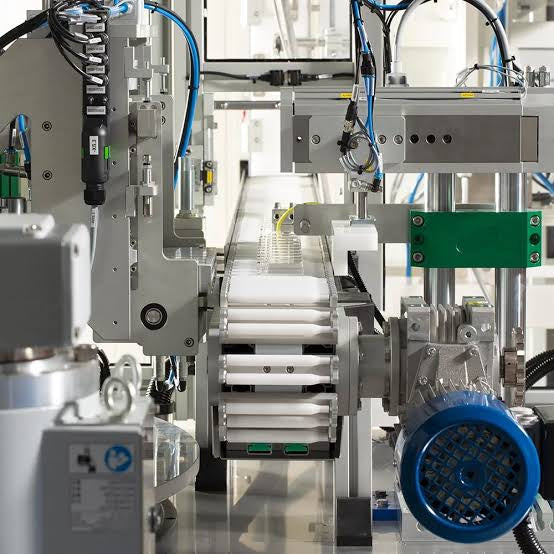
Mastering Modern Industrial Joystick Controls in Heavy Automation
Industrial joysticks play a pivotal role in human-machine interaction across heavy material handling and mobile hydraulics. These tactile controllers translate complex operator movements into precise electrical signals for PLCs, motion controllers, and DCS networks. Consequently, selecting and installing the right joystick architecture ensures operator safety, reduces fatigue, and optimizes equipment performance.

Navigating Industrial Automation Failures: Types, Causes, and Mitigation Strategies
Modern manufacturing relies heavily on automated control systems to maximize throughput and maintain product quality. However, unplanned downtime in industrial automation can cost facility operators thousands of dollars per hour. Understanding how programmable logic controllers (PLCs), distributed control systems (DCS), and field instrumentation fail empowers engineering teams to implement robust preventive maintenance strategies.
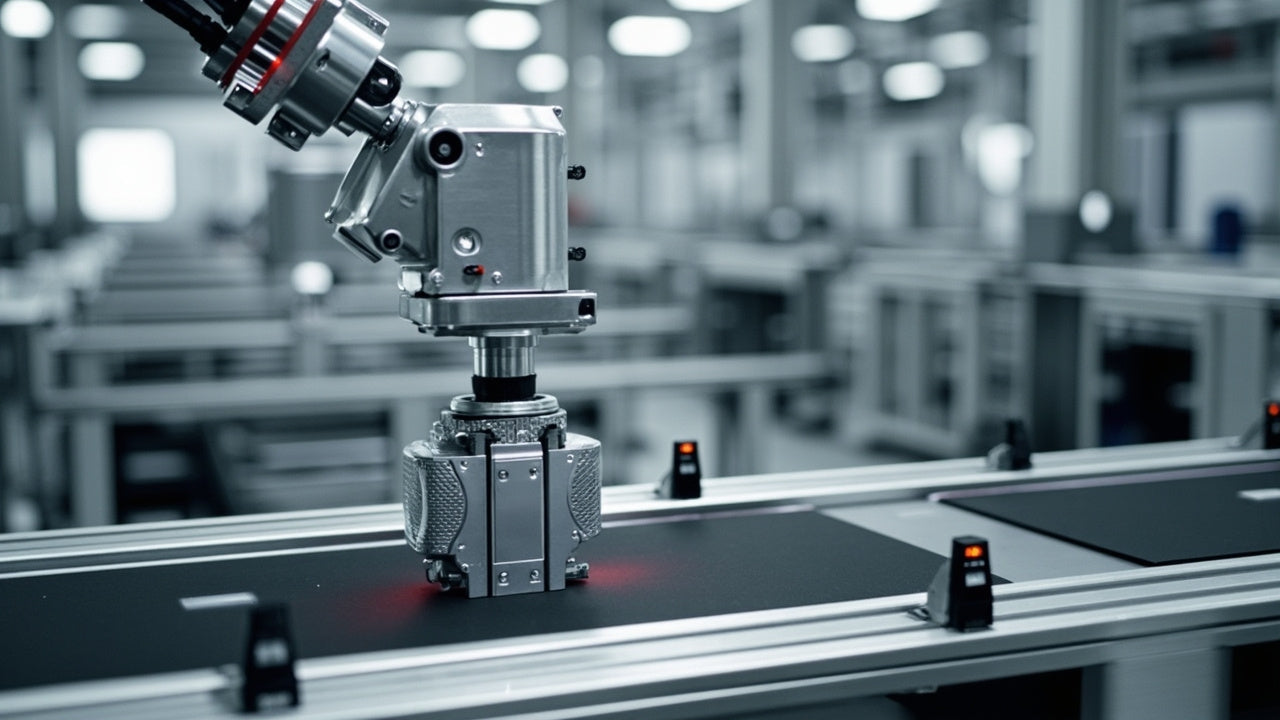
Essential Motion Control Commands: A Practical Guide for Engineers
Automation engineers often rely on precise position and speed control to drive modern factory machinery. Modern industrial systems, such as Programmable Logic Controllers (PLCs) and Distributed Control Systems (DCS), depend heavily on standardized motion instructions. Mastering these commands ensures operational safety, protects mechanical components, and optimizes cycle times across production lines.