










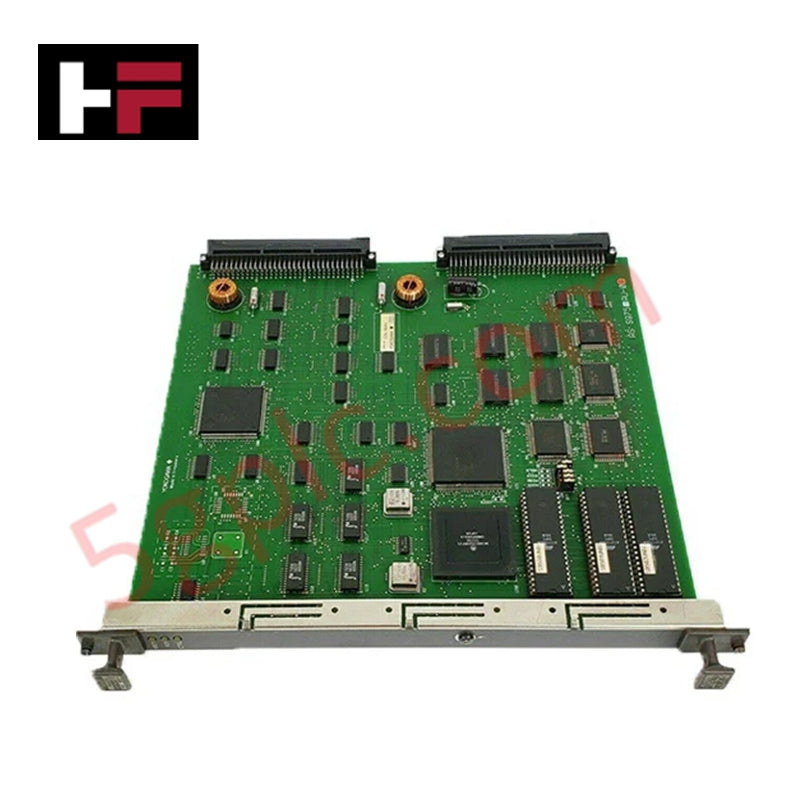
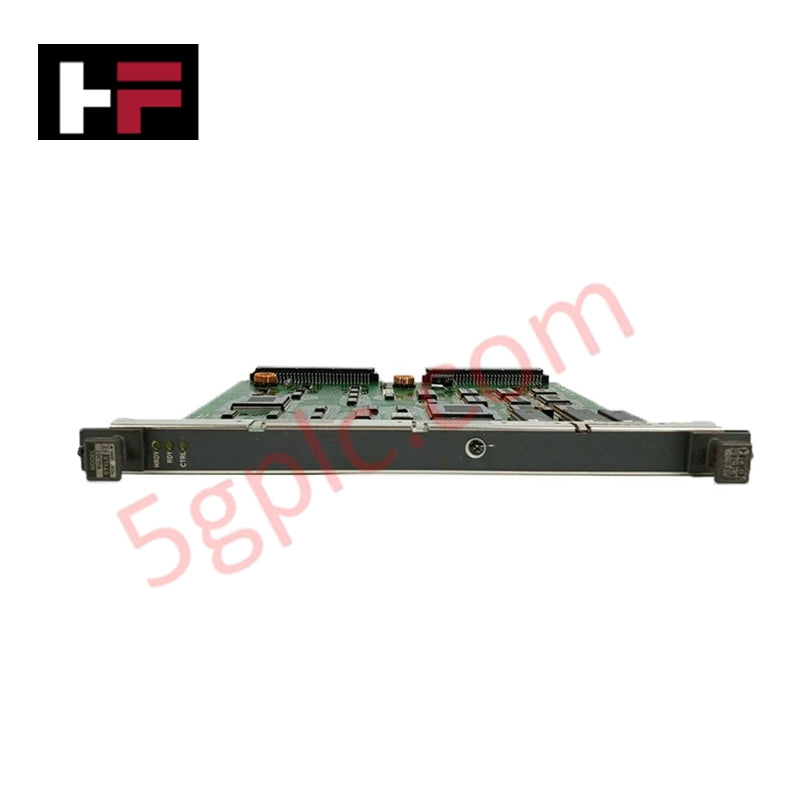
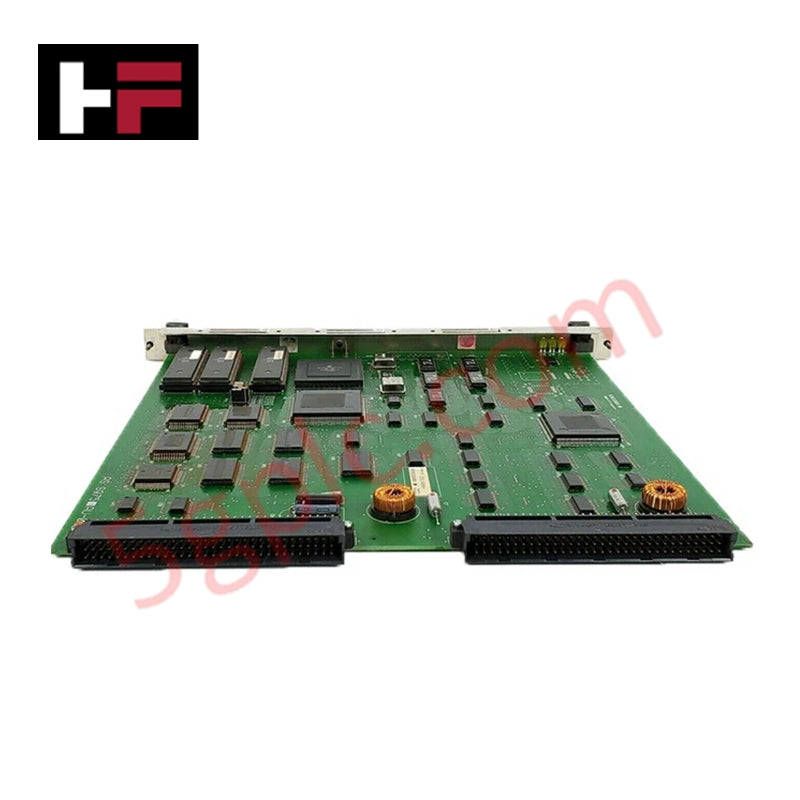
Product Details
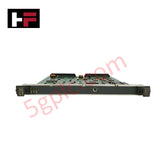
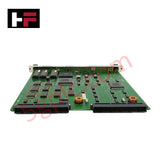
Configured for high-speed RIO bus master communication and node device polling in CENTUM control systems, the YOKOGAWA RB301 S2 (RB301 RIO Bus Interface Master Card) provides direct physical/electrical execution. The half-length PCI card interfaces up to 31 RIO bus field devices per segment over a 10 Mbps serial link using a DB-37 connector.
Hardware Specifications
| Parameter | Specification |
|---|---|
| Model | RB301 S2 |
| Brand | YOKOGAWA |
| Origin | Japan |
| Weight | 0.3 kg |
| Dimensions | Half-length PCI form factor |
| Operating Temp | -20 to 60 deg C |
| Storage Temp | -40 to 85 deg C |
| Humidity | 5 to 95% RH (non-condensing) |
| Power Consumption | 5 W |
| Bus Interface | RIO bus |
| Bus Transmission Speed | 10 Mbps |
| Physical Connector | DB-37 female |
| Maximum Capacity | Up to 31 devices per segment |
4-20 mA HART Loop Protocol and RIO Bus Data Acquisition
The RB301 master card facilitates deterministic cyclic telemetry exchanges between the host processor backplane and distributed field I/O nodes. Transmitted signals encompass process variables collected from 4-20 mA HART loop protocol instruments and field sensors connected to remote I/O sub-assemblies. Operating over a 10 Mbps RIO bus layer, the interface manages hardware polling cycles and packet framing across DB-37 multi-conductor cables while maintaining signal integrity across industrial noise profiles.
Frequently Asked Questions
Q: How many field I/O devices can be connected to a single RB301 master card segment?
A: A single RB301 master card segment supports up to 31 Yokogawa RIO bus field devices connected in a daisy-chain or drop topology.
Q: What host expansion slot is required to install the RB301 card?
A: The card requires a standard half-length PCI expansion slot on the host computer or Human Interface Station (HIS) backplane.
Q: What is the transmission speed of the DB-37 RIO bus interface?
A: The RB301 operates at a fixed bus communication speed of 10 Mbps over the DB-37 connector interface.
Field Installation Guidelines
Power down the host workstation and disconnect the main AC supply before installing or removing the RB301 PCI card. Observe strict electrostatic discharge (ESD) procedures, wearing a grounded wrist strap when handling the printed circuit board. Insert the card securely into a vacant PCI slot on the motherboard and fasten the bracket mounting screw to ensure frame ground continuity. Connect the DB-37 cable assembly, locking the thumb screws firmly. Ensure shielded twisted-pair cables are grounded at a single earth ground point to prevent ground loop currents from interfering with 10 Mbps signal transmission.
Additional Information
- 100% Genuine Parts: All products are original and authentic, ensuring reliable industrial performance.
- 30-Day Refund Guarantee: Return any in-stock item within 30 days in original, unopened packaging for a full refund (excluding shipping and fees).
- 12-Month Warranty: Covers defects in materials or workmanship; excludes misuse, normal wear, or unauthorized modifications.
- Worldwide Shipping: We ship via USPS, UPS, FedEx, and DHL. Delivery times vary by country and may be subject to customs or import fees.
- Support & Contact: Technical and warranty assistance is available anytime. Contact us here: Contact.
- Purchase Guidance: Check product specifications and compatibility carefully before ordering to ensure proper application.


Tech & Buying Guide

Will PLCs Become Obsolete? The Future of Control Systems in Industry 4.0
Modern manufacturing is undergoing a rapid technological transformation driven by Industry 4.0 innovations. Technologies like Artificial Intelligence (AI), Machine Learning (ML), and the Industrial Internet of Things (IIoT) are dominating discussions across the factory automation sector. Consequently, many engineers wonder if these advanced digital tools will eventually replace traditional Programmable Logic Controllers (PLCs). However, evaluating the core physics of industrial operations reveals a very different reality for control systems.

Demystifying Open Platform Communication (OPC): The Backbone of Industrial Interoperability
Interoperability remains a cornerstone requirement for modern smart factories and process automation. Open Platform Communication (OPC) bridges the gap between disparate hardware platforms, control systems, and visualization software. By establishing a universal communication standard, OPC allows field controllers, SCADA platforms, and enterprise software from different vendors to exchange real-time data seamlessly.

Understanding Siemens PLC Memory Cards: MMC, SMC, and SD Solutions in Industrial Automation
Memory management plays a pivotal role in maintaining control system reliability across modern manufacturing plants. Industrial control systems rely on specialized memory cards to store project logic, firmware updates, and retentive system data. Siemens uses several memory architectures, including Micro Memory Cards (MMC) and SIMATIC Memory Cards (SMC). Engineers must understand these hardware variations to ensure zero data loss and minimize downtime during maintenance routines.