




Product Details
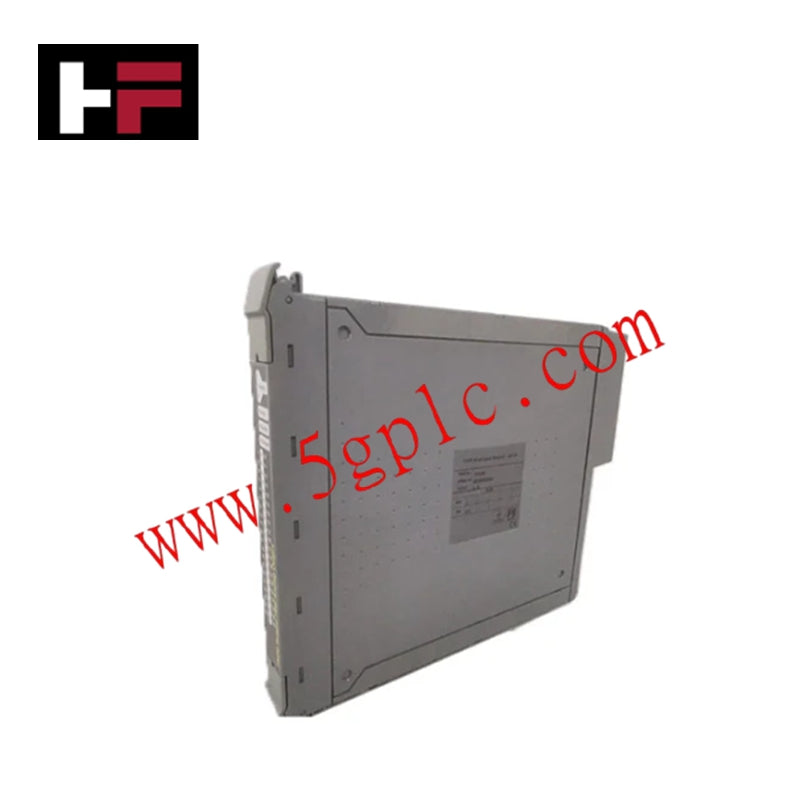
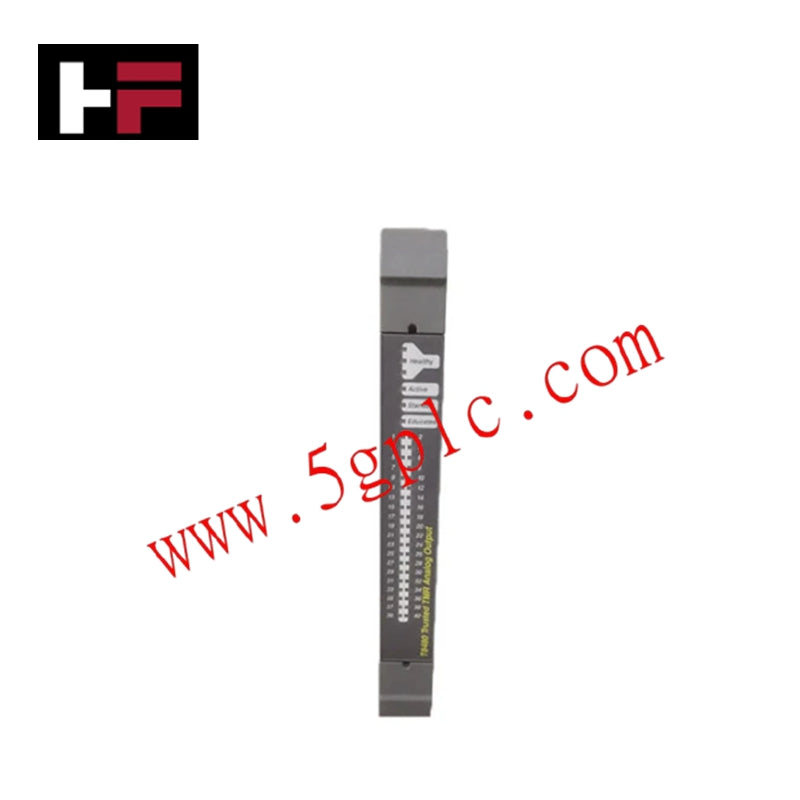
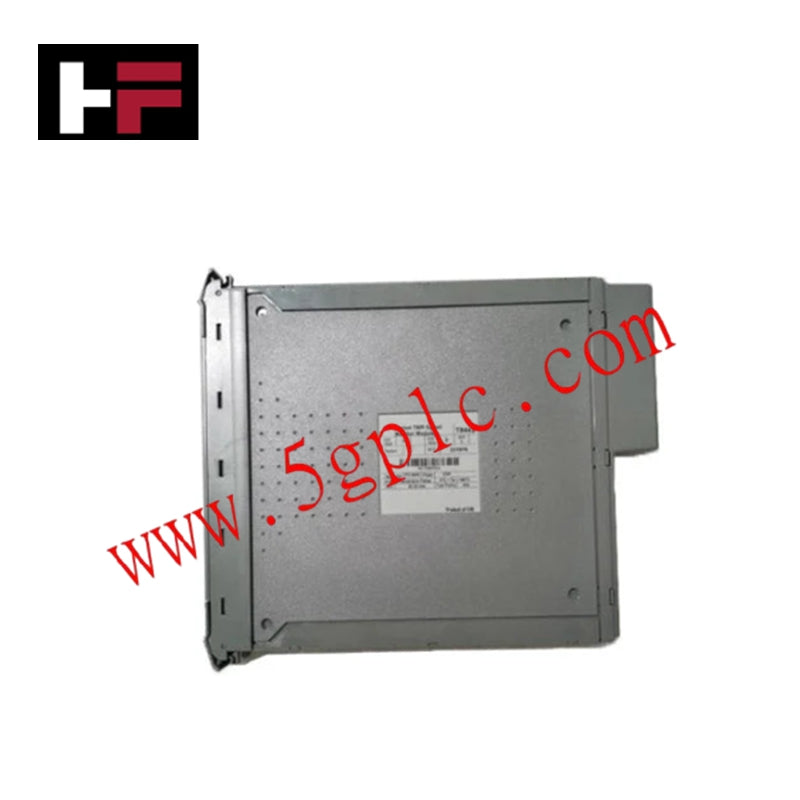
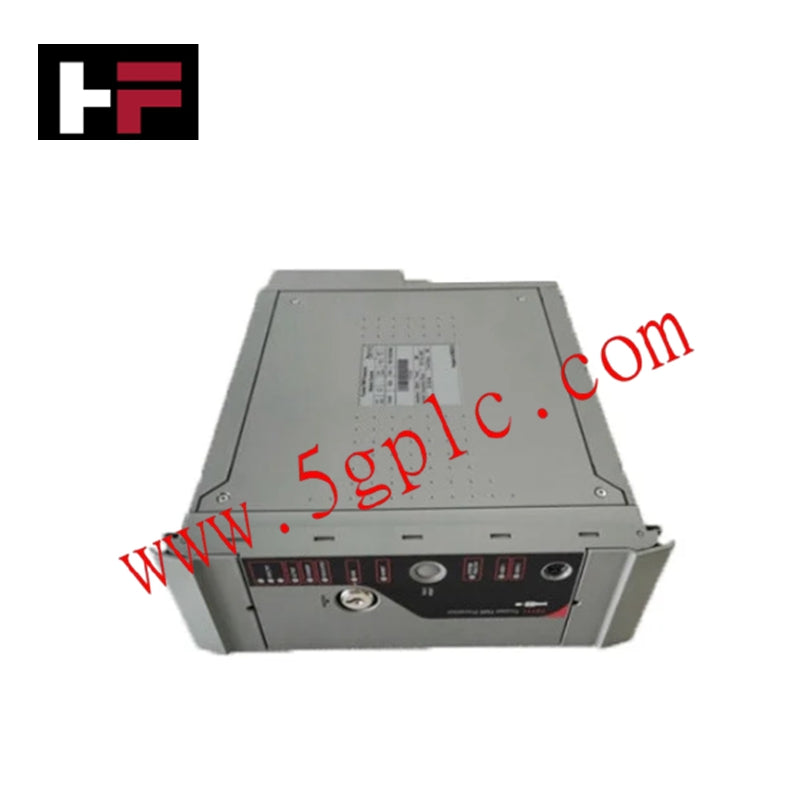
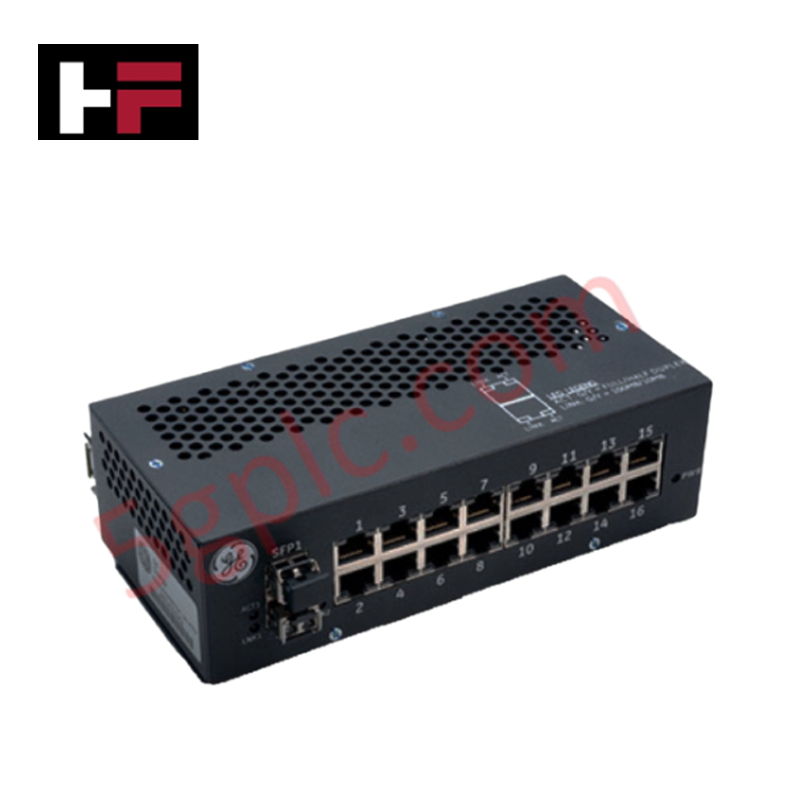
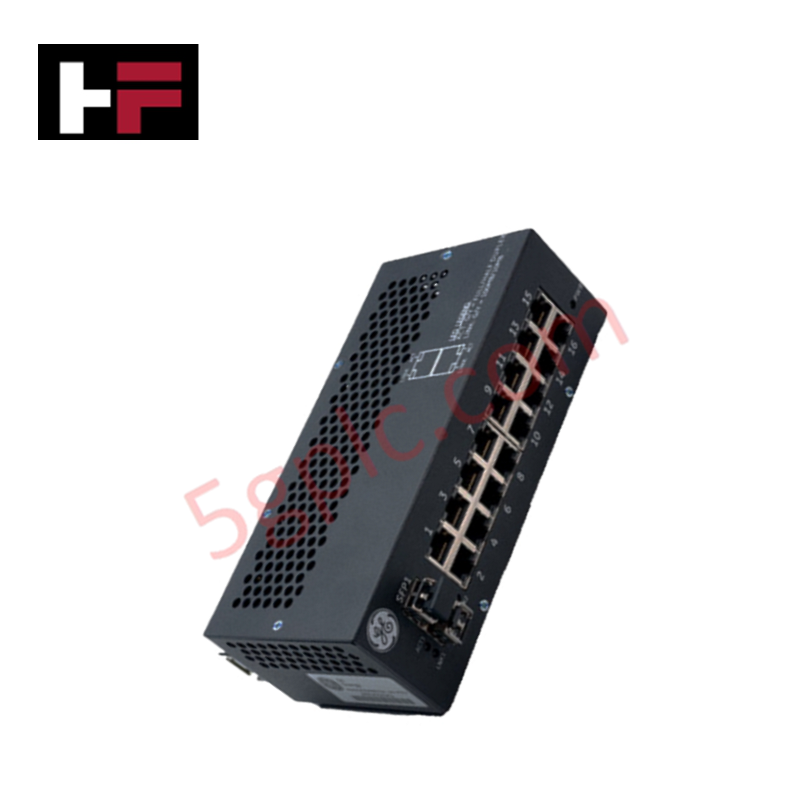
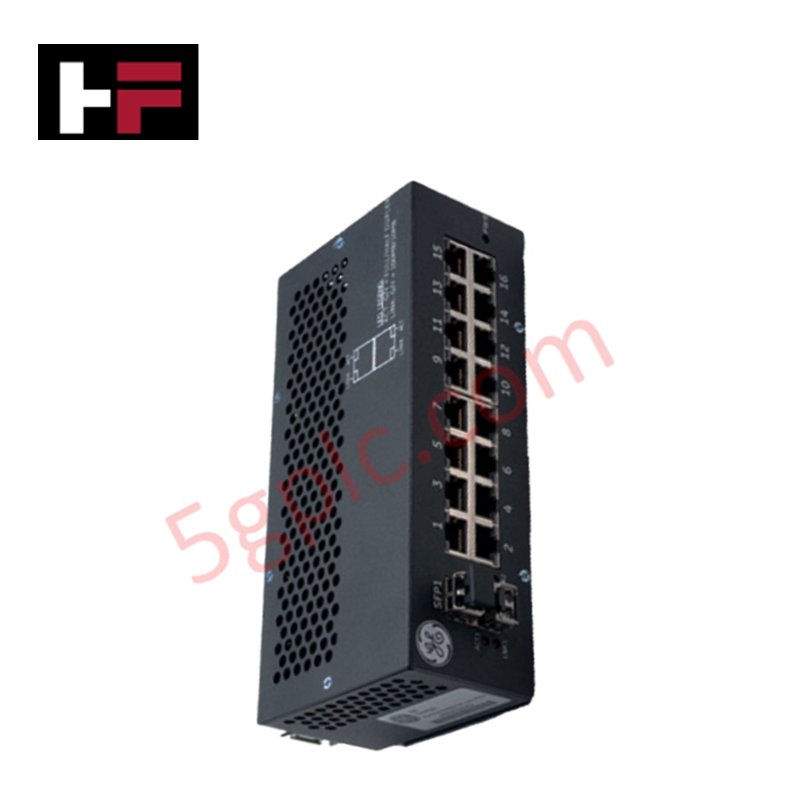
Configured for deterministic industrial networking in Mark VIeS systems, the GE IS420ESWBH5A (IS420ESWBH5A Ethernet Switch) provides direct physical/electrical execution.
Hardware Specifications
| Parameter | Specification |
|---|---|
| Model | IS420ESWBH5A |
| Brand | GE |
| Origin | USA |
| Weight | Not Specified |
| Dimensions | 18.8 cm x 8.6 cm x 5.6 cm |
| Operating Temp | -40 deg C to +70 deg C |
| Power Consumption | 24/28 VDC |
| Network Ports | 8 x 10/100Base-TX (RJ-45), 2 x 100Base-LX10 (Fiber) |
Industrial Control and Drives Characteristics
The IS420ESWBH5A is optimized for Profinet/EtherNet/IP deterministic networks, maintaining packet delivery timing required for Mark VIeS control synchronization. The switch architecture supports high-velocity backplane bus communication, ensuring that multicast traffic is handled without inducing jitter in I/O scanning cycles. Firmware flash compatibility allows for network performance updates, while the non-interfering safety rating ensures that the switch does not compromise the operational integrity of the connected control hardware.
Frequently Asked Questions
Q: Does this switch support hot-swapping during active system operation?
A: No. While the switch provides network connectivity, removing the unit from the backplane or disconnecting the Phoenix Contact power supply will interrupt network communication to all devices connected through it, resulting in a loss of I/O link for the associated controllers.
Q: Are the fiber ports compatible with standard single-mode and multi-mode infrastructure?
A: The fiber ports are 100Base-LX10. Ensure the installed cable media matches the LX10 specification to avoid signal attenuation or link negotiation failures.
Field Installation Guidelines
- Mounting: Utilize the provided 259B2451BVP4 mounting clip for perpendicular orientation on a DIN rail. Ensure the device is mounted to allow vertical convection cooling, as the unit relies on ambient air circulation.
- Cable Termination: For copper ports, use Cat 5e UTP cabling with RJ-45 connectors. Ensure cable runs do not exceed 100 meters and are routed in separate trays from high-voltage AC lines to prevent induced signal errors.
- Grounding: Secure the device housing to a chassis ground point to ensure compliance with hazardous location (Class 1, Div 2) grounding requirements and to mitigate potential electromagnetic interference.
- Power Connection: Verify the 24/28 VDC supply polarity at the Phoenix Contact connector before application. Improper polarity may damage internal protection circuitry.
Additional Information
- 100% Genuine Parts: All products are original and authentic, ensuring reliable industrial performance.
- 30-Day Refund Guarantee: Return any in-stock item within 30 days in original, unopened packaging for a full refund (excluding shipping and fees).
- 12-Month Warranty: Covers defects in materials or workmanship; excludes misuse, normal wear, or unauthorized modifications.
- Worldwide Shipping: We ship via USPS, UPS, FedEx, and DHL. Delivery times vary by country and may be subject to customs or import fees.
- Support & Contact: Technical and warranty assistance is available anytime. Contact us here: Contact.
- Purchase Guidance: Check product specifications and compatibility carefully before ordering to ensure proper application.
Tech & Buying Guide

Mastering the Factory Acceptance Test (FAT) for PLC Control Panels: An Expert Guide
The Factory Acceptance Test (FAT) is a vital milestone in industrial automation that ensures custom PLC panels meet exact design specifications before dispatch. This guide outlines the step-by-step FAT procedure and key industry best practices to prevent costly site delays and ensure long-term operational success.
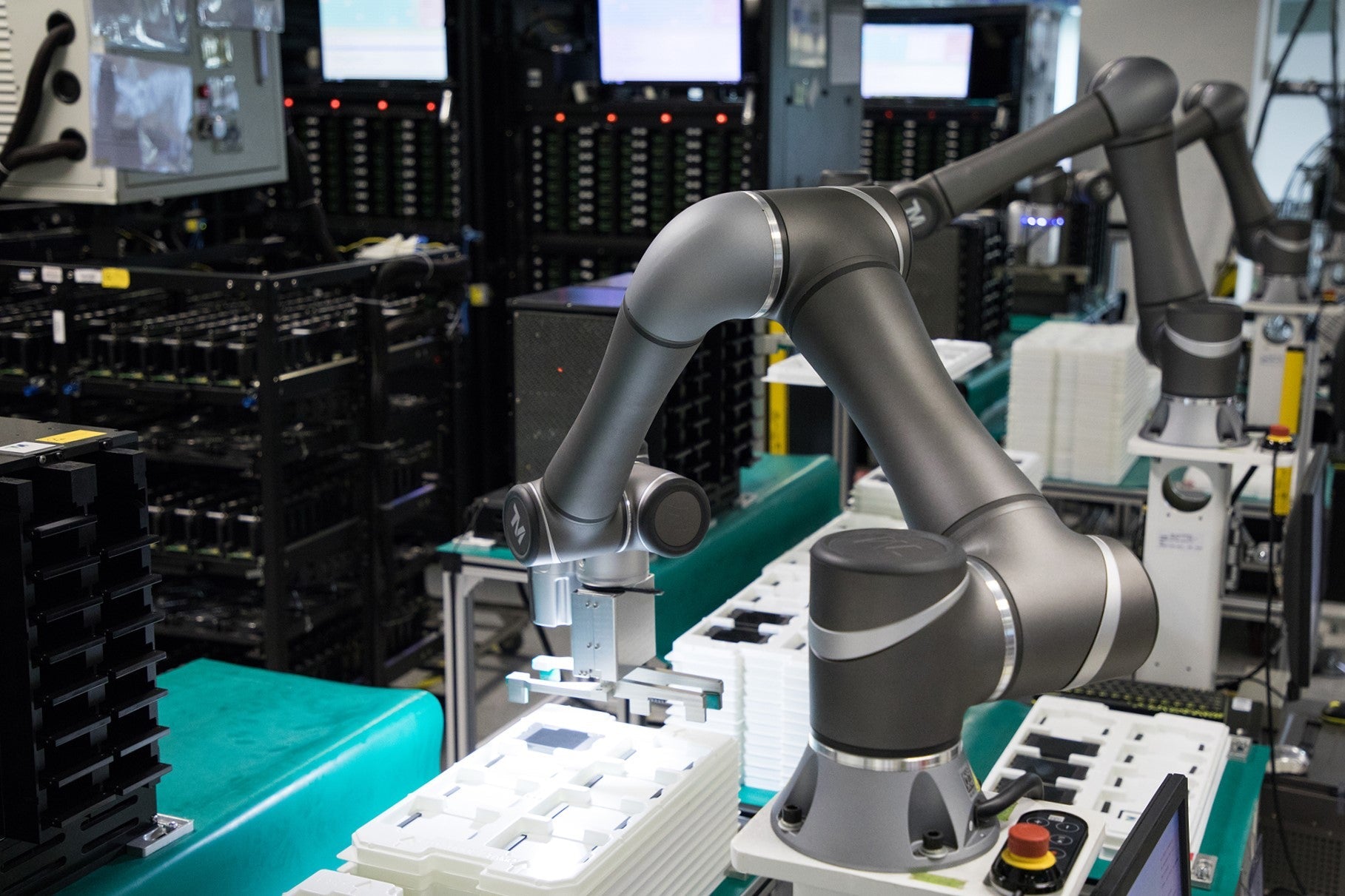
Redundant Automation Systems: Ensuring Continuous Uptime in Critical Control Infrastructure
System reliability directly determines operational profitability across high stakes process industries. Modern industrial automation platforms must eliminate single points of failure to prevent catastrophic shutdowns. Deploying fault tolerant architecture safeguards complex facilities against unexpected hardware glitches, network disruptions, and maintenance outages.

Understanding Types of Noise in Electronic Circuits and Control Systems
Signal integrity directly determines measurement accuracy and loop stability across industrial automation environments. Electronic noise introduces unwanted stochastic interference into analog loops, sensor feedback lines, and digital fieldbus networks. Understanding how intrinsic electronic noise and external electromagnetic interference manifest allows control engineers to optimize signal conditioning and shield sensitive instrumentation effectively.