









Product Details
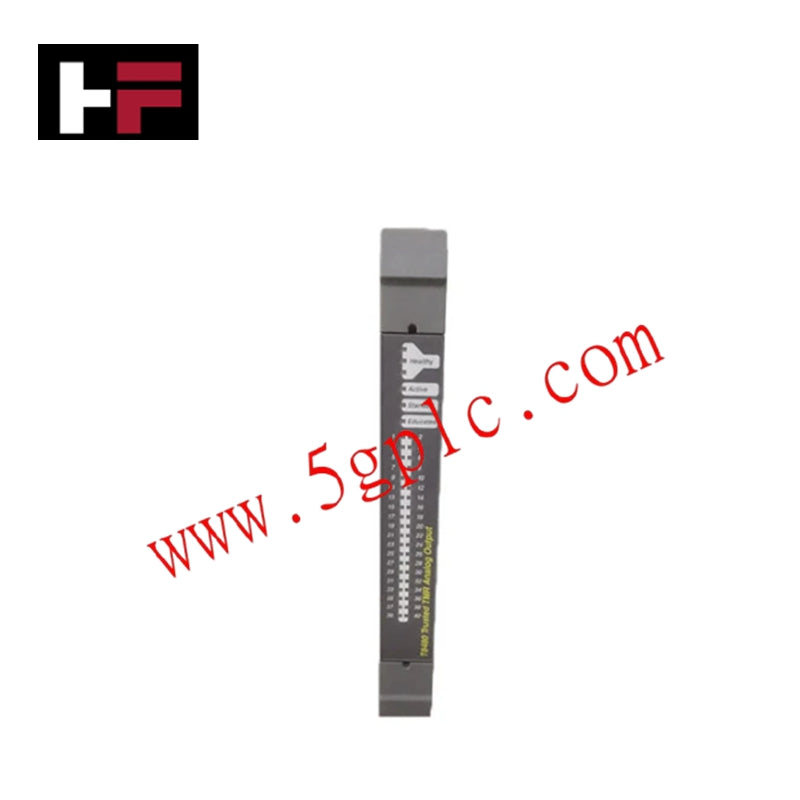
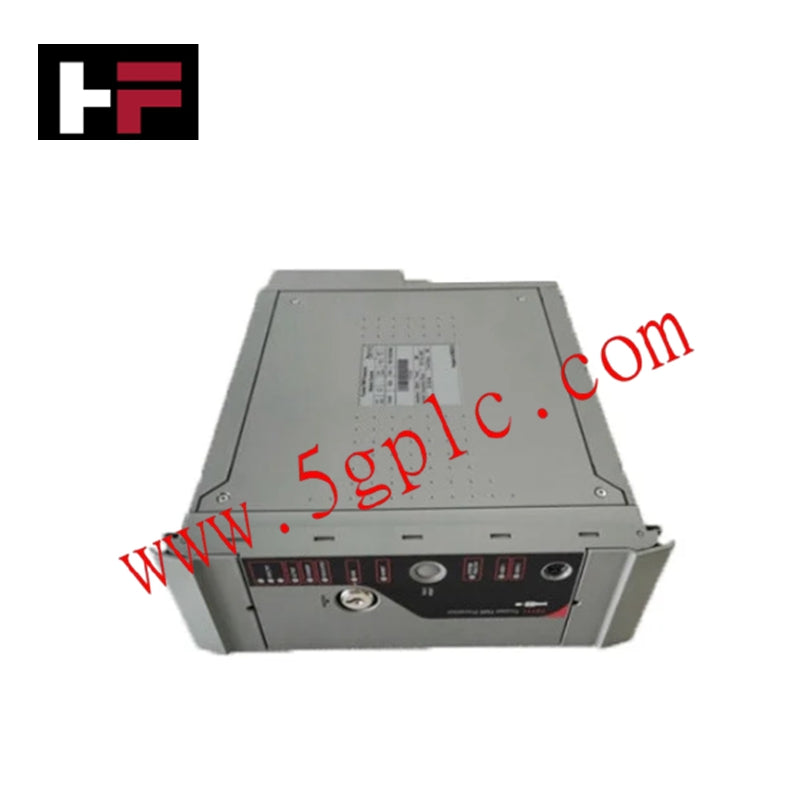
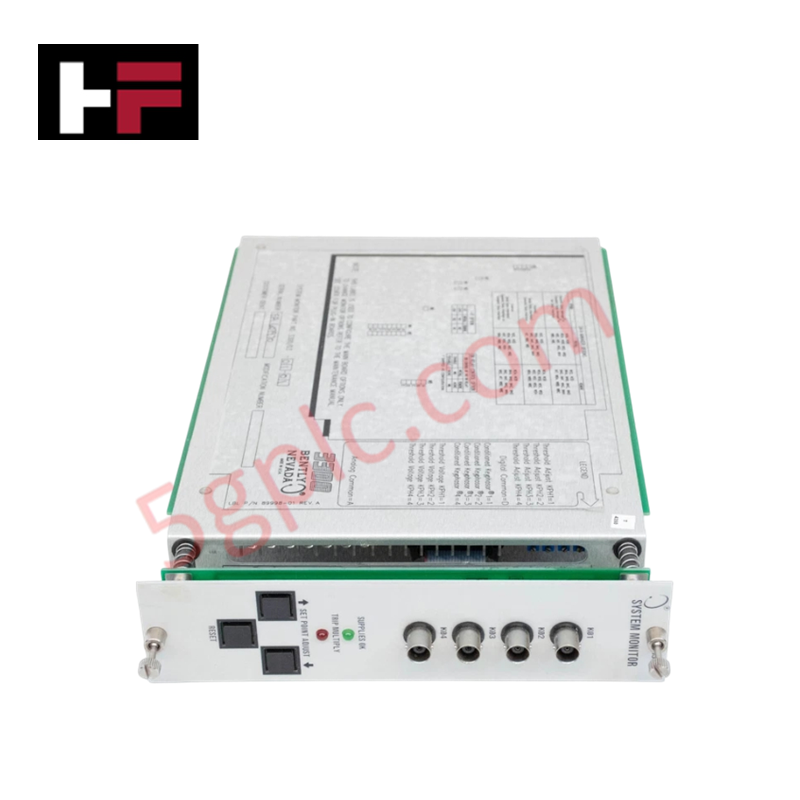
Configured for rack supervision and diagnostic signal routing in 3300 Machinery Protection Systems, the Bently Nevada 3300/03-01-01 (3300/03 System Monitor Module) provides direct physical/electrical execution.
Suffix Breakdown & Model Matrix
| Option Field | Code | Configuration Detail |
|---|---|---|
| Firmware / Interface Option | 01 | System Monitor with Serial Port / SDI Interface |
| Dynamic Data Interface Option | 01 | DDI / Dynamic Data Interface Enabled |
Hardware Specifications
| Parameter | Specification |
|---|---|
| Model | 3300/03-01-01 |
| Brand | Bently Nevada |
| Origin | USA |
| Weight | 0.85 kg |
| Dimensions | Single-slot 3300 series rack module |
| Operating Temp | -30 deg C to +65 deg C (-22 deg F to +149 deg F) |
| Power Consumption | 7.5 W maximum |
| Slot Location | Requires dedicated Position 1 (far left) in 3300 rack |
| Communication Ports | RS-232 / RS-422 serial interface, DDI port |
| Signal Connectors | Front panel BNC dynamic signal buffering |
Machinery Protection Rack Monitoring and Signal Integrity
The 3300/03-01-01 serves as the central administrative controller for the 3300 rack assembly, supervising DC power rails (+15 VDC, -15 VDC, +5 VDC) and validating internal rack communication buses. By managing system-wide OK relay states and bypass keylock functions, it prevents false machinery trip alarms. Integrated front-panel BNC jacks pass unbuffered raw dynamic signals directly from individual vibration monitor channels, maintaining precise eddy-current probe scaling and preventing cross-talk suppression or grounding degradation during online FFT spectrum analysis.
Frequently Asked Questions
Q: Can a 3300 monitoring rack operate safely without the 3300/03 System Monitor installed?
A: No, the 3300/03 module is mandatory for rack operation as it controls the master system OK relay, manages internal rack power bus diagnostics, and handles global alarm reset logic.
Q: What is the primary function of the front-panel BNC connectors on the 3300/03 module?
A: The BNC connectors provide buffered dynamic signal outputs for external portable vibration analyzers or diagnostic software without disturbing the continuous protection loop.
Field Installation Guidelines
- Power down the 3300 rack or verify that slot power controls permit safe module insertion into the dedicated leftmost slot (Position 1).
- Align the circuit card with the upper and lower rack guide rails, sliding the module inward until the rear edge connector seats fully into the backplane.
- Tighten the top and bottom front panel captive thumbscrews to secure mechanical grounding and prevent vibration-induced loosening.
- Connect the serial communication cable to the rear terminal block or RS-232/RS-422 port, ensuring shield drain wires tie directly to single-point chassis ground.
- Apply rack power, observing the front-panel OK LED to confirm self-test completion and normal system power bus voltage status.
Additional Information
- 100% Genuine Parts: All products are original and authentic, ensuring reliable industrial performance.
- 30-Day Refund Guarantee: Return any in-stock item within 30 days in original, unopened packaging for a full refund (excluding shipping and fees).
- 12-Month Warranty: Covers defects in materials or workmanship; excludes misuse, normal wear, or unauthorized modifications.
- Worldwide Shipping: We ship via USPS, UPS, FedEx, and DHL. Delivery times vary by country and may be subject to customs or import fees.
- Support & Contact: Technical and warranty assistance is available anytime. Contact us here: Contact.
- Purchase Guidance: Check product specifications and compatibility carefully before ordering to ensure proper application.





Tech & Buying Guide

Essential Motion Control Commands: A Practical Guide for Engineers
Automation engineers often rely on precise position and speed control to drive modern factory machinery. Modern industrial systems, such as Programmable Logic Controllers (PLCs) and Distributed Control Systems (DCS), depend heavily on standardized motion instructions. Mastering these commands ensures operational safety, protects mechanical components, and optimizes cycle times across production lines.

Mastering Modern Industrial Joystick Controls in Heavy Automation
Industrial joysticks play a pivotal role in human-machine interaction across heavy material handling and mobile hydraulics. These tactile controllers translate complex operator movements into precise electrical signals for PLCs, motion controllers, and DCS networks. Consequently, selecting and installing the right joystick architecture ensures operator safety, reduces fatigue, and optimizes equipment performance.

Navigating Industrial Automation Failures: Types, Causes, and Mitigation Strategies
Modern manufacturing relies heavily on automated control systems to maximize throughput and maintain product quality. However, unplanned downtime in industrial automation can cost facility operators thousands of dollars per hour. Understanding how programmable logic controllers (PLCs), distributed control systems (DCS), and field instrumentation fail empowers engineering teams to implement robust preventive maintenance strategies.