










Product Details
Product Overview
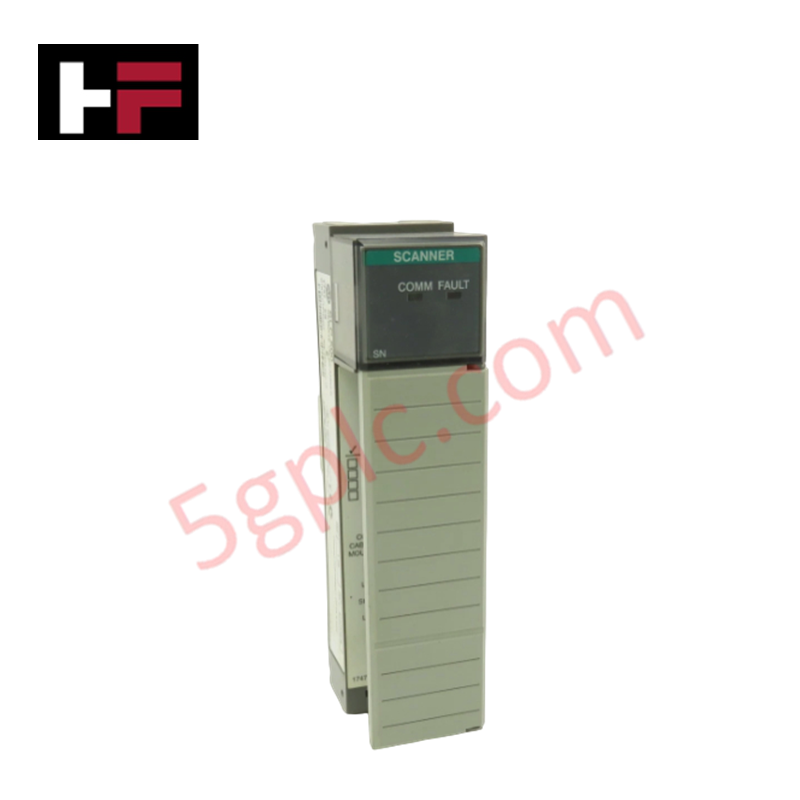
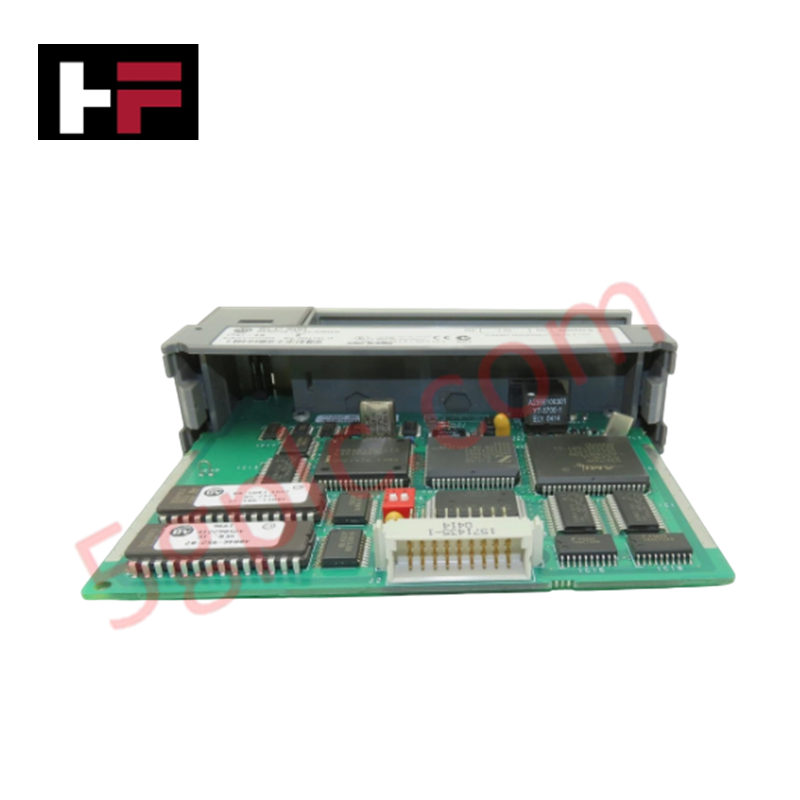
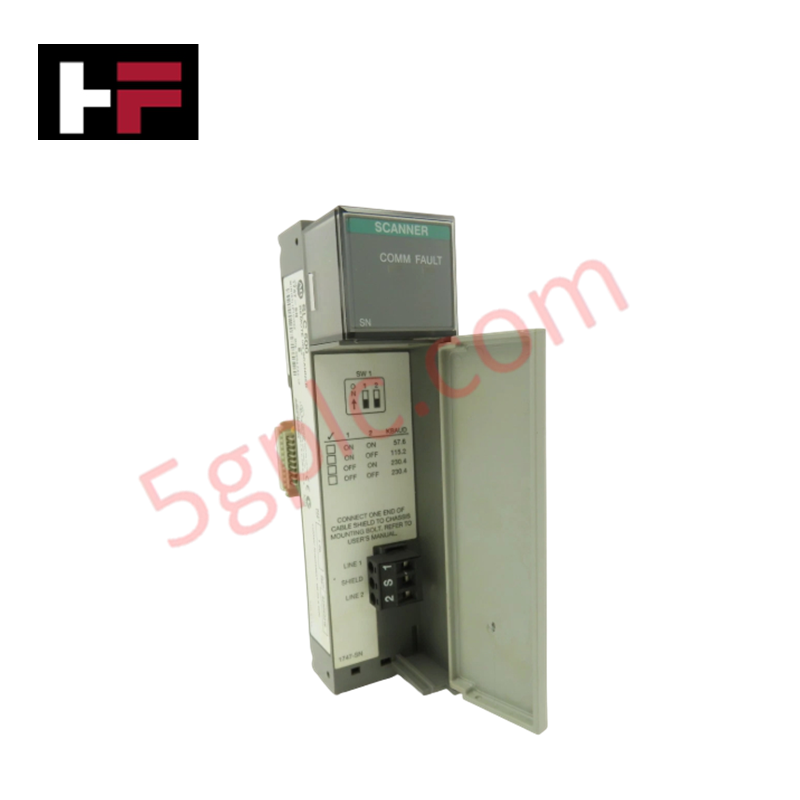
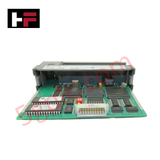
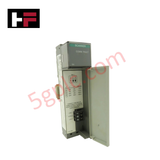
The 1746-SN serves as a high-performance Remote I/O (RIO) Scanner module for the Allen-Bradley SLC 500 platform. This module enables SLC 5/01, 5/02, 5/03, 5/04, and 5/05 processors to communicate with distributed I/O devices over a RIO link. It functions as a sub-scanner, managing data exchange between the local processor and remote racks, specialized adapters, or operator interfaces. We provide this unit as 100% Brand New and factory-original, ensuring total compatibility with your legacy control architecture and providing the high-speed data throughput required for modernized production lines.
Technical Specifications
The 1746-SN utilizes a compact, chassis-based design to deliver deterministic communication across the industrial network.
| Feature | Specification |
| Module Type | Remote I/O (RIO) Scanner |
| Compatibility | SLC 500 Series Controllers |
| Memory Capacity | 32 KB Additional Expansion Memory |
| Data Rate | Up to 64 Kbit/sec |
| Backplane Current (5V DC) | 0.25 A (Typical) |
| Operating Temperature | 0°C to 60°C (32°F to 140°F) |
| Mounting Format | SLC 500 Chassis Plug-in |
| Dimensions (HxWxD) | 118 x 118 x 35 mm (4.65 x 4.65 x 1.38 in.) |
| Weight | 0.15 kg (0.33 lbs) |
Engineering Advantages
-
Deterministic Remote Networking: The 1746-SN manages distributed I/O racks at distances far exceeding standard backplane limits. It synchronizes data across the RIO link, ensuring time-critical inputs and outputs reach the processor within a predictable scan window.
-
Memory Overhead Relief: The integrated 32 KB expansion memory offloads communication-related data tables from the main processor. This architecture allows the SLC CPU to dedicate more resources to complex logic execution and math instructions.
-
Seamless Chassis Integration: The module plugs directly into any available I/O slot in a 1746 chassis. It draws power directly from the backplane, eliminating the need for external power supplies or complex 24V DC field wiring for the communication logic.
-
Rugged Thermal Resilience: Engineered for harsh industrial environments, the module sustains continuous operation at temperatures up to 60°C (140°F). The robust internal circuitry resists electrical noise and interference common in motor control centers and high-voltage panels.
FAQs
-
Does the 1746-SN require special software for configuration?
You configure the 1746-SN using standard RSLogix 500 software. The module appears in the I/O configuration tree, allowing you to map remote racks and G-file data tables directly to the SLC processor's memory.
-
Can I use multiple 1746-SN modules in a single chassis?
Yes. Depending on the power supply capacity of your SLC 1746 chassis and the processor's addressing limits, you can install multiple scanners to manage separate RIO links, effectively expanding your total I/O count.
-
How do I address a communication failure on the RIO link?
The 1746-SN provides diagnostic LEDs on the front panel. A steady green light indicates active communication, while flashing or red indicators signify link errors or hardware faults. Always verify the 150-ohm terminating resistors at both ends of the "blue hose" cable to ensure signal integrity.
-
Is this unit a used or refurbished pull?
No. We guarantee this 1746-SN is 100% Brand New in its original factory packaging. This ensures the unit has never experienced the thermal stress or electrical wear typical of "surplus" or used components.
Additional Information
- 100% Genuine Parts: All products are original and authentic, ensuring reliable industrial performance.
- 30-Day Refund Guarantee: Return any in-stock item within 30 days in original, unopened packaging for a full refund (excluding shipping and fees).
- 12-Month Warranty: Covers defects in materials or workmanship; excludes misuse, normal wear, or unauthorized modifications.
- Worldwide Shipping: We ship via USPS, UPS, FedEx, and DHL. Delivery times vary by country and may be subject to customs or import fees.
- Support & Contact: Technical and warranty assistance is available anytime. Contact us here: Contact.
- Purchase Guidance: Check product specifications and compatibility carefully before ordering to ensure proper application.
Tech & Buying Guide

Why Programmable Logic Controllers Drop into Stop Mode: An Expert Analysis
Industrial automation systems rely heavily on Programmable Logic Controllers (PLCs) to maintain uninterrupted production. When a PLC unexpectedly shifts from Run to Stop mode, whole manufacturing lines stall.
As control systems evolve across modern factory automation, understanding the root causes of these interruptions helps engineers minimize costly downtime. This technical guide breaks down why PLCs trip into Stop mode and provides practical strategies to mitigate system faults.

Understanding Root Causes of Unplanned PLC Stop Mode in Industrial Automation
Modern Programmable Logic Controllers manage execution through distinct operational states: Run, Stop, Start-Up, and Hold. During power-up, a controller initializes memory registers within Stop mode before briefly transitioning to Start-Up mode. During this phase, internal self-diagnostics evaluate system integrity across hardware and user programs. If the controller detects no critical faults, it enters Run mode to execute the control program continuously. However, any severe system anomaly forces the CPU back into Stop mode immediately to prevent erratic machine behavior across the plant floor.

Human-Machine Interface Design: Essential Guide to HMI Selection, Visualization, and Control System Integration
Human-Machine Interfaces (HMIs) serve as the primary operational window into complex industrial automation systems. Modern HMIs convert raw machine data into clear graphical displays, enabling operators to oversee entire manufacturing processes in real time. Instead of relying on physical control panels full of hardwired switches, engineers program interactive screens using intuitive graphics, dynamic color coding, and responsive touch interfaces. Over my 15 years in control systems engineering, I have observed HMIs transform from basic display screens into sophisticated command centers that drive operational efficiency across DCS and PLC environments.