










Product Details
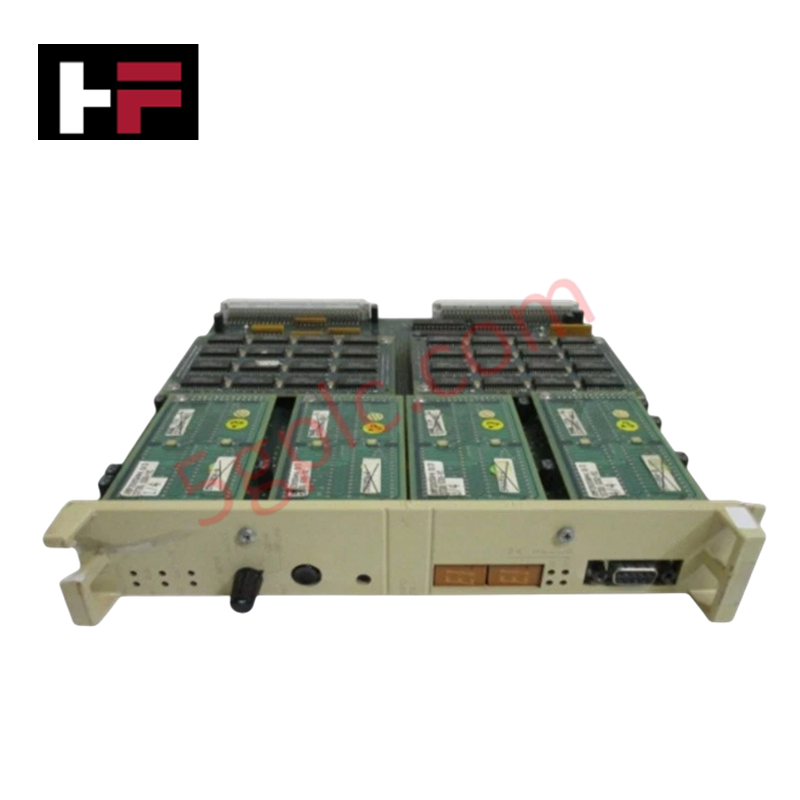
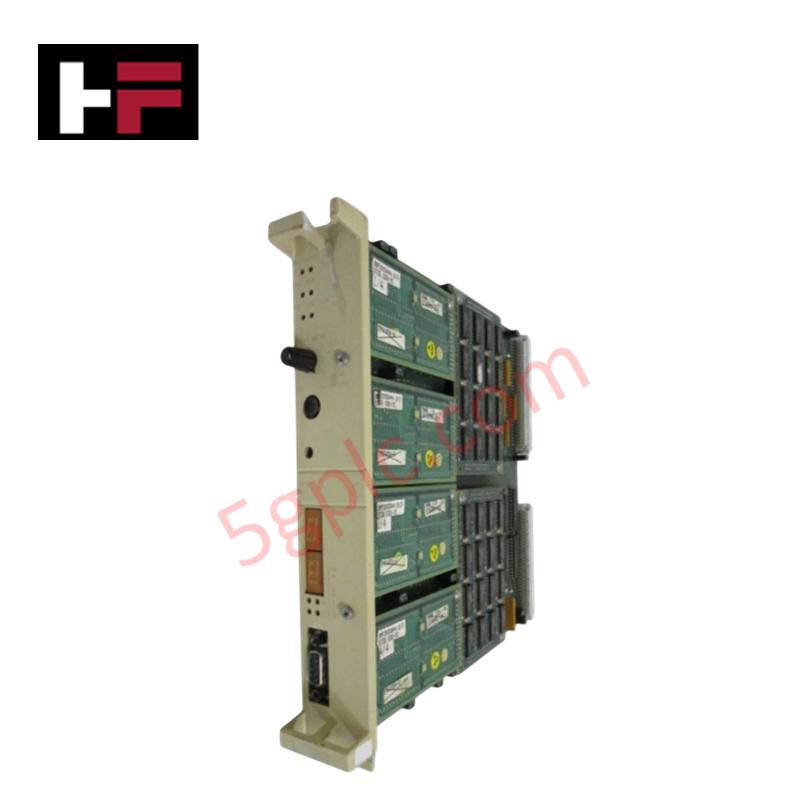
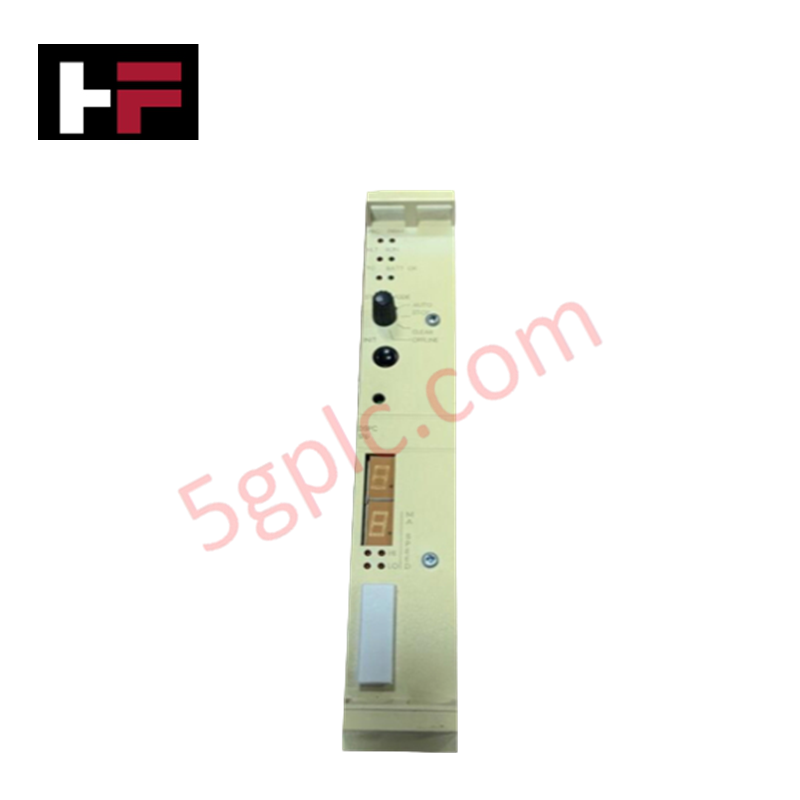
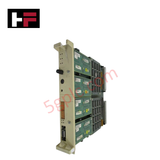
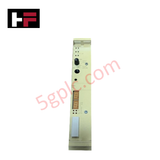
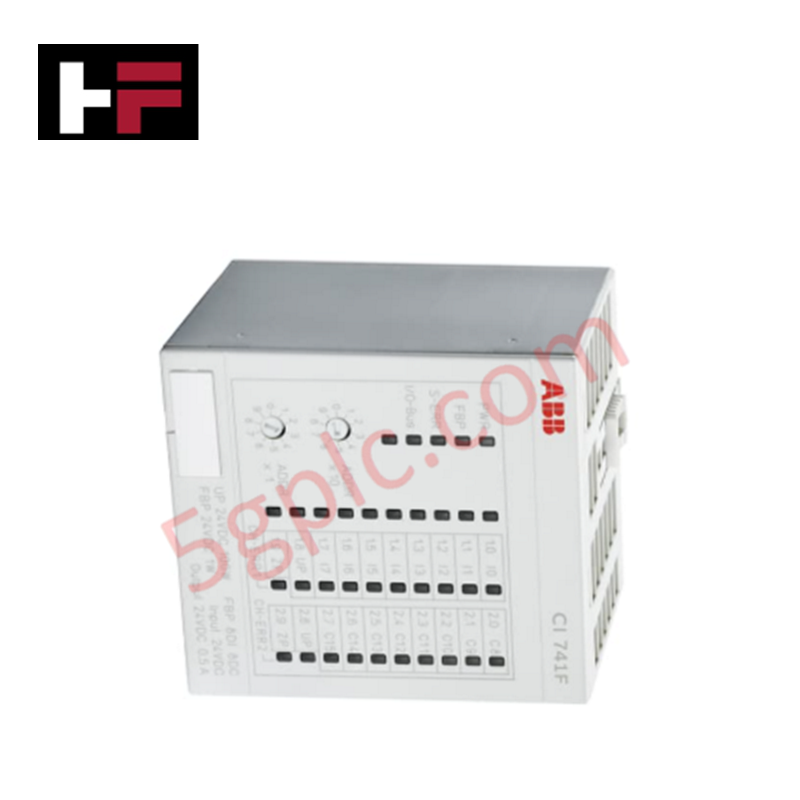
The ABB DSPC 170 57360001-GD/1, also cataloged as the DSPC170 CPU Module, operates as a dedicated hardware component for central process execution and real-time control logic calculation within ABB Advant Master Process Control System networks.
Hardware Specifications
| Parameter | Specification |
|---|---|
| Model | DSPC 170 |
| Part Number | 57360001-GD/1 |
| Brand | ABB |
| Product Type | CPU Modules |
| Origin | USA |
| Weight | 0.915 kg |
| Dimensions | 297 x 229.5 x 31.5 mm |
| Operating Temp | 0 to +55 deg C |
| Power Consumption | 24 VDC (Backplane bus supplied) |
| Architecture | Processor Board for ABB Advant Master |
| Mounting Method | Advant Master subrack chassis slot |
Backplane Bus Communication Velocity and Firmware Flash Compatibility
The processor board interfaces directly with the Advant Master backplane bus structure to maximize backplane bus communication velocity during real-time instruction polling and I/O data processing cycles. Built-in logic circuits provide firmware flash compatibility across systemic system software revisions, ensuring stable instruction set execution. Embedded data buffering and hardware isolation shield central processor operations from high-frequency electromagnetic noise present along distributed rack backplanes.
Frequently Asked Questions
Q: Can the DSPC170 CPU module be removed or inserted while the system rack is energized?
A: No, extraction or insertion must be performed only after de-energizing the subrack power supply to prevent permanent damage to sensitive backplane bus edge contacts.
Q: How is chassis grounding established for the DSPC170 module in the subrack?
A: Grounding is secured mechanically when the front metal faceplate mounting screws are fully tightened to the structural card cage enclosure frame.
Q: What precautions should be taken to prevent electrostatic discharge when handling the board?
A: Technicians must wear a grounded ESD wrist strap before touching the PCB surface or pulling the module from its card slot guide rails.
Field Installation Guidelines
- Disconnect all main power sources to the subrack assembly prior to inserting or removing the DSPC170 card.
- Align the top and bottom edges of the circuit board with the internal subrack slot guide tracks.
- Slide the module smoothly into the slot until the rear multi-pin connector fully mates with the backplane receptacle.
- Tighten the front panel retaining screws to secure physical alignment and establish chassis earth ground continuity.
- Ensure field communication and power cables maintain a minimum clearance of 200 mm from backplane signal buses to minimize signal interference.
Additional Information
- 100% Genuine Parts: All products are original and authentic, ensuring reliable industrial performance.
- 30-Day Refund Guarantee: Return any in-stock item within 30 days in original, unopened packaging for a full refund (excluding shipping and fees).
- 12-Month Warranty: Covers defects in materials or workmanship; excludes misuse, normal wear, or unauthorized modifications.
- Worldwide Shipping: We ship via USPS, UPS, FedEx, and DHL. Delivery times vary by country and may be subject to customs or import fees.
- Support & Contact: Technical and warranty assistance is available anytime. Contact us here: Contact.
- Purchase Guidance: Check product specifications and compatibility carefully before ordering to ensure proper application.






Tech & Buying Guide

Redefining Control Systems: The Rise of Flexible I/O Modules in Industrial Automation
Conventional input-output architectures often limit engineering agility and inflate long-term inventory costs. Today, Flexible Input/Output Modules (FIOM) are transforming how control system engineers design, commission, and maintain automation infrastructure. By allowing individual channel software configuration, FIOM technology bridges the gap between rigid hardware design and dynamic plant requirements.

Understanding Modern SCADA Systems: Architecture, Communication Topologies, and Industrial Applications
Supervisory Control and Data Acquisition (SCADA) systems form the digital backbone of modern industrial automation. They collect critical field data, transmit signals across vast distances, and empower plant operators with real-time process visibility. Across modern infrastructures, SCADA solutions streamline centralized control and maintain continuous operational uptime.
Understanding OPC Servers in Modern Industrial Automation: Principles, Architecture, and Applications
In industrial automation, connecting physical hardware with high-level software remains a primary operational challenge. Factories utilize programmable logic controllers (PLCs), distributed control systems (DCS), human-machine interfaces (HMIs), and smart sensors from diverse vendors. These devices often speak different proprietary protocols. Open Platform Communications (OPC) servers solve this interoperability challenge by standardizing how data flows across factory networks.