Product Details
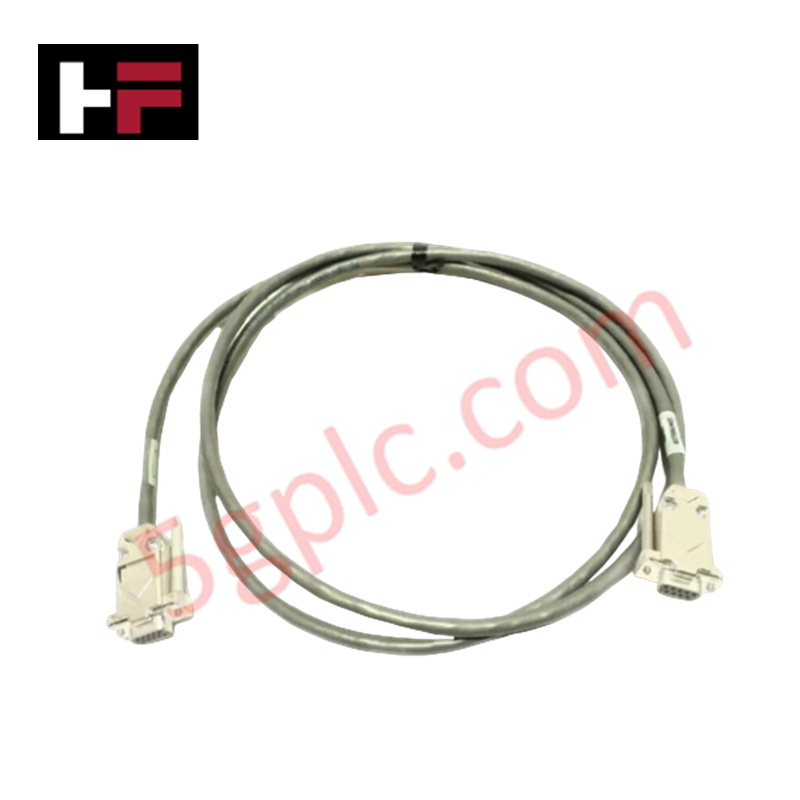
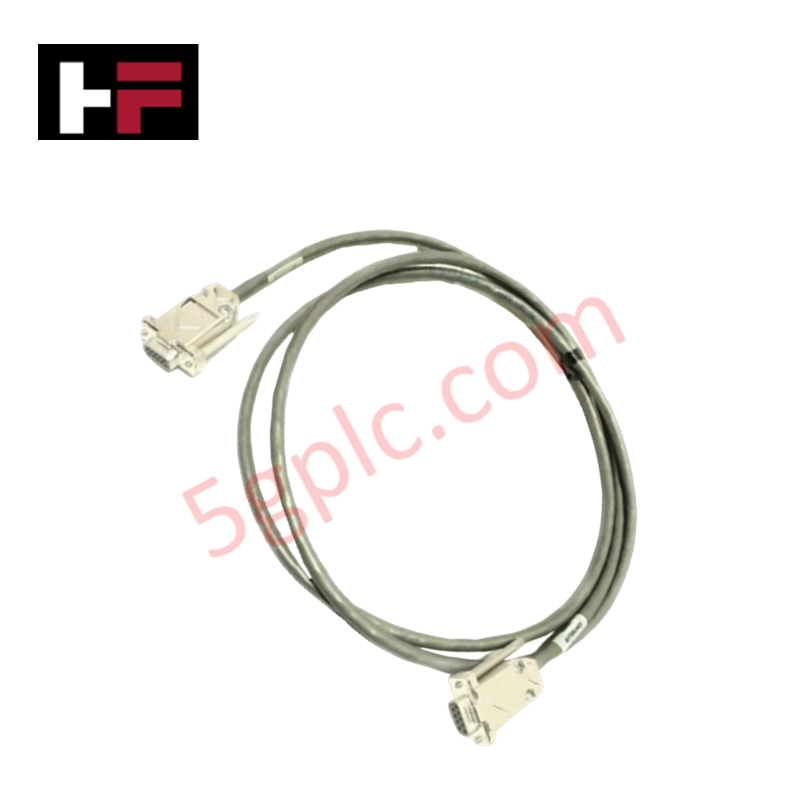
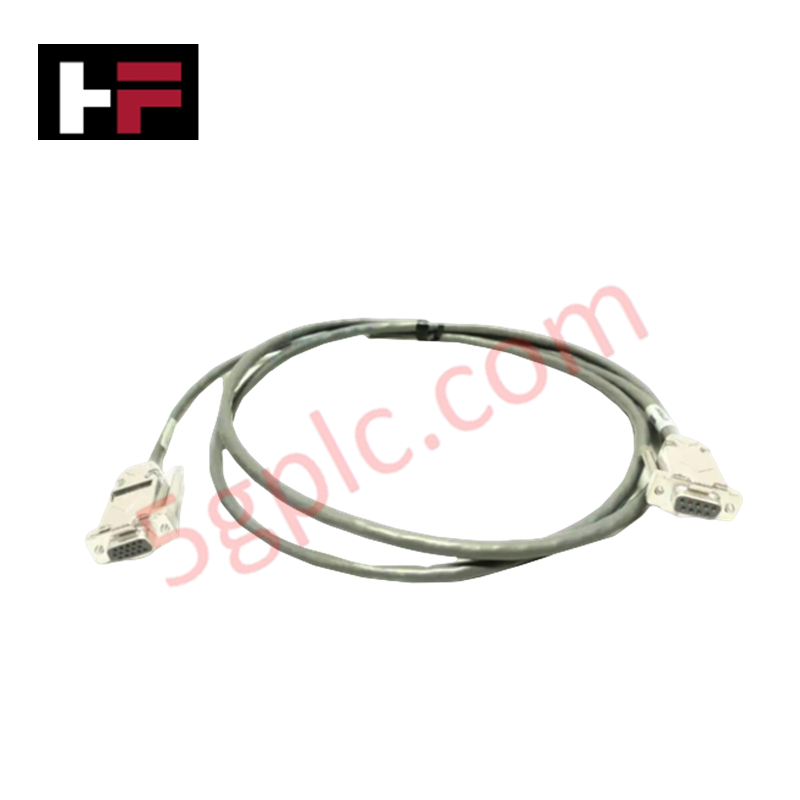
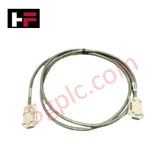
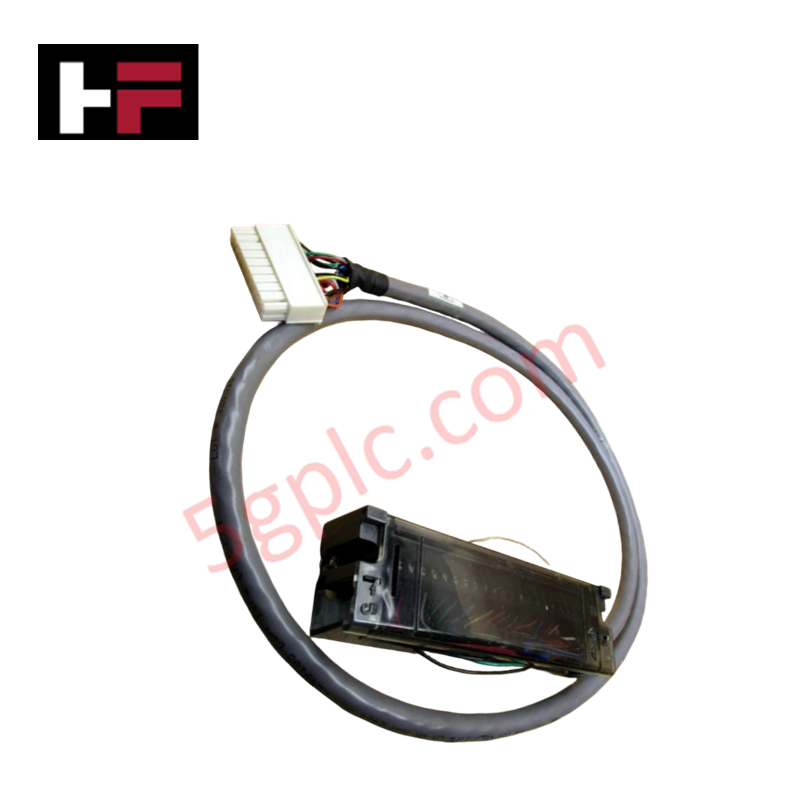
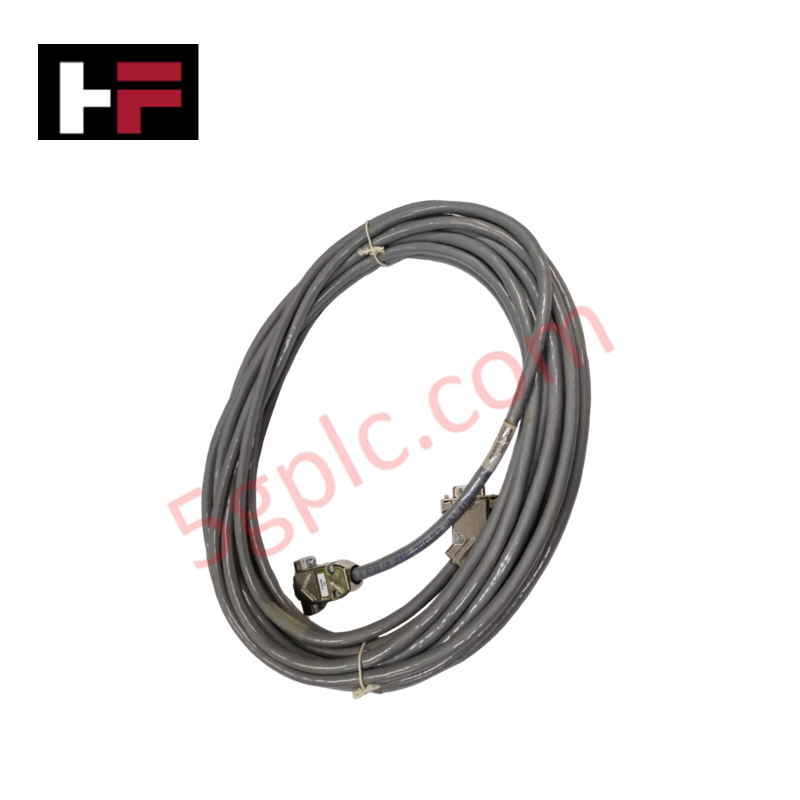
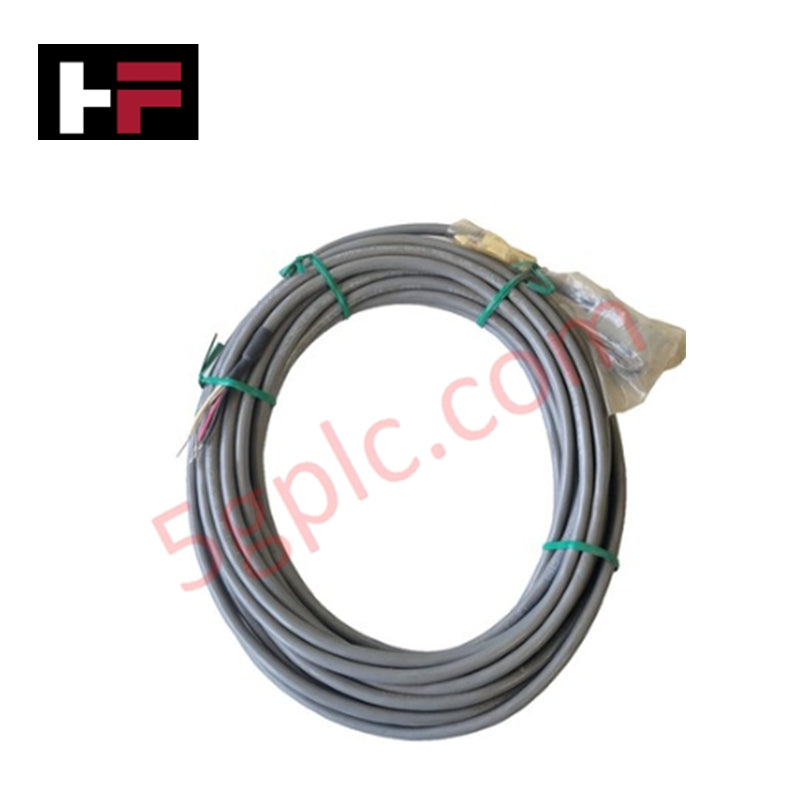
Configured for touch interface connectivity in Universal Station operator consoles, the Honeywell 51308097-200 (51308097-200) cordset cable provides direct physical/electrical execution of communication between the touch controller and the workstation display. The assembly facilitates the transmission of coordinate data and interface input signals, maintaining the physical link between the operator input device and the console processing hardware.
Hardware Specifications
| Parameter | Specification |
|---|---|
| Model | 51308097-200 |
| Brand | Honeywell |
| Origin | USA |
| Weight | 0.8 kg |
| Dimensions | 12.7 cm x 12.7 cm x 12.7 cm |
| Operating Temp | Consult operator station manual |
| Power Consumption | Passive signal transmission |
| Function | Touch control interface cable |
Channel-to-Channel Isolation
The 51308097-200 cable is designed to support the signal integrity required for human-machine interface (HMI) peripherals. Although the cable is a passive component, it is constructed to minimize electromagnetic interference (EMI) pick-up from surrounding console electronics. The internal shielding architecture is designed to prevent crosstalk between the touch signal conductors and secondary peripheral signaling paths, ensuring that operator inputs are transmitted to the controller with high fidelity and zero data latency.
Frequently Asked Questions
Q: Is this cable suitable for use with legacy operator stations?
A: The 51308097-200 is engineered for specific Universal Station touch control interface compatibility. Confirm the connector gender and pinout configuration against the station’s technical documentation prior to installation.
Q: Are there specific installation precautions for this cordset?
A: Do not exceed the minimum cable bend radius during installation. Repeated tight bends or sharp routing can fatigue internal conductors, leading to intermittent touch response or complete loss of operator interface communication.
Field Installation Guidelines
- Cable Routing: Route the cordset through dedicated signal cable trays within the operator console cabinet. Maintain separation from AC power wiring to prevent the induction of electrical noise onto the data signals.
- Connector Seating: Ensure both connectors are fully inserted and locked into their respective ports. Verify that no mechanical strain is placed on the cable at the connector entry points.
- Shielding Continuity: Ensure the cable shield is bonded to the chassis ground at the workstation interface if specified by the console grounding schematic. Proper grounding is required to minimize the risk of electrostatic discharge (ESD) damaging the touch interface circuitry.
- Cable Integrity Check: Visually inspect the outer insulation for signs of abrasion or environmental degradation. Replace the cordset if any damage is observed to ensure ongoing signal reliability.
Additional Information
- 100% Genuine Parts: All products are original and authentic, ensuring reliable industrial performance.
- 30-Day Refund Guarantee: Return any in-stock item within 30 days in original, unopened packaging for a full refund (excluding shipping and fees).
- 12-Month Warranty: Covers defects in materials or workmanship; excludes misuse, normal wear, or unauthorized modifications.
- Worldwide Shipping: We ship via USPS, UPS, FedEx, and DHL. Delivery times vary by country and may be subject to customs or import fees.
- Support & Contact: Technical and warranty assistance is available anytime. Contact us here: Contact.
- Purchase Guidance: Check product specifications and compatibility carefully before ordering to ensure proper application.





Tech & Buying Guide

Voice-Activated Industrial Automation: Integrating Speech Control into PLC and DCS Architectures
Industrial automation integrates speech recognition, IIoT protocols, and NLP with PLCs and DCS to streamline operations. By leveraging advanced edge computing, engineers enable real-time, hands-free control—allowing personnel to manage smart factory processes safely away from hazardous equipment.
Modern Industrial Automation: Transforming Safety and Efficiency in Mining Operations
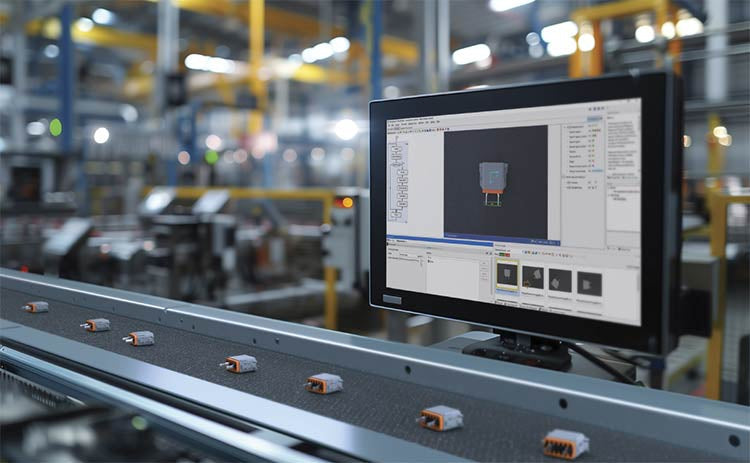
Industrial automation has evolved from a simple manufacturing tool into the operational backbone of high-risk sectors. Modern mining operations increasingly rely on advanced control systems, programmable logic controllers (PLCs), distributed control systems (DCS), and artificial intelligence to address deep-underground hazards. By replacing manual labor in high-risk zones, factory automation technologies protect personnel while significantly boosting operational throughput.