










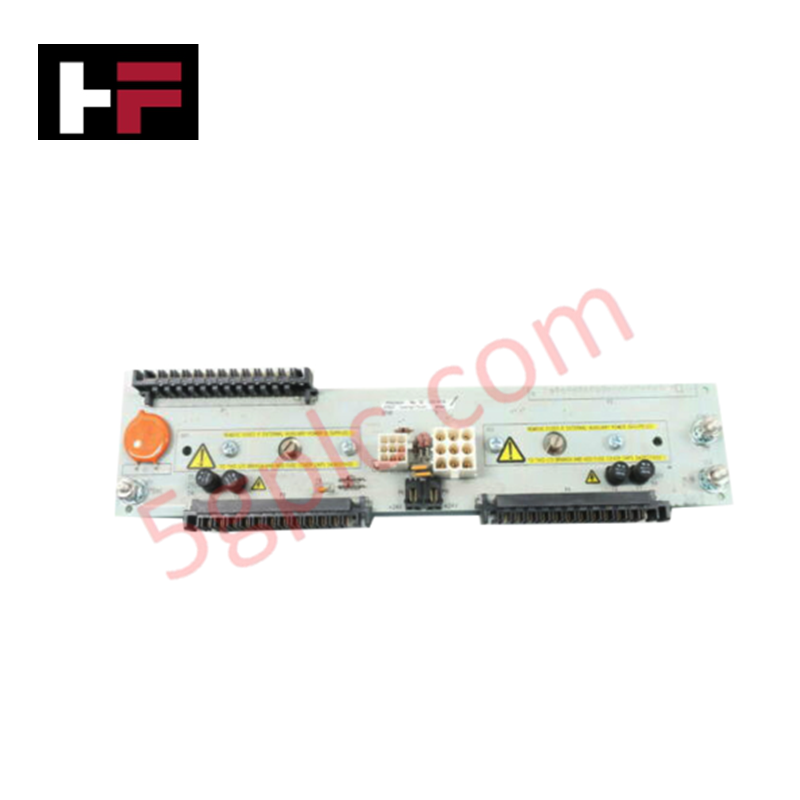
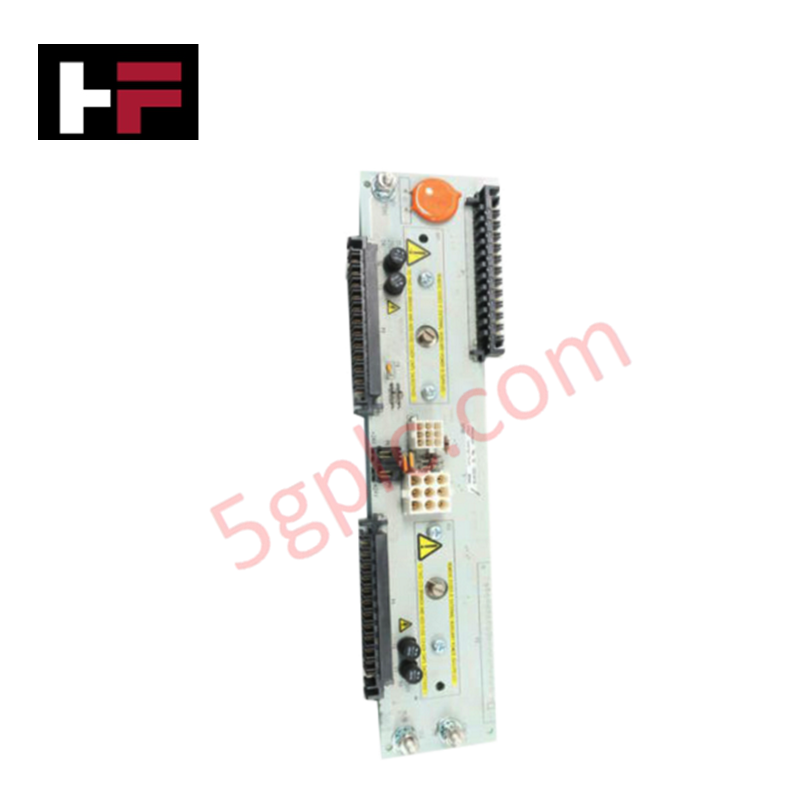
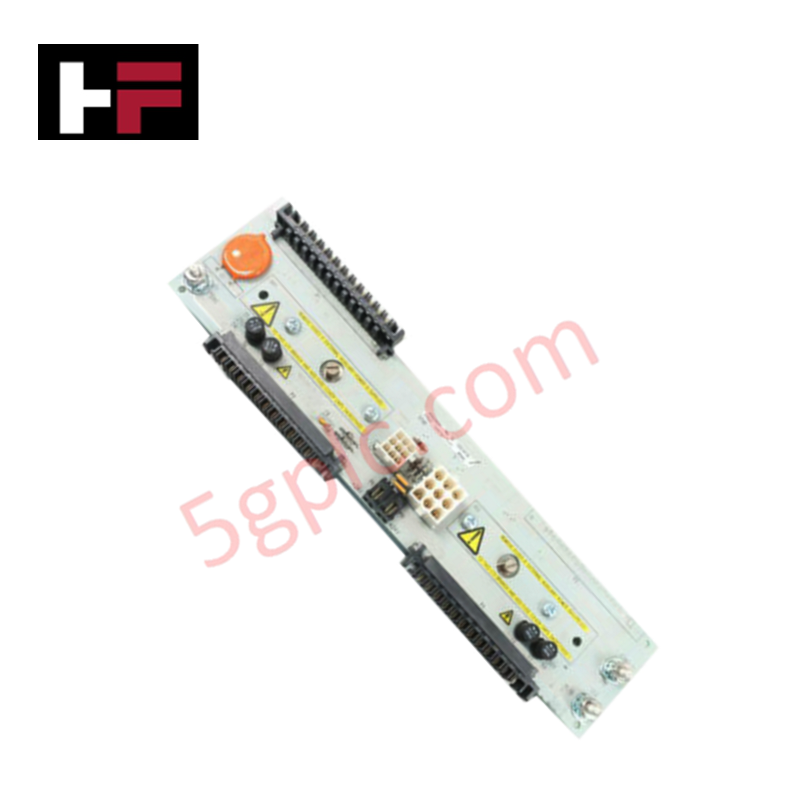
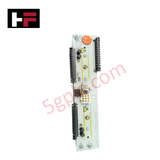
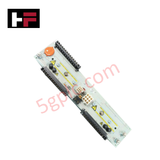
Product Details
Configured for remote node signal management in Ovation DCS platforms, the Emerson 1P00028G01 (1P00028G01 Remote Node Transition Panel) provides direct physical execution of analog and digital signal interfacing. This hardware component functions as a signal transition interface to facilitate connectivity between field-side wiring and the internal Ovation system backplane architecture.
Hardware Specifications
| Parameter | Specification |
|---|---|
| Model | 1P00028G01 |
| Brand | Emerson |
| Origin | N/A |
| Weight | 45 g (1.6 oz) |
| Dimensions | 12.1 cm × 2.5 cm × 7.0 cm |
| Operating Temp | -20 deg C to +70 deg C |
| Power Consumption | 24 VDC nominal |
| I/O Resolution | 12-bit or 16-bit configurable |
Process Control and Signal Integrity
The transition panel maintains signal fidelity through high-resolution data conversion capabilities, supporting both 12-bit and 16-bit logic profiles. By consolidating multi-point I/O terminations within the Ovation rack assembly, the module minimizes signal attenuation and potential ground loops that can compromise loop accuracy. The design ensures consistent voltage regulation for sensitive analog inputs while providing a deterministic path for digital state monitoring across the DCS network.
Frequently Asked Questions
Q: Does the 1P00028G01 require specific backplane slot positioning within the Ovation rack?
A: The panel must be mounted within a compatible Ovation chassis slot. Ensure that the backplane connector alignment is verified prior to seating to avoid pin deformation or intermittent connection to the system bus.
Q: Is the resolution setting hardware-selectable on the module faceplate?
A: Resolution (12-bit or 16-bit) is determined by the system configuration parameters defined in the Ovation controller software. The hardware supports both modes, but performance is dependent on the downstream input/output card requirements.
Field Installation Guidelines
- Mounting: Secure the transition panel into the designated rack or chassis space. Verify that the locking hardware is tightened to ensure mechanical stability during high-vibration operational cycles.
- Grounding: Bond the panel chassis to the cabinet ground reference. Proper grounding is necessary to maintain signal integrity and to shield against electromagnetic interference from adjacent high-current cabling.
- Wiring: Use shielded twisted-pair cabling for all analog signals to minimize noise pickup. Ensure cable shields are terminated at the designated grounding points and not at the signal terminals themselves to avoid ground loop current paths.
- Verification: Check for correct 24 VDC power supply polarity before energizing the module. Monitor terminal strip contacts for signs of oxidation or looseness after initial installation and following the first thermal cycle.
Additional Information
- 100% Genuine Parts: All products are original and authentic, ensuring reliable industrial performance.
- 30-Day Refund Guarantee: Return any in-stock item within 30 days in original, unopened packaging for a full refund (excluding shipping and fees).
- 12-Month Warranty: Covers defects in materials or workmanship; excludes misuse, normal wear, or unauthorized modifications.
- Worldwide Shipping: We ship via USPS, UPS, FedEx, and DHL. Delivery times vary by country and may be subject to customs or import fees.
- Support & Contact: Technical and warranty assistance is available anytime. Contact us here: Contact.
- Purchase Guidance: Check product specifications and compatibility carefully before ordering to ensure proper application.




Tech & Buying Guide

Demystifying the DDE Protocol in Legacy Industrial Automation Systems
Modern control systems rely heavily on seamless interprocess communication to exchange operational data between software programs. Microsoft first introduced the Dynamic Data Exchange (DDE) protocol in 1987 to enable real-time data sharing. In factory automation, DDE served as an early bridge between control software and Windows desktop applications. Therefore, understanding DDE mechanics provides crucial insights into how legacy industrial networks established software-level connectivity.

Demystifying CPU Communication Ports in Siemens PLC Architectures
Industrial automation relies heavily on robust data exchange between devices. Without seamless connectivity, field instruments, network switches, human-machine interfaces, and programmable logic controllers cannot coordinate effectively. Therefore, understanding the various CPU communication ports available in Siemens hardware ensures efficient factory automation design and seamless system integration.

Mastering the Siemens PLC Scan Cycle: How the CPU Executes Automation Programs
Industrial automation relies heavily on programmable logic controllers (PLCs) to manage complex manufacturing processes. Many engineers dive straight into programming without mastering the underlying architecture. However, understanding how a PLC CPU executes a program ensures reliable system design. Therefore, mastering the scan cycle optimizes both performance and troubleshooting in modern control systems.