












Product Details
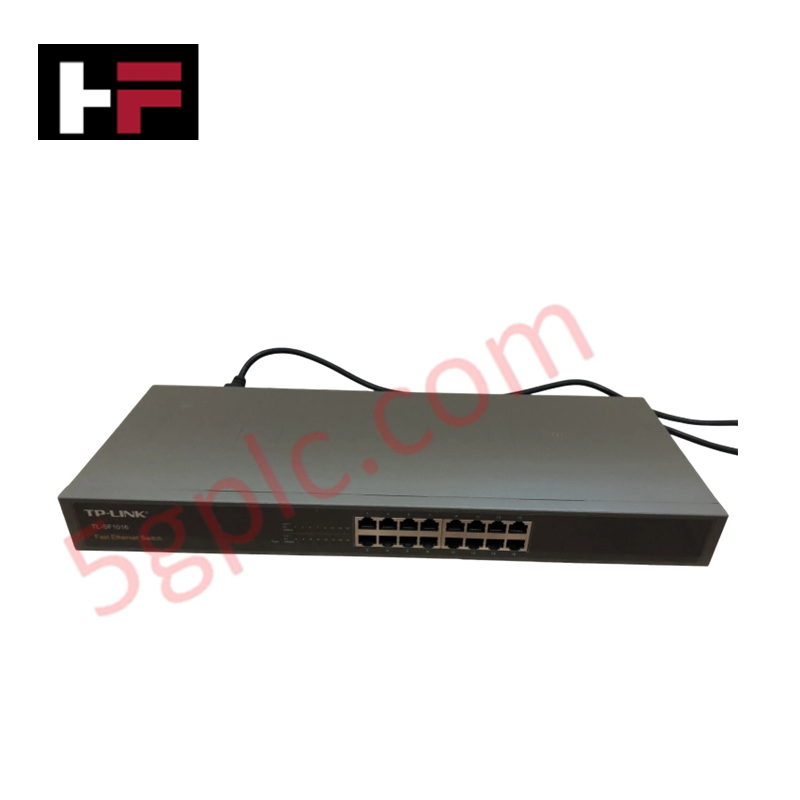
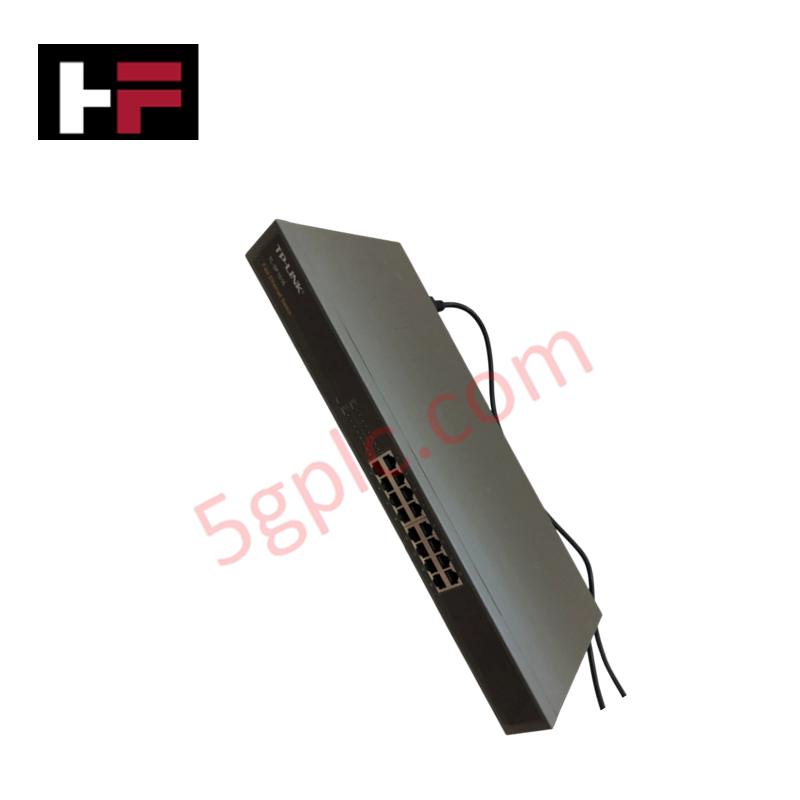
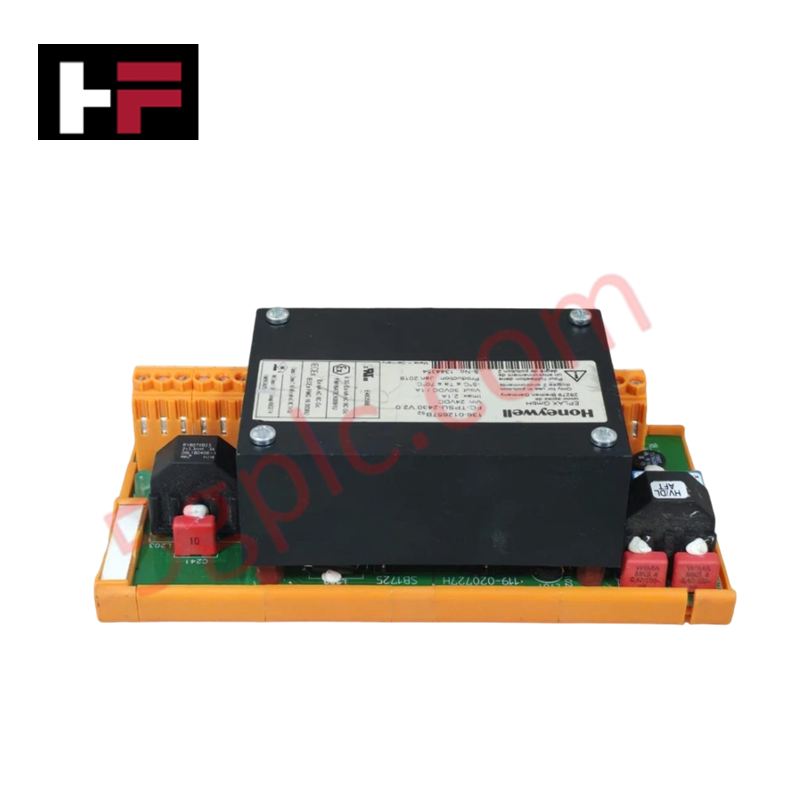
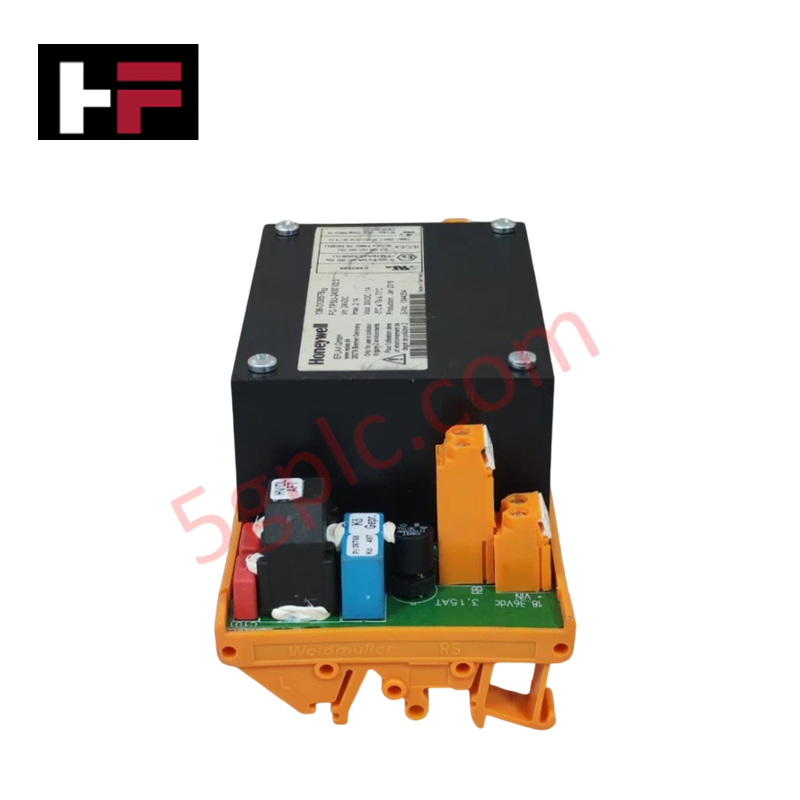
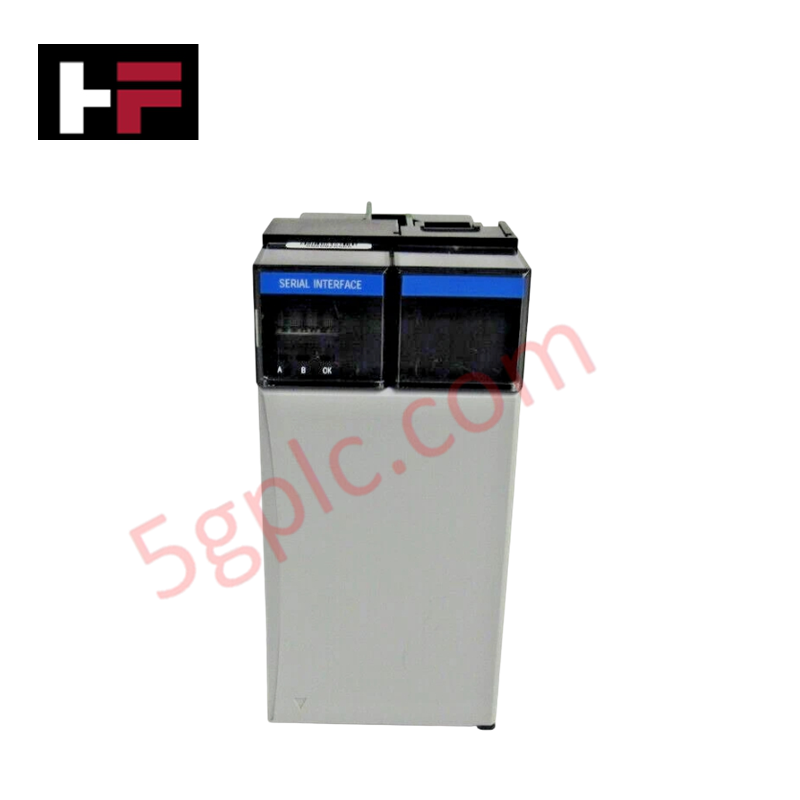
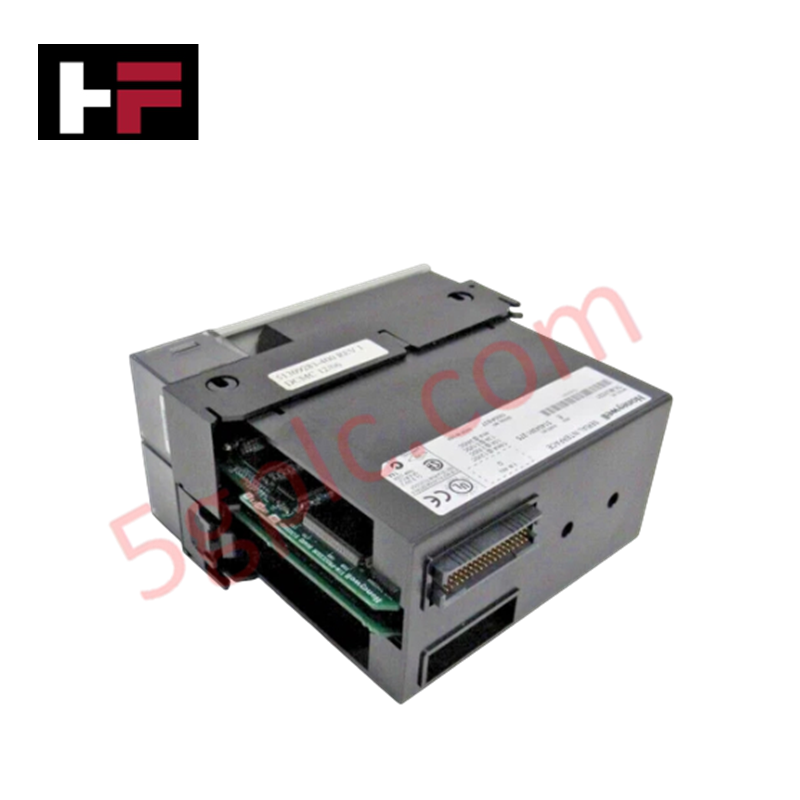
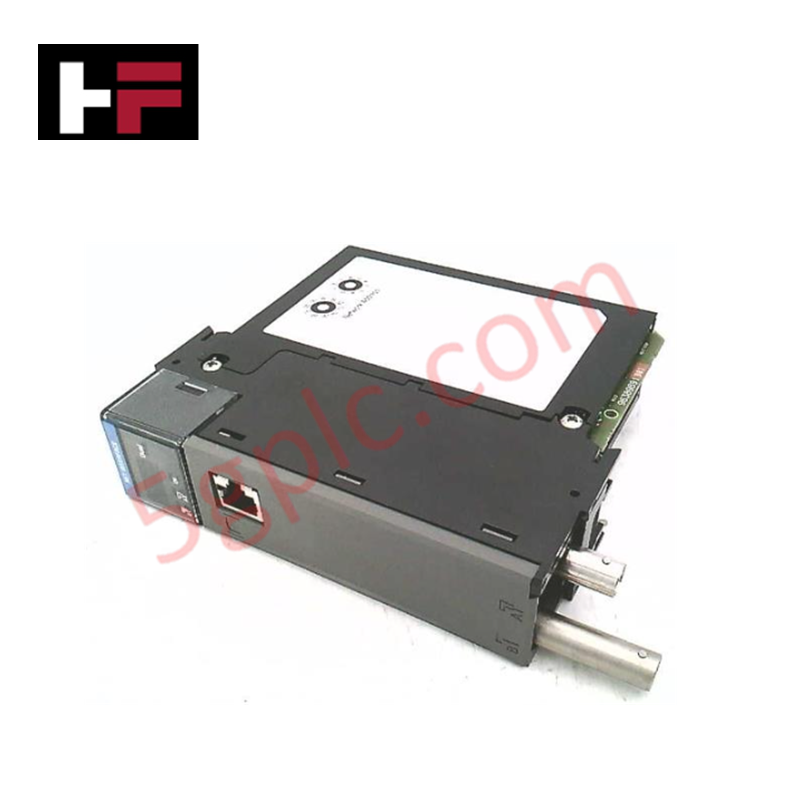
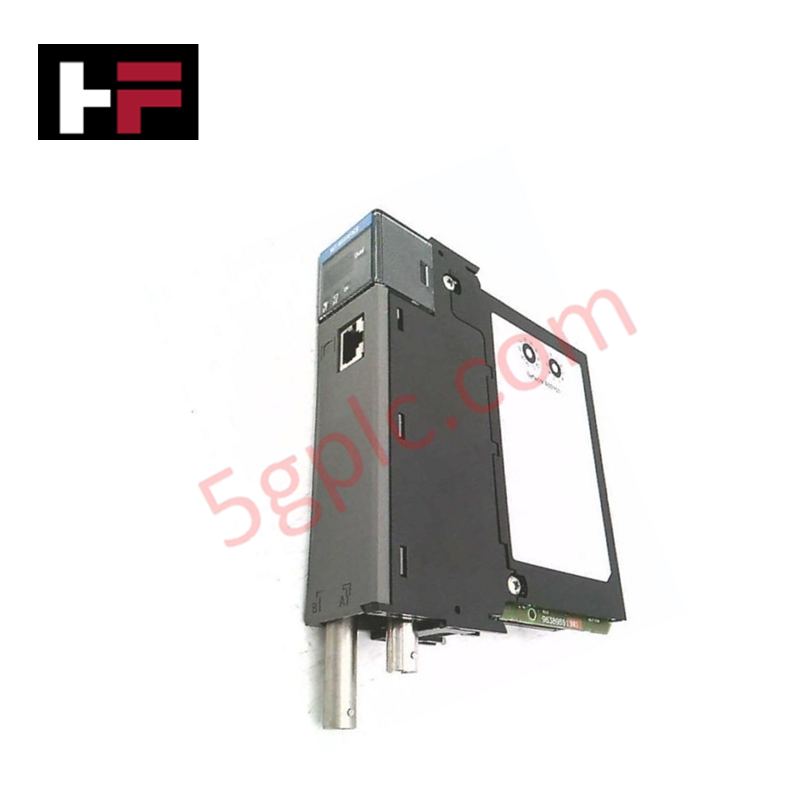
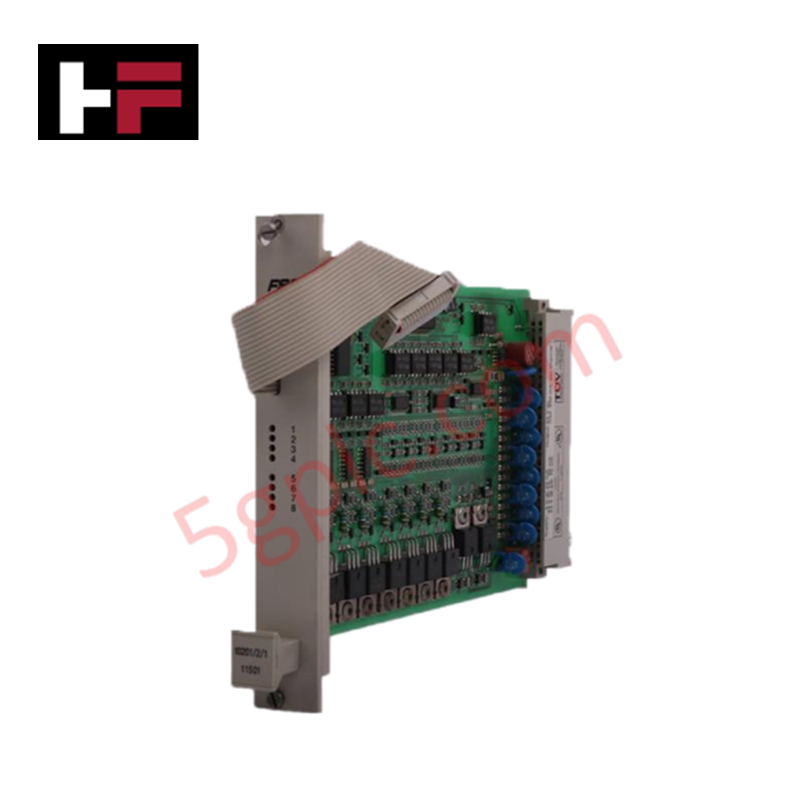
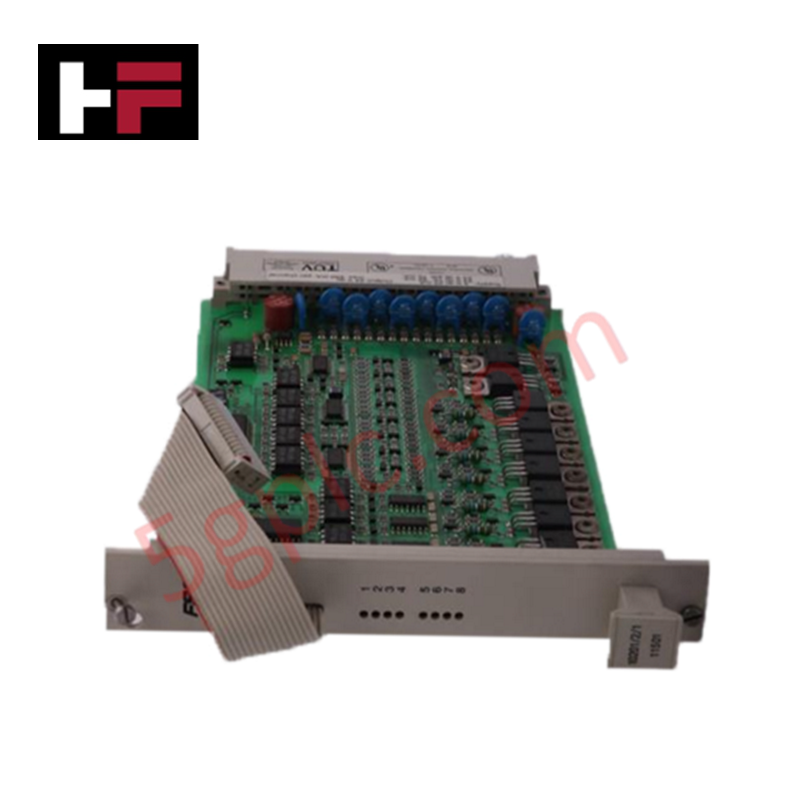
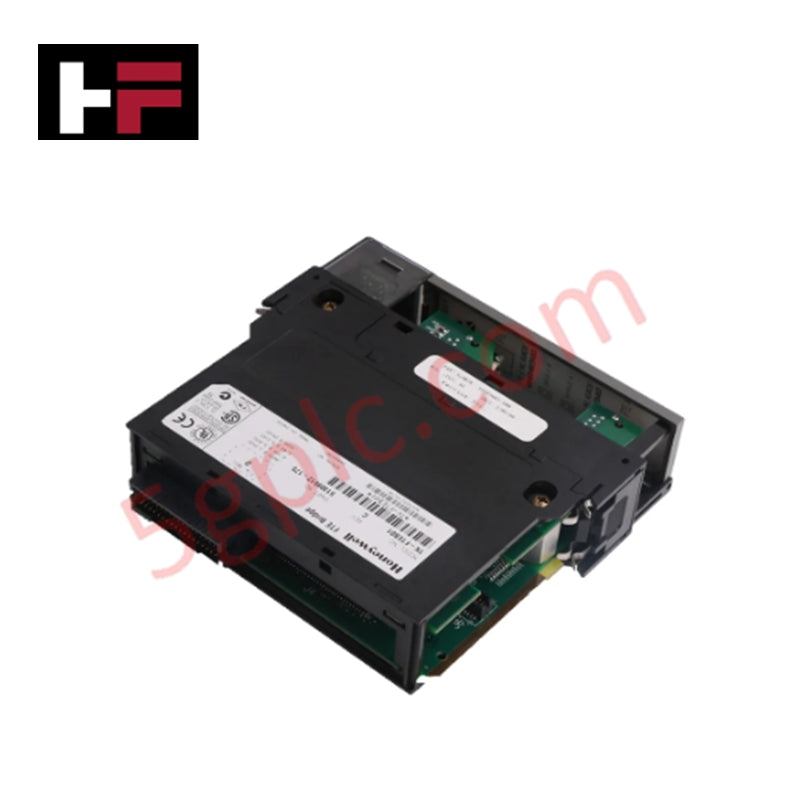
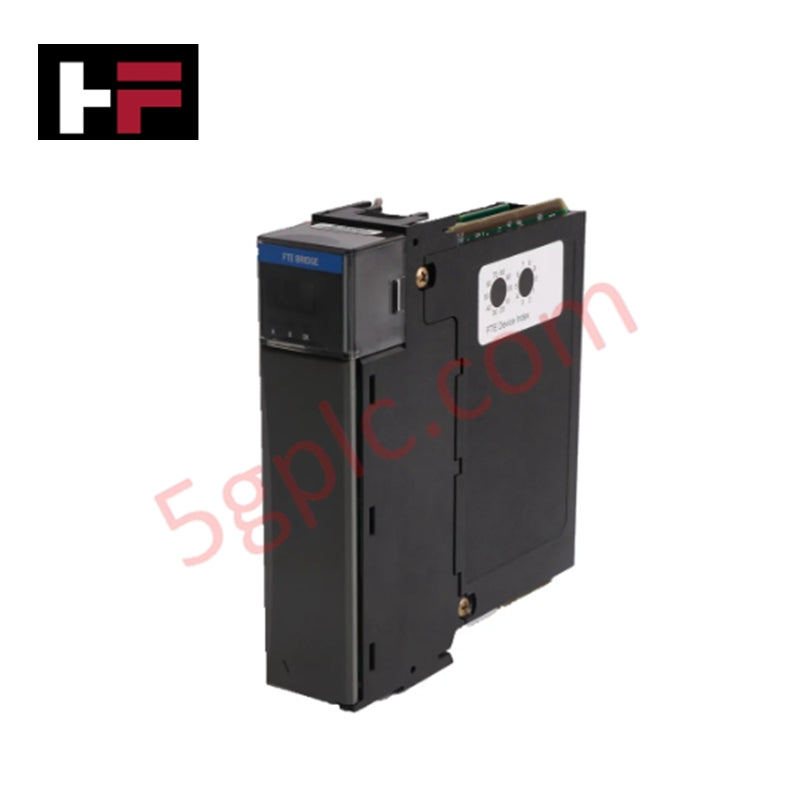
The Honeywell TL-SF1016, also cataloged as the TL-SF1016 Unmanaged Switch, operates as a dedicated hardware component for 10/100 Mbps packet switching and network expansion within Honeywell DCS field communications.
Hardware Specifications
| Parameter | Specification |
|---|---|
| Model | TL-SF1016 |
| Brand | Honeywell |
| Origin | USA |
| Dimensions | 19-inch rackmount or desktop footprint |
| Operating Temp | 0 to 40 deg C |
| Power Consumption | Maximum 2.2 W |
| Ports | 16 x 10/100 Mbps RJ45 |
| Switching Capacity | 3.2 Gbps |
| Packet Forwarding Rate | 2.38 Mpps |
| MAC Address Table | 8K entries |
| Buffer Memory | 2.5 Mbit |
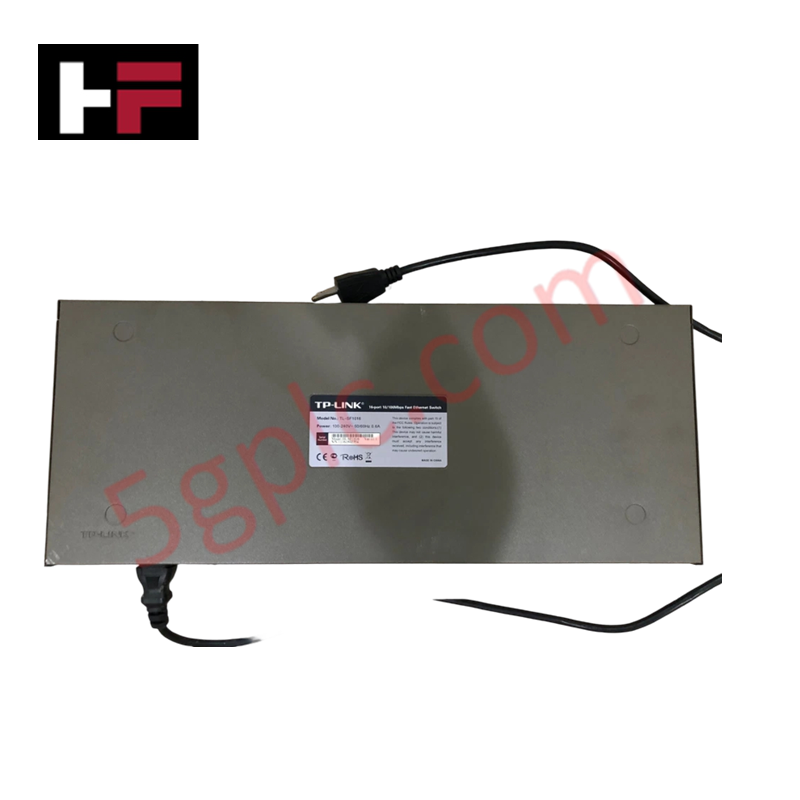
| Input Power | Internal adapter, 100-240 VAC, 50/60 Hz |
4-20 mA HART Loop & Channel-to-Channel Isolation Characteristics
The internal non-blocking switching fabric provides store-and-forward architecture with IEEE 802.3x full-duplex flow control and half-duplex backpressure. Integrated auto-MDI/MDIX capability eliminates cross-over wiring errors, while strict port isolation prevents high-frequency Ethernet noise from coupling onto adjacent 4-20 mA HART loop channels or sensitive field instrumentation paths routed in the same cabinet.
Frequently Asked Questions
Q: Can the TL-SF1016 switch be hot-swapped while adjacent control systems remain energized?
A: Physical swapping of network connections is supported, though downstream network nodes will experience temporary packet interruption until auto-negotiation re-establishes link status.
Q: How does auto-MDI/MDIX impact cable installation for field controllers?
A: Auto-MDI/MDIX automatically senses the required pinout, allowing standard straight-through Ethernet cables to connect directly between switches, controllers, and programming terminals without crossover adapters.
Q: What power input range does the internal adapter accept?
A: The internal power supply operates across 100-240 VAC at 50/60 Hz, consuming a maximum power draw of 2.2 W.
Field Installation Guidelines
- Mount the unit securely in a standard 19-inch equipment rack or place on a stable horizontal surface with adequate side ventilation clearance.
- Confirm operating environment parameters remain within 0 to 40 deg C and non-condensing relative humidity below 90%.
- Connect the AC power cable to a grounded 100-240 VAC distribution circuit before attaching field communication lines.
- Insert Cat5 or Cat5e RJ45 patch cables into the 10/100 Mbps ports until the connector retention tab locks firmly into place.
- Inspect link and activity LED indicators to verify active port connection and packet transmission across network drops.
Additional Information
- 100% Genuine Parts: All products are original and authentic, ensuring reliable industrial performance.
- 30-Day Refund Guarantee: Return any in-stock item within 30 days in original, unopened packaging for a full refund (excluding shipping and fees).
- 12-Month Warranty: Covers defects in materials or workmanship; excludes misuse, normal wear, or unauthorized modifications.
- Worldwide Shipping: We ship via USPS, UPS, FedEx, and DHL. Delivery times vary by country and may be subject to customs or import fees.
- Support & Contact: Technical and warranty assistance is available anytime. Contact us here: Contact.
- Purchase Guidance: Check product specifications and compatibility carefully before ordering to ensure proper application.


Tech & Buying Guide

Mastering VFD Braking Theory and Mechanical Brake Sequencing in Industrial Automation
In industrial automation, variable frequency drives (VFDs) regulate motor speed and torque across manufacturing plants and material handling systems. However, certain heavy-duty applications experience external loads that can rotate the motor shaft without an active command. For instance, gravity pulls loads downward in unanchored hoisting equipment. Therefore, engineers integrate mechanical brakes with VFD logic to maintain absolute safety and prevent structural damage or personnel injury during shutdowns.

Optimizing Tank Level Control Using Proportional Algorithms in PLC Systems
Industrial automation engineers frequently encounter liquid level regulation challenges across diverse process plants. Traditional ON-OFF control mechanisms often disrupt system stability due to abrupt actuator switching. Therefore, upgrading to closed-loop architectures like proportional control yields smoother responses. In a typical PLC environment, such as Siemens TIA Portal, engineers utilize closed-loop feedback to minimize process errors without requiring full PID complexity.

Understanding Why Your PLC Enters Stop Mode: Causes and Troubleshooting
In industrial automation, programmable logic controllers (PLCs) serve as the core intelligence of modern factory automation and distributed control systems (DCS). Understanding how a PLC transitions between modes is vital for maintenance engineers. Typically, a PLC operates across four primary modes: Run, Stop, Start-Up, and Hold. When power is applied, the system immediately boots into Stop mode before initiating the Start-Up sequence. If the controller encounters a critical error during execution, it automatically reverts to Stop mode to prevent equipment damage. Therefore, monitoring these state transitions helps technicians maintain high system availability.