












Product Details
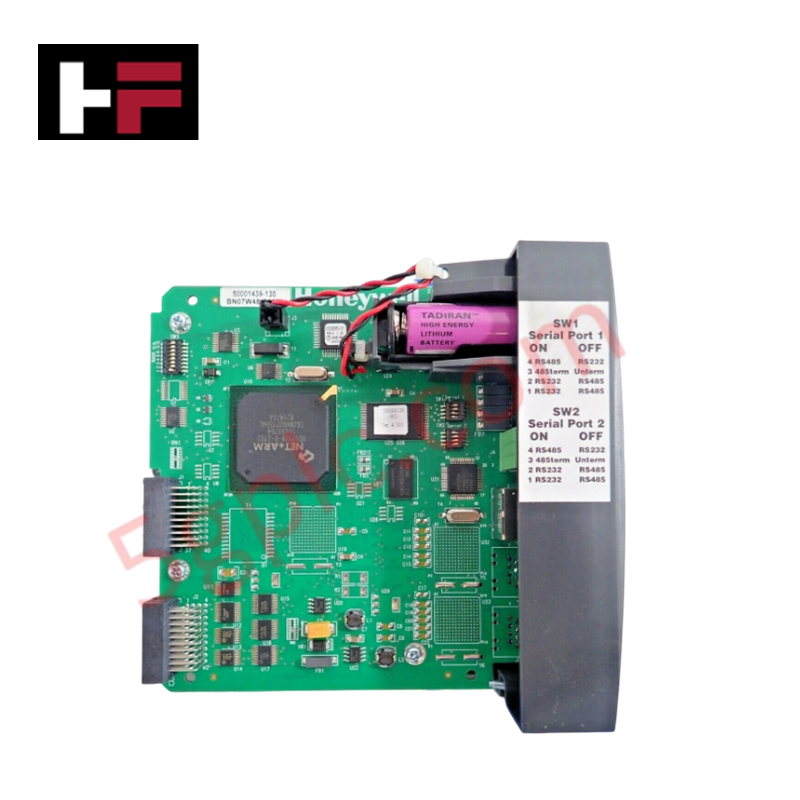
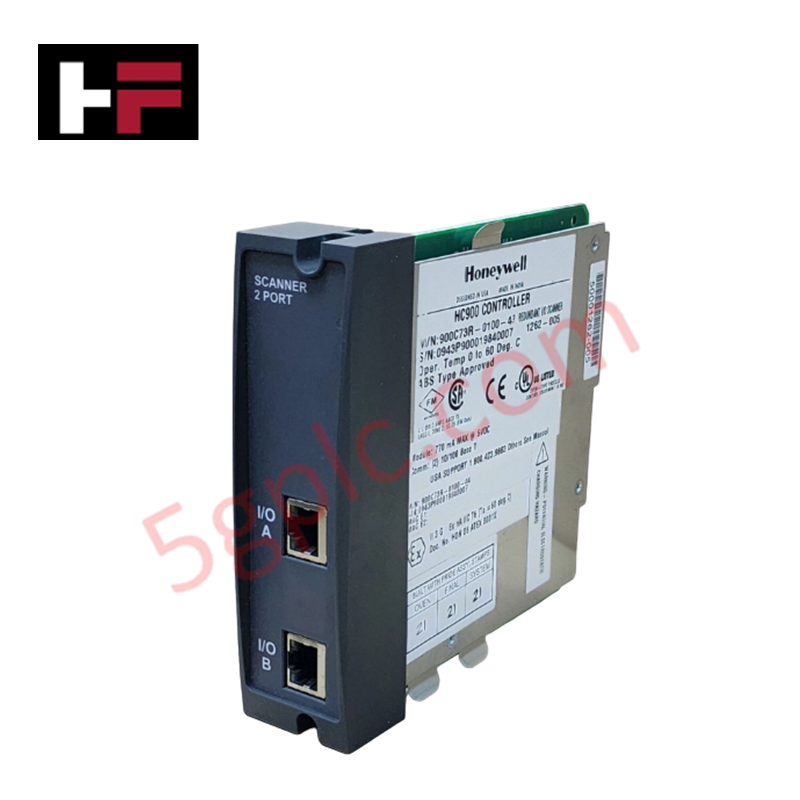
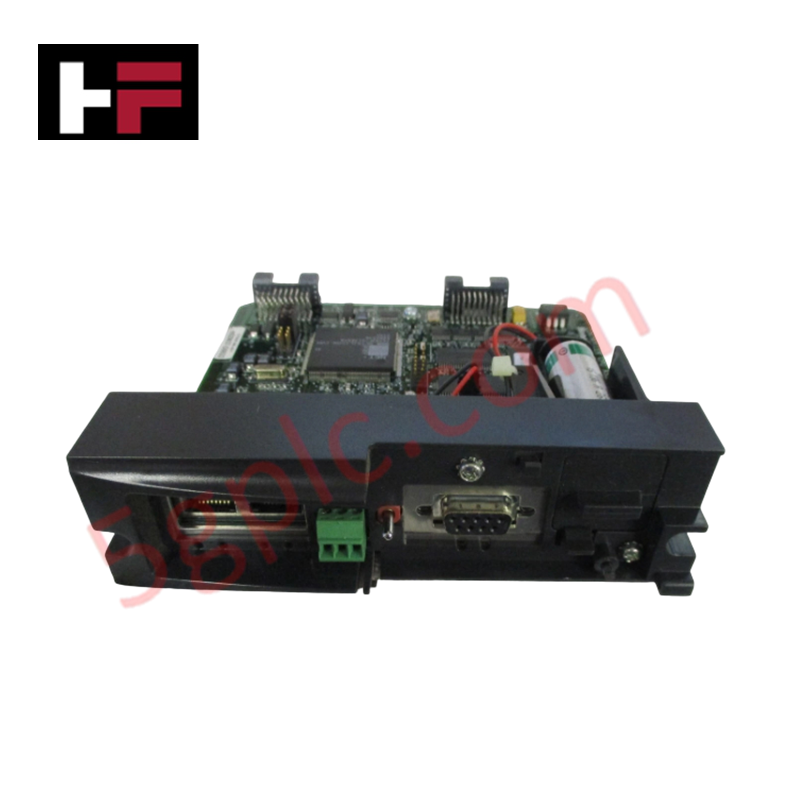
The Honeywell 900C53-0244-00, also cataloged as the 900C53-0244-00 Controller I/O Scanner, operates as a dedicated hardware component for remote rack I/O data multiplexing and backplane bus execution within Honeywell HC900 platforms.
Hardware Specifications
| Parameter | Specification |
|---|---|
| Model | 900C53-0244-00 |
| Brand | Honeywell |
| Origin | USA |
| Weight | 0.50 kg (1.10 lbs) |
| Dimensions | Standard HC900 expansion rack module size |
| Operating Temp | 0 to 60 deg C |
| Power Consumption | 600 mA max @ 5 VDC |
| Interface Type | 10Base-T Ethernet communication port |
| Function | Remote rack I/O scanning and bus interface |
| Subsystem Compatibility | Honeywell HC900 Series Remote Racks |
Channel-to-Channel Isolation and DCS Network Interoperability
Operating as an intelligent interface processor for remote expansion subracks, the 900C53-0244-00 scanner manages real-time I/O data exchanges over a 10Base-T physical link. The module isolates backplane communication paths from field-side electrical transients, ensuring stable signal conditioning for connected 4-20 mA HART loop protocol transmitters and discrete I/O modules. Maintaining high channel-to-channel isolation parameters across connected subrack slots, it prevents ground loops from compromising data accuracy transferred to the primary host CPU.
Frequently Asked Questions
Q: What is the maximum current draw of the 900C53-0244-00 from the rack backplane?
A: The module draws a maximum backplane supply current of 600 mA at 5 VDC.
Q: What physical interface does the module use for remote rack communication?
A: Communication with the central controller or main network is executed via an integrated 10Base-T Ethernet port.
Q: Is this module capable of running user control programs independently?
A: No, the unit functions exclusively as an I/O scanner to collect and transmit field I/O data between the remote subrack and the central CPU module.
Field Installation Guidelines
- Power off the remote rack backplane supply prior to installing or removing the 900C53-0244-00 scanner module.
- Align the module card edges with the dedicated CPU/Scanner slot in the HC900 expansion chassis and press firmly until fully seated.
- Terminate the 10Base-T network cable using industrial-grade RJ-45 connectors, keeping signal cables separated from AC power lines.
- Ground the expansion rack chassis directly to the main system earth ground bar using a low-impedance conductor.
- Ensure cabinet ambient temperatures remain within specified operating limits to avoid thermal stress on backplane components.
Additional Information
- 100% Genuine Parts: All products are original and authentic, ensuring reliable industrial performance.
- 30-Day Refund Guarantee: Return any in-stock item within 30 days in original, unopened packaging for a full refund (excluding shipping and fees).
- 12-Month Warranty: Covers defects in materials or workmanship; excludes misuse, normal wear, or unauthorized modifications.
- Worldwide Shipping: We ship via USPS, UPS, FedEx, and DHL. Delivery times vary by country and may be subject to customs or import fees.
- Support & Contact: Technical and warranty assistance is available anytime. Contact us here: Contact.
- Purchase Guidance: Check product specifications and compatibility carefully before ordering to ensure proper application.





Tech & Buying Guide
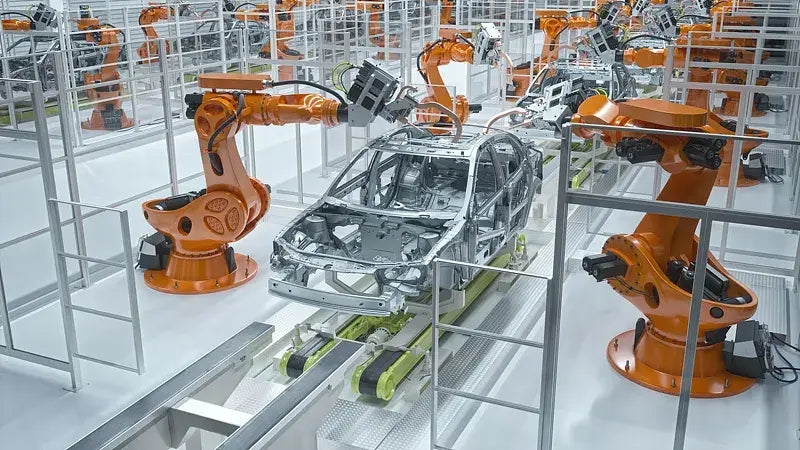
Safety Relays in Industrial Automation: Fundamentals, Design Standards, and Fail-Safe Architecture
Safety relays form the bedrock of functional safety in modern factory automation, preventing catastrophic equipment failure and protecting plant personnel. While standard electromechanical relays handle basic load switching, they lack the redundant diagnostics required for high-risk industrial environments. Modern industrial automation platforms—including programmable logic controllers (PLCs) and distributed control systems (DCS)—rely on specialized safety relays to monitor field devices and isolate hazards instantly.

Voice-Activated Industrial Automation: Integrating Speech Control into PLC and DCS Architectures
Industrial automation integrates speech recognition, IIoT protocols, and NLP with PLCs and DCS to streamline operations. By leveraging advanced edge computing, engineers enable real-time, hands-free control—allowing personnel to manage smart factory processes safely away from hazardous equipment.
Modern Industrial Automation: Transforming Safety and Efficiency in Mining Operations
Industrial automation has evolved from a simple manufacturing tool into the operational backbone of high-risk sectors. Modern mining operations increasingly rely on advanced control systems, programmable logic controllers (PLCs), distributed control systems (DCS), and artificial intelligence to address deep-underground hazards. By replacing manual labor in high-risk zones, factory automation technologies protect personnel while significantly boosting operational throughput.