










Product Details
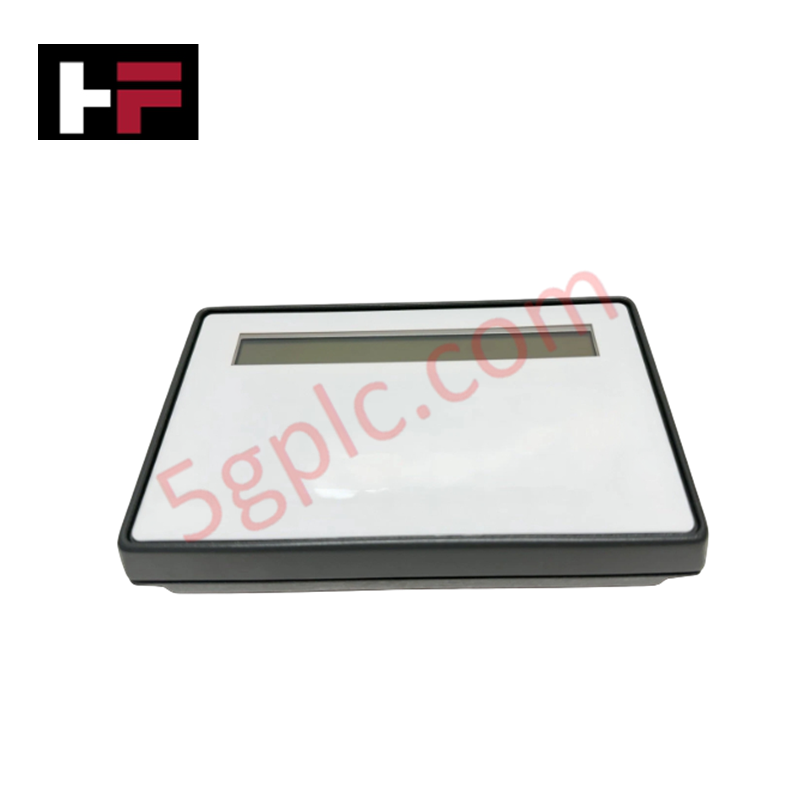
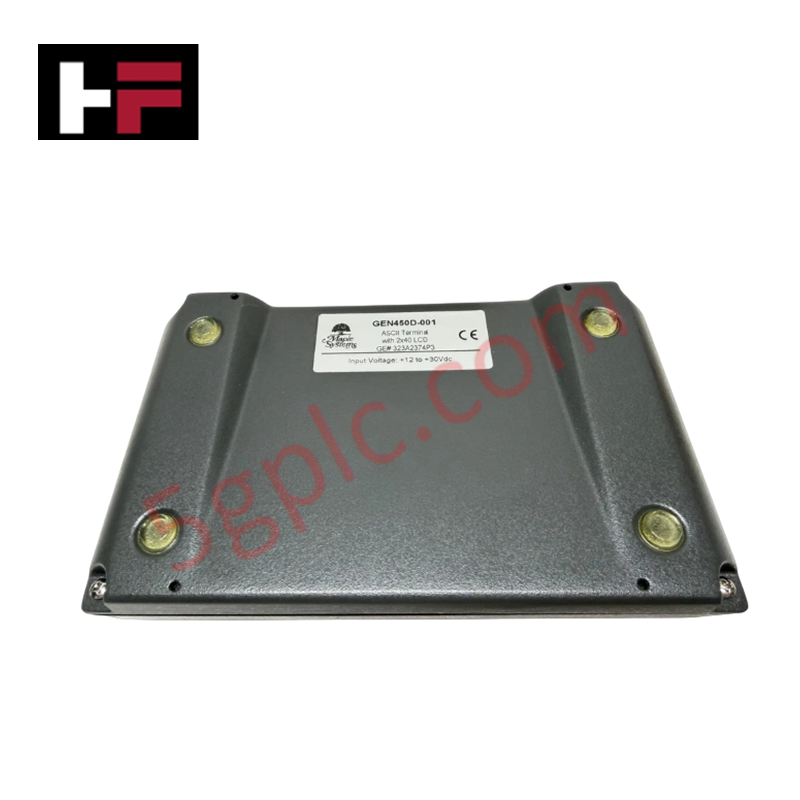
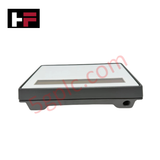
The GE 323A2374P3, also cataloged as the 323A2374P3 Mini-Terminal Control Display, operates as a dedicated hardware component for local operator interface and diagnostic alarm execution within GE Mark V Speedtronic platforms.
Hardware Specifications
| Parameter | Specification |
|---|---|
| Model | 323A2374P3 |
| Brand | GE / GE Drive Systems |
| Origin | USA |
| Operating Temp | -20 to +60 deg C |
| Power Consumption | Panel Interface Bus Powered (5 VDC / 24 VDC Control) |
| Display Type | 2-Line 40-Character LCD Panel |
| Input Interface | Membrane Keypad (20 Function Keys F1-F20 with Shift) |
| Dedicated Keys | ALARM SIL, ALARM ACK, ALARM RESET, Raise/Lower, Scroll |
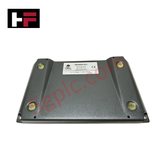
| Mounting Type | Panel Mountable Screw Enclosure |
| Interface Port | Edge Connector Cable Assembly |
Backplane Bus Communication Velocity and Firmware Flash Compatibility
The 323A2374P3 translates front-panel membrane key presses into serial command frames transmitted over the Mark V internal interface bus. Onboard display drivers update the two-line alphanumeric LCD in real time to present system parameters and diagnostic fault alarms without degrading backplane bus communication velocity. Internal logic circuits maintain strict firmware flash compatibility across Mark V control rack nodes, providing rapid polling responses for local override actions, alarm silence, and alarm reset commands.
Frequently Asked Questions
Q: How are secondary key functions accessed on the 323A2374P3 front panel?
A: Secondary functions for keys F1 through F20 are activated by pressing and holding the designated shift key located in the bottom-left corner of the membrane keypad.
Q: How does the 323A2374P3 interface electrically with the main Mark V turbine control panel?
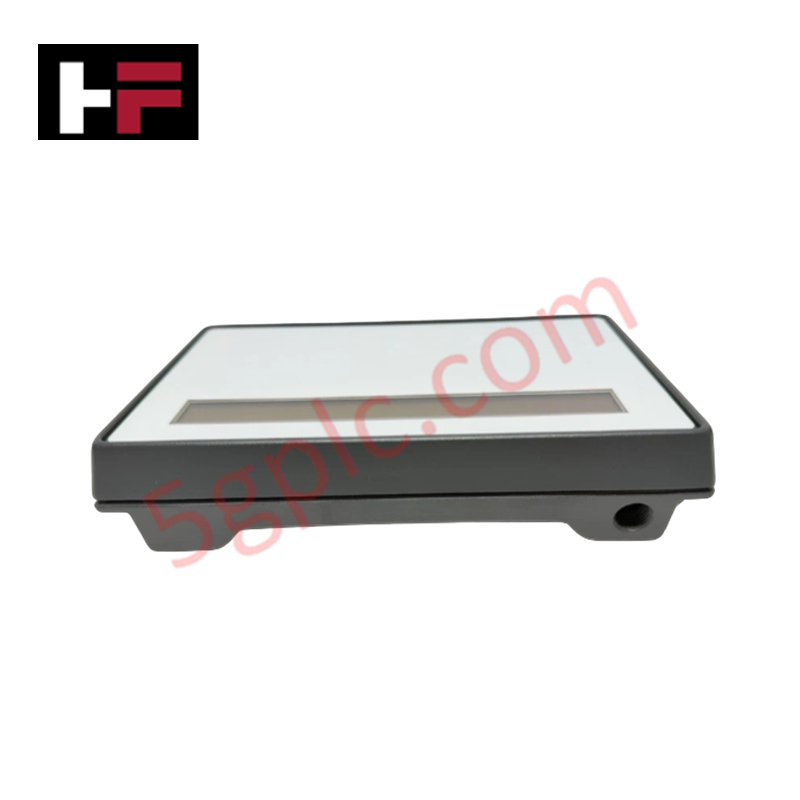
A: Electrical connection is established via a multi-pin wiring harness plugged directly into the dedicated connector port situated along one long edge of the display assembly.
Field Installation Guidelines
- Cut or verify the cutout dimensions on the switchgear cabinet door according to the Mark V panel mounting diagram.
- Insert the 323A2374P3 display assembly through the front panel cutout, ensuring the integrated bezel gasket sits flush against the metal door.
- Secure the module by tightening the panel mounting screws evenly around the enclosure frame.
- Route the multi-pin ribbon harness away from high-voltage AC lines and connect it securely to the display edge connector port.
- Connect an auxiliary cabinet earth ground strap to the metallic frame to prevent electrostatic discharge from interfering with the membrane keypad logic.
Additional Information
- 100% Genuine Parts: All products are original and authentic, ensuring reliable industrial performance.
- 30-Day Refund Guarantee: Return any in-stock item within 30 days in original, unopened packaging for a full refund (excluding shipping and fees).
- 12-Month Warranty: Covers defects in materials or workmanship; excludes misuse, normal wear, or unauthorized modifications.
- Worldwide Shipping: We ship via USPS, UPS, FedEx, and DHL. Delivery times vary by country and may be subject to customs or import fees.
- Support & Contact: Technical and warranty assistance is available anytime. Contact us here: Contact.
- Purchase Guidance: Check product specifications and compatibility carefully before ordering to ensure proper application.


Tech & Buying Guide

Demystifying CPU Communication Ports in Siemens PLC Architectures
Industrial automation relies heavily on robust data exchange between devices. Without seamless connectivity, field instruments, network switches, human-machine interfaces, and programmable logic controllers cannot coordinate effectively. Therefore, understanding the various CPU communication ports available in Siemens hardware ensures efficient factory automation design and seamless system integration.

Mastering the Siemens PLC Scan Cycle: How the CPU Executes Automation Programs
Industrial automation relies heavily on programmable logic controllers (PLCs) to manage complex manufacturing processes. Many engineers dive straight into programming without mastering the underlying architecture. However, understanding how a PLC CPU executes a program ensures reliable system design. Therefore, mastering the scan cycle optimizes both performance and troubleshooting in modern control systems.

How to Connect to Siemens S7 PLCs: 5 Essential Communication Methods
Establishing a reliable hardware link between a programming terminal and a Siemens SIMATIC controller is essential for engineering workflows. Field engineers rely on distinct physical layers, ranging from legacy serial connections to high-speed Industrial Ethernet protocols. Modern factory automation environments prioritize fast data transfer and seamless driver integration. Selecting the correct connection method simplifies program downloads, online monitoring, and system troubleshooting in complex control systems.