




Detalles del producto
Descripción del producto
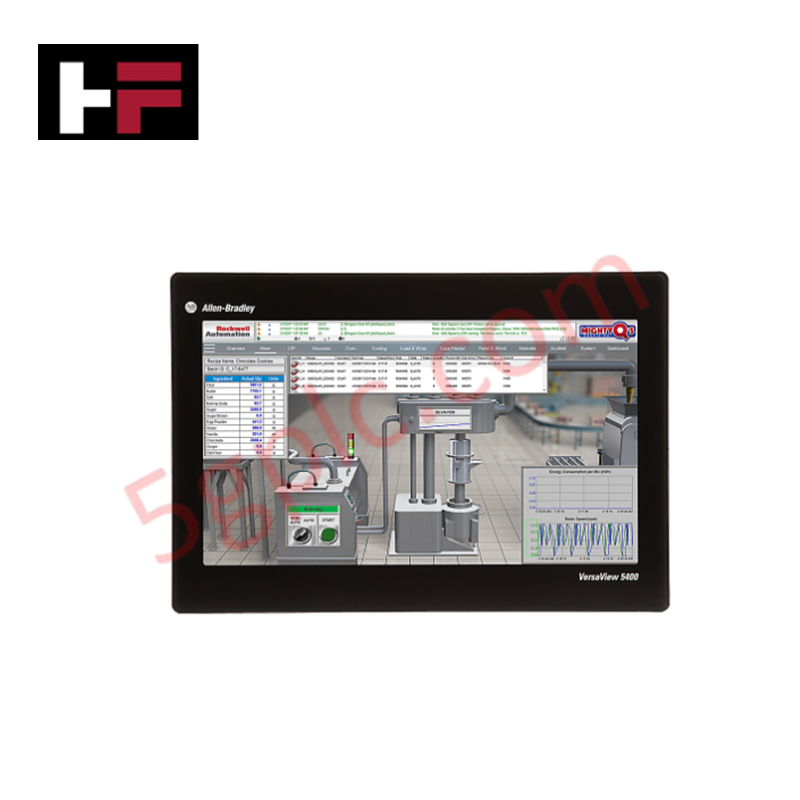
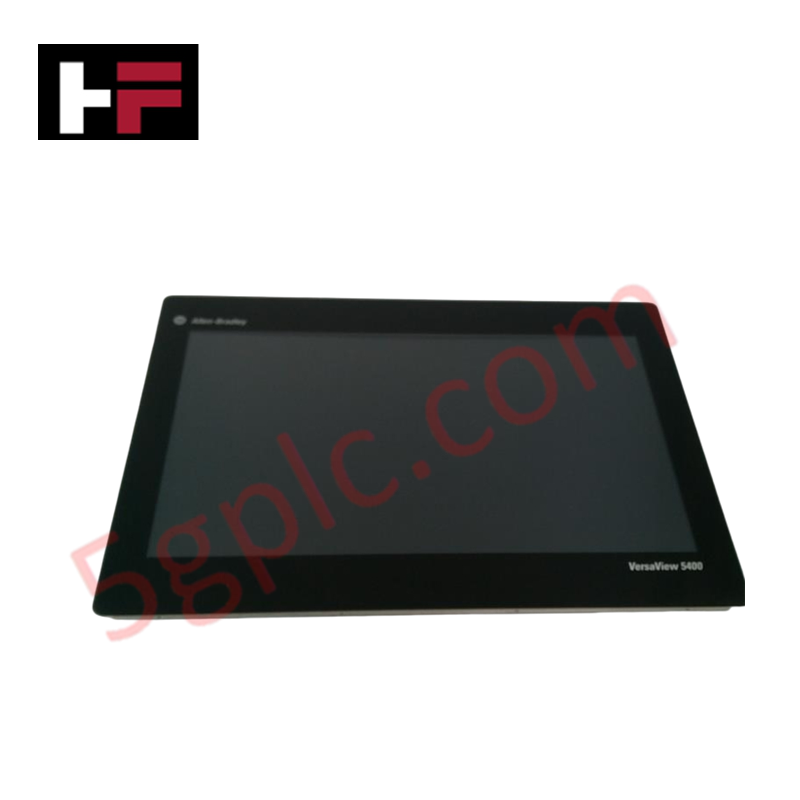
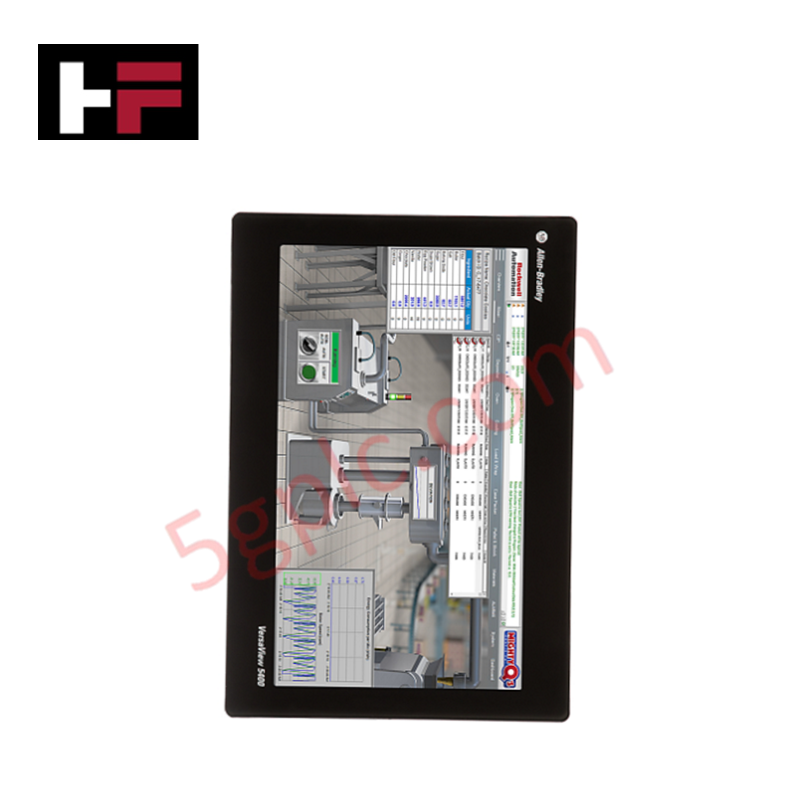
El Allen-Bradley 6200P-22WS3A1 funciona como una interfaz hombre-máquina (HMI) de alto rendimiento y plataforma de computación en el borde para entornos industriales modernos. Esta computadora industrial VersaView 6200P combina una pantalla ancha de 22.5 pulgadas con un chasis metálico robusto y sin ventilador. Ofrece una resolución Full HD nítida de 1920x1080 y cuenta con una pantalla multitáctil capacitiva proyectada para una interacción intuitiva del operador. La unidad funciona con alimentación de 24 VCC e incluye puertos Ethernet Gigabit dobles para integración de red de alta velocidad. Suministramos este artículo como una unidad 100% nueva, sellada de fábrica.
Desglose del número de parte
-
6200P: Identifica la serie de computadoras industriales VersaView 6200P.
-
22: Especifica el tamaño de pantalla ancha de 22.5 pulgadas.
-
W: Denota la relación de aspecto Widescreen.
-
S3: Indica la configuración de almacenamiento (SSD de 128 GB).
-
A1: Especifica la variante del procesador y sistema operativo.
Especificaciones técnicas
| Parámetro | Especificación |
|---|---|
| Fabricante | Allen-Bradley (Rockwell Automation) |
| Línea de productos | Computadoras VersaView 6200P |
| Tamaño de pantalla | 22.5 pulgadas (pantalla ancha) |
| Resolución de pantalla | 1920 x 1080 (Full HD) |
| Tipo de pantalla táctil | Multitáctil capacitivo proyectado |
| Almacenamiento | SSD de 128 GB |
| Conectividad de red | Ethernet Gigabit de doble puerto |
| Alimentación eléctrica | 24 VCC |
| Método de refrigeración | Sin ventilador |
| Método de montaje | Montaje en panel |
| Peso | 15.00 lbs (6.80 kg) |
Ventajas de ingeniería
Gestión térmica sin ventilador
El 6200P-22WS3A1 utiliza un diseño de refrigeración sin ventilador integrado en su robusto chasis metálico. Al eliminar los ventiladores internos, la unidad evita que el polvo, virutas metálicas y contaminantes en el aire sean aspirados hacia la electrónica. Esto reduce significativamente los requisitos de mantenimiento y extiende la vida útil operativa del equipo en entornos industriales sucios o agresivos.
Interfaz multitáctil intuitiva
La pantalla panorámica de 22,5 pulgadas cuenta con tecnología multitáctil capacitiva proyectada, similar a la de los smartphones y tabletas modernos. Los operadores pueden usar gestos naturales como pellizcar para hacer zoom y deslizar para navegar por pantallas SCADA complejas o instrucciones de trabajo digitales. La resolución de 1920x1080 ofrece un amplio espacio en pantalla para mostrar múltiples tendencias de procesos y alarmas simultáneamente sin desorden.
Instalación segura de montaje en panel
Este ordenador industrial está diseñado para montaje empotrado en panel. El robusto chasis metálico se asegura firmemente en un recorte de un gabinete de control o consola de máquina, creando una superficie frontal continua y protegida. Este método de montaje ahorra espacio valioso en el escritorio y protege la electrónica trasera mientras mantiene la gran pantalla fácilmente accesible para los operadores.
Preguntas frecuentes
P: ¿Qué tipo de pantalla táctil utiliza el 6200P-22WS3A1?
R: Cuenta con una pantalla táctil multitáctil capacitiva proyectada. Esta tecnología ofrece alta durabilidad, excelente claridad óptica y soporta gestos con varios dedos para una experiencia de usuario moderna.
P: ¿Este ordenador industrial requiere un ventilador interno para la refrigeración?
R: No. El 6200P-22WS3A1 es un dispositivo sin ventilador. Disipa el calor a través de su robusto chasis metálico, lo que garantiza un funcionamiento silencioso y evita la entrada de polvo y residuos.
P: ¿Cómo se monta el 6200P-22WS3A1?
R: La unidad está diseñada para montaje en panel. Se instala directamente en un recorte rectangular en un gabinete o consola, asegurándola firmemente en su lugar para un aspecto limpio e integrado.
P: ¿Cuáles son las capacidades de red de este PC VersaView?
R: Está equipado con dos puertos Ethernet Gigabit. Esto permite una transferencia de datos de alta velocidad y redundancia de red, o la capacidad de conectarse a dos segmentos de red separados simultáneamente (por ejemplo, red de máquinas y red informática de la planta).
P: ¿Cuál es el requisito de alimentación para esta unidad?
R: El ordenador industrial funciona con una fuente de alimentación industrial estándar de 24 VCC, lo que simplifica la integración en paneles de control existentes sin necesidad de transformadores de CA adicionales.
Información adicional
- 100% Piezas Originales: Todos los productos son originales y auténticos, garantizando un rendimiento industrial confiable.
- Garantía de Reembolso de 30 Días: Devuelva cualquier artículo en stock dentro de los 30 días en su embalaje original y sin abrir para un reembolso completo (excluyendo envío y tarifas).
- Garantía de 12 Meses: Cubre defectos en materiales o mano de obra; excluye mal uso, desgaste normal o modificaciones no autorizadas.
- Envío Mundial: Enviamos vía USPS, UPS, FedEx y DHL. Los tiempos de entrega varían según el país y pueden estar sujetos a aduanas o tarifas de importación.
- Soporte y Contacto: Asistencia técnica y de garantía disponible en cualquier momento. Contáctenos aquí: Contacto.
- Guía de Compra: Verifique cuidadosamente las especificaciones y compatibilidad del producto antes de ordenar para asegurar la aplicación correcta.


Guía de Tecnología y Compras
Por qué las fuentes de alimentación de 24V DC estandarizan la automatización industrial moderna
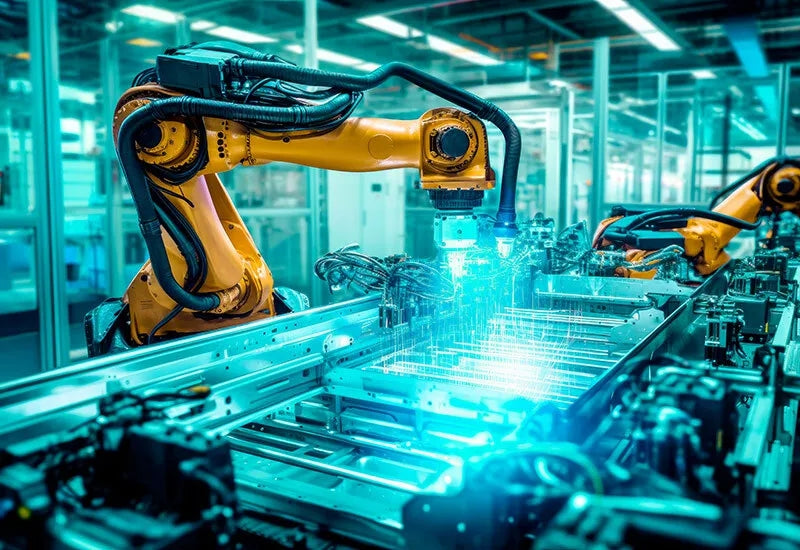
Los armarios de control industrial en todo el mundo dependen de 24V CC como el estándar universal de alimentación para instrumentación de campo, sensores y controladores. Entra en cualquier planta de fabricación y encontrarás PLCs, interfaces hombre-máquina (HMI) y actuadores inteligentes funcionando con corriente continua de muy bajo voltaje. Estandarizar en 24V CC mejora la seguridad operativa, reduce el espacio del armario y mantiene un rendimiento de control constante en las redes de la fábrica.

Comandos Esenciales de Control de Movimiento: Una Guía Práctica para Ingenieros
Los ingenieros de automatización a menudo dependen del control preciso de posición y velocidad para manejar la maquinaria moderna de las fábricas. Los sistemas industriales modernos, como los Controladores Lógicos Programables (PLC) y los Sistemas de Control Distribuido (DCS), dependen en gran medida de instrucciones de movimiento estandarizadas. Dominar estos comandos garantiza la seguridad operativa, protege los componentes mecánicos y optimiza los tiempos de ciclo en las líneas de producción.
Dominando los controles modernos de joystick industrial en la automatización pesada
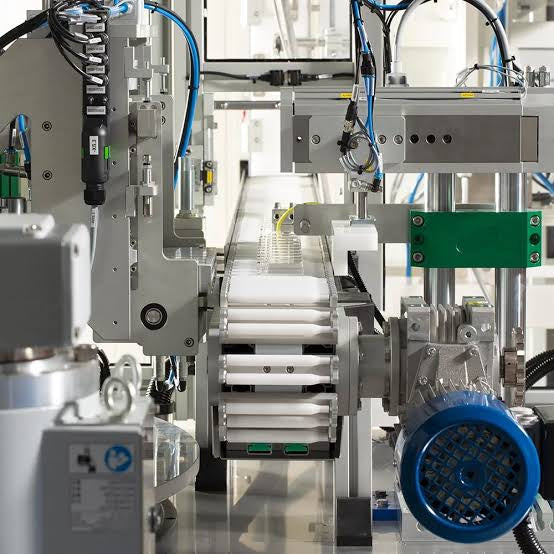
Los joysticks industriales desempeñan un papel fundamental en la interacción humano-máquina en el manejo de materiales pesados y la hidráulica móvil. Estos controladores táctiles traducen movimientos complejos del operador en señales eléctricas precisas para PLC, controladores de movimiento y redes DCS. Por lo tanto, seleccionar e instalar la arquitectura de joystick adecuada garantiza la seguridad del operador, reduce la fatiga y optimiza el rendimiento del equipo.