










Product Details
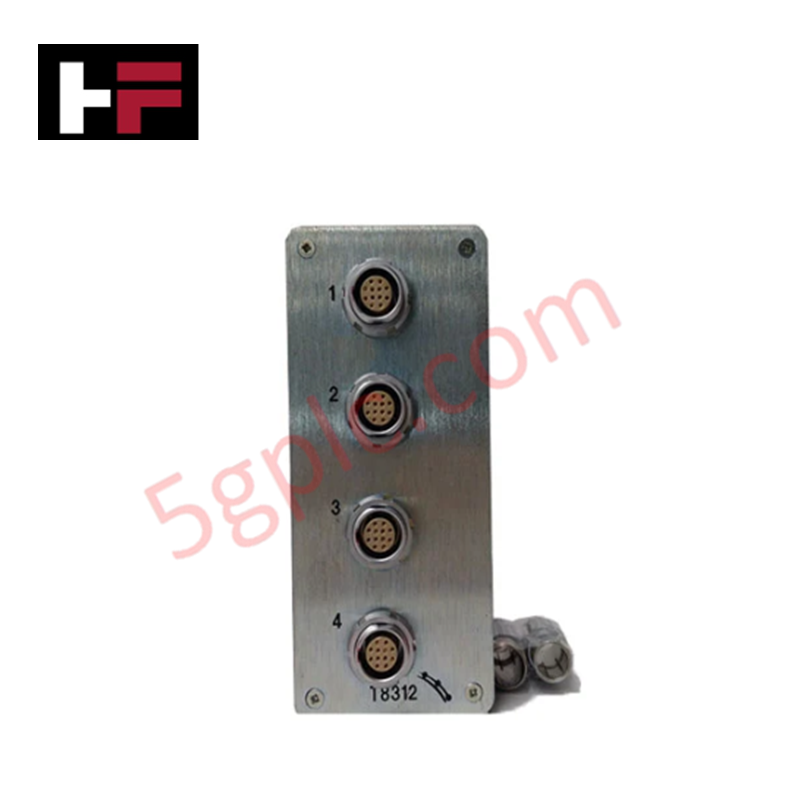
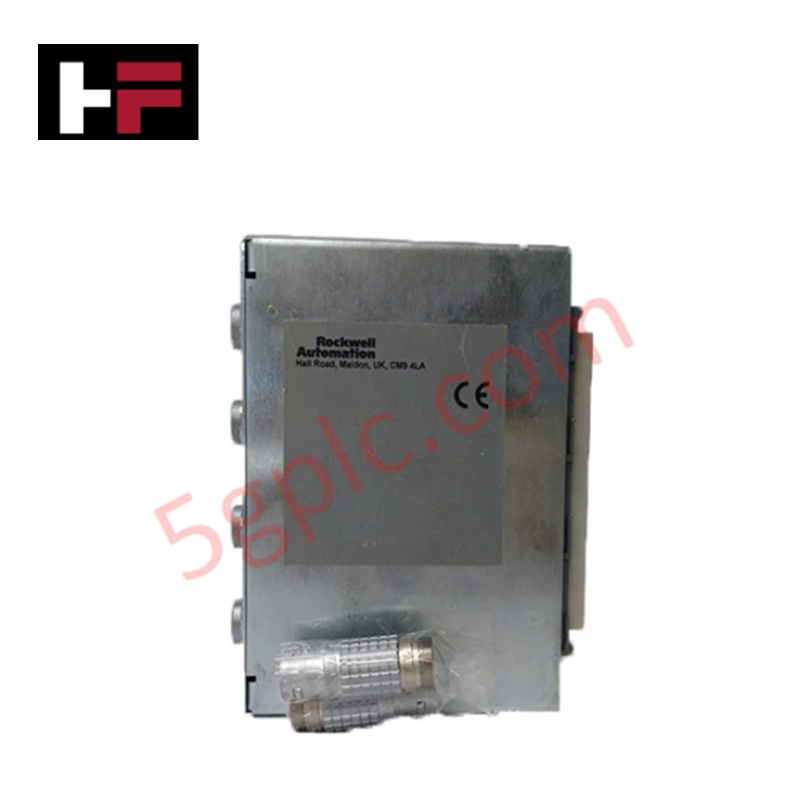
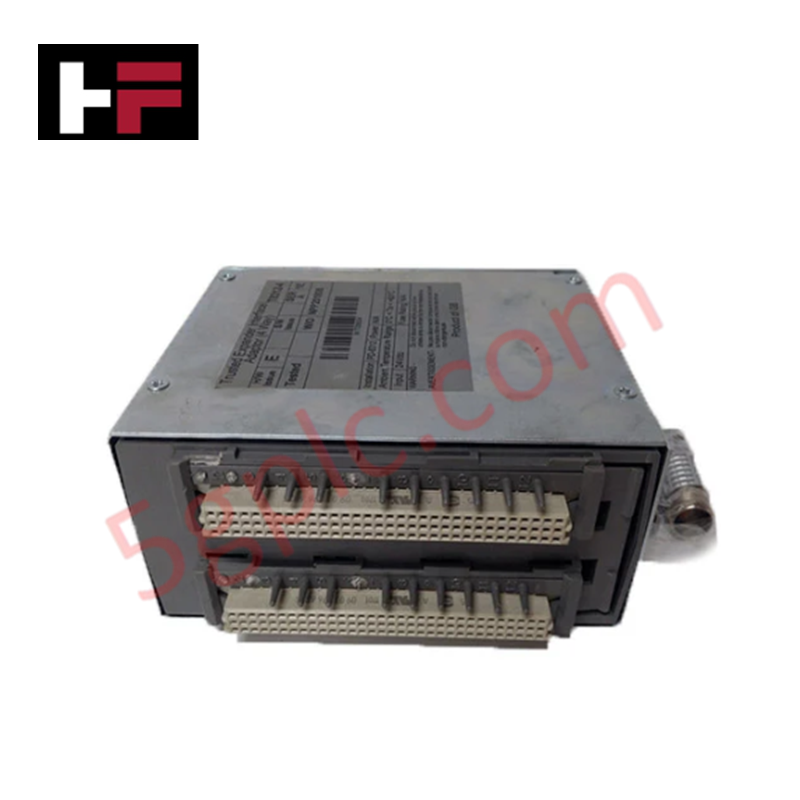
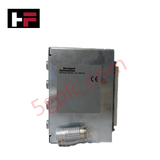
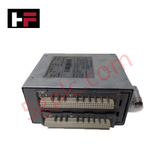
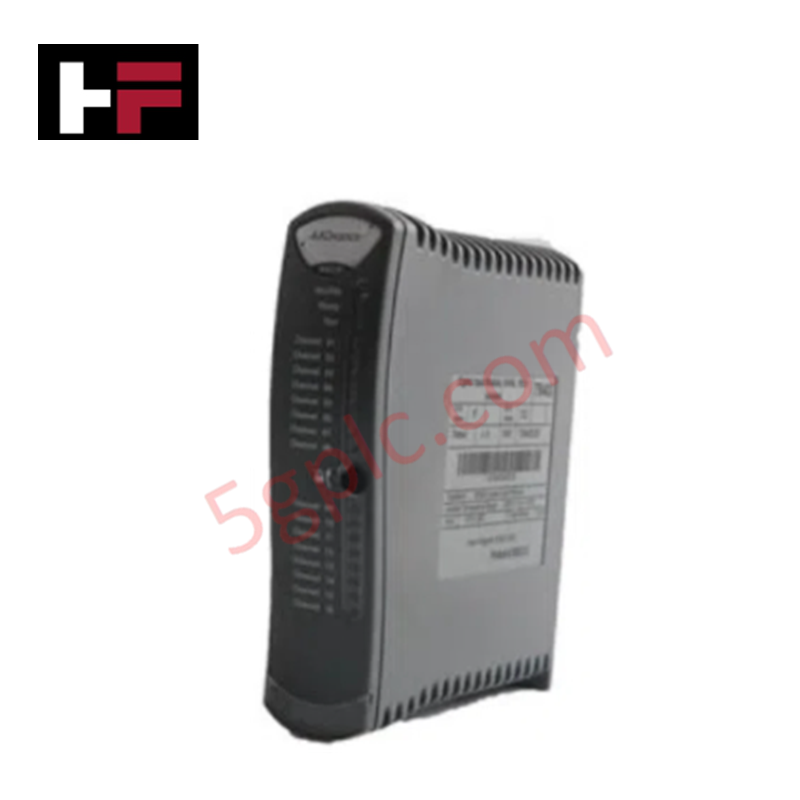
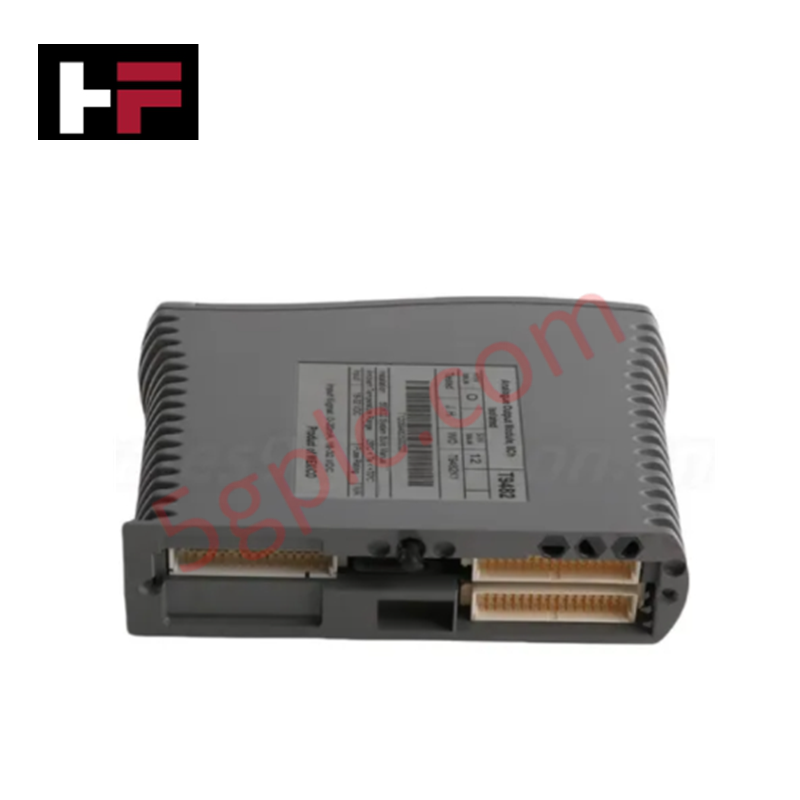
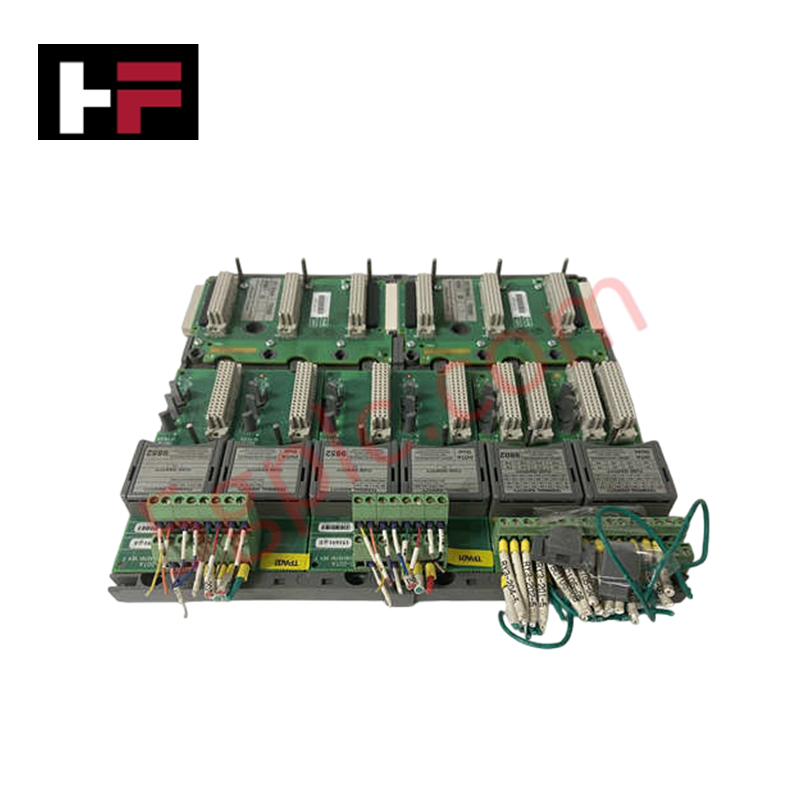
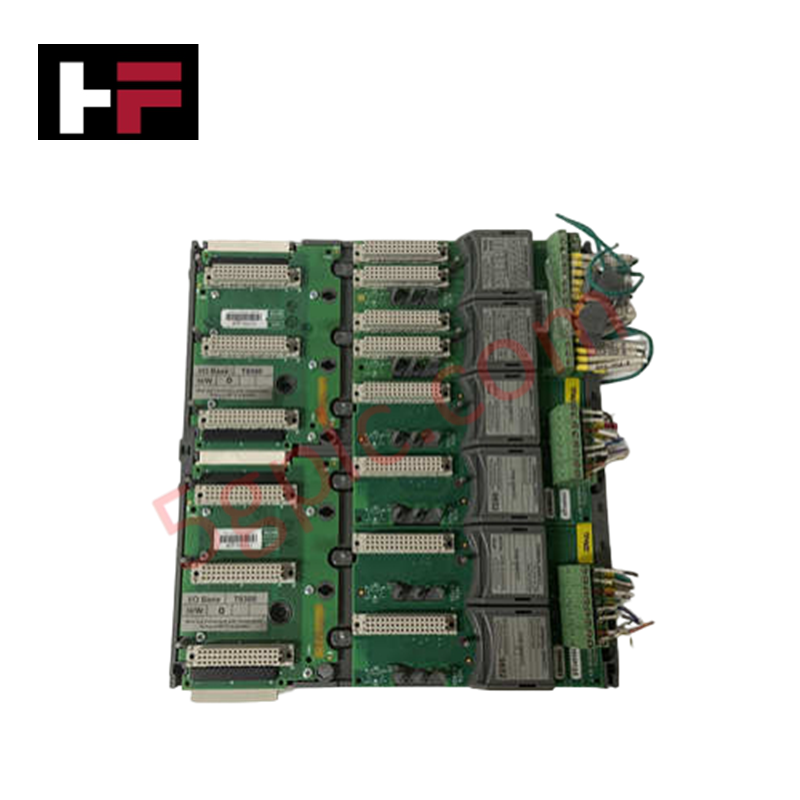
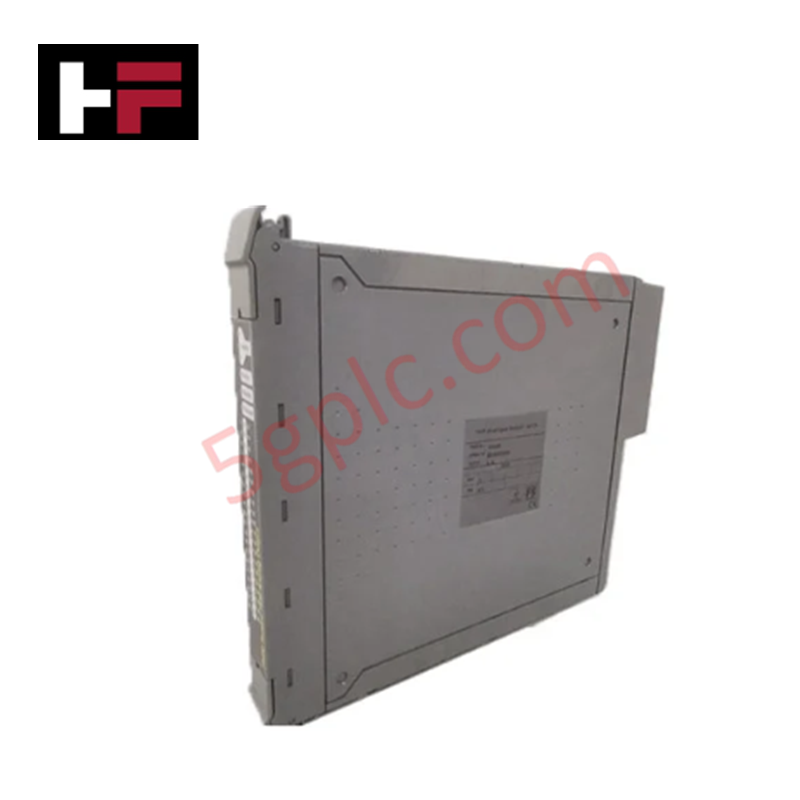
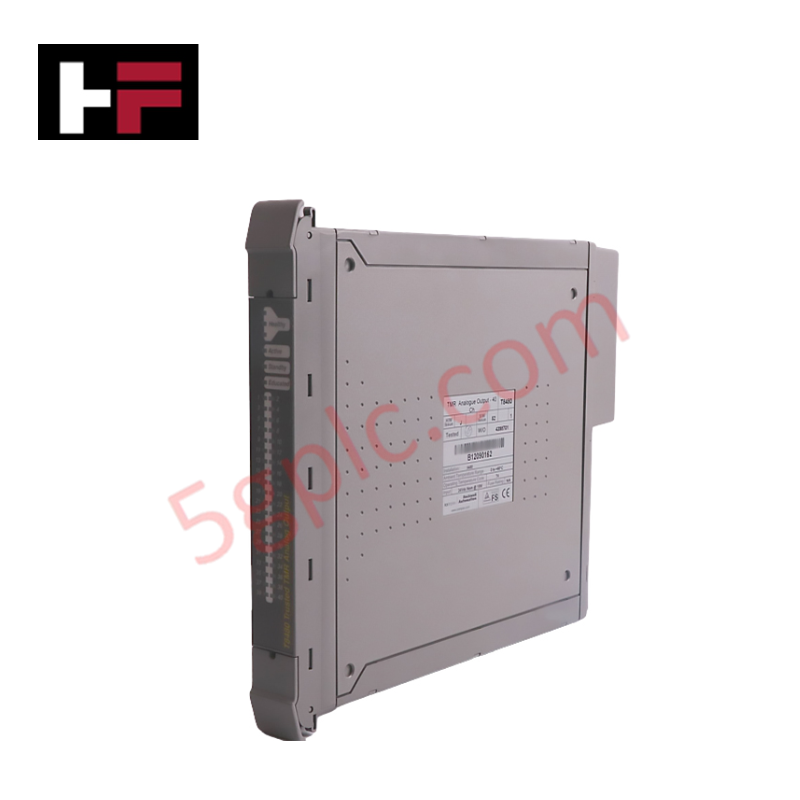
Configured for high-density I/O expansion in Trusted TMR control networks, the ICS Triplex T8312 (T8312 Expander Interface Adapter) provides direct physical and electrical execution. The module serves as a bridge between the controller chassis and remote expander chassis, managing the deterministic data link required for modular system scaling.
Suffix Breakdown & Model Matrix
| Model | Description |
|---|---|
| T8312/4 | Expander Interface Adapter, supports up to 4 chassis |
| T8312/7 | Expander Interface Adapter, supports up to 7 chassis |
Hardware Specifications
| Parameter | Specification |
|---|---|
| Model | T8312 |
| Brand | ICS Triplex |
| Weight | 0.65 kg |
| Operating Temp | Standard Industrial |
| Connectivity | Multi-chassis support (4 or 7 units) |
SIS Triple Modular Redundancy (TMR) Architecture
The T8312 integrates into the triple modular redundancy (TMR) 2oo3 architecture to ensure fail-safe state execution across expanded I/O segments. The module maintains synchronized communication paths, allowing the controller to perform voting on data received from remote chassis. Galvanic isolation is implemented at the bus interface level to prevent the propagation of backplane noise, ensuring that the physical link between the controller and the expander racks remains deterministic and immune to common-mode electrical disturbances.
Frequently Asked Questions
Q: How should the DIP switches be configured for multiple chassis expansion?
A: The controller chassis ID is set to #1. Expander chassis IDs are set via DIP switches from 2 to 8. For expansion beyond seven chassis, additional adapters must be configured with IDs 9 to 15, which are then mapped accordingly within the system software.
Q: Is the T8312 module hot-swappable while the system is operational?
A: The T8312 supports hot-swapping within the Trusted TMR backplane. Before removing or installing the module, ensure the system software is set to maintenance mode for the corresponding expander node to avoid triggering diagnostic fault logs or unintended system responses.
Field Installation Guidelines
- Ensure the chassis power is stable before seating the T8312 into the backplane connector.
- Configure the DIP switches for the correct chassis ID prior to module insertion to ensure proper addressing on the backplane bus.
- Secure the module using the front-panel captive screws to establish a robust ground connection to the chassis.
- Verify the integrity of the interconnection cabling between the controller chassis and the expander racks to prevent communication jitter.
- Perform a configuration audit via the engineering workstation to confirm that the software registry matches the physical DIP switch settings for the assigned chassis IDs.
Additional Information
- 100% Genuine Parts: All products are original and authentic, ensuring reliable industrial performance.
- 30-Day Refund Guarantee: Return any in-stock item within 30 days in original, unopened packaging for a full refund (excluding shipping and fees).
- 12-Month Warranty: Covers defects in materials or workmanship; excludes misuse, normal wear, or unauthorized modifications.
- Worldwide Shipping: We ship via USPS, UPS, FedEx, and DHL. Delivery times vary by country and may be subject to customs or import fees.
- Support & Contact: Technical and warranty assistance is available anytime. Contact us here: Contact.
- Purchase Guidance: Check product specifications and compatibility carefully before ordering to ensure proper application.
Tech & Buying Guide

Why Programmable Logic Controllers Drop into Stop Mode: An Expert Analysis
Industrial automation systems rely heavily on Programmable Logic Controllers (PLCs) to maintain uninterrupted production. When a PLC unexpectedly shifts from Run to Stop mode, whole manufacturing lines stall.
As control systems evolve across modern factory automation, understanding the root causes of these interruptions helps engineers minimize costly downtime. This technical guide breaks down why PLCs trip into Stop mode and provides practical strategies to mitigate system faults.

Understanding Root Causes of Unplanned PLC Stop Mode in Industrial Automation
Modern Programmable Logic Controllers manage execution through distinct operational states: Run, Stop, Start-Up, and Hold. During power-up, a controller initializes memory registers within Stop mode before briefly transitioning to Start-Up mode. During this phase, internal self-diagnostics evaluate system integrity across hardware and user programs. If the controller detects no critical faults, it enters Run mode to execute the control program continuously. However, any severe system anomaly forces the CPU back into Stop mode immediately to prevent erratic machine behavior across the plant floor.

Human-Machine Interface Design: Essential Guide to HMI Selection, Visualization, and Control System Integration
Human-Machine Interfaces (HMIs) serve as the primary operational window into complex industrial automation systems. Modern HMIs convert raw machine data into clear graphical displays, enabling operators to oversee entire manufacturing processes in real time. Instead of relying on physical control panels full of hardwired switches, engineers program interactive screens using intuitive graphics, dynamic color coding, and responsive touch interfaces. Over my 15 years in control systems engineering, I have observed HMIs transform from basic display screens into sophisticated command centers that drive operational efficiency across DCS and PLC environments.