




Product Details
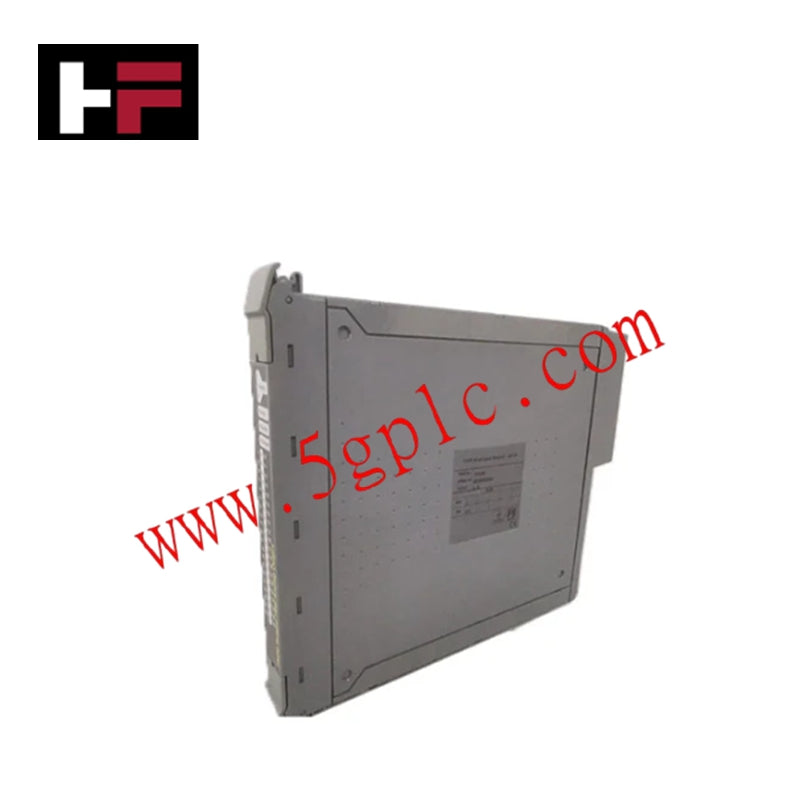
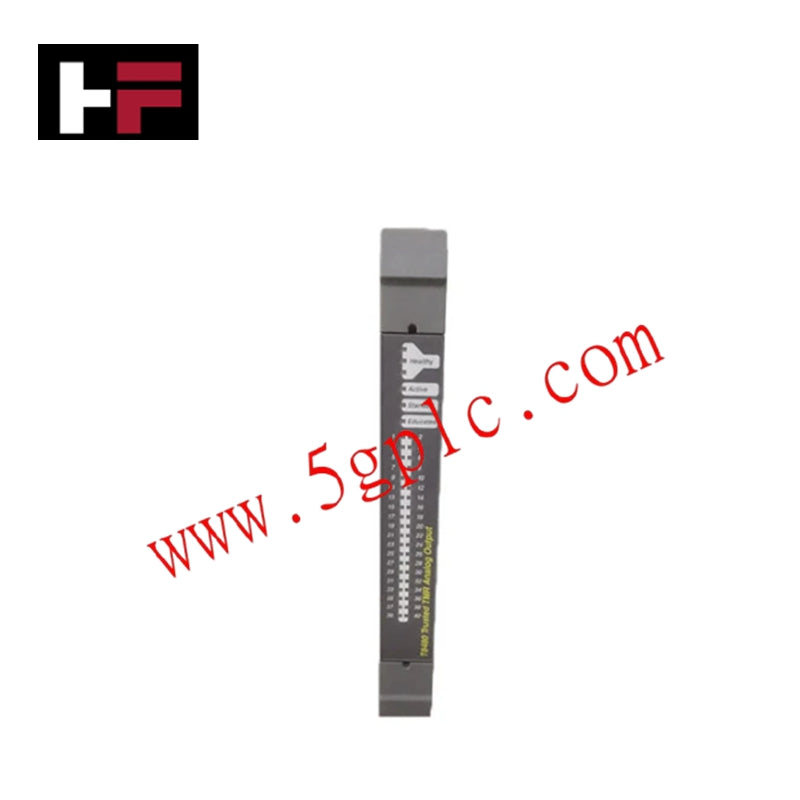
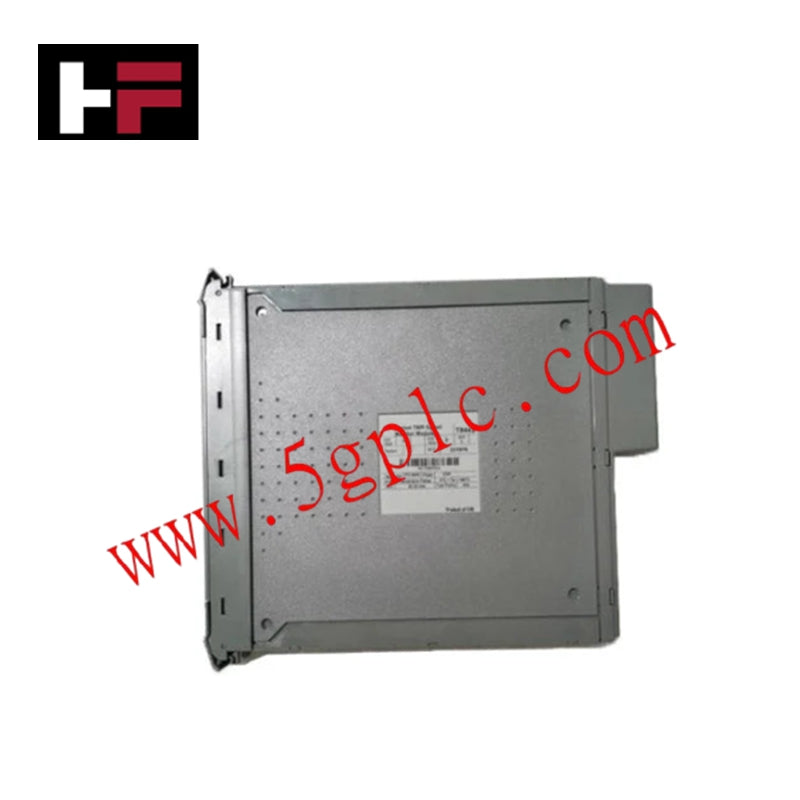
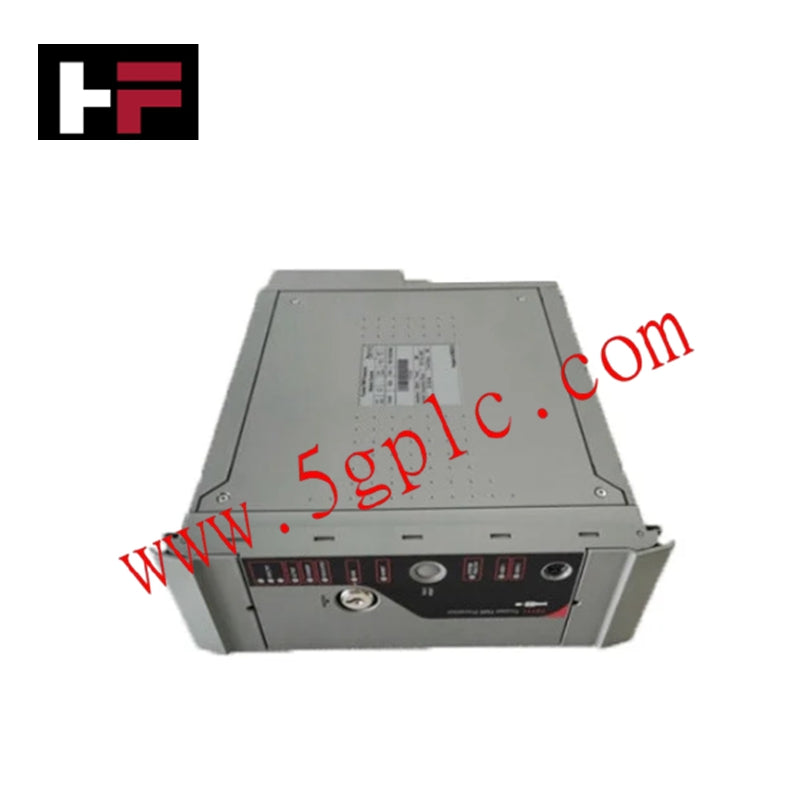
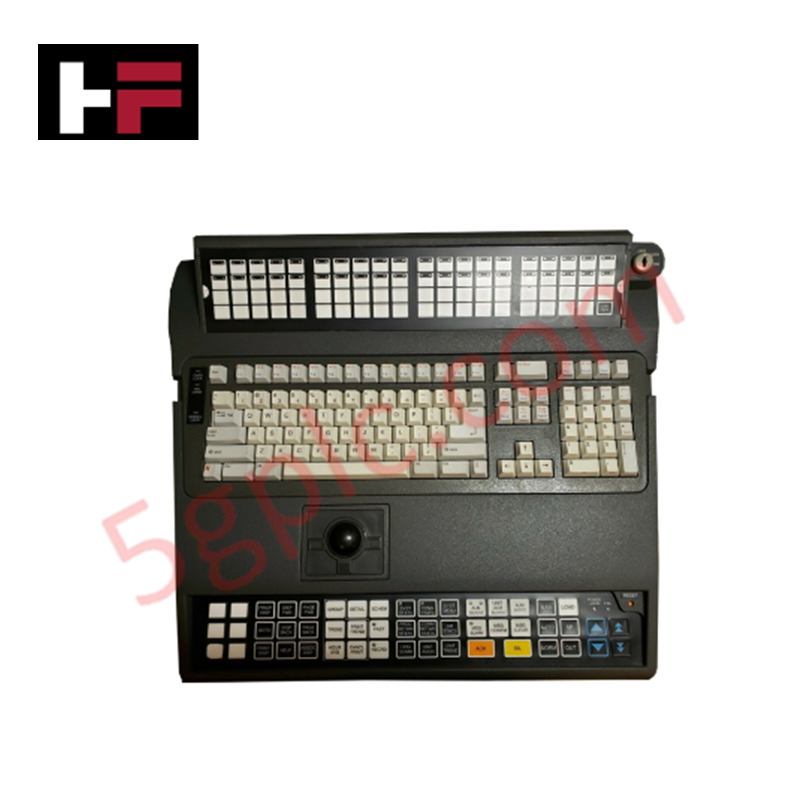
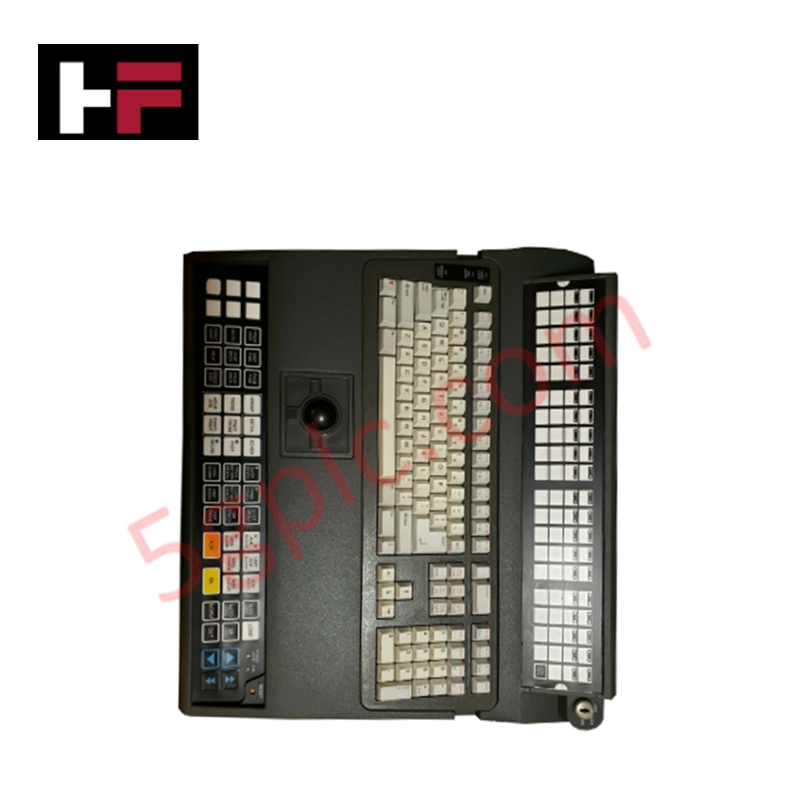
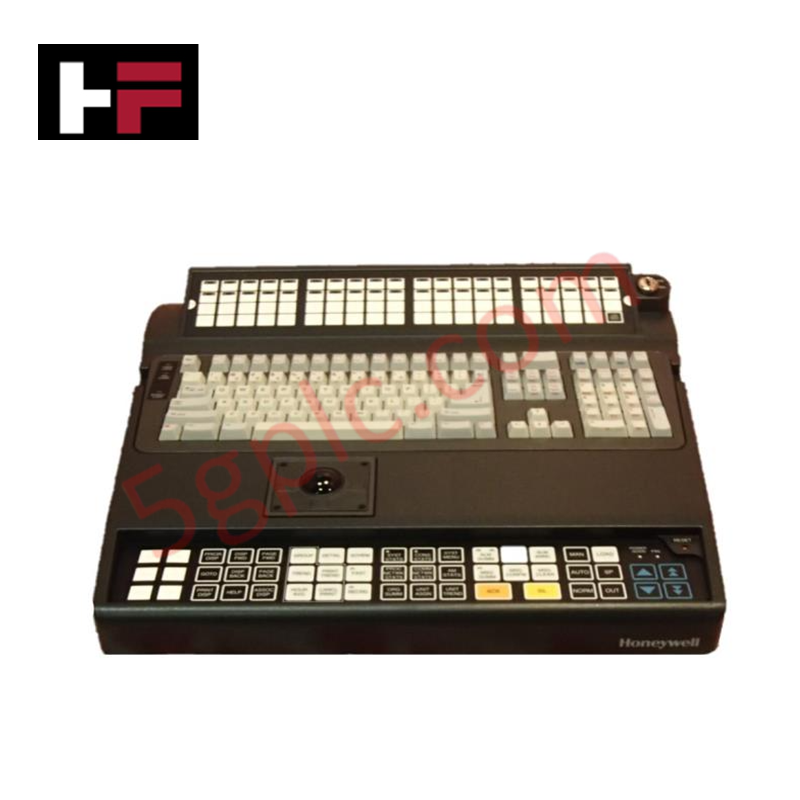
The Honeywell TP-DIKBTA-100, also cataloged as the 51196694-300 HMI/MMI input device, operates as a dedicated hardware component for operator interface control within DCS platform environments. This keyboard module integrates a physical trackball to execute cursor positioning and data entry tasks, facilitating direct operator interaction with the host process control system.
Hardware Specifications
| Parameter | Specification |
|---|---|
| Model | TP-DIKBTA-100 |
| Brand | Honeywell |
| Weight | 15.00 lbs |
| Dimensions | Standard IKB console footprint |
| Operating Temp | Consult system technical documentation |
| Power Consumption | Dependent on host USB/PS2 interface |
| Function | HMI input / Trackball control |
4-20 mA HART Loop Protocol Integration
While this HMI component functions primarily as a human-interface peripheral, it is designed for seamless operation within control rooms utilizing the 4-20 mA HART loop protocol architecture. The integration of high-precision trackball pointing ensures that operators can manage HART-enabled device parameters, such as tag configuration and diagnostic monitoring, without excessive latency. This hardware interface maintains signal integrity for operator-initiated commands, ensuring that user inputs to the DCS station translate accurately to field-level device configuration changes across the instrument network.
Frequently Asked Questions
Q: Is this keyboard unit compatible with standard USB or PS/2 port connections?
A: The TP-DIKBTA-100 is designed for specific integration with Honeywell IKB console interfaces. Verify the port type (USB or legacy PS/2) on your existing operator station console before installation to ensure electrical and protocol compatibility.
Q: Can the integrated trackball be cleaned or disassembled for maintenance?
A: The trackball assembly is designed for field-level cleaning of the ball and optical sensor housing. Do not use chemical solvents that may degrade the polycarbonate surfaces or the optical tracking lens.
Field Installation Guidelines
- Physical Mounting: Secure the keyboard to the operator console surface using the provided mounting points to prevent movement during high-frequency usage.
- Cable Management: Ensure the interface cable is routed through designated cable management pathways. Avoid tight radius bends or pinching of the cable against sharp metallic surfaces to prevent internal wire breakage.
- Environment Protection: Ensure the operator station is located in a controlled environment to minimize the ingress of conductive dust or high-humidity air that may affect the keyboard’s internal contact membrane.
- Initial Commissioning: Upon installation, verify the HID (Human Interface Device) drivers are recognized by the operator station OS. Test trackball tracking sensitivity and button response cycles to confirm proper peripheral handshaking.
Additional Information
- 100% Genuine Parts: All products are original and authentic, ensuring reliable industrial performance.
- 30-Day Refund Guarantee: Return any in-stock item within 30 days in original, unopened packaging for a full refund (excluding shipping and fees).
- 12-Month Warranty: Covers defects in materials or workmanship; excludes misuse, normal wear, or unauthorized modifications.
- Worldwide Shipping: We ship via USPS, UPS, FedEx, and DHL. Delivery times vary by country and may be subject to customs or import fees.
- Support & Contact: Technical and warranty assistance is available anytime. Contact us here: Contact.
- Purchase Guidance: Check product specifications and compatibility carefully before ordering to ensure proper application.
Tech & Buying Guide

Why 24V DC Power Supplies Standardize Modern Industrial Automation
Industrial control cabinets worldwide rely on 24V DC as the universal power standard for field instrumentation, sensors, and controllers. Walk into any manufacturing plant, and you will find PLCs, human-machine interfaces (HMIs), and smart actuators running on extra-low voltage DC. Standardizing on 24V DC enhances operational safety, lowers cabinet footprint, and maintains steady control performance across factory networks.

Essential Motion Control Commands: A Practical Guide for Engineers
Automation engineers often rely on precise position and speed control to drive modern factory machinery. Modern industrial systems, such as Programmable Logic Controllers (PLCs) and Distributed Control Systems (DCS), depend heavily on standardized motion instructions. Mastering these commands ensures operational safety, protects mechanical components, and optimizes cycle times across production lines.
Mastering Modern Industrial Joystick Controls in Heavy Automation
Industrial joysticks play a pivotal role in human-machine interaction across heavy material handling and mobile hydraulics. These tactile controllers translate complex operator movements into precise electrical signals for PLCs, motion controllers, and DCS networks. Consequently, selecting and installing the right joystick architecture ensures operator safety, reduces fatigue, and optimizes equipment performance.