Product Details
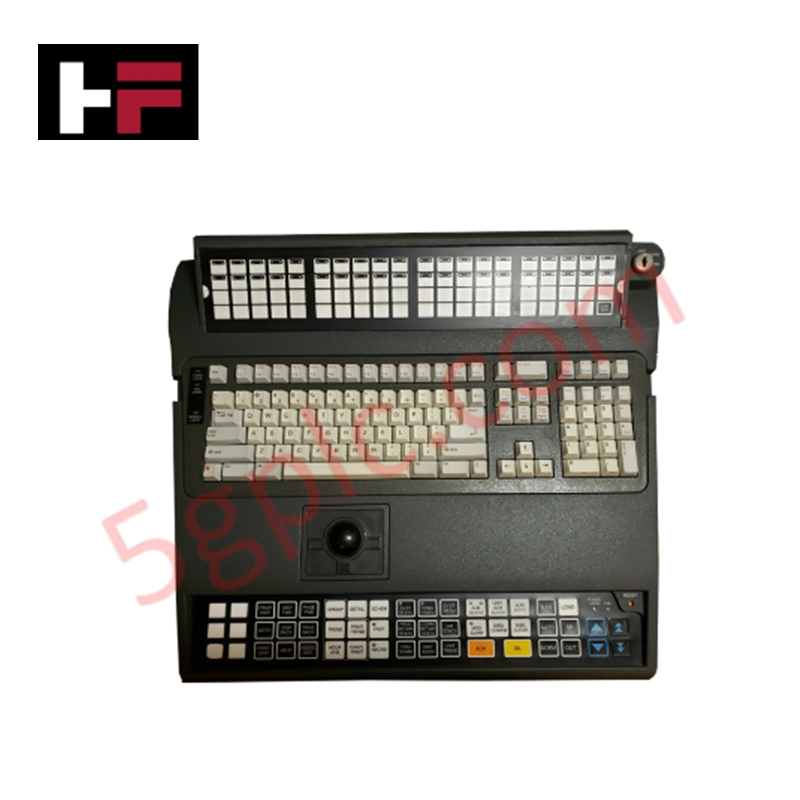
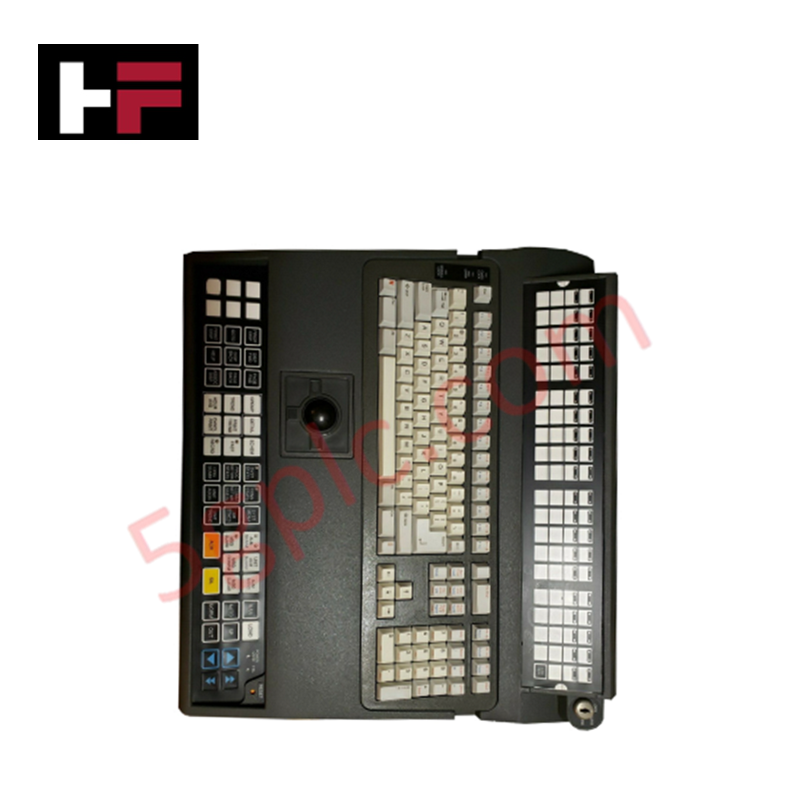
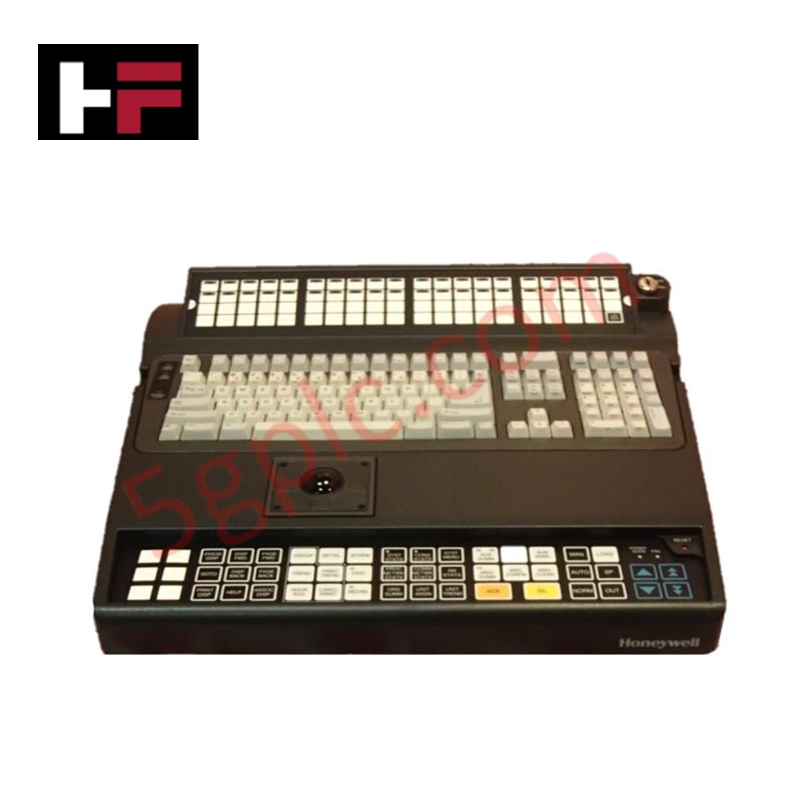
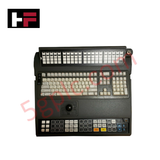
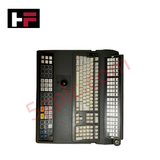
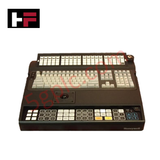
Configured for graphical user interface interaction in workstation consoles, the Honeywell 51196694-310 (51196694-310) industrial keyboard provides direct physical execution of operator input commands. The unit features an integrated optical trackball for cursor positioning and a QWERTY layout, facilitating interaction with Honeywell Graphic User System (GUS) platforms through serial or USB interface protocols.
Hardware Specifications
| Parameter | Specification |
|---|---|
| Model | 51196694-310 |
| Brand | Honeywell |
| Dimensions | Standard industrial console form factor |
| Operating Temp | Consult operator station manual |
| Power Consumption | Dependent on host interface (Serial/USB) |
| Interface | Serial or USB |
Cold Junction Compensation (CJC) and Peripheral Connectivity
The 51196694-310 keyboard is designed to maintain signal integrity within Honeywell GUS workstation environments. As an operator interface device, the keyboard must interface with the host workstation according to defined electrical protocols to ensure that key-press data and cursor coordinates are transmitted without signal corruption. While the keyboard primarily manages user input, the host workstation processor it interfaces with is often concurrently executing critical background tasks, such as monitoring cold junction compensation (CJC) references for field instrumentation loops. Ensuring a clean physical connection between the keyboard and the GUS console is mandatory to prevent electromagnetic noise from impacting the broader workstation communication bus or the processing of auxiliary process data.
Frequently Asked Questions
Q: Does the trackball require periodic calibration?
A: The optical trackball is designed for maintenance-free operation. However, accumulation of dust or debris on the optical sensor lens may degrade tracking precision. Clean the trackball cavity periodically using compressed air to maintain optimal cursor control.
Q: Is the keyboard interface (Serial vs USB) configurable by the user?
A: The interface is hardware-dependent based on the specific version of the 51196694-310 assembly. Consult the workstation hardware connection diagram to ensure the appropriate interface cable is utilized for the workstation port.
Field Installation Guidelines
- Interface Termination: Connect the keyboard to the workstation port specified by the console wiring schematic. If using a serial connection, ensure the baud rate and parity settings match the workstation port configuration.
- Ergonomic Positioning: Place the keyboard on a level, stable surface to reduce mechanical strain on the cable and connectors. Use the integrated adjustable feet if necessary to achieve the desired typing angle.
- Grounding Compliance: Bond the workstation chassis to the cabinet earth ground. Proper grounding is required to prevent electrostatic discharge (ESD) from damaging the internal keyboard controller board during operation.
- Cable Strain Relief: Ensure the interface cable has sufficient slack to prevent stress on the internal solder joints of the connector during routine console maintenance or sliding keyboard tray deployment.
Additional Information
- 100% Genuine Parts: All products are original and authentic, ensuring reliable industrial performance.
- 30-Day Refund Guarantee: Return any in-stock item within 30 days in original, unopened packaging for a full refund (excluding shipping and fees).
- 12-Month Warranty: Covers defects in materials or workmanship; excludes misuse, normal wear, or unauthorized modifications.
- Worldwide Shipping: We ship via USPS, UPS, FedEx, and DHL. Delivery times vary by country and may be subject to customs or import fees.
- Support & Contact: Technical and warranty assistance is available anytime. Contact us here: Contact.
- Purchase Guidance: Check product specifications and compatibility carefully before ordering to ensure proper application.



Tech & Buying Guide
Demystifying the 5 Levels of Industrial Automation Architecture
Modern manufacturing relies on structured communication hierarchy to bridge physical shop-floor hardware with enterprise management software. This framework, commonly known as the Automation Pyramid, establishes how data flows between field devices, logic controllers, and corporate IT networks. Understanding these five distinct levels helps engineers and plant managers optimize system operations, reduce downtime, and implement seamless factory automation solutions.

Transforming Shop Floor Data into Actionable Insights: A Deep Dive into MES
Manufacturing Execution Systems serve as the digital backbone of modern factory floors. Positioned at Level 3 of the ISA-95 automation pyramid, MES links enterprise resource planning with real-time shop floor control systems. Today, industrial operators rely on MES software to bridge operational strategy with physical production execution.