










Product Details
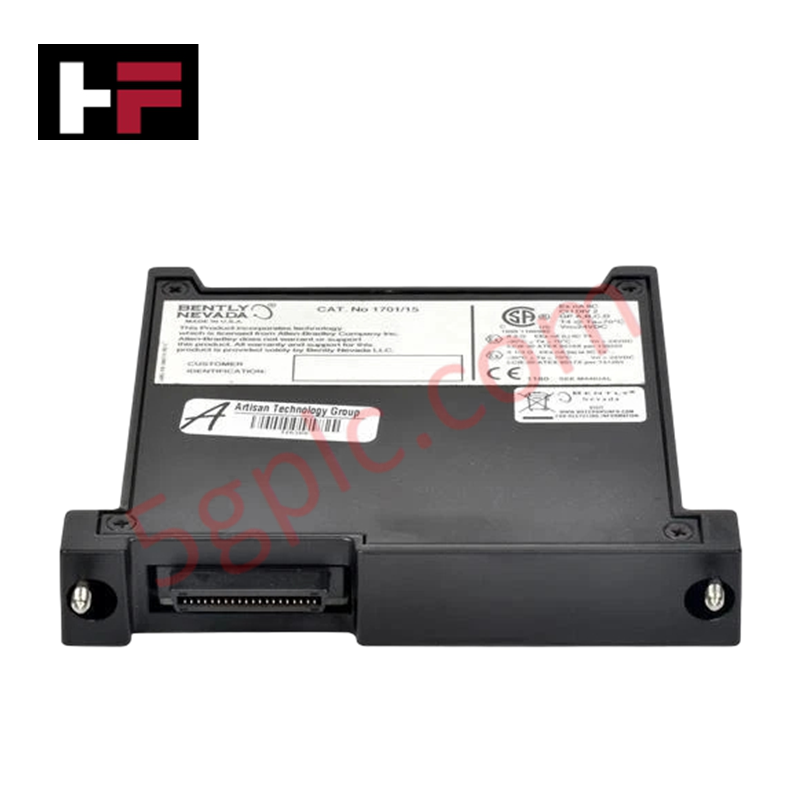
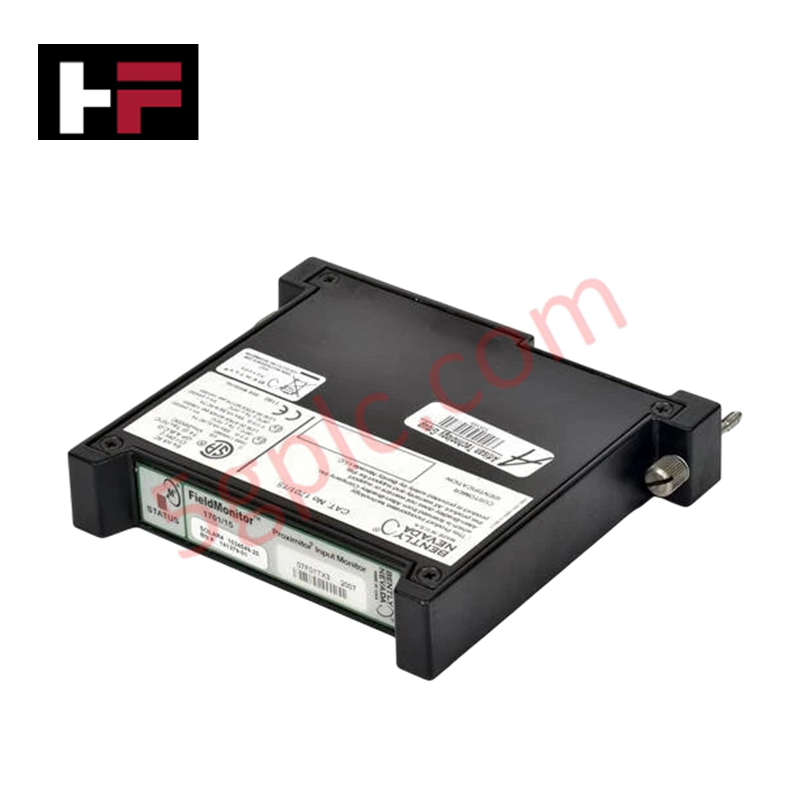
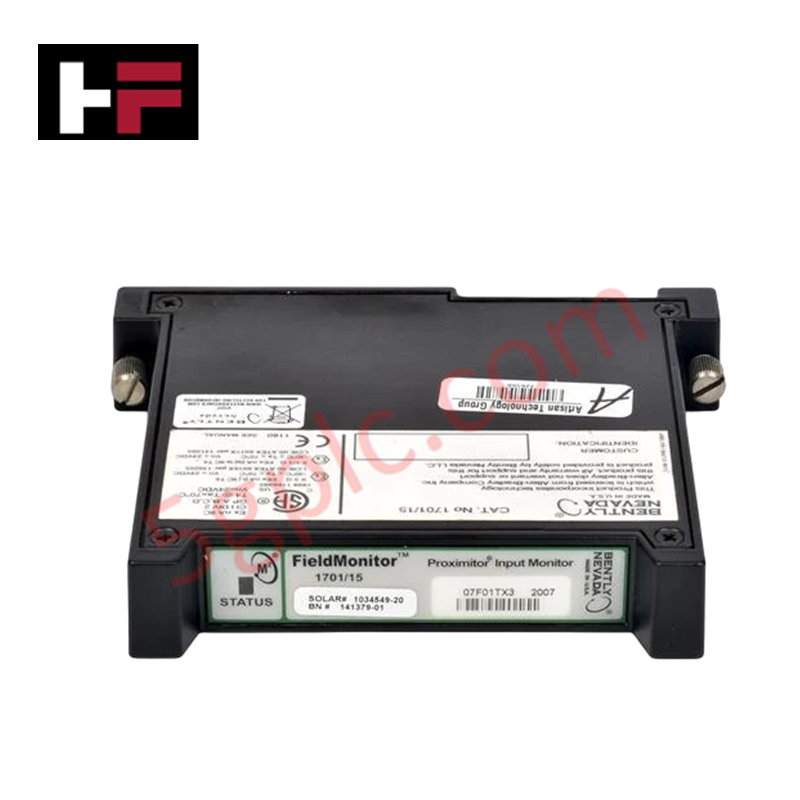
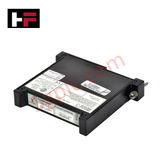
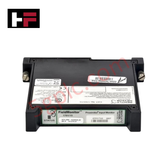
The Bently Nevada 1701/15, also cataloged as the 1701/15 FieldMonitor Proximitor Input Monitor, operates as a dedicated hardware component for 2-channel radial vibration and thrust position conditioning within Bently Nevada FieldMonitor systems. It accepts raw signals from eddy current proximity probes, processes them into engineering units, and evaluates measured values against programmable alarm setpoints.
Hardware Specifications
| Parameter | Specification |
|---|---|
| Model | 1701/15 (Part Numbers: 1034549-20, 141379-01) |
| Brand | Bently Nevada |
| Origin | USA |
| Weight | 0.82 kg |
| Dimensions | 241.3 mm x 24.4 mm x 241.8 mm |
| Operating Temp | Standard industrial field operating limits |
| Power Consumption | 100 mA @ 24 VDC |
| Input Channels | 2 proximity probe channels |
| Signal Input | Proximity transducer signals (via internal/external Proximitor module) |
| System Compatibility | Bently Nevada FieldMonitor System |
| Diagnostics | Embedded self-tests with NOT OK status annunciation |
Eddy-Current Probe Scaling and Gap Voltage Validation
The Bently Nevada 1701/15 executes precise eddy-current probe scaling to ensure accurate measurement across radial vibration and axial thrust channels. Proper transducer integration depends on gap voltage validation (-10 VDC targets for nominal center bias) performed at the input terminals before alarm thresholds are configured. Correct voltage setting guarantees optimum dynamic linear response across rotor dynamics tracking cycles, eliminating signal saturation and ensuring high cross-talk suppression between adjacent monitoring channels.
Frequently Asked Questions
Q: How does the internal self-test routine report fault conditions on the 1701/15 module?
A: Embedded diagnostic self-tests continuously check the internal circuit integrity and connected transducer loops, asserting a NOT OK status output when open circuits, short circuits, or hardware failures are detected.
Q: What power input parameters are required to drive the 1701/15 Proximitor Input Monitor?
A: The module operates from a nominal regulated supply voltage of 24 VDC while drawing a typical operational current of 100 mA.
Q: Can both channels be configured independently for different measurement tasks?
A: Yes, the 2-channel architecture allows user-programmable configuration for processing either dynamic radial vibration signals or axial thrust displacement inputs simultaneously.
Field Installation Guidelines
- Mount the 1701/15 module into its designated slot within the FieldMonitor enclosure, ensuring proper alignment with the backplane connectors before fully seating.
- Route incoming proximity probe field wiring using twisted-shielded cable pairs, keeping signal runs separated from high-voltage AC lines.
- Perform gap voltage validation on all connected eddy current probes to verify the static bias voltage matches factory specifications (-10 VDC target area) prior to machine startup.
- Connect cable shields to the designated system instrumentation earth ground at the cabinet entry point to prevent ground loops.
Additional Information
- 100% Genuine Parts: All products are original and authentic, ensuring reliable industrial performance.
- 30-Day Refund Guarantee: Return any in-stock item within 30 days in original, unopened packaging for a full refund (excluding shipping and fees).
- 12-Month Warranty: Covers defects in materials or workmanship; excludes misuse, normal wear, or unauthorized modifications.
- Worldwide Shipping: We ship via USPS, UPS, FedEx, and DHL. Delivery times vary by country and may be subject to customs or import fees.
- Support & Contact: Technical and warranty assistance is available anytime. Contact us here: Contact.
- Purchase Guidance: Check product specifications and compatibility carefully before ordering to ensure proper application.


Tech & Buying Guide

Why Programmable Logic Controllers Drop into Stop Mode: An Expert Analysis
Industrial automation systems rely heavily on Programmable Logic Controllers (PLCs) to maintain uninterrupted production. When a PLC unexpectedly shifts from Run to Stop mode, whole manufacturing lines stall.
As control systems evolve across modern factory automation, understanding the root causes of these interruptions helps engineers minimize costly downtime. This technical guide breaks down why PLCs trip into Stop mode and provides practical strategies to mitigate system faults.

Understanding Root Causes of Unplanned PLC Stop Mode in Industrial Automation
Modern Programmable Logic Controllers manage execution through distinct operational states: Run, Stop, Start-Up, and Hold. During power-up, a controller initializes memory registers within Stop mode before briefly transitioning to Start-Up mode. During this phase, internal self-diagnostics evaluate system integrity across hardware and user programs. If the controller detects no critical faults, it enters Run mode to execute the control program continuously. However, any severe system anomaly forces the CPU back into Stop mode immediately to prevent erratic machine behavior across the plant floor.

Human-Machine Interface Design: Essential Guide to HMI Selection, Visualization, and Control System Integration
Human-Machine Interfaces (HMIs) serve as the primary operational window into complex industrial automation systems. Modern HMIs convert raw machine data into clear graphical displays, enabling operators to oversee entire manufacturing processes in real time. Instead of relying on physical control panels full of hardwired switches, engineers program interactive screens using intuitive graphics, dynamic color coding, and responsive touch interfaces. Over my 15 years in control systems engineering, I have observed HMIs transform from basic display screens into sophisticated command centers that drive operational efficiency across DCS and PLC environments.