










Product Details
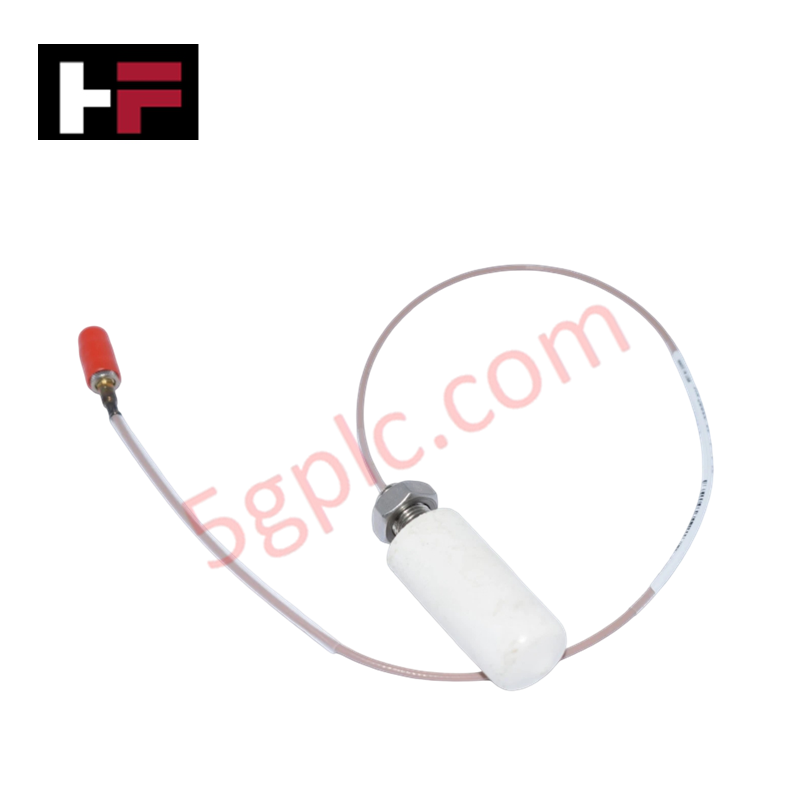
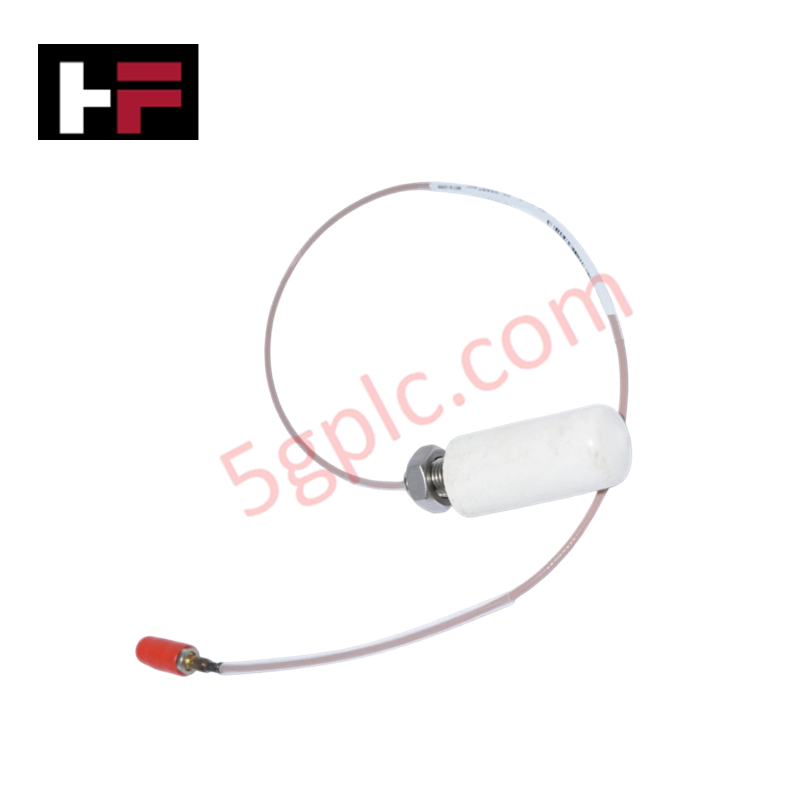
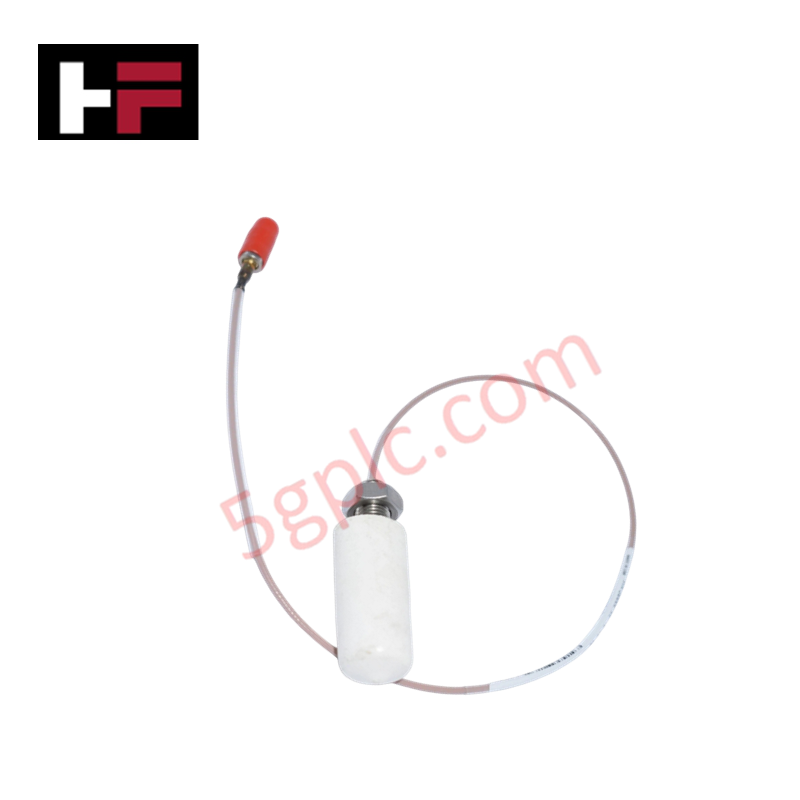
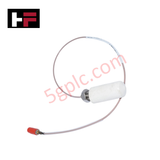
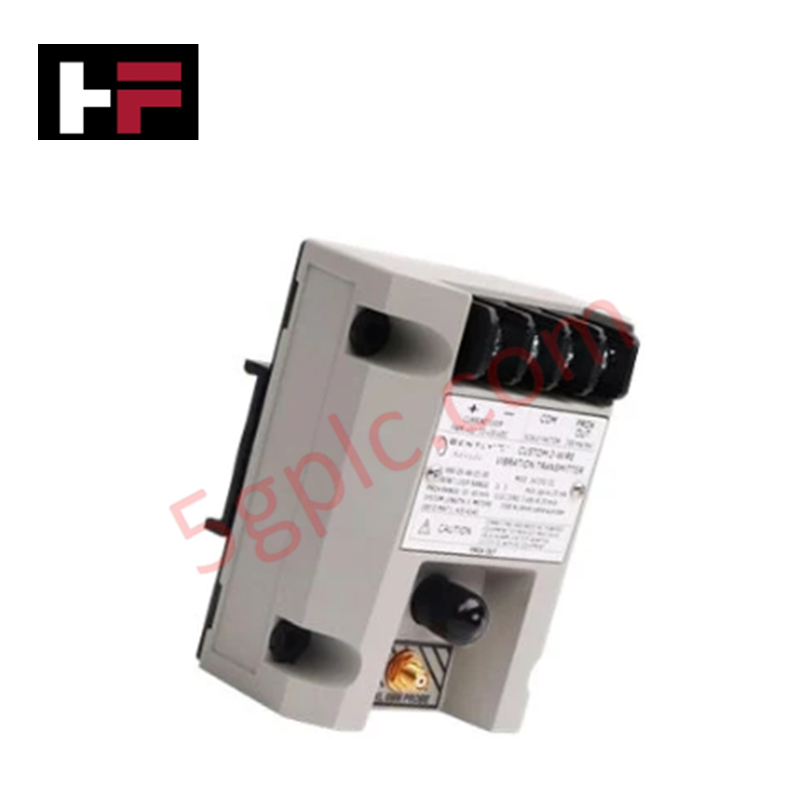
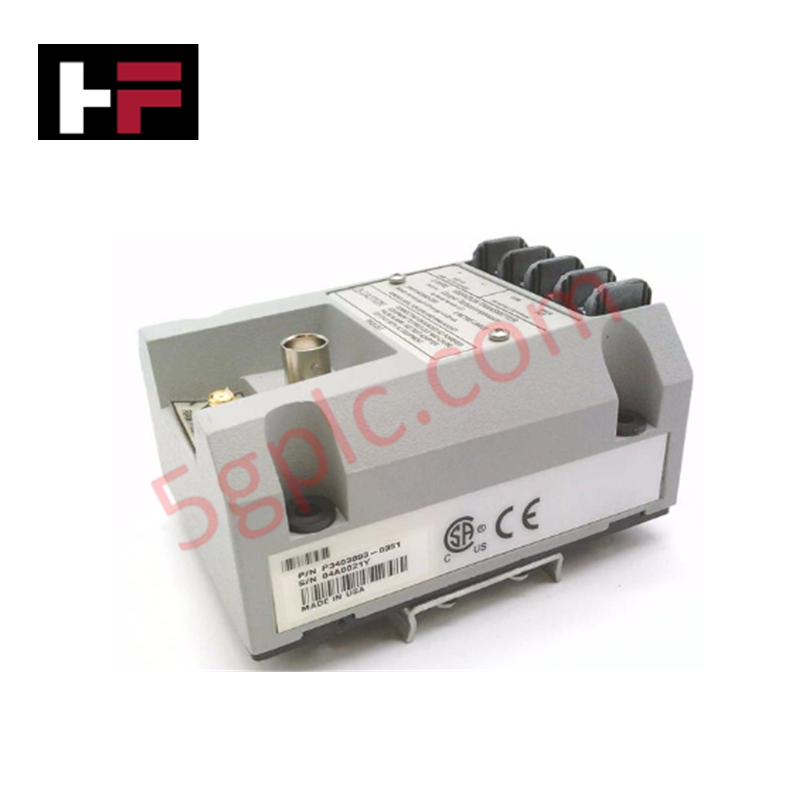
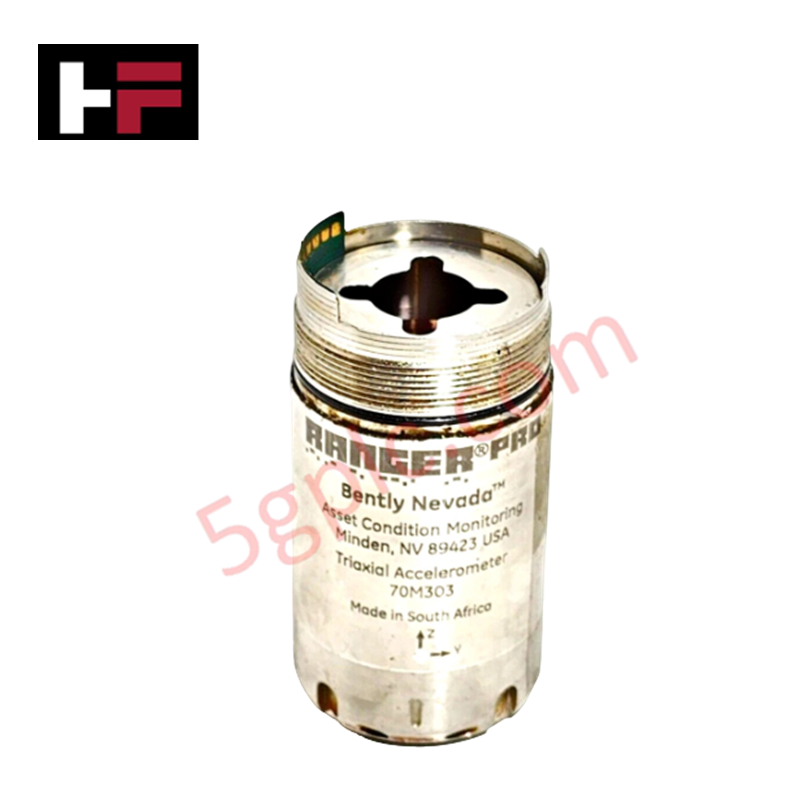
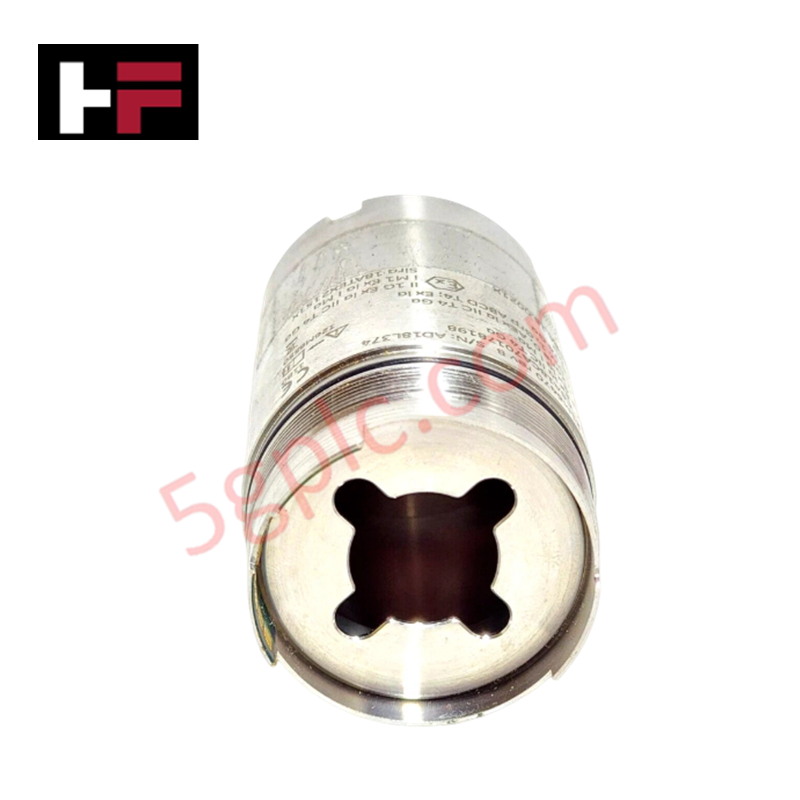
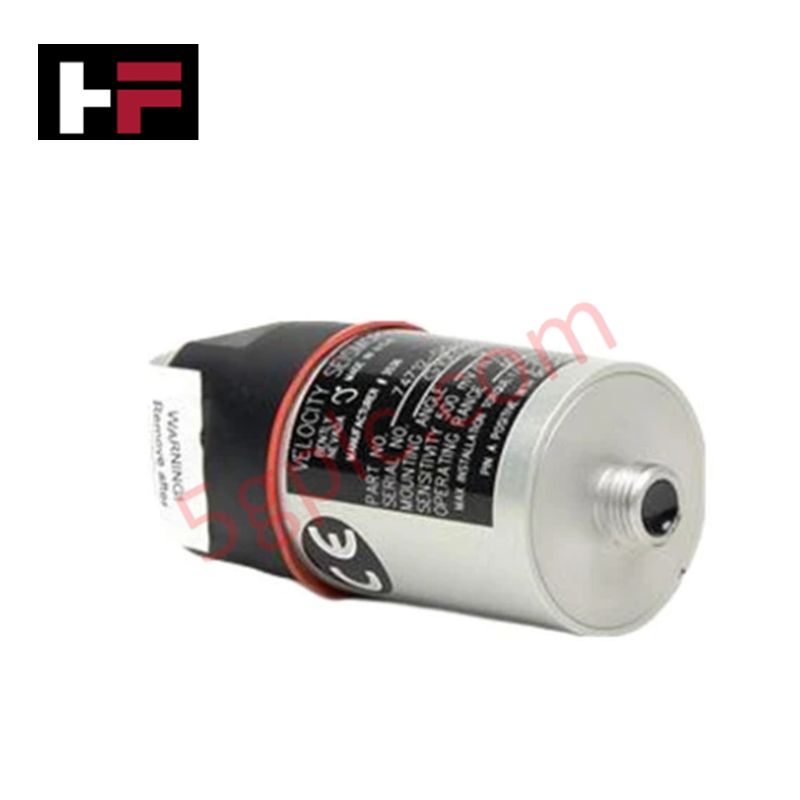
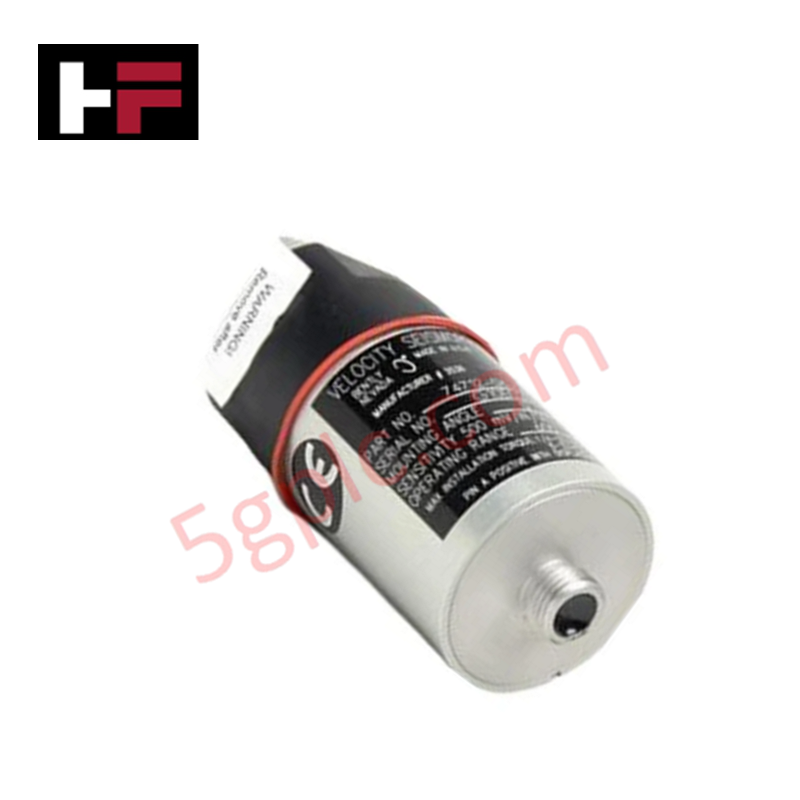
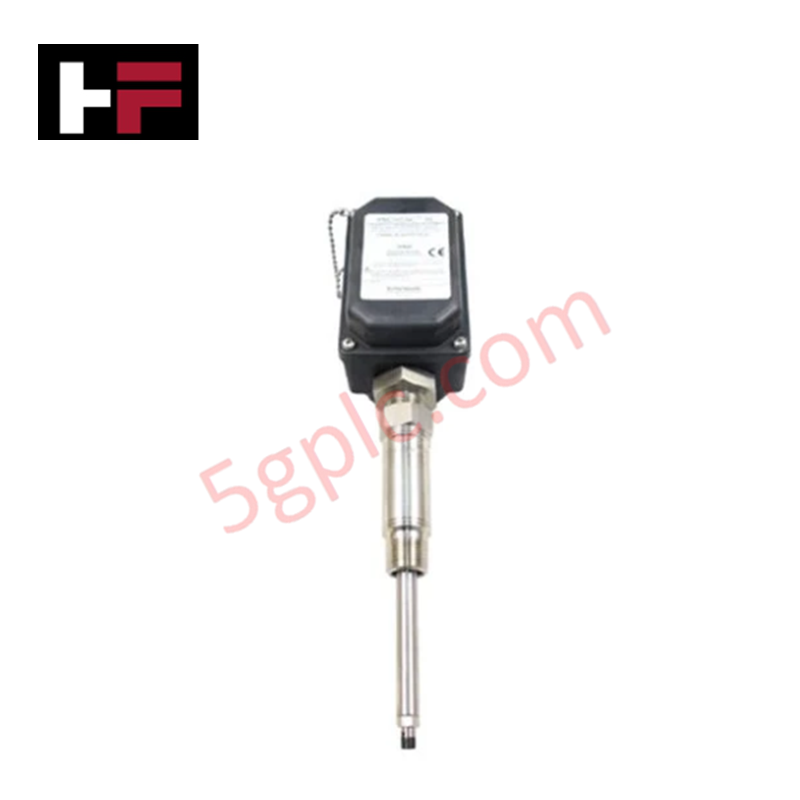
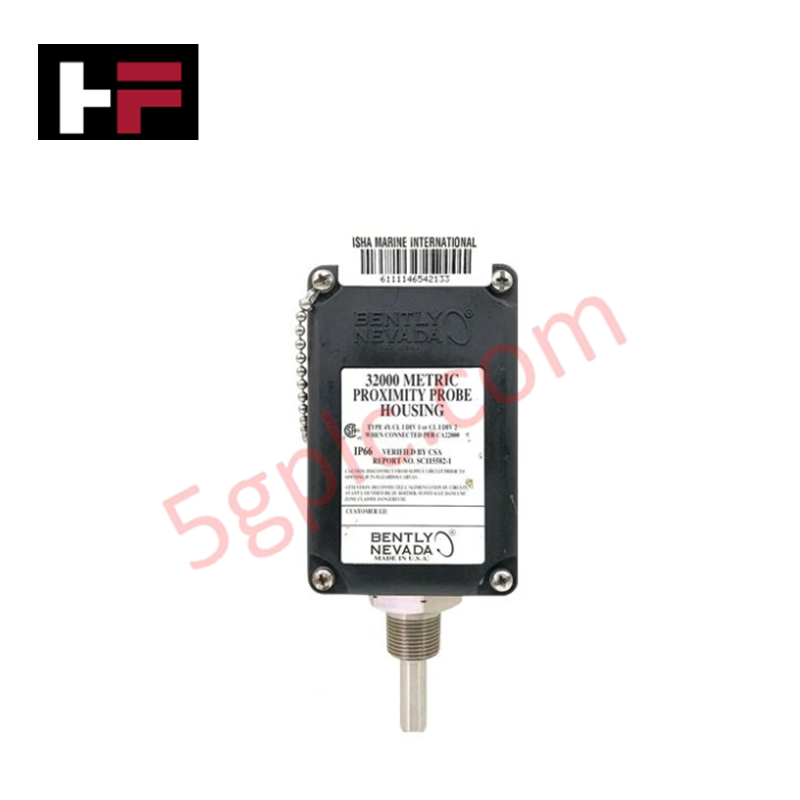
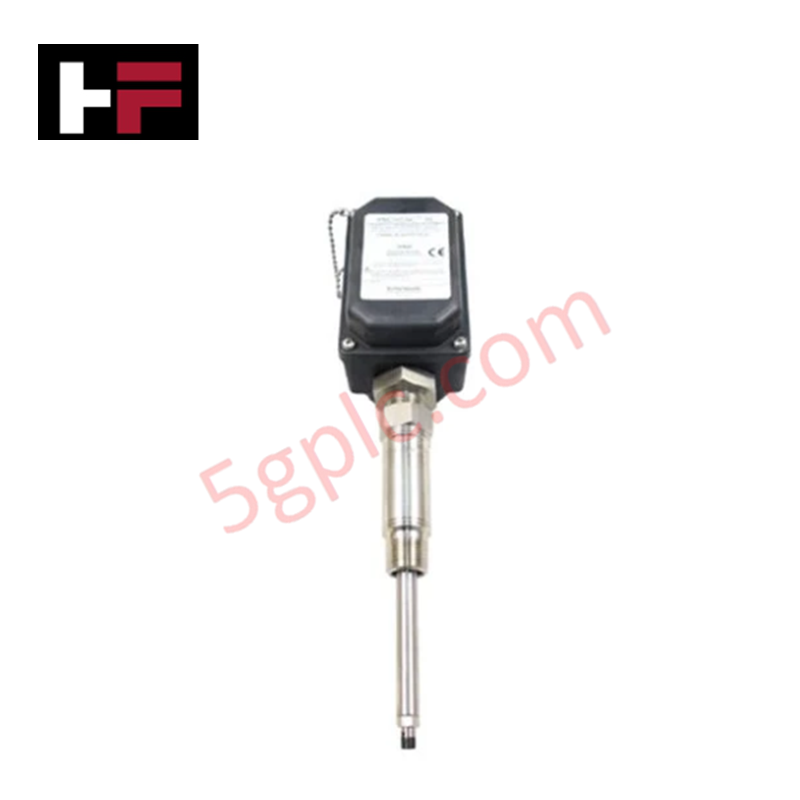
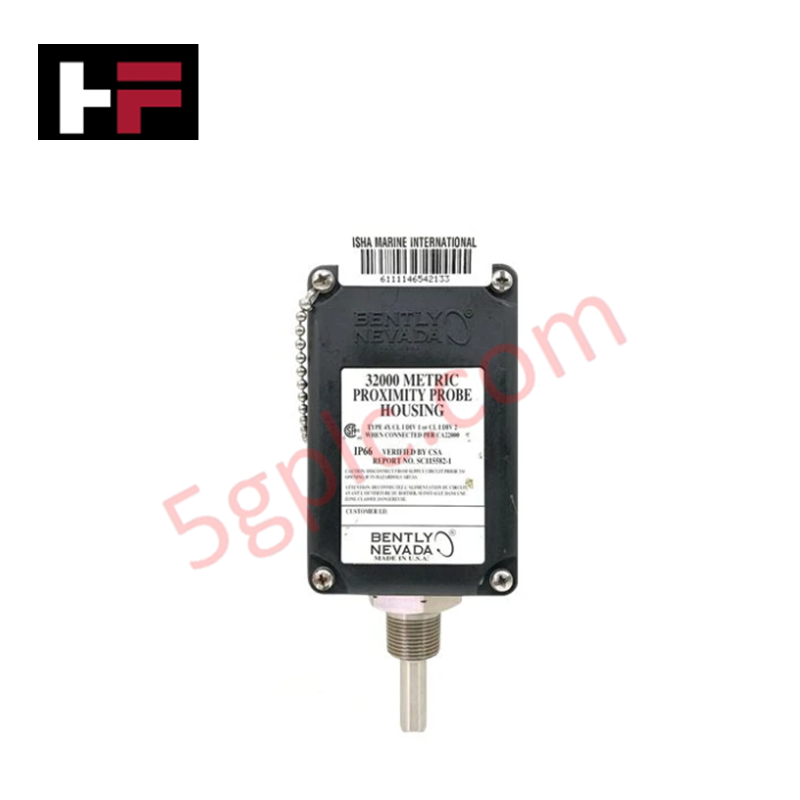
The Bently Nevada 21500-00-16-05-02, also cataloged as the 21500 Proximity Probe, operates as a dedicated hardware component for contactless shaft position and dynamic displacement acquisition within 7200 Series Vibration Monitoring Systems.
Suffix Breakdown & Model Matrix
| Option Field | Code | Configuration Detail |
|---|---|---|
| Unthreaded Length Option | 00 | 0.0 in unthreaded length |
| Overall Case Length Option | 16 | 1.6 in overall case length |
| Total Cable Length Option | 05 | 0.5 m (20 in) integral cable length |
| Agency Approval Option | 02 | Multiple approvals (CSA, ATEX, IECEx) |
Hardware Specifications
| Parameter | Specification |
|---|---|
| Model | 21500-00-16-05-02 |
| Brand | Bently Nevada |
| Origin | USA |
| Weight | 0.15 kg |
| Dimensions | 1/4-28 UNF thread, 1.6 in case length |
| Operating Temp | -40 deg C to +85 deg C |
| Power Consumption | Powered via external Proximitor sensor (-24 VDC loop) |
| Measurement Range | 0 to 80 mils (0 to 2.0 mm) peak-to-peak |
| Frequency Response | 10 Hz to 1 kHz |
| Scale Factor / Sensitivity | 200 mV/mil (7.87 V/mm) nominal |
| Cable Length | 0.5 m (20 in) integral probe cable |
Eddy-Current Probe Scaling and Gap Voltage Validation
The 21500-00-16-05-02 probe relies on high-frequency electromagnetic field generation at the probe tip to track shaft displacement. Maintaining precise physical alignment and correct system matched capacitance ensures linear eddy-current probe scaling across the 200 mV/mil output response curve. Field setup requires static gap voltage validation (-10 VDC baseline setting target) using a calibrated digital multimeter during probe positioning. Correct gap setting prevents signal saturation at high vibration amplitudes and optimizes cross-talk suppression between adjacent vertical and horizontal shaft channels.
Frequently Asked Questions
Q: Does the 21500-00-16-05-02 probe connect directly to a 3500 series monitor card?
A: No, the proximity probe must route through an appropriately matched 7200 Series Proximitor sensor and extension cable to convert field capacitance change into a proportional voltage signal.
Q: Can the integral 0.5-meter probe cable be cut or modified during installation?
A: No, trimming or splicing the probe cable changes total circuit inductance and capacitance, causing severe calibration error in probe scaling.
Field Installation Guidelines
- Inspect the 1/4-28 UNF probe body threads and tip area for dirt, metal shavings, or mechanical thread damage before mounting.
- Thread the probe into the machine casing tapping boss until the probe tip approaches the target shaft face.
- Supply power to the associated Proximitor sensor and monitor the DC gap voltage across the sensor signal terminals.
- Adjust the probe position mechanically until the gap voltage reaches the nominal -10 VDC gap target (approximate midpoint of the 200 mV/mil linear range).
- Lock the probe securely in place using a external locknut, torque to standard mechanical limits, and route the integral cable to the extension cable junction box.
Additional Information
- 100% Genuine Parts: All products are original and authentic, ensuring reliable industrial performance.
- 30-Day Refund Guarantee: Return any in-stock item within 30 days in original, unopened packaging for a full refund (excluding shipping and fees).
- 12-Month Warranty: Covers defects in materials or workmanship; excludes misuse, normal wear, or unauthorized modifications.
- Worldwide Shipping: We ship via USPS, UPS, FedEx, and DHL. Delivery times vary by country and may be subject to customs or import fees.
- Support & Contact: Technical and warranty assistance is available anytime. Contact us here: Contact.
- Purchase Guidance: Check product specifications and compatibility carefully before ordering to ensure proper application.
Tech & Buying Guide

Why Programmable Logic Controllers Drop into Stop Mode: An Expert Analysis
Industrial automation systems rely heavily on Programmable Logic Controllers (PLCs) to maintain uninterrupted production. When a PLC unexpectedly shifts from Run to Stop mode, whole manufacturing lines stall.
As control systems evolve across modern factory automation, understanding the root causes of these interruptions helps engineers minimize costly downtime. This technical guide breaks down why PLCs trip into Stop mode and provides practical strategies to mitigate system faults.

Understanding Root Causes of Unplanned PLC Stop Mode in Industrial Automation
Modern Programmable Logic Controllers manage execution through distinct operational states: Run, Stop, Start-Up, and Hold. During power-up, a controller initializes memory registers within Stop mode before briefly transitioning to Start-Up mode. During this phase, internal self-diagnostics evaluate system integrity across hardware and user programs. If the controller detects no critical faults, it enters Run mode to execute the control program continuously. However, any severe system anomaly forces the CPU back into Stop mode immediately to prevent erratic machine behavior across the plant floor.

Human-Machine Interface Design: Essential Guide to HMI Selection, Visualization, and Control System Integration
Human-Machine Interfaces (HMIs) serve as the primary operational window into complex industrial automation systems. Modern HMIs convert raw machine data into clear graphical displays, enabling operators to oversee entire manufacturing processes in real time. Instead of relying on physical control panels full of hardwired switches, engineers program interactive screens using intuitive graphics, dynamic color coding, and responsive touch interfaces. Over my 15 years in control systems engineering, I have observed HMIs transform from basic display screens into sophisticated command centers that drive operational efficiency across DCS and PLC environments.