






Product Details
Product Description
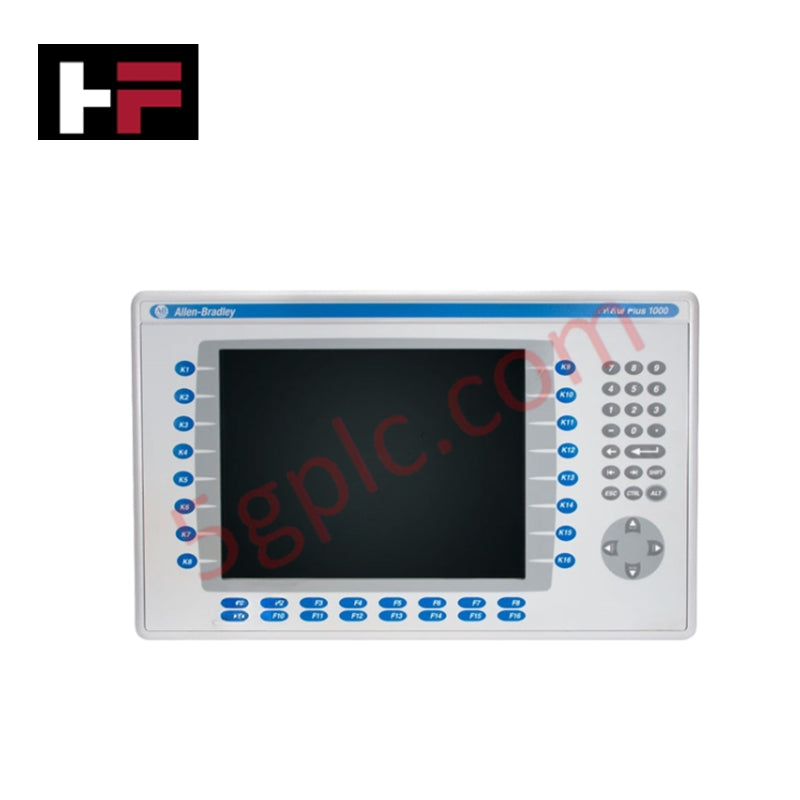
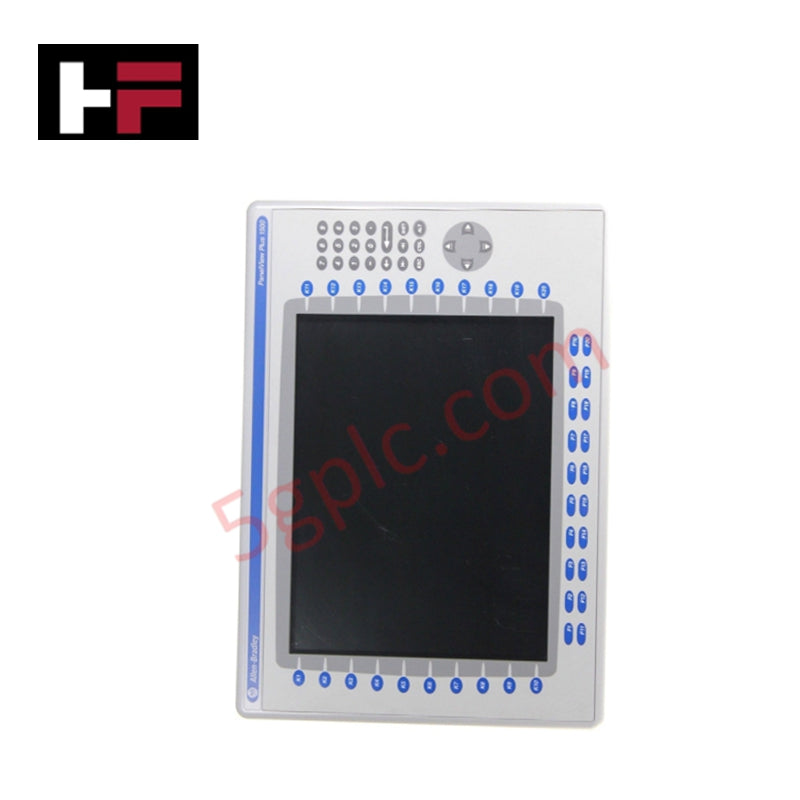
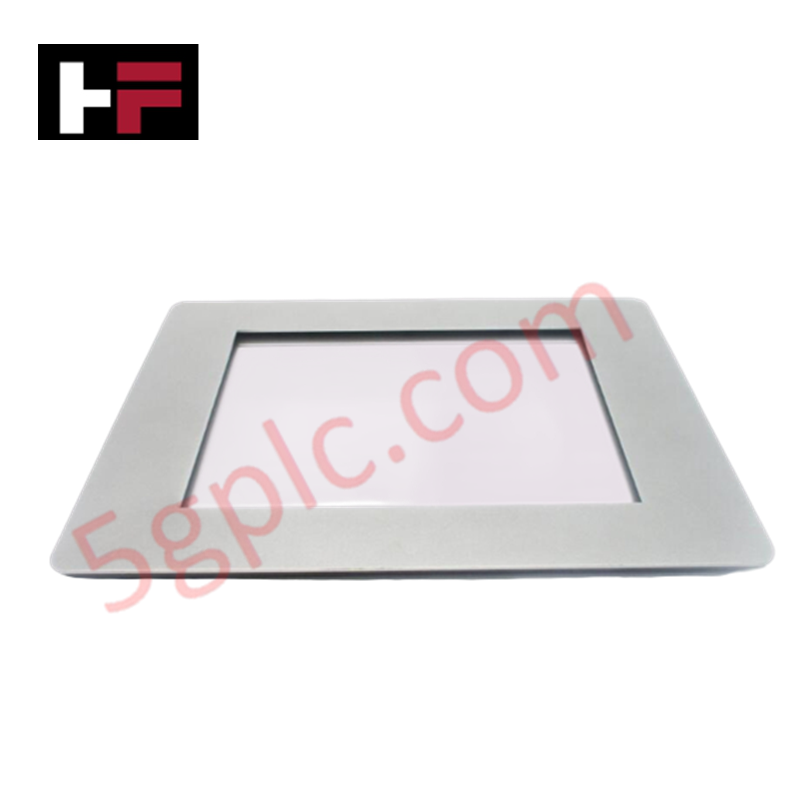
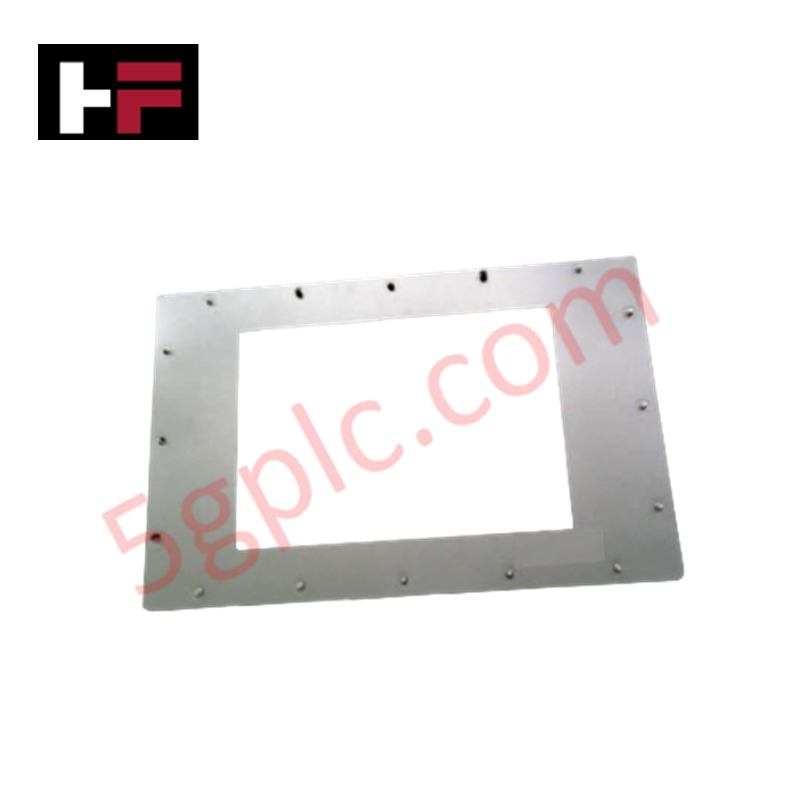
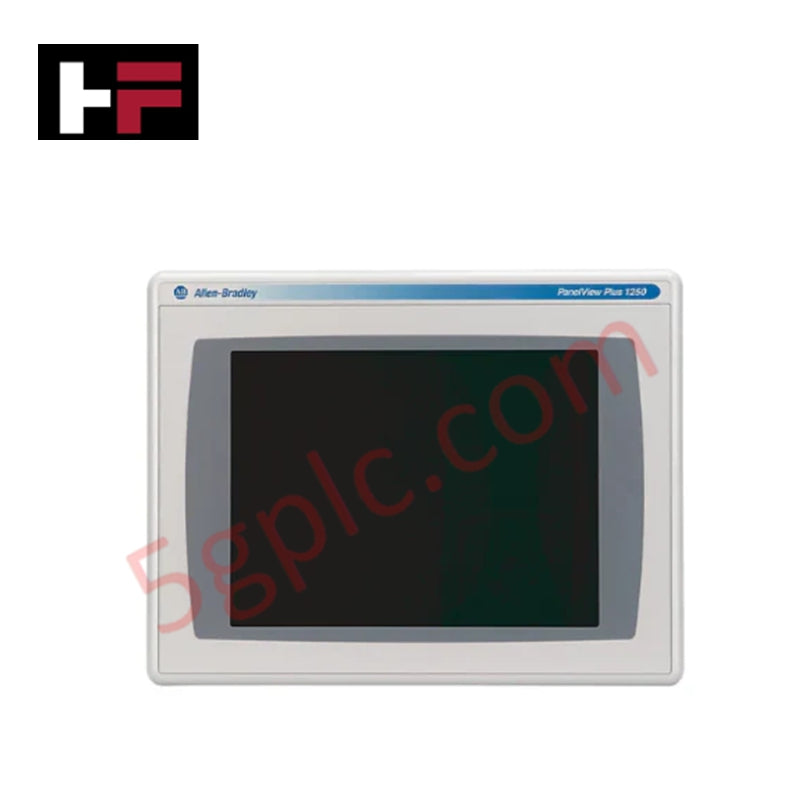
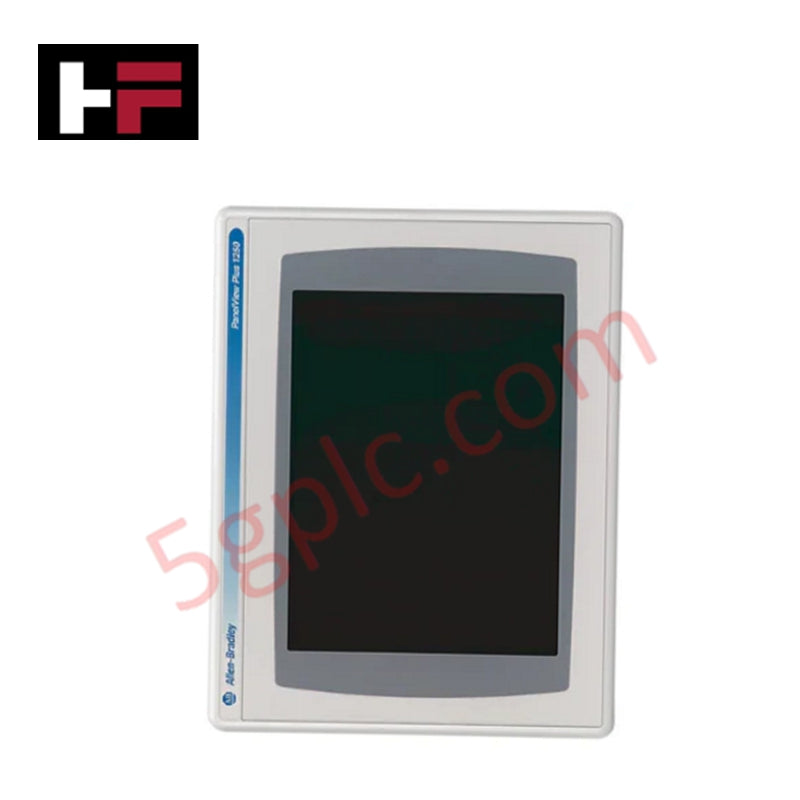
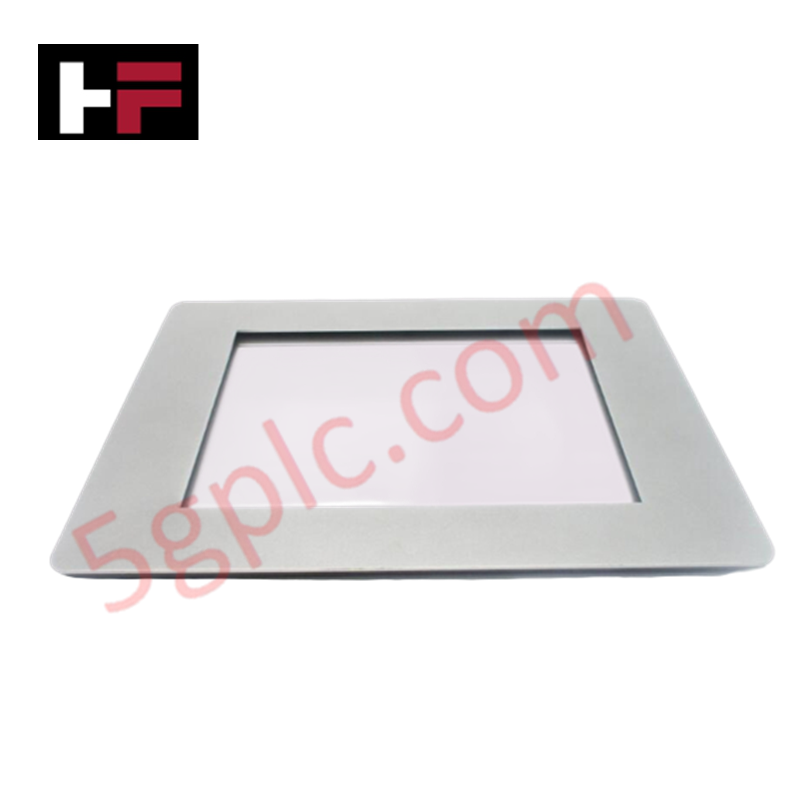
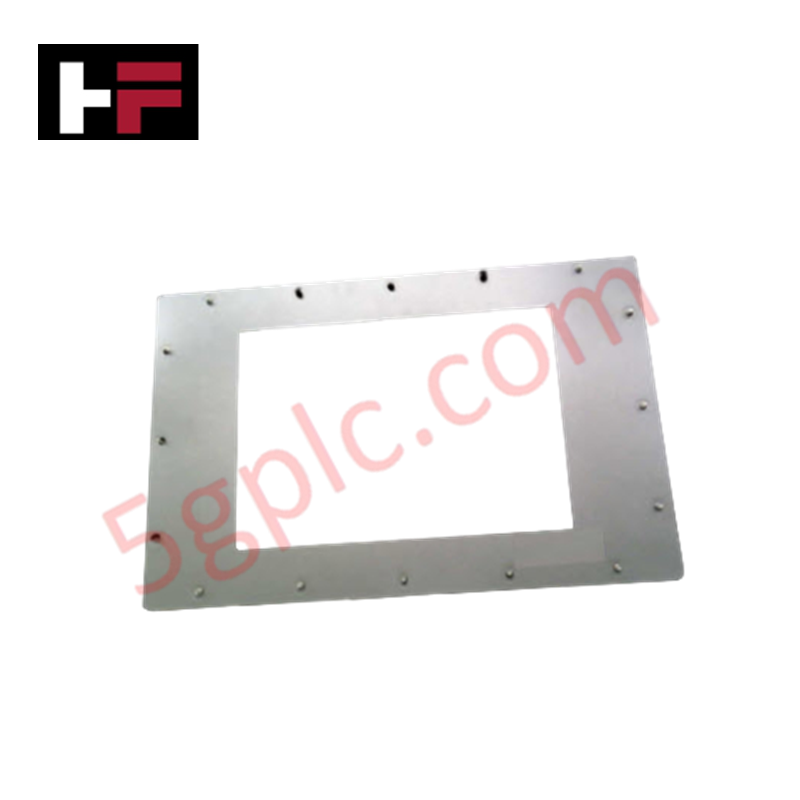
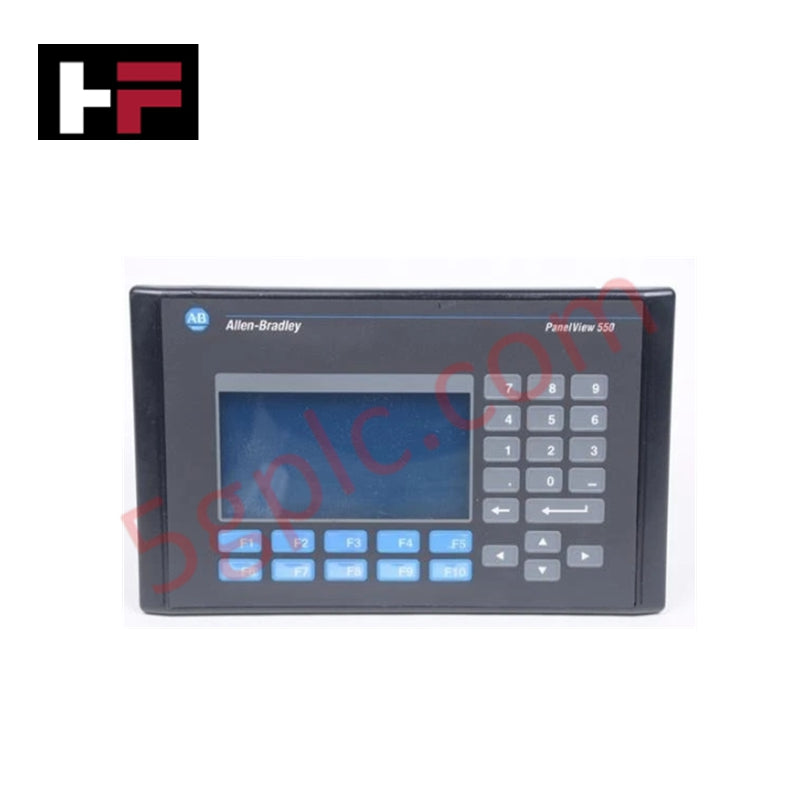
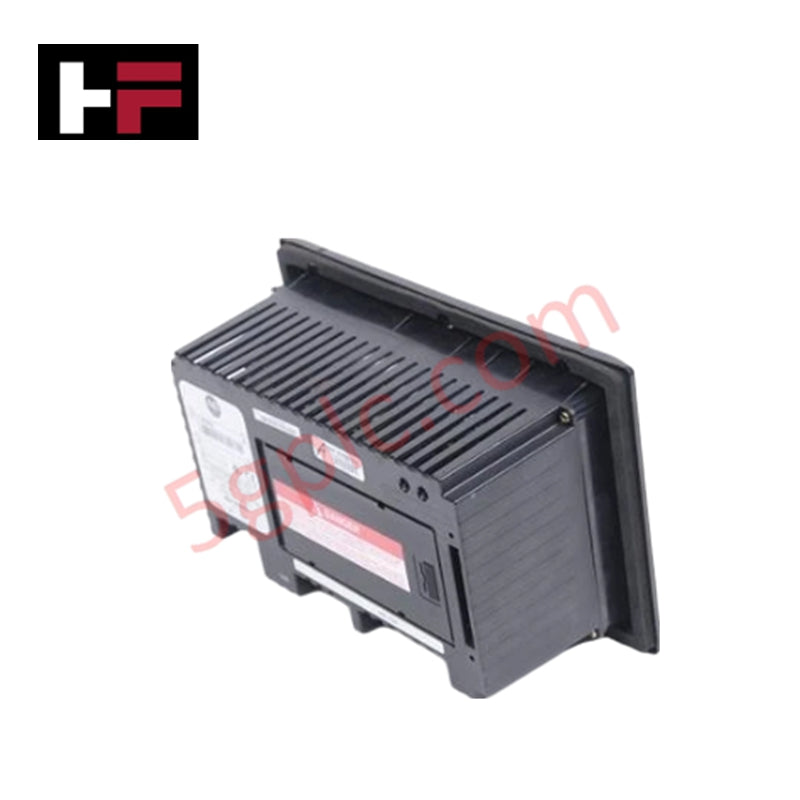
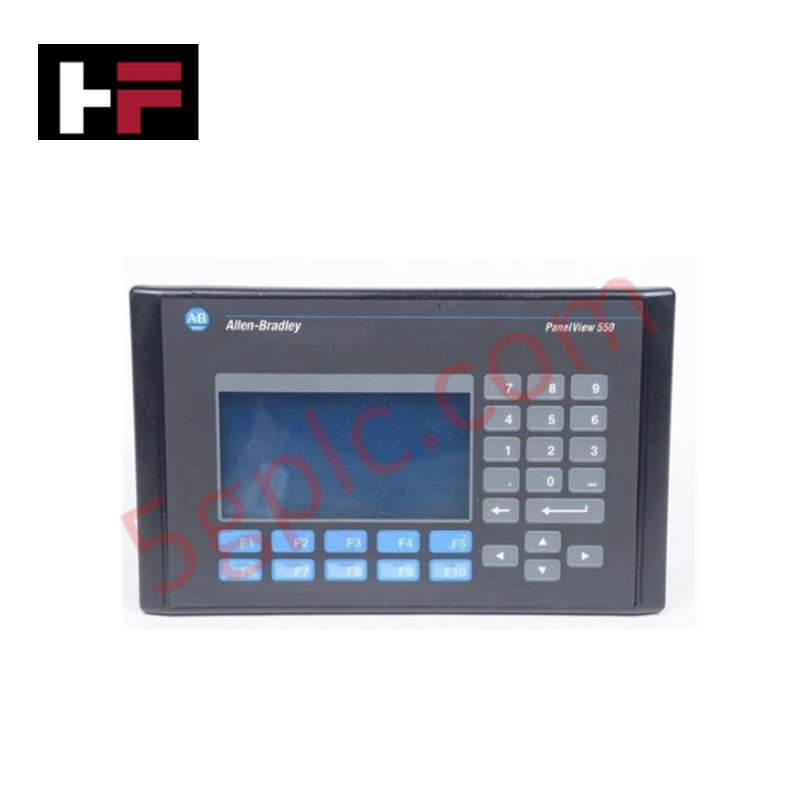
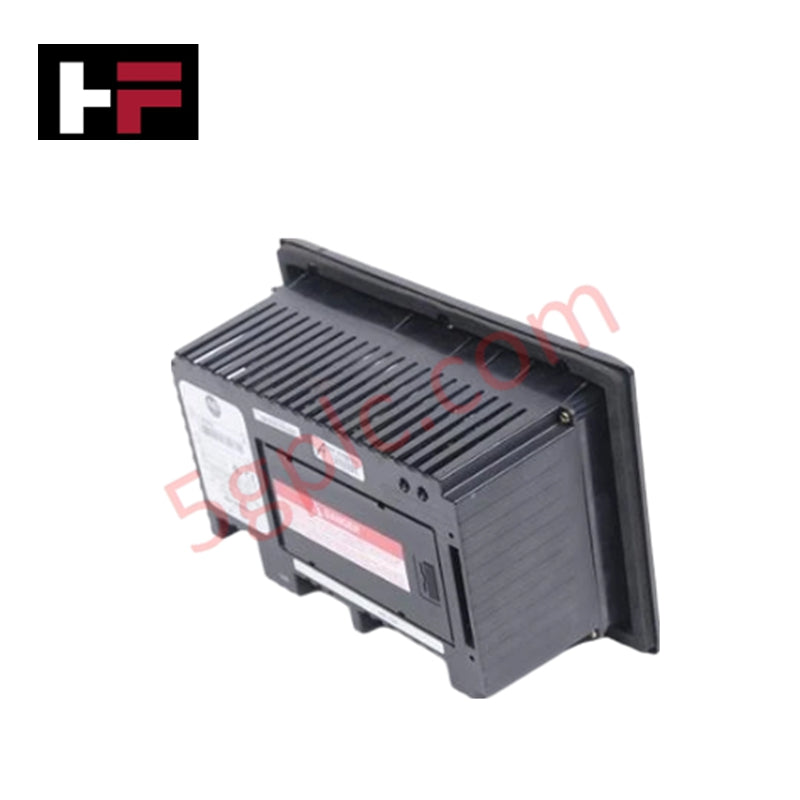
The Allen-Bradley 2711-B6C5L1 PanelView 600 is a compact operator interface terminal designed for reliable machine-level monitoring and control. It combines a color TFT display, keypad, and touchscreen input, making it suitable for diverse industrial applications.
Technical Specifications
-
Manufacturer Allen-Bradley
-
Product Line PanelView 600 Standard
-
Product Number 2711-B6C5L1
-
Display Type Color active matrix TFT
-
Display Size 5 inch
-
Display Area 115 x 86 mm (4.54 x 3.4 in.)
-
Resolution 320 x 234 pixels
-
Touchscreen 128 touch cells, rated for 1 million actuations
-
Keypad 10 programmable function keys (F1–F10)
-
Integrated Memory 190 KB runtime memory; 240 KB nonvolatile memory for applications, text, and bitmaps
-
Communication Ports RS232 (DH485 protocol)
-
Input Voltage Range 18–32 VDC
-
Nominal Supply Voltage 24 VDC
-
Enclosure Rating NEMA Type 12/13, 4X (indoor use), IP54, IP65
-
Status Indicators Green COMM LED, Red Fault LED
-
Input Method Keypad and touchscreen combination
-
Dimensions (L x W x H) 11.6 cm x 29.0 cm x 19.2 cm
-
Weight 2 kg
Application Scenarios
-
Operator interface for small to mid-sized machines
-
Monitoring and control in environments requiring IP54/IP65 protection
-
Systems where both keypad and touchscreen input flexibility is needed
-
Integration with DH485-based communication networks
FAQ
Q: Does the PanelView 600 support Ethernet communication? A: No, this model supports RS232 with DH485 protocol only.
Q: How durable is the touchscreen? A: The touchscreen is rated for up to 1 million actuations, ensuring long-term reliability.
Q: Can this terminal be used outdoors? A: It is designed for indoor use only, with NEMA 4X protection suitable for industrial environments.
Comparison with Similar Models
-
2711-K6C5L1: Keypad-only variant, no touchscreen input.
-
2711-T6C5L1: Touchscreen-only version, without keypad.
-
2711-B6C5L1: Combines both keypad and touchscreen for maximum flexibility.
Additional Information
- 100% Genuine Parts: All products are original and authentic, ensuring reliable industrial performance.
- 30-Day Refund Guarantee: Return any in-stock item within 30 days in original, unopened packaging for a full refund (excluding shipping and fees).
- 12-Month Warranty: Covers defects in materials or workmanship; excludes misuse, normal wear, or unauthorized modifications.
- Worldwide Shipping: We ship via USPS, UPS, FedEx, and DHL. Delivery times vary by country and may be subject to customs or import fees.
- Support & Contact: Technical and warranty assistance is available anytime. Contact us here: Contact.
- Purchase Guidance: Check product specifications and compatibility carefully before ordering to ensure proper application.
Tech & Buying Guide
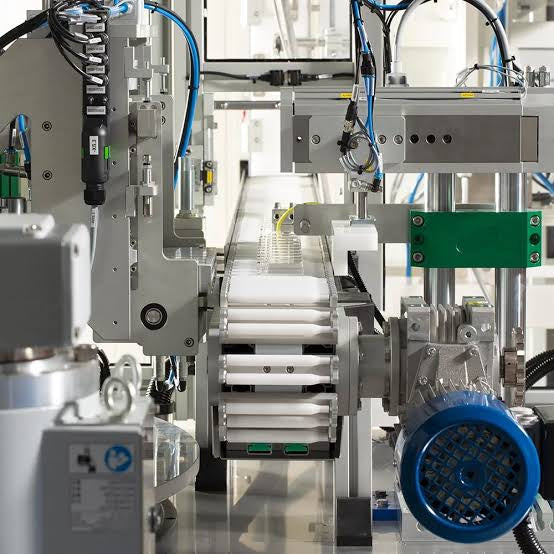
Mastering Modern Industrial Joystick Controls in Heavy Automation
Industrial joysticks play a pivotal role in human-machine interaction across heavy material handling and mobile hydraulics. These tactile controllers translate complex operator movements into precise electrical signals for PLCs, motion controllers, and DCS networks. Consequently, selecting and installing the right joystick architecture ensures operator safety, reduces fatigue, and optimizes equipment performance.

Navigating Industrial Automation Failures: Types, Causes, and Mitigation Strategies
Modern manufacturing relies heavily on automated control systems to maximize throughput and maintain product quality. However, unplanned downtime in industrial automation can cost facility operators thousands of dollars per hour. Understanding how programmable logic controllers (PLCs), distributed control systems (DCS), and field instrumentation fail empowers engineering teams to implement robust preventive maintenance strategies.
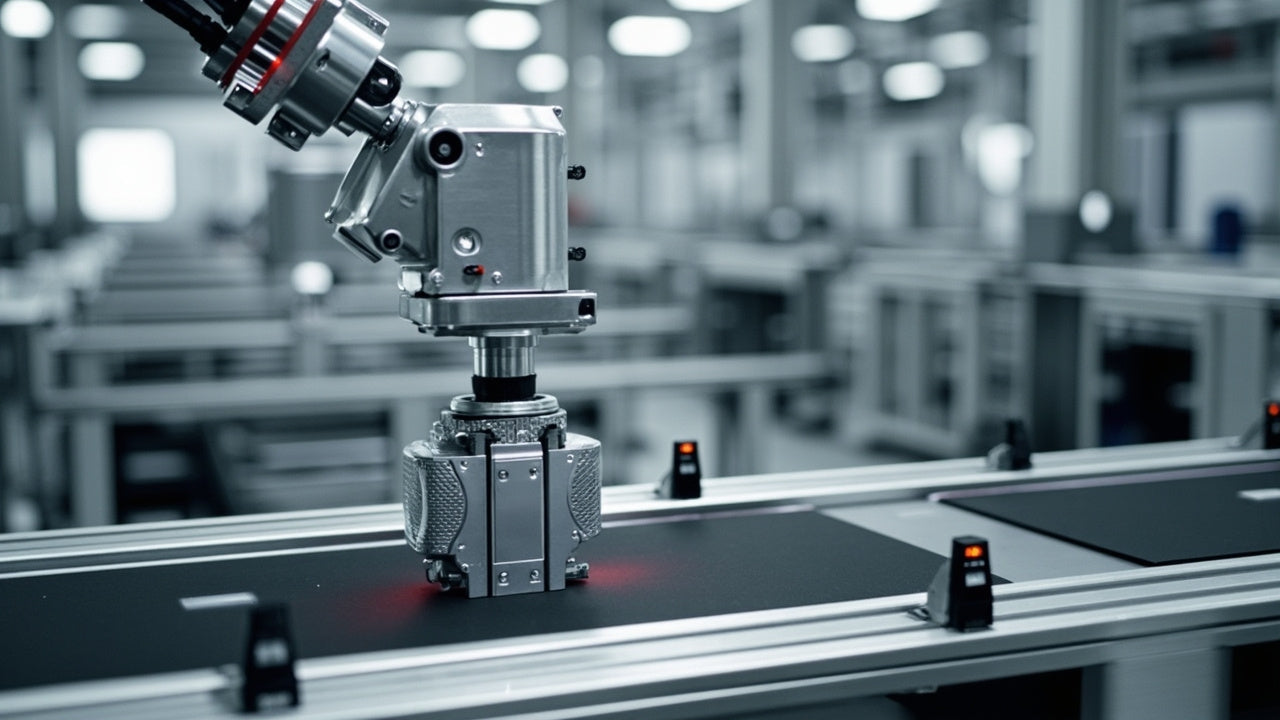
Essential Motion Control Commands: A Practical Guide for Engineers
Automation engineers often rely on precise position and speed control to drive modern factory machinery. Modern industrial systems, such as Programmable Logic Controllers (PLCs) and Distributed Control Systems (DCS), depend heavily on standardized motion instructions. Mastering these commands ensures operational safety, protects mechanical components, and optimizes cycle times across production lines.