










Product Details
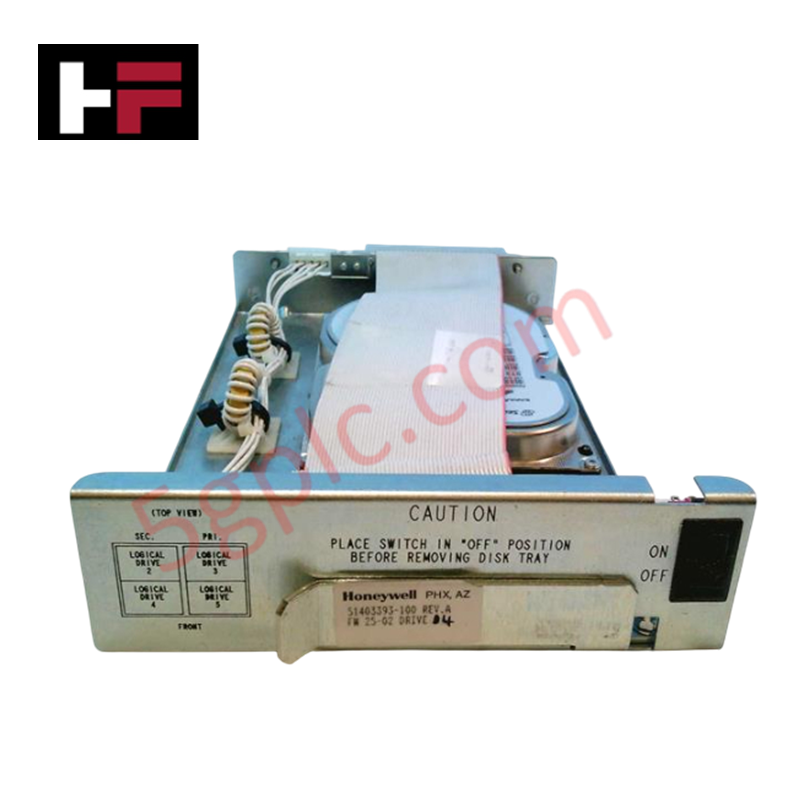
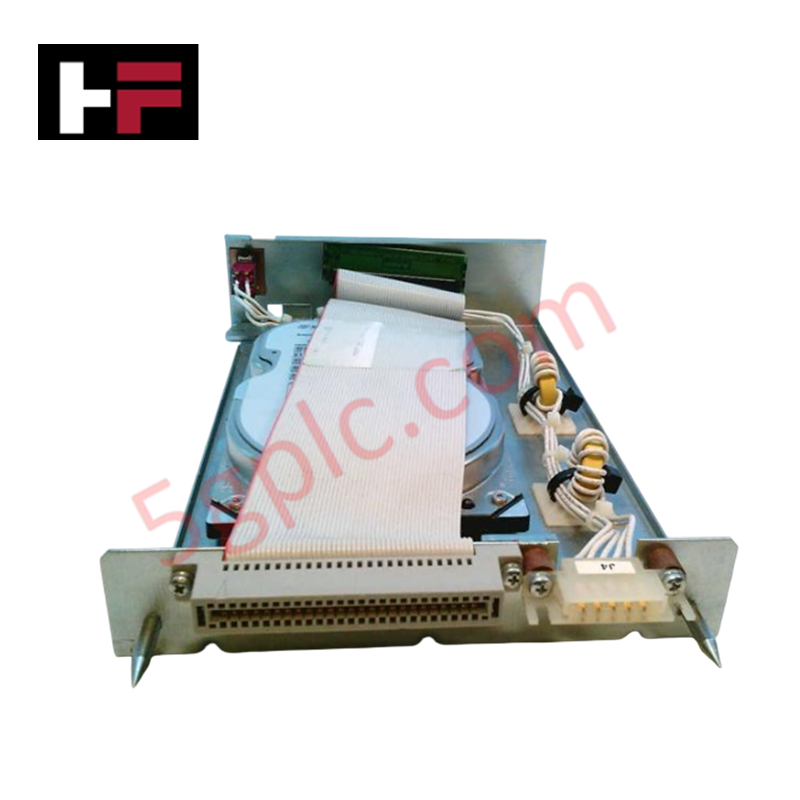
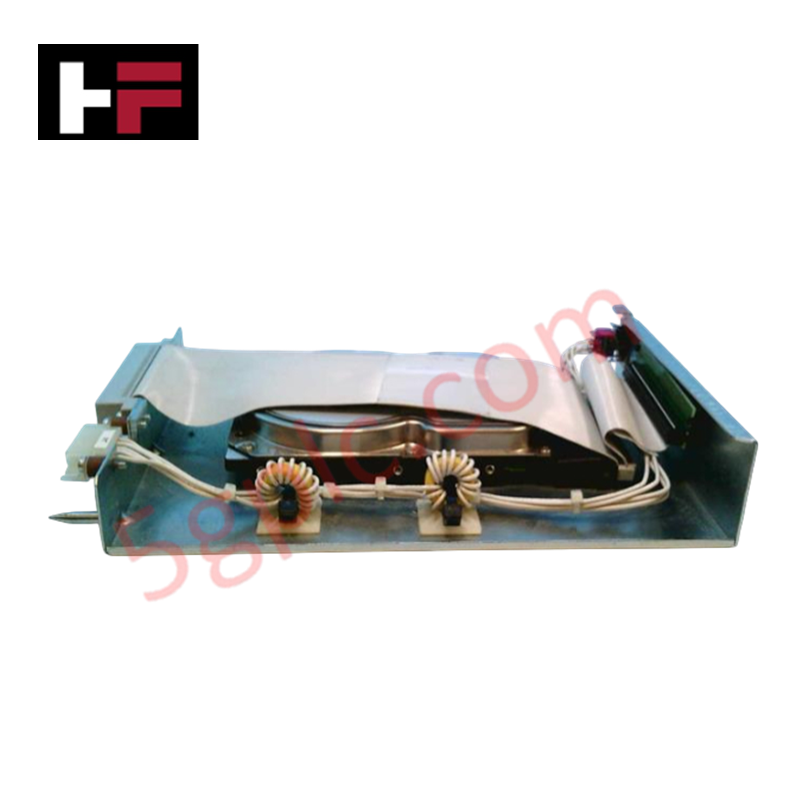
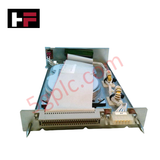
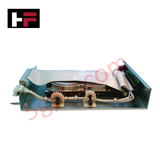
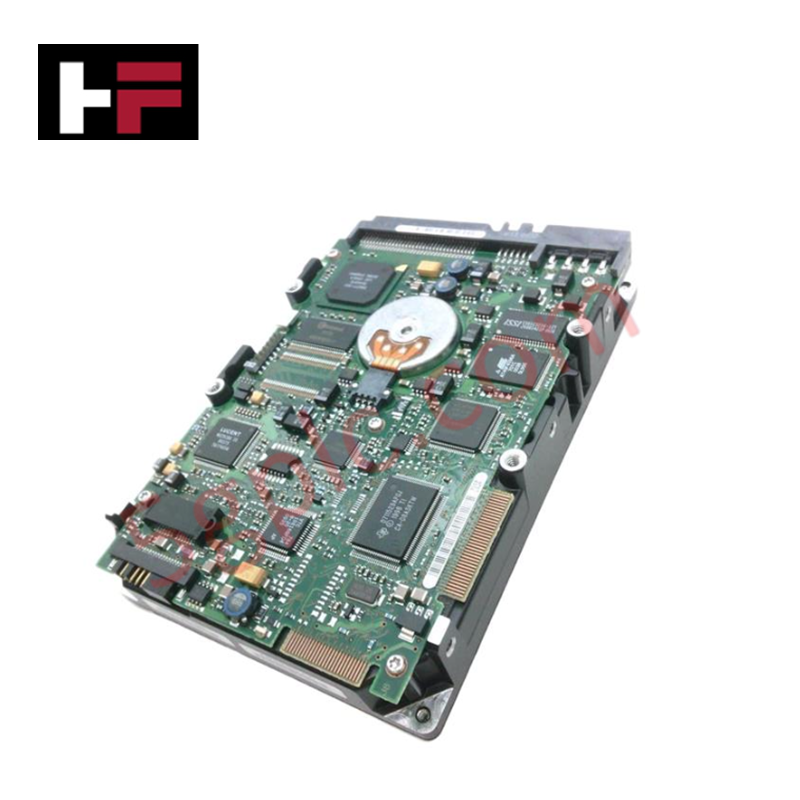
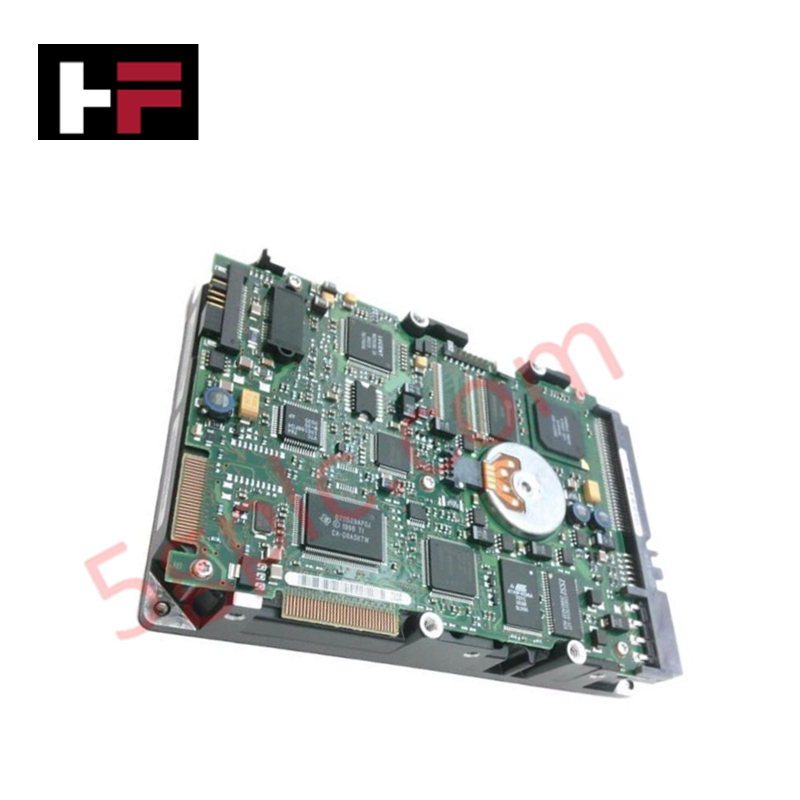
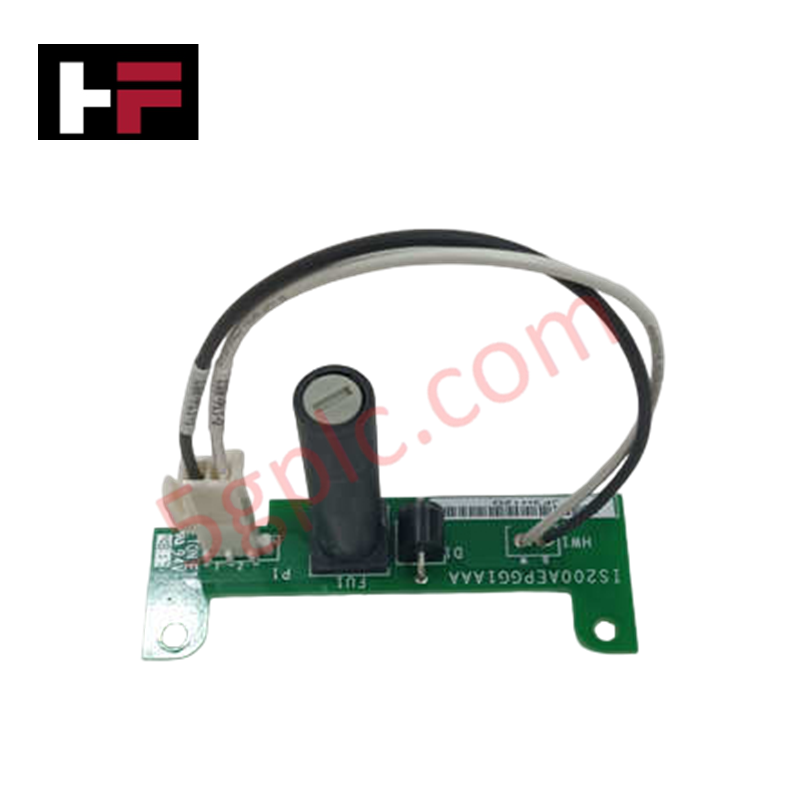
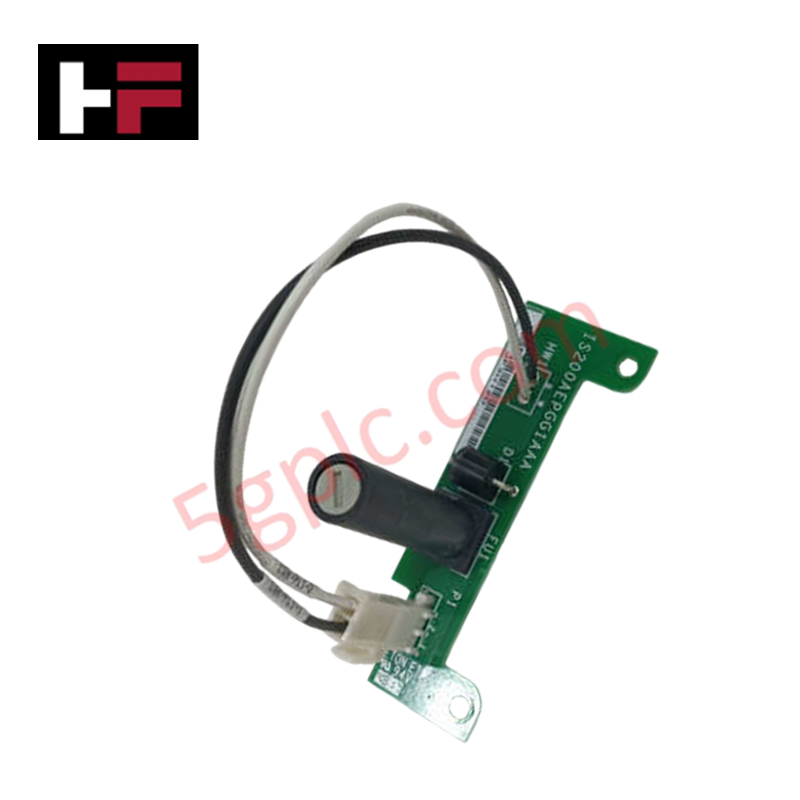
Configured for physical hard drive retention in DCS server chassis, the Honeywell 51403393-100 (51403393-100 Drive Disk Tray) provides direct physical/mechanical execution. The assembly secures critical storage media within the control cabinet, facilitating the required mechanical alignment for high-density storage units integrated into the Universal Control Network architecture.
Hardware Specifications
| Parameter | Specification |
|---|---|
| Model | 51403393-100 |
| Brand | Honeywell |
| Origin | USA |
| Mounting Compatibility | Universal Control Network server chassis |
| Structural Material | Industrial-grade metallic chassis |
DCS Server Integration and Data Integrity
The disk tray design ensures precise alignment with DCS server backplanes to maintain continuous data connectivity for critical process control algorithms. Proper seating of the tray prevents micro-vibrations that disrupt read/write operations during high-speed data access. By isolating the drive mechanism from the chassis frame, the assembly minimizes thermal transfer and maintains the operating conditions necessary for integrated process controller storage modules, ensuring the signal integrity required for 4-20 mA HART loop protocol monitoring and DCS database stability.
Frequently Asked Questions
Q: Why must the rack mounting assembly be finalized before the installation of the hard drives into the tray?
A: Installing hard drives prior to rack mounting increases the structural mass and physical load on the chassis frame. This configuration creates excessive weight during the final installation phase, leading to potential mechanical impact or misalignment that risks damage to the disk drive interface connectors.
Q: Is this assembly compatible with non-Honeywell server hardware?
A: No. The tray is engineered specifically for the Honeywell Universal Control Network chassis mounting profile. Usage with third-party hardware does not guarantee the alignment required for secure backplane data connectivity or vibration dampening standards.
Field Installation Guidelines
- Chassis Preparation: Secure the empty rack mounting assembly into the DCS server cabinet columns. Ensure all structural retention bolts are tightened to mechanical specifications before proceeding.
- Drive Insertion: Once the chassis is stabilized, insert the hard drive into the tray. Verify that the drive is seated fully against the backplane connector to establish reliable signal contact.
- Alignment Verification: Inspect the tray for parallel alignment with the chassis guides. If resistance is felt during insertion, withdraw the assembly and re-verify the chassis mounting points to avoid bending the connector pins.
- Vibration Mitigation: Ensure the tray locking mechanism is engaged. This minimizes mechanical resonance caused by cooling fans or ambient equipment operation, preserving the longevity of the storage media.
Additional Information
- 100% Genuine Parts: All products are original and authentic, ensuring reliable industrial performance.
- 30-Day Refund Guarantee: Return any in-stock item within 30 days in original, unopened packaging for a full refund (excluding shipping and fees).
- 12-Month Warranty: Covers defects in materials or workmanship; excludes misuse, normal wear, or unauthorized modifications.
- Worldwide Shipping: We ship via USPS, UPS, FedEx, and DHL. Delivery times vary by country and may be subject to customs or import fees.
- Support & Contact: Technical and warranty assistance is available anytime. Contact us here: Contact.
- Purchase Guidance: Check product specifications and compatibility carefully before ordering to ensure proper application.




Tech & Buying Guide

Demystifying CPU Communication Ports in Siemens PLC Architectures
Industrial automation relies heavily on robust data exchange between devices. Without seamless connectivity, field instruments, network switches, human-machine interfaces, and programmable logic controllers cannot coordinate effectively. Therefore, understanding the various CPU communication ports available in Siemens hardware ensures efficient factory automation design and seamless system integration.

Mastering the Siemens PLC Scan Cycle: How the CPU Executes Automation Programs
Industrial automation relies heavily on programmable logic controllers (PLCs) to manage complex manufacturing processes. Many engineers dive straight into programming without mastering the underlying architecture. However, understanding how a PLC CPU executes a program ensures reliable system design. Therefore, mastering the scan cycle optimizes both performance and troubleshooting in modern control systems.

How to Connect to Siemens S7 PLCs: 5 Essential Communication Methods
Establishing a reliable hardware link between a programming terminal and a Siemens SIMATIC controller is essential for engineering workflows. Field engineers rely on distinct physical layers, ranging from legacy serial connections to high-speed Industrial Ethernet protocols. Modern factory automation environments prioritize fast data transfer and seamless driver integration. Selecting the correct connection method simplifies program downloads, online monitoring, and system troubleshooting in complex control systems.