


Product Details
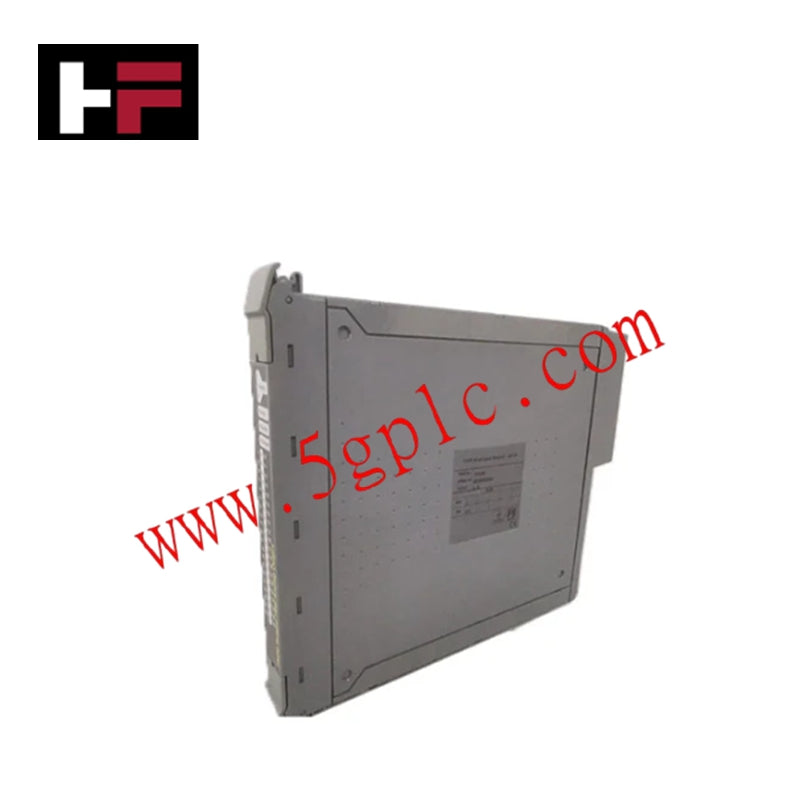
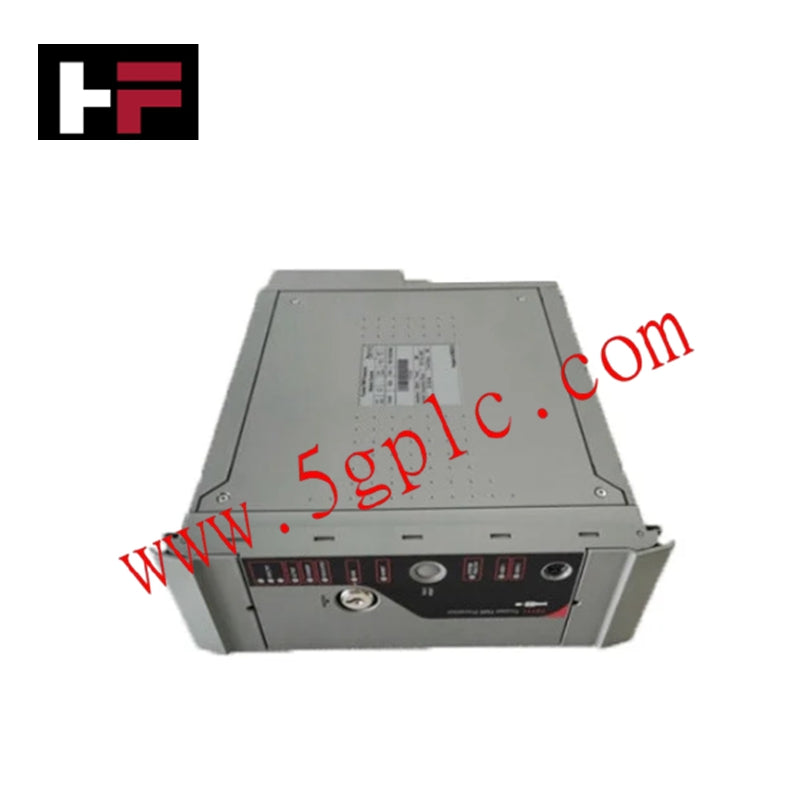
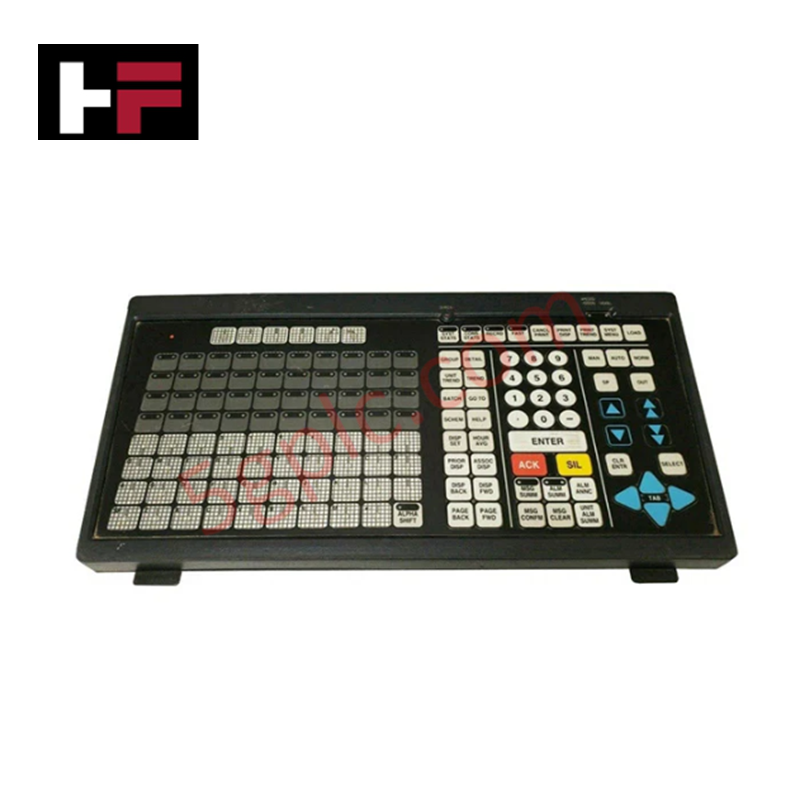
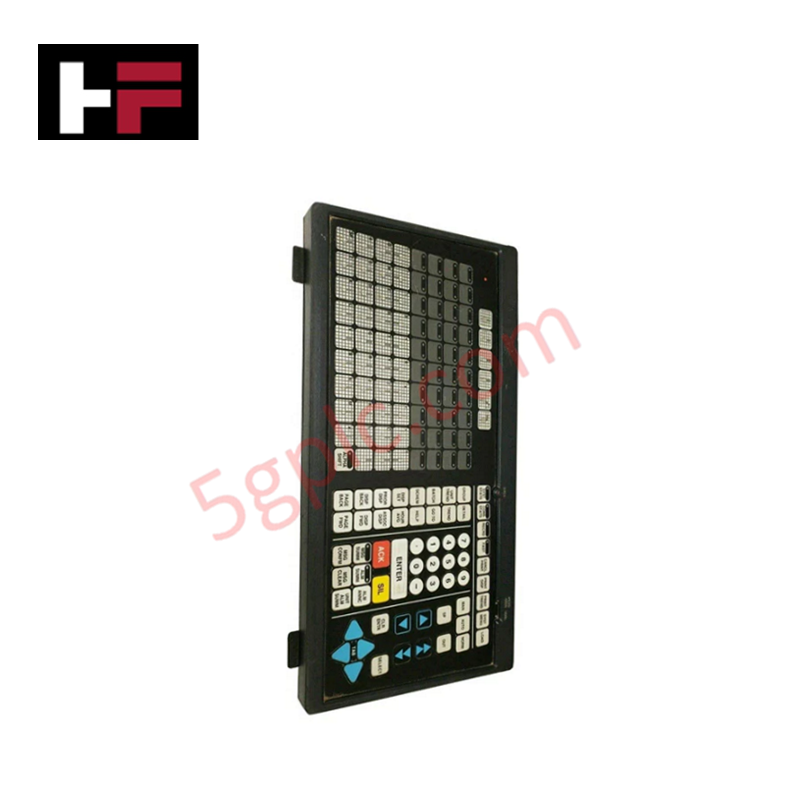
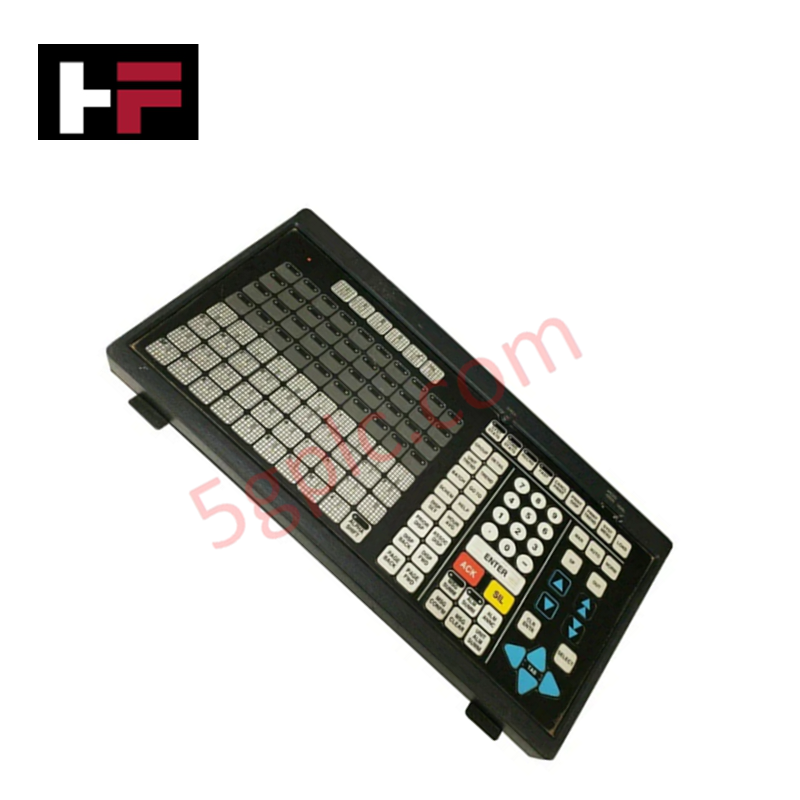
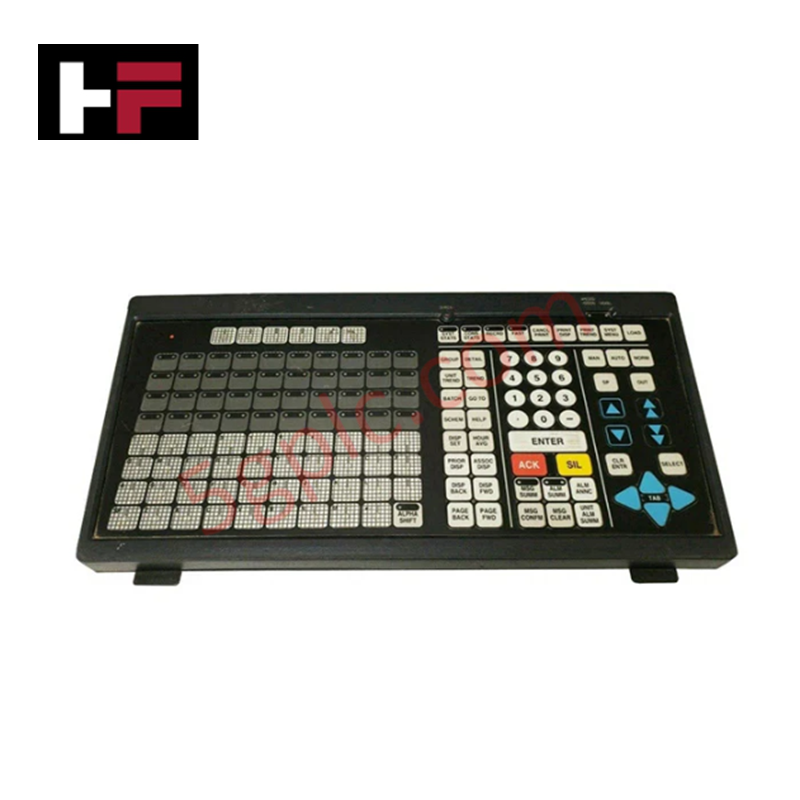
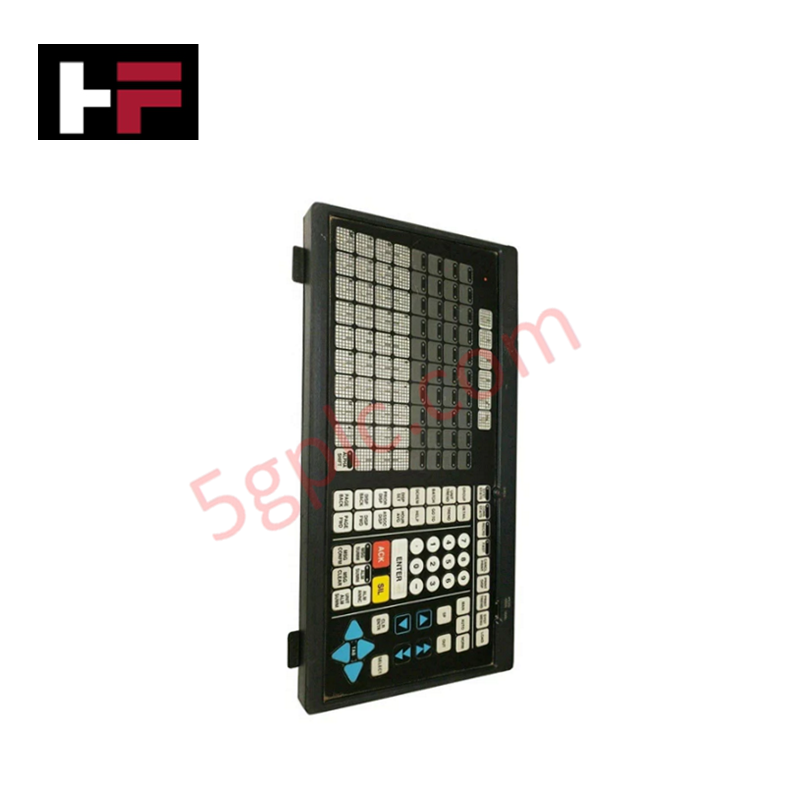
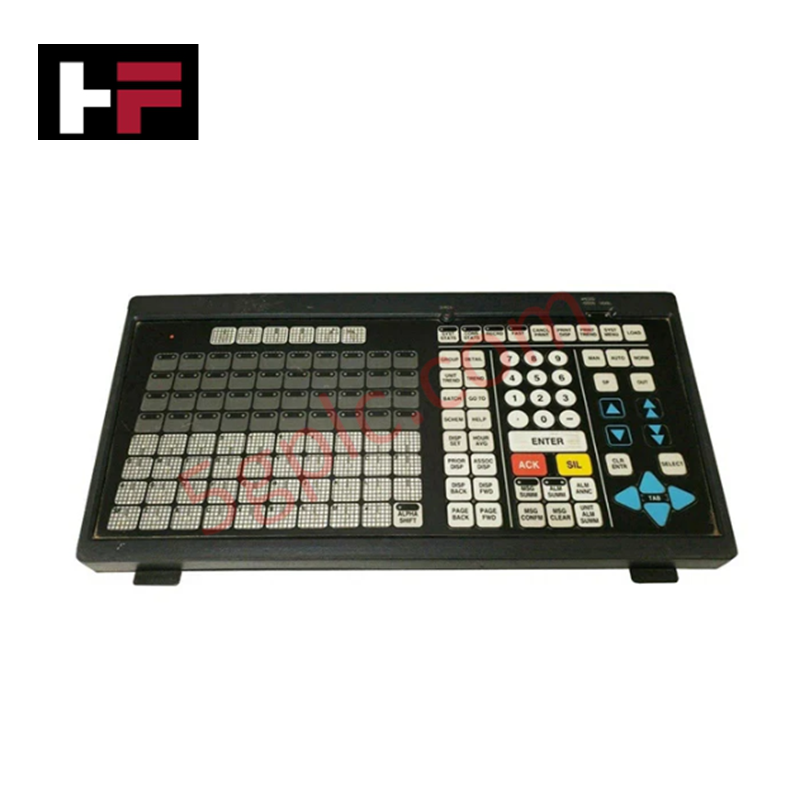
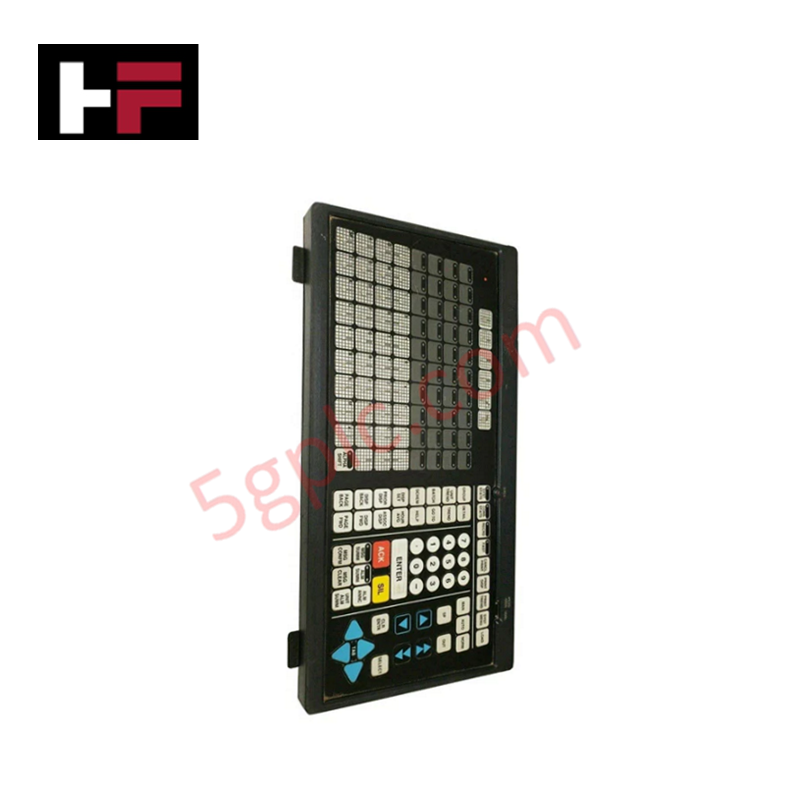
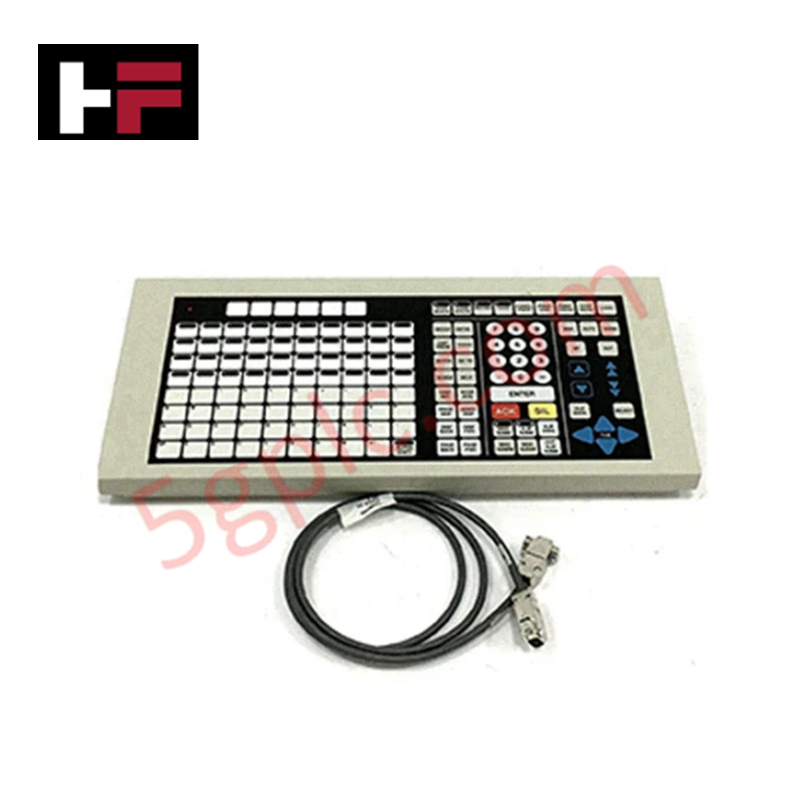
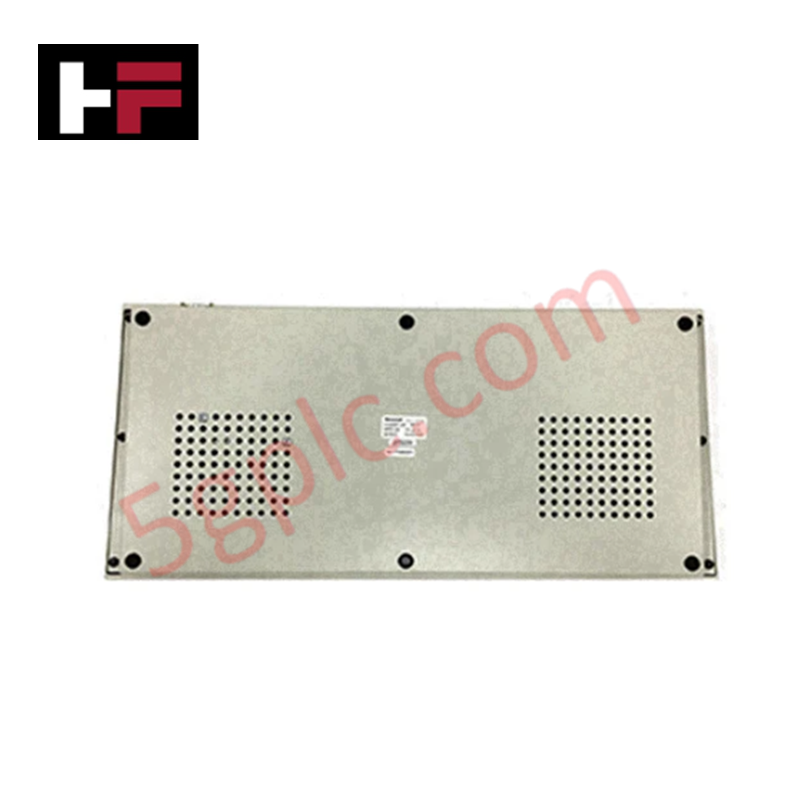
The Honeywell 51400989-100, also cataloged as the 51400989-100 Operator Keyboard, operates as a dedicated hardware component for tactical operator data entry and process command execution within Honeywell TDC 3000 console systems. It routes tactile switch closures directly to host operator station electronics to execute real-time control actions.
Hardware Specifications
| Parameter | Specification |
|---|---|
| Model | 51400989-100 |
| Brand | Honeywell |
| Origin | USA |
| Weight | 19.00 lbs |
| Dimensions | Standard Console Bay Mount |
| Operating Temp | 0 deg C to 50 deg C |
| Power Consumption | Logic Level Backplane Power |
| Product Type | Operator Keyboards |
| Interface Type | Dedicated Console Serial Bus |
| Mounting Form | Operator Station Console Cutout |
Channel Isolation and HART Loop Protocol Integration
The Honeywell 51400989-100 console keyboard connects to central node processors via dedicated serial signal channels engineered to resist electromagnetic transients. While field I/O racks scan analog values from 4-20 mA HART loop protocol instruments across process units, the keyboard interface isolates operator input circuits to maintain consistent command execution speed and prevent ground loop interference across the distributed control network.
Frequently Asked Questions
Q: Does the 51400989-100 operator keyboard require an independent external power supply?
A: No, operating power is delivered through the primary interface cable connected directly to the operator station console interface card.
Q: What mounting configuration is required for physical installation?
A: The keyboard assembly mounts into the designated operator station console cutout using integrated chassis retention hardware.
Field Installation Guidelines
- Ensure power to the operator station console section is turned off before connecting or disconnecting the keyboard cable.
- Position the keyboard chassis into the console cutout and verify proper alignment of the mounting flanges.
- Tighten all retention screws securely to maintain mechanical stability and proper chassis grounding.
- Connect the signal ribbon or serial interface cable, ensuring latches engage fully to prevent loose pin contacts.
- Keep cable runs routed clear of high-voltage AC conduits within the console bay to prevent signal distortion.
Additional Information
- 100% Genuine Parts: All products are original and authentic, ensuring reliable industrial performance.
- 30-Day Refund Guarantee: Return any in-stock item within 30 days in original, unopened packaging for a full refund (excluding shipping and fees).
- 12-Month Warranty: Covers defects in materials or workmanship; excludes misuse, normal wear, or unauthorized modifications.
- Worldwide Shipping: We ship via USPS, UPS, FedEx, and DHL. Delivery times vary by country and may be subject to customs or import fees.
- Support & Contact: Technical and warranty assistance is available anytime. Contact us here: Contact.
- Purchase Guidance: Check product specifications and compatibility carefully before ordering to ensure proper application.
Tech & Buying Guide

Navigating Industrial Automation Failures: Types, Causes, and Mitigation Strategies
Modern manufacturing relies heavily on automated control systems to maximize throughput and maintain product quality. However, unplanned downtime in industrial automation can cost facility operators thousands of dollars per hour. Understanding how programmable logic controllers (PLCs), distributed control systems (DCS), and field instrumentation fail empowers engineering teams to implement robust preventive maintenance strategies.
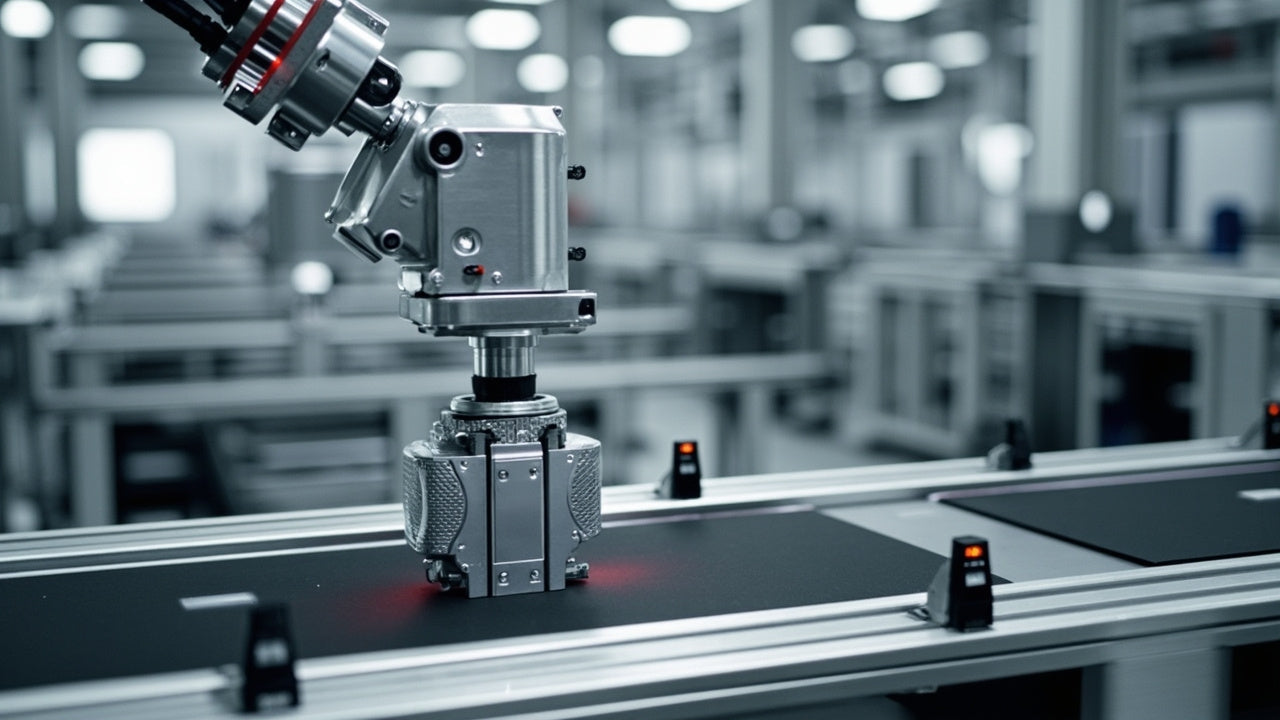
Essential Motion Control Commands: A Practical Guide for Engineers
Automation engineers often rely on precise position and speed control to drive modern factory machinery. Modern industrial systems, such as Programmable Logic Controllers (PLCs) and Distributed Control Systems (DCS), depend heavily on standardized motion instructions. Mastering these commands ensures operational safety, protects mechanical components, and optimizes cycle times across production lines.

The Role of Intrinsic Safety Barriers in PLC and DCS Architectures
Implementing robust protection in hazardous industrial environments represents a fundamental safety requirement in factory automation. Process facilities often handle volatile gases, dusts, and chemical agents that pose significant combustion risks. Consequently, control system engineers must deploy energy-limiting interfaces to isolate safe-area control cabinets from hazardous-area field instrumentation. This article examines the function, selection, and electrical principles of intrinsic safety barriers within modern PLC and DCS networks.