










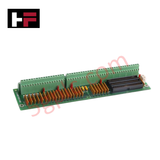
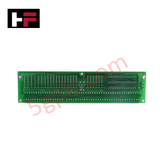
Product Details
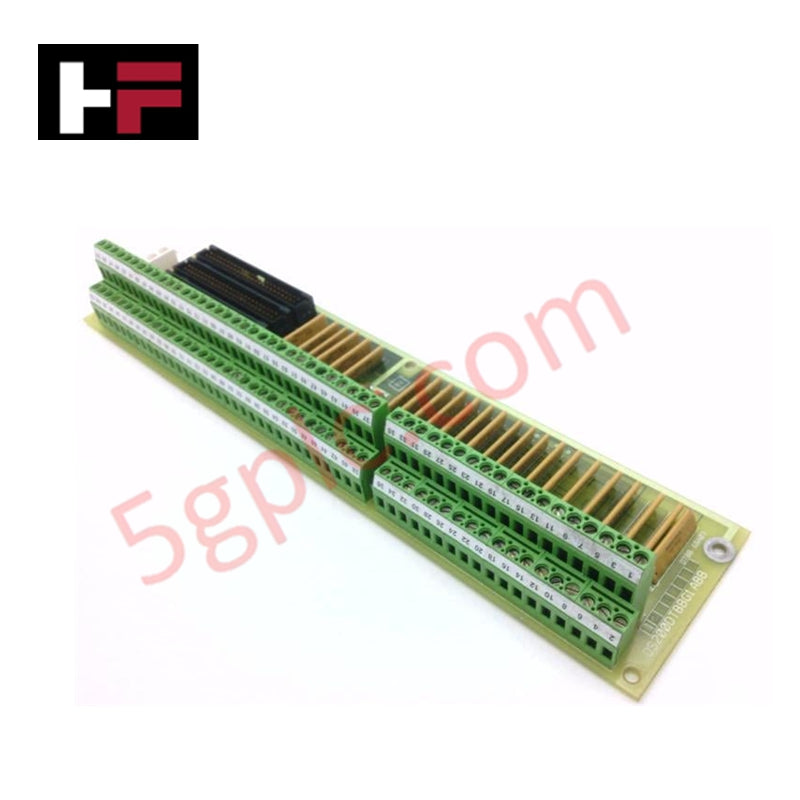
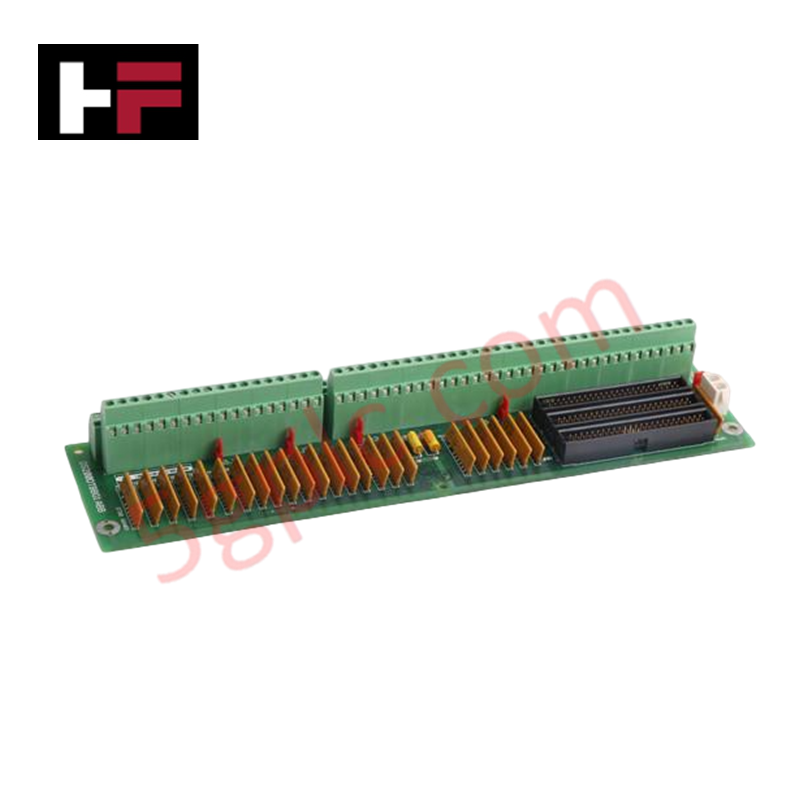
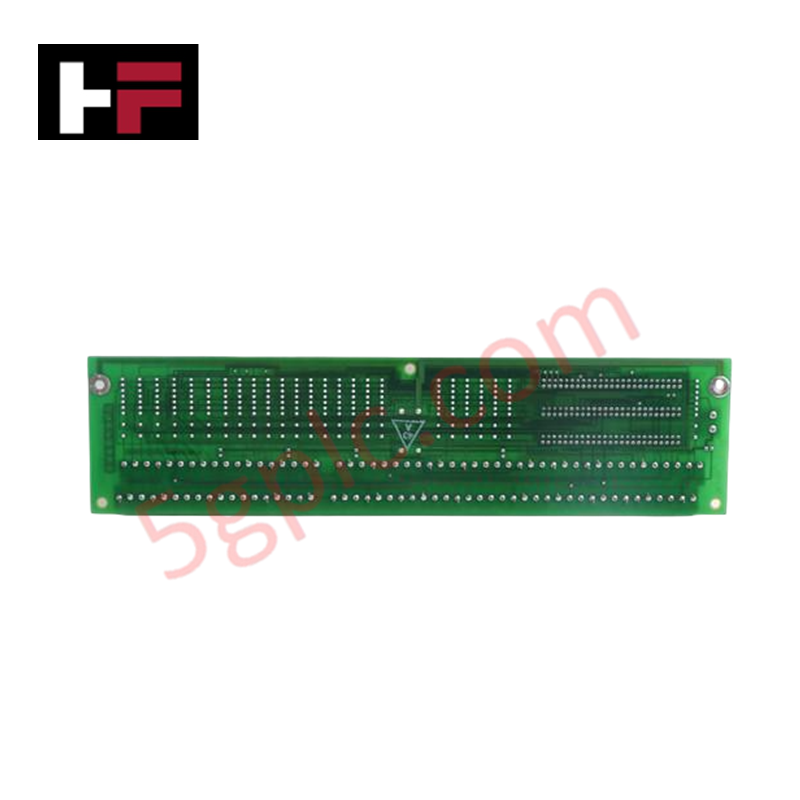
Configured for high-density signal termination within Mark V drive systems, the GE DS200DTBBG1A (DS200DTBB Terminal Board) provides direct physical execution of digital I/O interfacing.
Hardware Specifications
| Parameter | Specification |
|---|---|
| Model | DS200DTBBG1A |
| Brand | GE |
| Core Performance | 2 terminal blocks, 3 40-pin connectors, 5 jumpers |
Industrial Control & Drive Integration
The DS200DTBBG1A facilitates I/O density scaling by providing centralized termination points for digital signal wires across the Mark V platform. The board interfaces with the drive control system via three 40-pin ribbon cable connectors (JFF, JFG, JFH). Effective system synchronization depends on precise firmware flash compatibility and adherence to terminal mapping (TB1-TB2). While the board lacks internal active processing logic, its performance is contingent on backplane bus communication velocity maintained by the host drive processor. The physical layout supports up to 110 total signal connections, requiring strict documentation of cable routing to ensure deterministic I/O signal path integrity.
Frequently Asked Questions
Q: Does this board support hot-swapping for maintenance?
A: No. The DS200DTBBG1A must be serviced only when the drive system is de-energized and locked out. Removing or installing ribbon cables while the drive is active can result in signal transients and potential damage to the control system I/O processors.
Q: How should I manage the 40-pin ribbon cable connections?
A: Each cable must be mapped to its corresponding connector (JFF, JFG, JFH). Improper connection will prevent the drive from recognizing the digital I/O signals, requiring a full system shutdown and manual cable reassignment to restore operation.
Q: Are there any user-configurable settings on the board?
A: The board includes five physical jumpers. These are set to align the board's electrical state with the specific drive configuration. Ensure jumper positions are verified against site-specific documentation before installation.
Field Installation Guidelines
- Terminal Mapping: Identify signal terminations using the TB1 and TB2 designations followed by the specific terminal number (e.g., TB1-90). Use wire markers to track all 110 potential connections.
- Ribbon Cable Seating: Ensure 40-pin connectors are fully seated on the JFF, JFG, and JFH headers. Verify that cables are free from mechanical tension and routed away from high-voltage AC paths to prevent electromagnetic interference.
- Torque Specifications: When securing signal wires to TB1 or TB2, ensure terminal screws are tightened to the specified torque to prevent loose connections or oxidation-induced high-resistance faults.
- Inspection: Prior to energizing, inspect the board for debris and verify that no stray strands of wire have bridged adjacent terminal contacts.
Additional Information
- 100% Genuine Parts: All products are original and authentic, ensuring reliable industrial performance.
- 30-Day Refund Guarantee: Return any in-stock item within 30 days in original, unopened packaging for a full refund (excluding shipping and fees).
- 12-Month Warranty: Covers defects in materials or workmanship; excludes misuse, normal wear, or unauthorized modifications.
- Worldwide Shipping: We ship via USPS, UPS, FedEx, and DHL. Delivery times vary by country and may be subject to customs or import fees.
- Support & Contact: Technical and warranty assistance is available anytime. Contact us here: Contact.
- Purchase Guidance: Check product specifications and compatibility carefully before ordering to ensure proper application.




Tech & Buying Guide

Understanding Safety Relays in Industrial Automation: Architecture, Operation, and Functional Safety
Standard electromechanical relays provide basic electrical isolation between low-voltage control circuits and high-power output loads. A traditional switching relay features a magnetic coil driving mechanical Common (COM), Normally-Open (NO), and Normally-Closed (NC) contacts. However, standard relays pose severe functional risks when deployed in critical safety interlock circuits. High current inrush or mechanical wear can weld contacts together permanently. If contact welding occurs in an emergency stop circuit, pressing the button fails to halt hazardous machinery movements. Consequently, global functional safety standards prohibit standard relays for critical machine guarding functions.

Mastering Wire Identification in Industrial Automation: The Power of Ferrules and Cross-Ferruling
Proper wire labeling forms the cornerstone of reliable control system installation and long-term maintenance. In complex industrial automation environments, technicians terminate thousands of conductor ends inside control panels, marshalling racks, and field junction boxes. Ferrules serve as individual tube-shaped sleeve markers slipped onto conductors before final termination. While technicians historically relied on pre-printed individual letter rings, modern control panel builders utilize automated ferrule printing machines. These thermal-transfer printers generate durable, single-sleeve heat-shrink tags directly matching approved wiring schematics, significantly accelerating cabinet assembly workflows.

Understanding Marshalling Cabinets in Industrial Automation and Control Systems
Marshalling cabinets serve as the crucial connection hub between field instruments and centralized processing units. In large DCS and PLC control system architectures, hundreds of multipair field cables run from local junction boxes to the central instrument equipment room. The marshalling cabinet houses field terminal blocks, surge arresters, intrinsic safety isolation barriers, and interposing relays. By segregating field field-wiring terminations from sensitive processor hardware, engineers protect expensive controller backplanes from high-voltage transients. Consequently, this modular separation dramatically streamlines maintenance workflows and simplifies system expansion.