












Product Details
Product Description
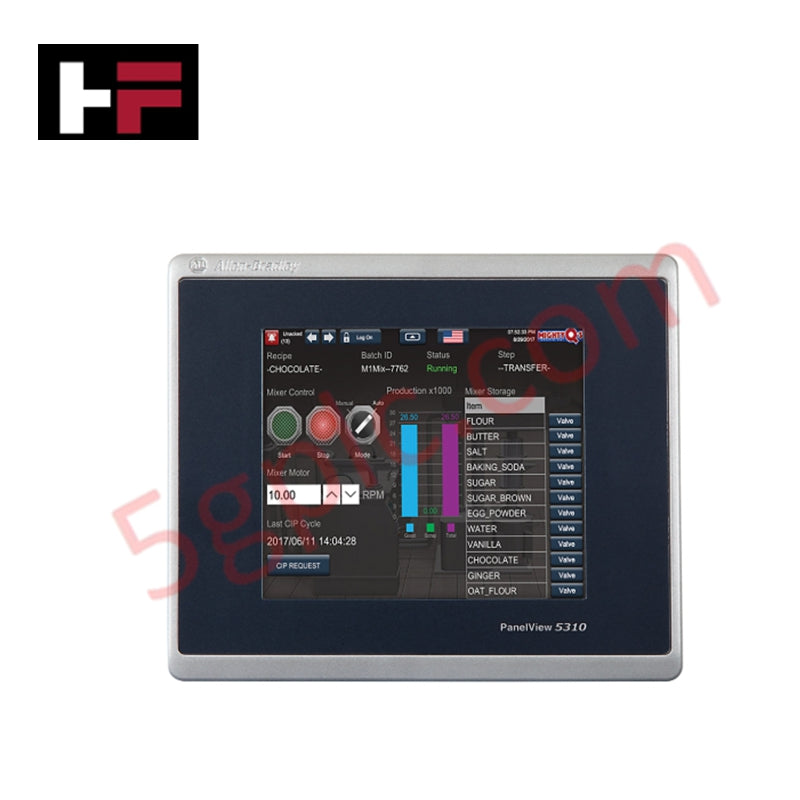
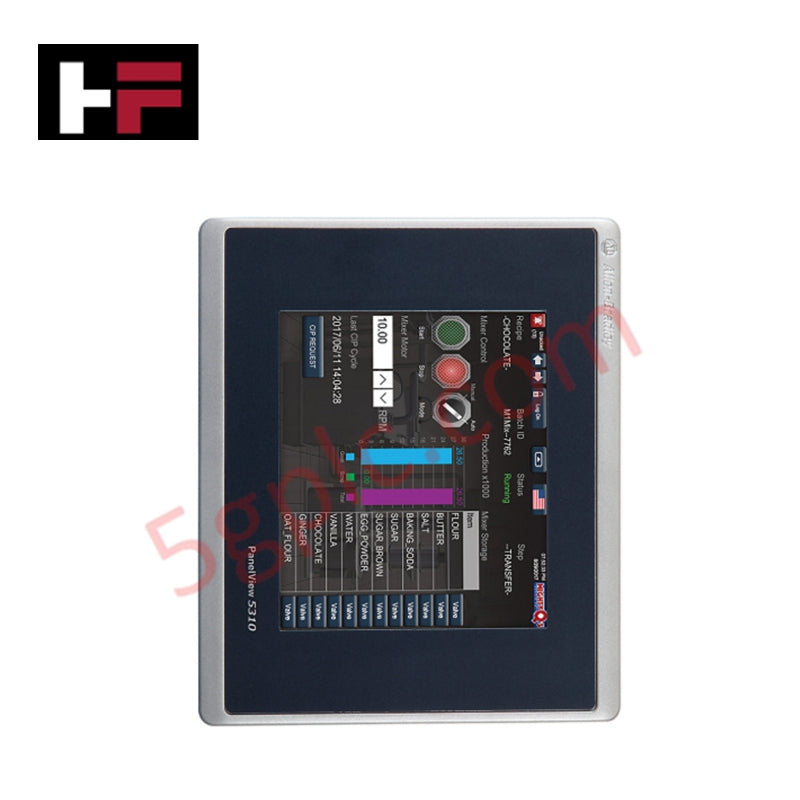
The 2713P-T7WD1 (Catalog Number: 2713P-T7WD1) is a high-performance operator interface designed for modern industrial automation environments. As a cornerstone of the PanelView 5310 family, this terminal offers tight integration with Logix-based controllers, particularly the Studio 5000 View Designer environment. This model features a wide-aspect ratio 7-inch display and is optimized for small to medium-sized applications requiring intuitive touch control, high-speed graphics processing, and robust data handling capabilities.
Comprehensive Hardware and Display Specifications
-
Display Type: 7-inch Color TFT Wide-Screen Liquid Crystal Display
-
Viewing Dimensions: 152 x 91 mm (6.0 x 3.6 inches)
-
Native Resolution: 800 x 480 WVGA
-
Aspect Ratio: 15:9 (formatted as 5:3)
-
Luminance and Backlight: White LED with 50,000-hour minimum half-life
-
Interaction Method: Analog Resistive Touchscreen
-
Touch Durability: Tested for 1 million actuations at 100g operating force
-
System Processor/Memory: 1 GB RAM and 1 GB non-volatile user storage
-
Operating Voltage: 24V DC nominal (Acceptable range 18 to 30V DC)
-
Maximum Power Consumption: 9 Watts (0.375A at 24V DC)
-
I/O Connectivity: 1 10/100 Base-T Ethernet port; 2 USB 2.0 High-Speed Host ports
-
Weight: 1.36 kg (3.00 lbs)
-
Enclosure Suitability: NEMA/UL Type 4X, 12, 13, and IP66 (when panel mounted)
Operational Capabilities and Logic Integration
-
Software Compatibility: Requires Studio 5000 View Designer (Version 4.01 or later)
-
Logix Integration: Supports high-speed HMI button response for Studio 5000 Logix Designer applications
-
Graphic Elements: Vector-based scalable graphics for crisp image quality at any zoom level
-
Communication Interface: Integrated Ethernet port supporting EtherNet/IP for real-time data exchange
Installation and Technical FAQ
What are the primary differences between the PanelView 5310 and PanelView 5510?The 2713P-T7WD1 (Part Number: 2713P-T7WD1) belongs to the 5310 series, which is designed for smaller systems. While both use Studio 5000 View Designer, the 5310 series typically supports up to 100 screens and 1,000 alarms, whereas the 5510 series is intended for larger, more complex installations with higher screen and alarm counts.
Can the USB ports be used for data logging or peripherals?Yes. The two high-speed USB host ports allow for the connection of external storage devices for data logging and recipe management, as well as peripheral devices like keyboards or mice to aid in operator interaction.
Is this terminal compatible with legacy PanelBuilder or FactoryTalk View ME software?No. The PanelView 5310 series utilizes a modern architecture specifically built for Studio 5000 View Designer. It is not backward compatible with applications designed for PanelView Plus (FactoryTalk View ME) or PanelView Standard (PanelBuilder32) terminals.
Additional Information
- 100% Genuine Parts: All products are original and authentic, ensuring reliable industrial performance.
- 30-Day Refund Guarantee: Return any in-stock item within 30 days in original, unopened packaging for a full refund (excluding shipping and fees).
- 12-Month Warranty: Covers defects in materials or workmanship; excludes misuse, normal wear, or unauthorized modifications.
- Worldwide Shipping: We ship via USPS, UPS, FedEx, and DHL. Delivery times vary by country and may be subject to customs or import fees.
- Support & Contact: Technical and warranty assistance is available anytime. Contact us here: Contact.
- Purchase Guidance: Check product specifications and compatibility carefully before ordering to ensure proper application.
Tech & Buying Guide

Understanding VFD Mechanical Brake Logic and Control in Industrial Automation
Variable Frequency Drives (VFDs) play a crucial role in modern industrial automation by controlling motor speed, torque, and acceleration. However, high-inertia loads and vertical lifting systems require precise mechanical braking logic to ensure operational safety and prevent equipment damage.

Why Programmable Logic Controllers Drop into Stop Mode: An Expert Analysis
Industrial automation systems rely heavily on Programmable Logic Controllers (PLCs) to maintain uninterrupted production. When a PLC unexpectedly shifts from Run to Stop mode, whole manufacturing lines stall.
As control systems evolve across modern factory automation, understanding the root causes of these interruptions helps engineers minimize costly downtime. This technical guide breaks down why PLCs trip into Stop mode and provides practical strategies to mitigate system faults.

Understanding Root Causes of Unplanned PLC Stop Mode in Industrial Automation
Modern Programmable Logic Controllers manage execution through distinct operational states: Run, Stop, Start-Up, and Hold. During power-up, a controller initializes memory registers within Stop mode before briefly transitioning to Start-Up mode. During this phase, internal self-diagnostics evaluate system integrity across hardware and user programs. If the controller detects no critical faults, it enters Run mode to execute the control program continuously. However, any severe system anomaly forces the CPU back into Stop mode immediately to prevent erratic machine behavior across the plant floor.