










Product Details
Product Overview
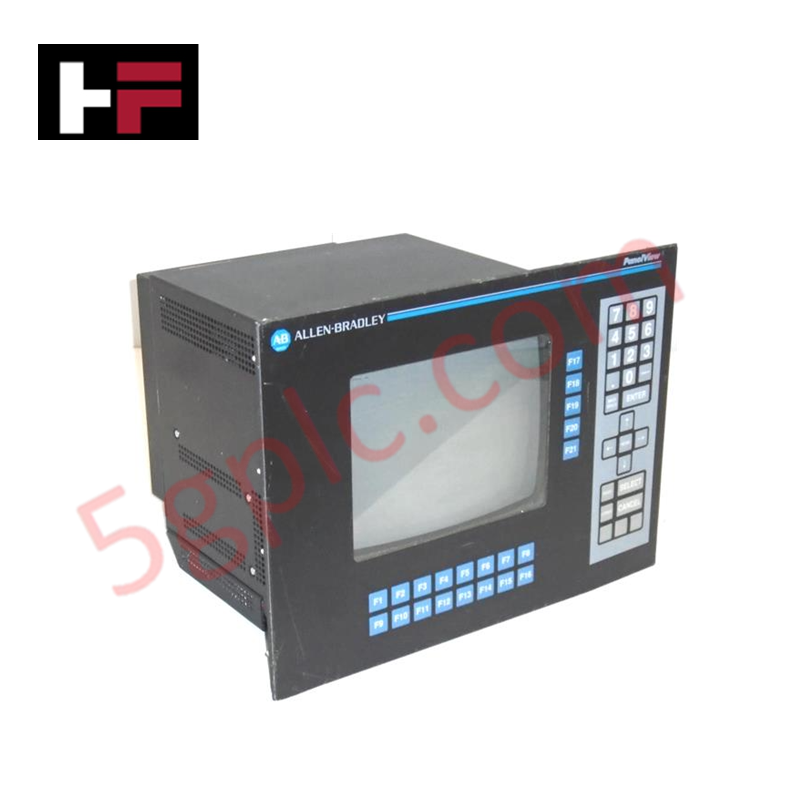
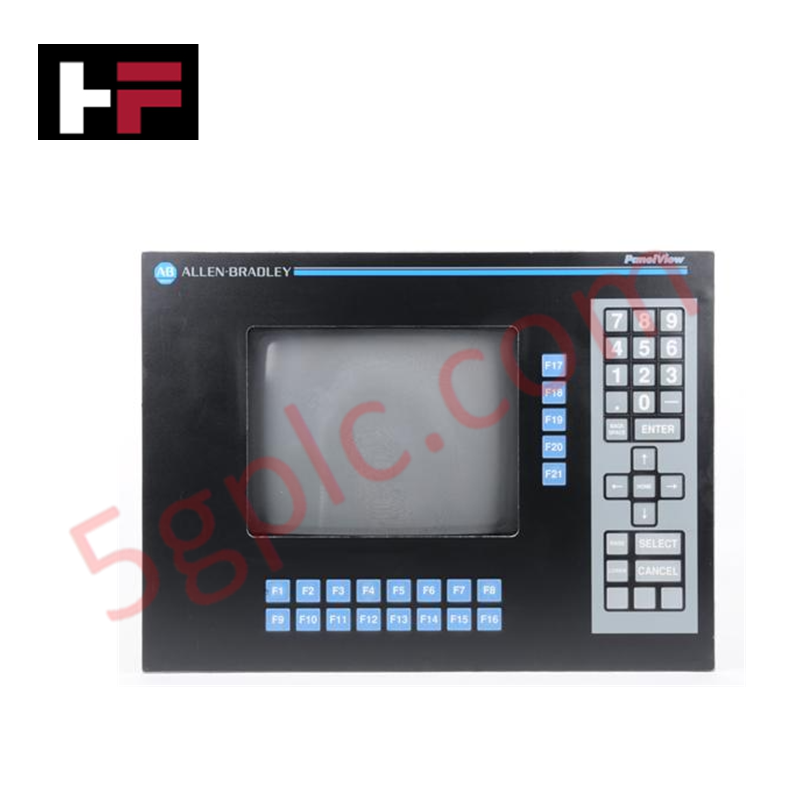
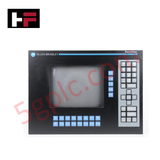
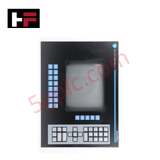
The Allen Bradley 2711-KC1 functions as a ruggedized operator interface for legacy PLC-5 and SLC 500 control systems. This PanelView 1200 terminal utilizes a 12-inch color CRT display and a heavy-duty tactile keypad to facilitate high-speed data visualization and machine control. We supply this unit as 100% Brand New, ensuring factory-original performance for critical infrastructure that requires high-availability hardware replacements.
Technical Specifications
The 2711-KC1 integrates high-capacity internal RAM with versatile voltage sensing to accommodate global industrial power standards.
| Feature | Specification |
| Manufacturer | Allen Bradley (Rockwell Automation) |
| Display Type | Color CRT (12-inch Diagonal) |
| Display Format | 24 Rows x 80 Columns |
| Input Type | Stainless Steel Keypad (2 million presses rated) |
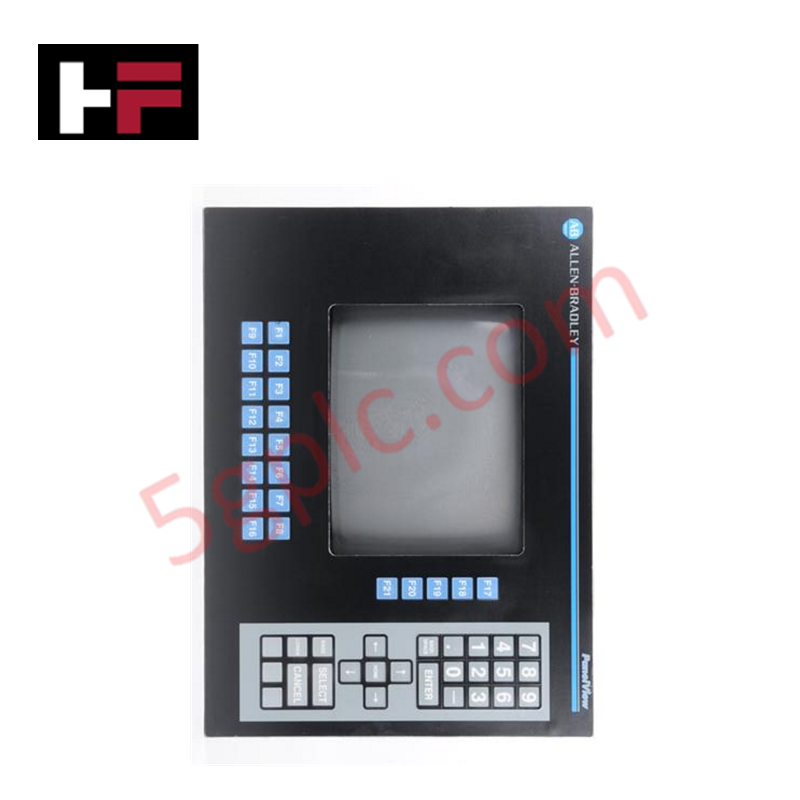
| Function Keys | 16 User-Definable Keys (F1–F16) |
| Communication | Remote I/O (RIO) |
| Printer Port | RS-232 |
| Input Voltage | 90–132 VAC / 180–264 VAC (Auto-Sensing) |
| Frequency Range | 47–63 Hz |
| Enclosure Rating | NEMA 4X (Indoor), NEMA 12, NEMA 13 |
| Weight | 20.00 lbs (9.07 kg) |
Engineering Advantages
-
Tactile Reliability for Harsh Environments: The mechanical keypad offers a 2-million press lifecycle, providing positive feedback to operators wearing heavy industrial gloves. This hardware interface outperforms touchscreens in environments with oil splatter or airborne particulates that often interfere with capacitive sensors.
-
Automatic Power Adaptation: The internal power supply features an automatic voltage setting. It detects the incoming line voltage (either 120V or 240V AC) and adjusts the internal circuitry instantly, preventing hardware damage during installation in varied electrical regions.
-
Multi-Protocol Environmental Protection: The NEMA 4X (Indoor), 12, and 13 enclosure ratings protect the sensitive CRT and internal logic from hose-directed water, oil seepage, and non-corrosive coolants. This makes the 2711-KC1 ideal for machining centers and food processing facilities.
-
Low-Latency Data Refresh: By utilizing the Remote I/O (RIO) port, the terminal maintains a high-speed link with the processor's data table. This ensures that the 24x80 character display updates in real-time, allowing operators to react instantly to process alarms or status changes.
FAQs
-
Can I replace a 2711-KC1 with a modern touchscreen PanelView?
While modern PanelViews offer similar functions, the 2711-KC1 uses the legacy Remote I/O (RIO) protocol and a unique panel cutout size. Replacing it with a newer model often requires extensive cabinet modifications and communication protocol converters. Installing a brand new 2711-KC1 eliminates these engineering overheads.
-
Does the 2711-KC1 require manual voltage jumpers?
No. The terminal incorporates an auto-sensing power supply. It automatically matches the internal components to the available power supply within the 90–132 VAC or 180–264 VAC ranges.
-
How do I connect a local alarm printer?
The unit features an integrated RS-232 serial port specifically intended for printer connections. You can configure the terminal to send hard-copy reports or time-stamped alarm logs directly to a serial printer for regulatory compliance or maintenance tracking.
-
What is the lifespan of the color CRT display?
The industrial-grade CRT in the 2711-KC1 provides high contrast and wide viewing angles. To maximize the display's life, we recommend utilizing the built-in screen saver functions within the PanelBuilder software to prevent phosphor burn-in during idle periods.
Additional Information
- 100% Genuine Parts: All products are original and authentic, ensuring reliable industrial performance.
- 30-Day Refund Guarantee: Return any in-stock item within 30 days in original, unopened packaging for a full refund (excluding shipping and fees).
- 12-Month Warranty: Covers defects in materials or workmanship; excludes misuse, normal wear, or unauthorized modifications.
- Worldwide Shipping: We ship via USPS, UPS, FedEx, and DHL. Delivery times vary by country and may be subject to customs or import fees.
- Support & Contact: Technical and warranty assistance is available anytime. Contact us here: Contact.
- Purchase Guidance: Check product specifications and compatibility carefully before ordering to ensure proper application.
Tech & Buying Guide

Demystifying the DDE Protocol in Legacy Industrial Automation Systems
Modern control systems rely heavily on seamless interprocess communication to exchange operational data between software programs. Microsoft first introduced the Dynamic Data Exchange (DDE) protocol in 1987 to enable real-time data sharing. In factory automation, DDE served as an early bridge between control software and Windows desktop applications. Therefore, understanding DDE mechanics provides crucial insights into how legacy industrial networks established software-level connectivity.

Demystifying CPU Communication Ports in Siemens PLC Architectures
Industrial automation relies heavily on robust data exchange between devices. Without seamless connectivity, field instruments, network switches, human-machine interfaces, and programmable logic controllers cannot coordinate effectively. Therefore, understanding the various CPU communication ports available in Siemens hardware ensures efficient factory automation design and seamless system integration.

Mastering the Siemens PLC Scan Cycle: How the CPU Executes Automation Programs
Industrial automation relies heavily on programmable logic controllers (PLCs) to manage complex manufacturing processes. Many engineers dive straight into programming without mastering the underlying architecture. However, understanding how a PLC CPU executes a program ensures reliable system design. Therefore, mastering the scan cycle optimizes both performance and troubleshooting in modern control systems.