










Product Details
Product Overview
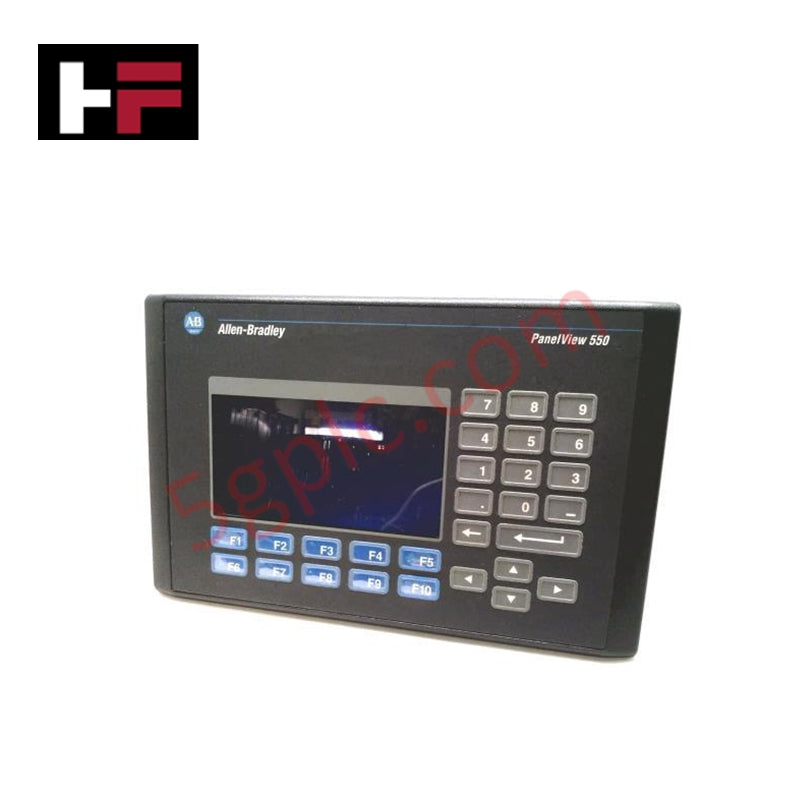
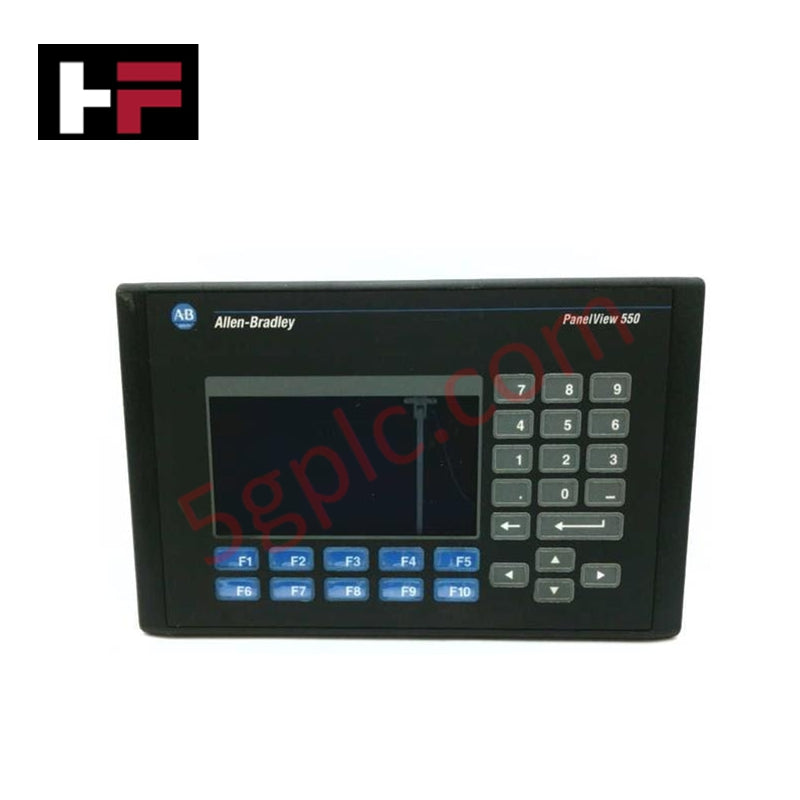
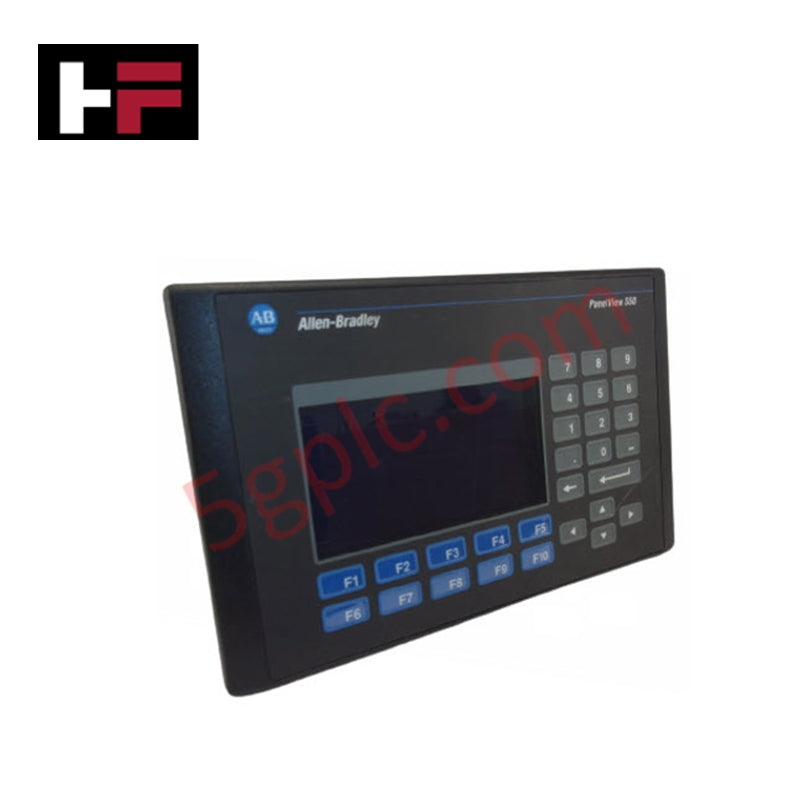
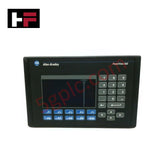
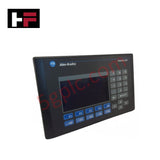
The Allen Bradley 2711-K5A20 serves as a specialized Human-Machine Interface (HMI) designed for high-performance machine-level visualization within the PanelView 550 Standard series. This terminal features a rugged tactile keypad and integrated Ethernet communication, providing a direct digital link to SLC 500, MicroLogix, and ControlLogix controllers. We supply this unit as 100% Brand New and Factory Original, offering a critical solution for facilities that must maintain validated legacy control systems without the high cost of a full panel redesign.
Technical Specifications
The 2711-K5A20 utilizes industrial-grade hardware to ensure data persistence and display clarity in factory environments:
| Feature | Specification |
| Operator Input | Tactile Keypad (F1 through F10 Function Keys) |
| Display Type | Monochrome LCD Blue Mode |
| Display Size | 5.5-inch |
| Resolution | 256 x 128 Pixels |
| Communication Ports | Ethernet (EtherNet/IP) and RS-232 (Printer Port) |
| Input Voltage | 100–240V AC |
| Frequency | 50/60 Hz |
| Memory | 170 KB Application Runtime |
| Backlight Replacement | 2711-NL1 |
| Weight | 3.13 lbs (1.42 kg) |
Engineering Advantages
-
Native Ethernet Connectivity: This terminal incorporates a built-in Ethernet port, enabling high-speed data transfer and seamless integration into plant-wide networks. It eliminates the need for external protocol converters and allows for remote diagnostics and centralized data collection.
-
Tactile Keypad Precision: The physical keypad provides definitive mechanical feedback, which ensures accurate command entry even when operators wear heavy protective gloves. This mechanical design prevents the accidental triggering often associated with touchscreens in high-vibration or electrically noisy environments.
-
Universal AC Power Input: The internal power supply accepts a wide range of 100–240V AC. This versatility allows for global installation without requiring localized voltage transformers, simplifying spare parts inventory for international manufacturers.
-
High-Contrast Blue Mode Display: The blue monochrome LCD delivers excellent visibility under varied lighting conditions. It maintains sharp text and icon clarity, ensuring operators can read critical alarms and process variables from multiple viewing angles.
-
Legacy Architecture Support: As a brand-new original unit, the 2711-K5A20 replaces failed obsolete hardware instantly. It allows maintenance teams to restore machine operation by simply moving the existing memory card or downloading the original PanelBuilder32 file.
FAQs
-
Is this 2711-K5A20 unit 100% Brand New?
Yes. We guarantee this unit is 100% Brand New and ships in its original factory-sealed Allen Bradley packaging. We do not supply refurbished or used surplus, ensuring your facility receives hardware with its full original backlight and component lifespan.
-
Can I use the RS-232 port for controller communication?
The RS-232 port on the 2711-K5A20 functions primarily as a printer port for alarm logs or as a download port. Primary controller communication occurs through the Ethernet port. If you require DH-485 or DH+ communication, you must select the appropriate 2711-K5A5 or 2711-K5A8 models.
-
What software do I need to program this terminal?
You must use PanelBuilder32 software. The terminal supports application downloads directly over the Ethernet network or through a point-to-point RS-232 connection using a 2711-NC13 cable.
-
Does the unit come with mounting hardware?
Yes. The factory-original unit includes the necessary mounting clips and the environmental sealing gasket to maintain the integrity of your enclosure's NEMA rating.
Additional Information
- 100% Genuine Parts: All products are original and authentic, ensuring reliable industrial performance.
- 30-Day Refund Guarantee: Return any in-stock item within 30 days in original, unopened packaging for a full refund (excluding shipping and fees).
- 12-Month Warranty: Covers defects in materials or workmanship; excludes misuse, normal wear, or unauthorized modifications.
- Worldwide Shipping: We ship via USPS, UPS, FedEx, and DHL. Delivery times vary by country and may be subject to customs or import fees.
- Support & Contact: Technical and warranty assistance is available anytime. Contact us here: Contact.
- Purchase Guidance: Check product specifications and compatibility carefully before ordering to ensure proper application.
Tech & Buying Guide

Demystifying CPU Communication Ports in Siemens PLC Architectures
Industrial automation relies heavily on robust data exchange between devices. Without seamless connectivity, field instruments, network switches, human-machine interfaces, and programmable logic controllers cannot coordinate effectively. Therefore, understanding the various CPU communication ports available in Siemens hardware ensures efficient factory automation design and seamless system integration.

Mastering the Siemens PLC Scan Cycle: How the CPU Executes Automation Programs
Industrial automation relies heavily on programmable logic controllers (PLCs) to manage complex manufacturing processes. Many engineers dive straight into programming without mastering the underlying architecture. However, understanding how a PLC CPU executes a program ensures reliable system design. Therefore, mastering the scan cycle optimizes both performance and troubleshooting in modern control systems.

How to Connect to Siemens S7 PLCs: 5 Essential Communication Methods
Establishing a reliable hardware link between a programming terminal and a Siemens SIMATIC controller is essential for engineering workflows. Field engineers rely on distinct physical layers, ranging from legacy serial connections to high-speed Industrial Ethernet protocols. Modern factory automation environments prioritize fast data transfer and seamless driver integration. Selecting the correct connection method simplifies program downloads, online monitoring, and system troubleshooting in complex control systems.