








Product Details
Product Overview
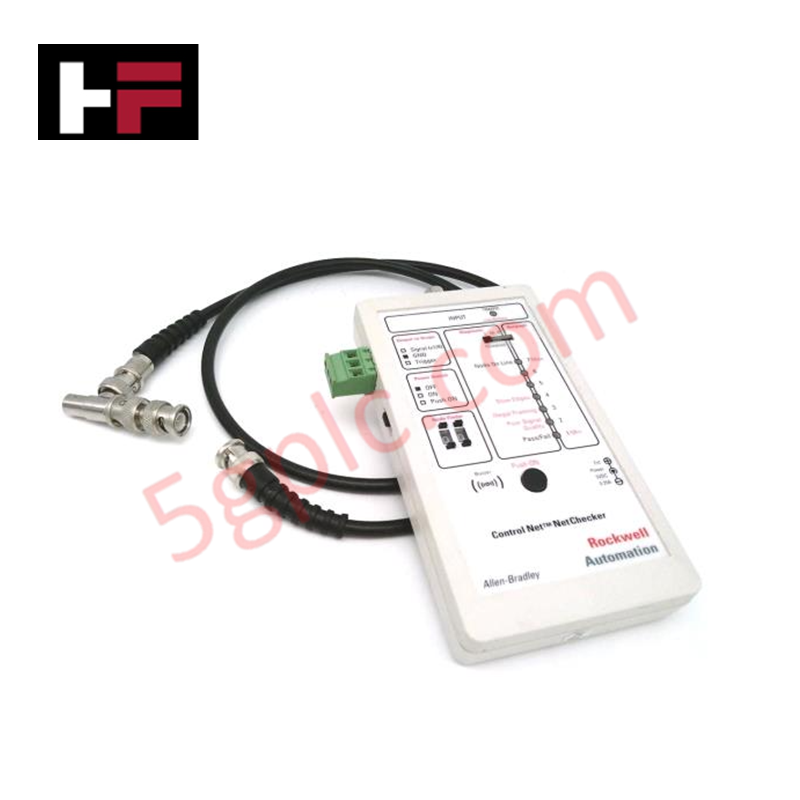
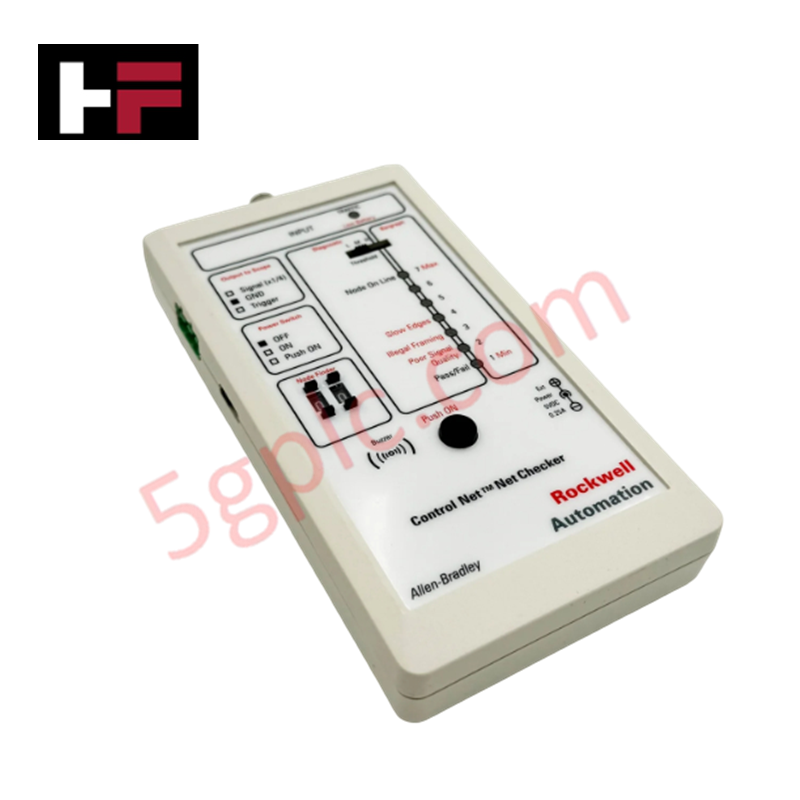
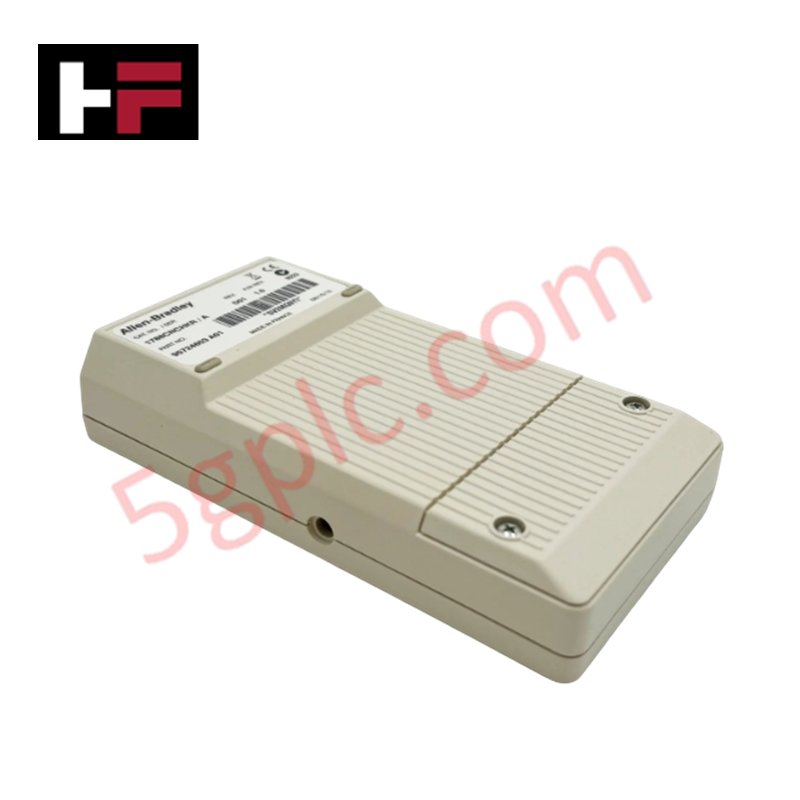
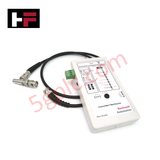
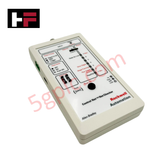
The Allen Bradley 1788-CNCHKR serves as a critical handheld diagnostic instrument for ControlNet networks. It empowers field engineers to identify physical layer faults, monitor traffic health, and verify signal integrity without interrupting system operations. As a 100% Brand New and original unit, this NetChecker ensures precision in detecting node-specific issues and cable attenuation.
Technical Specifications
The following table highlights the core hardware capabilities of the 1788-CNCHKR:
| Feature | Specification |
| Manufacturer | Allen Bradley (Rockwell Automation) |
| Part Number | 1788-CNCHKR |
| Network Type | ControlNet |
| Indicators | 8 Bi-color (Red/Green) LEDs |
| Audio Alert | Integrated Piezo Buzzer for fault detection |
| Power Source | Two (2) 1.5 VDC AA Batteries or External DC Jack |
| Battery Life | 6 Hours (Continuous use) |
| Interface | 2-digit decimal thumbwheel (Node 0-99) |
| Oscilloscope Port | 3-pin Phoenix connector |
| Weight | 0.75 lbs (0.34 kg) |
Engineering Advantages
-
Dual-Mode Diagnostics: The 4-position function switch allows users to toggle between Diagnostic mode (with Low, Medium, and High thresholds) and Bargraph mode. This flexibility enables engineers to quantify signal strength or pinpoint specific interference levels across the network.
-
Real-Time Signal Analysis: The 3-pin Phoenix connector facilitates direct connection to an oscilloscope. This allows technicians to visualize the ControlNet waveform and identify complex harmonic distortions or reflection issues that standard software tools might miss.
-
Proactive Maintenance: The "TRAFFIC" indicator doubles as a low-battery warning, ensuring the tool never fails during critical field commissioning. The dual-function LEDs (1-7) provide an immediate visual representation of network health, allowing for rapid-fire troubleshooting in high-pressure environments.
-
Intuitive Node Targeting: The manual 2-digit thumbwheel switches allow you to isolate and find the address of specific nodes (0-99) instantly. This hardware-level control bypasses the need for complex software configurations during initial cable testing.
FAQs
-
How does the 1788-CNCHKR indicate a fault?
The device utilizes both visual and audible cues. The Piezo buzzer sounds an alarm when it detects a fault, while the eight bi-color LEDs change status to indicate whether the issue stems from signal thresholds or traffic congestion.
-
Can I use the tool for long-term monitoring?
Yes. While the unit runs for 6 hours on AA batteries for portability, the integrated DC jack allows for external power connection, enabling permanent monitoring of specific network segments during stress testing.
-
What is the difference between the 'ON' and 'Push ON' switch positions?
The 3-position slide switch offers a "Permanent ON" mode for extended diagnostics and a "Push ON" momentary power mode. The momentary setting preserves battery life when you only need a quick spot check of a node's status.
-
Is this unit compatible with all ControlNet versions?
The 1788-CNCHKR focuses on the physical layer of the ControlNet media. It effectively analyzes the RG-6 coax backbone and signals regardless of the higher-level firmware versions of the connected PLCs or scanners.
Additional Information
- 100% Genuine Parts: All products are original and authentic, ensuring reliable industrial performance.
- 30-Day Refund Guarantee: Return any in-stock item within 30 days in original, unopened packaging for a full refund (excluding shipping and fees).
- 12-Month Warranty: Covers defects in materials or workmanship; excludes misuse, normal wear, or unauthorized modifications.
- Worldwide Shipping: We ship via USPS, UPS, FedEx, and DHL. Delivery times vary by country and may be subject to customs or import fees.
- Support & Contact: Technical and warranty assistance is available anytime. Contact us here: Contact.
- Purchase Guidance: Check product specifications and compatibility carefully before ordering to ensure proper application.
Tech & Buying Guide

Ultimate Commissioning Checklist for Industrial Automation Systems: An Engineering Guide
Commissioning is the most decisive phase of an industrial automation project, transforming control hardware and software into an operational facility. Thorough testing prevents costly startup delays and builds customer confidence. This guide covers essential checklists, electrical standards, and best practices.

Redundant Automation Systems: Core Architecture, Business Value, and Technical Advantages
Unplanned downtime poses a major financial threat to process manufacturing. To prevent costly interruptions, engineers deploy redundant PLC and DCS architectures that ensure continuous operation when hardware fails. This technical guide explores redundancy principles, critical system nodes, and real-world scenarios.

Preventing Emergency Stop Spurious Trips in Industrial Control Systems
Emergency Stop pushbuttons use Normally Closed contacts for fail-safe safety, but mechanical wear can cause costly spurious trips. This technical guide examines E-Stop contact failure root causes, redundant hardware setups, PLC logic monitoring, and maintenance strategies to maximize plant availability.