










Product Details
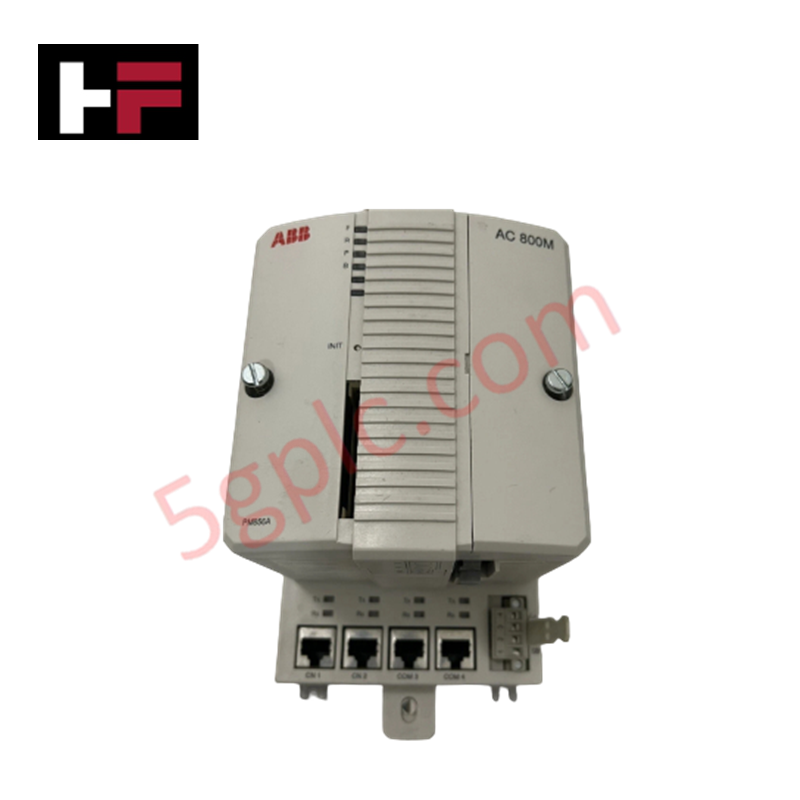
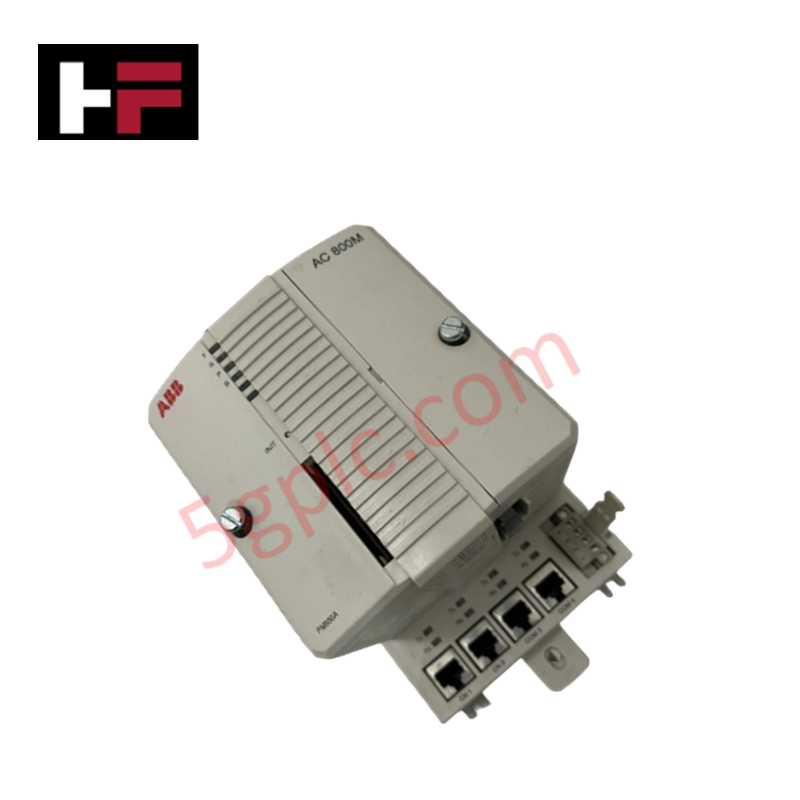
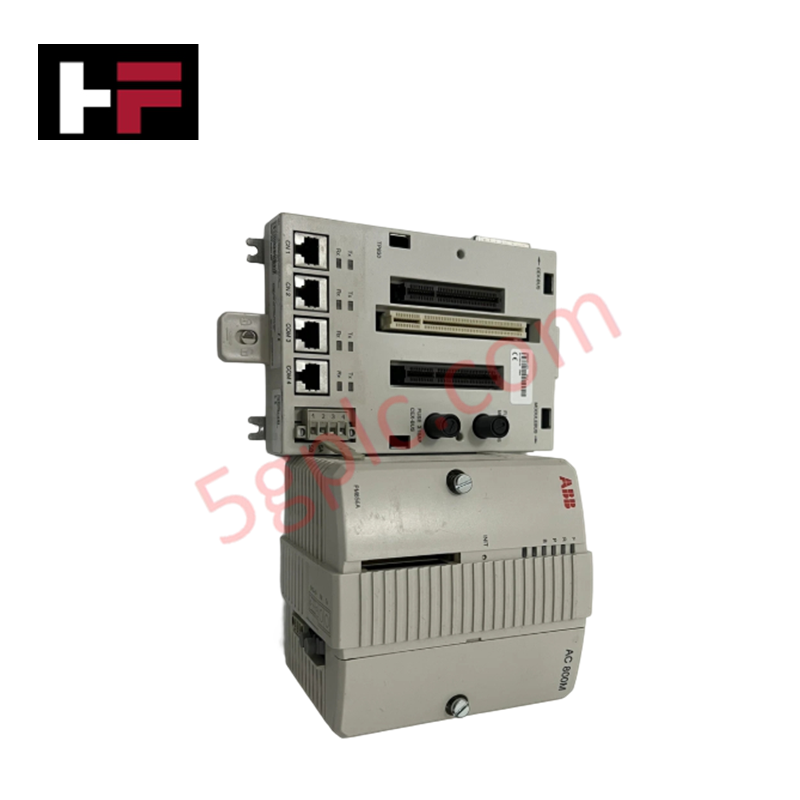
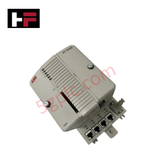
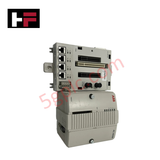
The ABB PM856A 3BSE066489R1, also cataloged as the PM856A CPU Processor Units, operates as a dedicated hardware component for central application processing and system control execution within ABB AC 800M platforms.
Hardware Specifications
| Parameter | Specification |
|---|---|
| Model | PM856A |
| Part Number | 3BSE066489R1 |
| Brand | ABB |
| Product Type | CPU Processor Units |
| Origin | Sweden |
| Weight | 0.80 kg |
| Dimensions | 119 x 135 x 185 mm |
| Operating Temp | 0 to +55 deg C |
| Power Consumption | 24 VDC (Backplane power bus) |
| Clock Frequency | 24 MHz |
| System Memory | 16 MB RAM (10.337 MB available for applications) |
| Communication Interfaces | 2 x RJ45 Ethernet ports (CN1, CN2), COM3 (RS-232C), COM4 (Isolated configuration) |
| Expansion Storage | CompactFlash Interface |
| Protection Class | IP20 |
Backplane Bus Communication Velocity and Firmware Flash Compatibility
The processor architecture utilizes a 24 MHz clock frequency to manage real-time control loops and high-throughput data exchanges across connected I/O racks. Dual RJ45 Ethernet ports maintain high backplane bus communication velocity and deterministic network synchronization across Control Network lines. Integrated system logic supports firmware flash compatibility, allowing deterministic program execution, online code changes, and fast diagnostic cycle updates across high-density I/O configurations.
Frequently Asked Questions
Q: What is the available user memory capacity on the PM856A module for control applications?
A: Out of the total 16 MB onboard RAM, 10.337 MB is specifically allocated for user application programs and runtime data storage.
Q: Can the PM856A CPU unit be extracted or inserted under power?
A: No, module removal or insertion must be performed only when the rack power supply is turned off to prevent transient power disruptions on the backplane bus.
Q: How is structural chassis earth grounding established for the CPU unit?
A: Earth ground connection is secured mechanically through the metal DIN-rail clip and rear grounding terminals when locked onto the base plate assembly.
Field Installation Guidelines
- Disconnect all 24 VDC primary power sources before mounting or servicing the PM856A processor unit.
- Wear an anti-static ESD wrist strap grounded to the enclosure frame before handling the module.
- Snap the 0.80 kg module firmly onto the backplane base plate until locking tabs engage completely.
- Torque all module retaining fasteners and connect earth ground straps directly to the cabinet ground bar.
- Maintain a minimum distance of 200 mm between Ethernet/serial lines and 230 VAC/480 VAC power conductors.
Additional Information
- 100% Genuine Parts: All products are original and authentic, ensuring reliable industrial performance.
- 30-Day Refund Guarantee: Return any in-stock item within 30 days in original, unopened packaging for a full refund (excluding shipping and fees).
- 12-Month Warranty: Covers defects in materials or workmanship; excludes misuse, normal wear, or unauthorized modifications.
- Worldwide Shipping: We ship via USPS, UPS, FedEx, and DHL. Delivery times vary by country and may be subject to customs or import fees.
- Support & Contact: Technical and warranty assistance is available anytime. Contact us here: Contact.
- Purchase Guidance: Check product specifications and compatibility carefully before ordering to ensure proper application.


Tech & Buying Guide

Why Programmable Logic Controllers Drop into Stop Mode: An Expert Analysis
Industrial automation systems rely heavily on Programmable Logic Controllers (PLCs) to maintain uninterrupted production. When a PLC unexpectedly shifts from Run to Stop mode, whole manufacturing lines stall.
As control systems evolve across modern factory automation, understanding the root causes of these interruptions helps engineers minimize costly downtime. This technical guide breaks down why PLCs trip into Stop mode and provides practical strategies to mitigate system faults.

Understanding Root Causes of Unplanned PLC Stop Mode in Industrial Automation
Modern Programmable Logic Controllers manage execution through distinct operational states: Run, Stop, Start-Up, and Hold. During power-up, a controller initializes memory registers within Stop mode before briefly transitioning to Start-Up mode. During this phase, internal self-diagnostics evaluate system integrity across hardware and user programs. If the controller detects no critical faults, it enters Run mode to execute the control program continuously. However, any severe system anomaly forces the CPU back into Stop mode immediately to prevent erratic machine behavior across the plant floor.

Human-Machine Interface Design: Essential Guide to HMI Selection, Visualization, and Control System Integration
Human-Machine Interfaces (HMIs) serve as the primary operational window into complex industrial automation systems. Modern HMIs convert raw machine data into clear graphical displays, enabling operators to oversee entire manufacturing processes in real time. Instead of relying on physical control panels full of hardwired switches, engineers program interactive screens using intuitive graphics, dynamic color coding, and responsive touch interfaces. Over my 15 years in control systems engineering, I have observed HMIs transform from basic display screens into sophisticated command centers that drive operational efficiency across DCS and PLC environments.