










Butiran Produk
Gambaran Produk
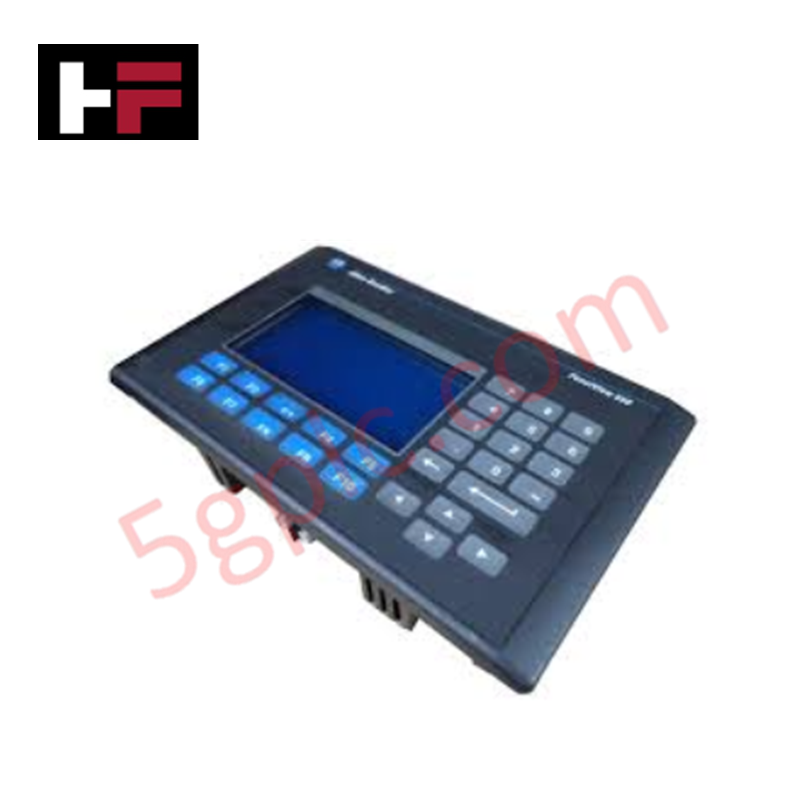
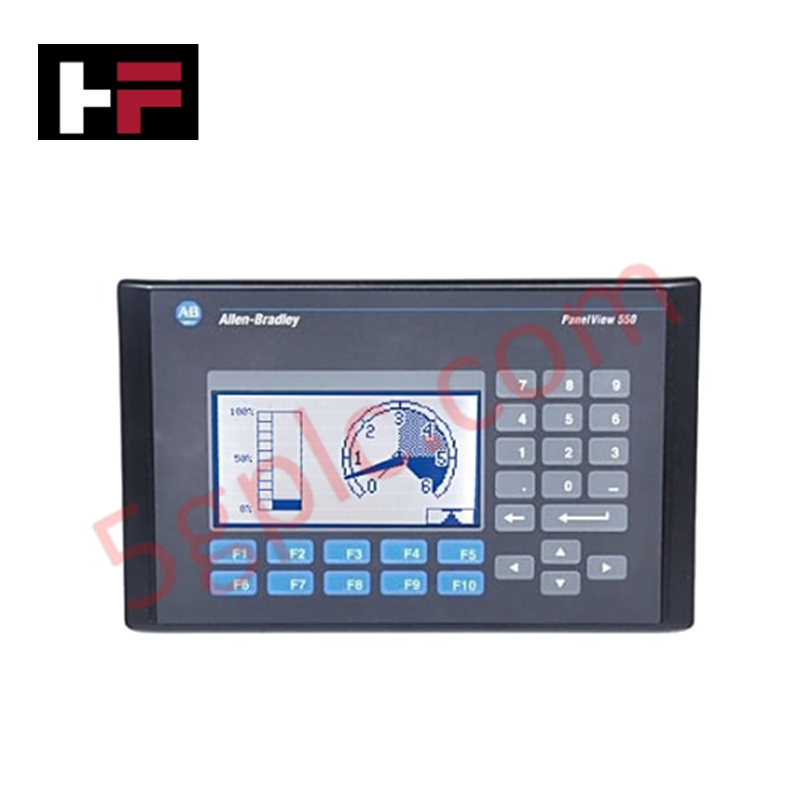
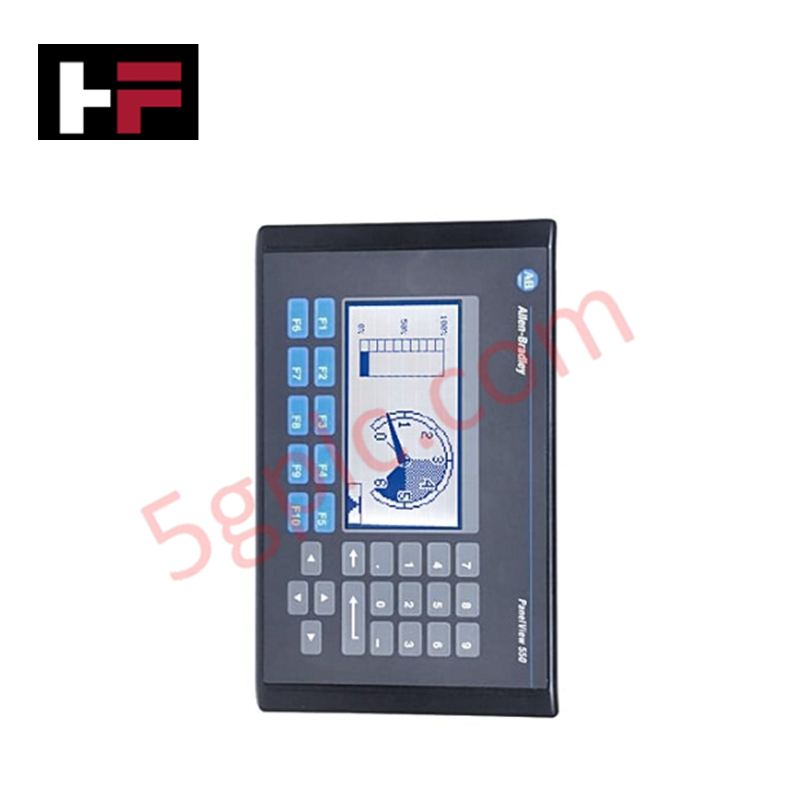
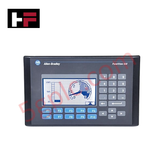
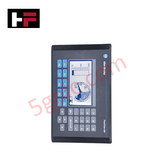
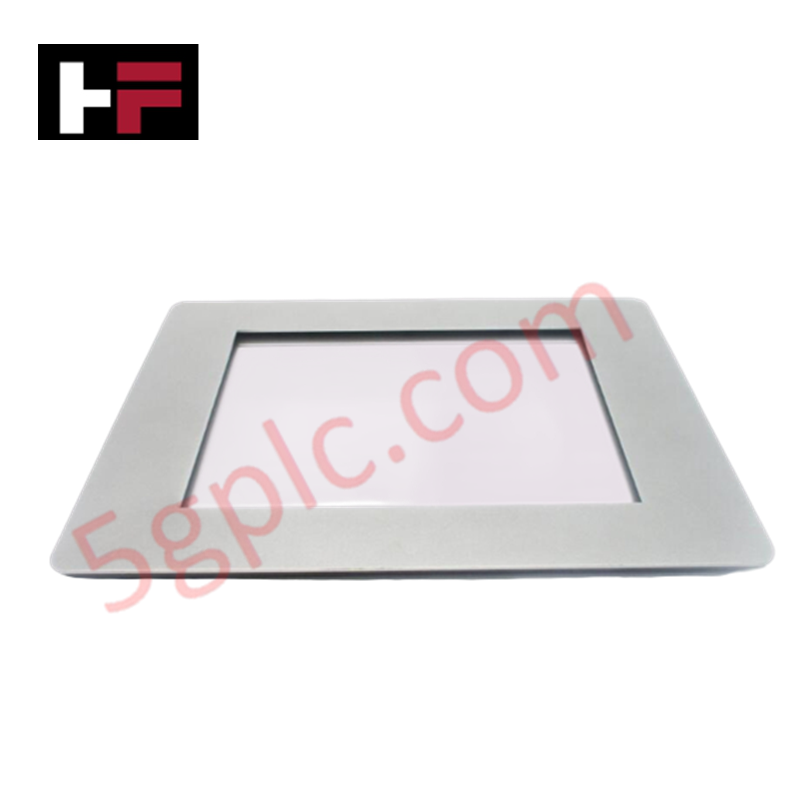
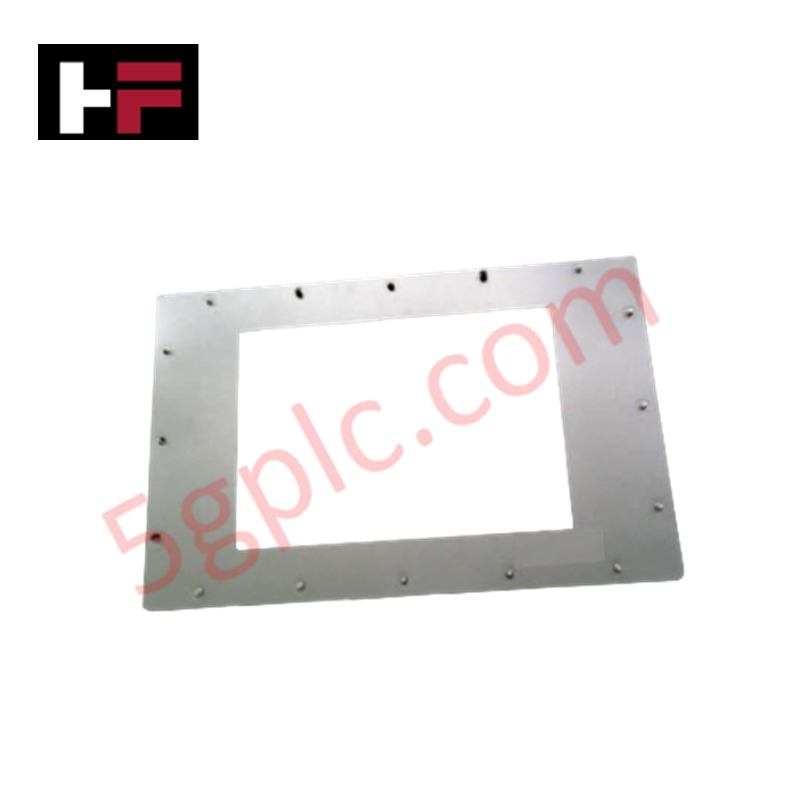
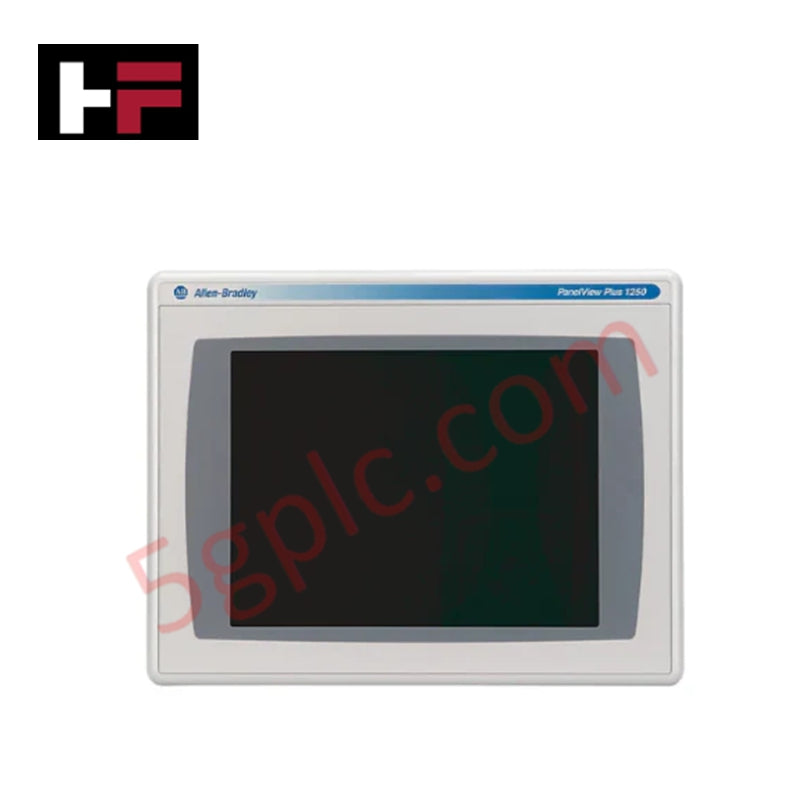
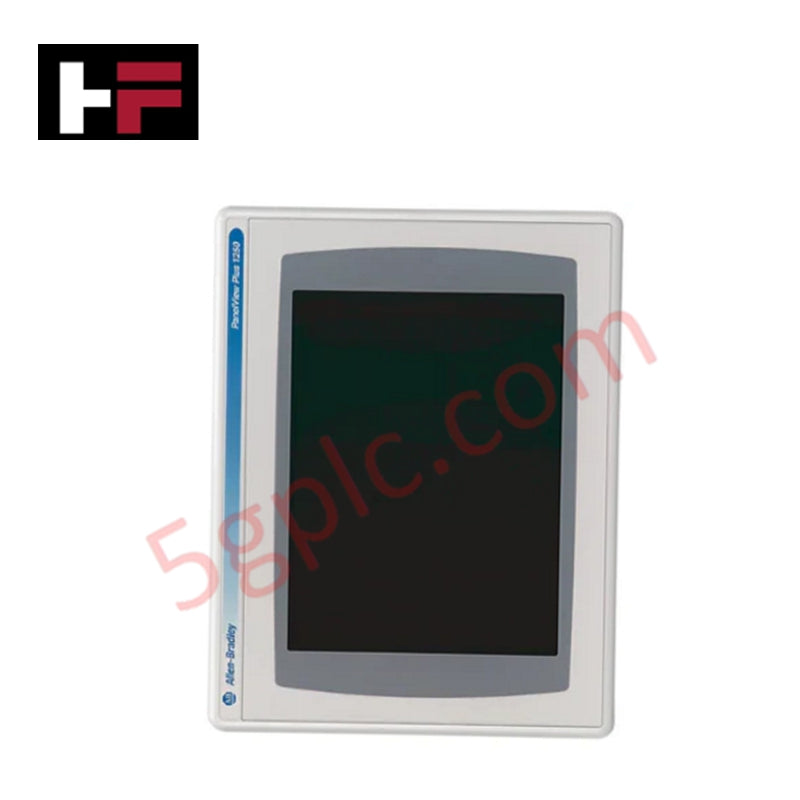
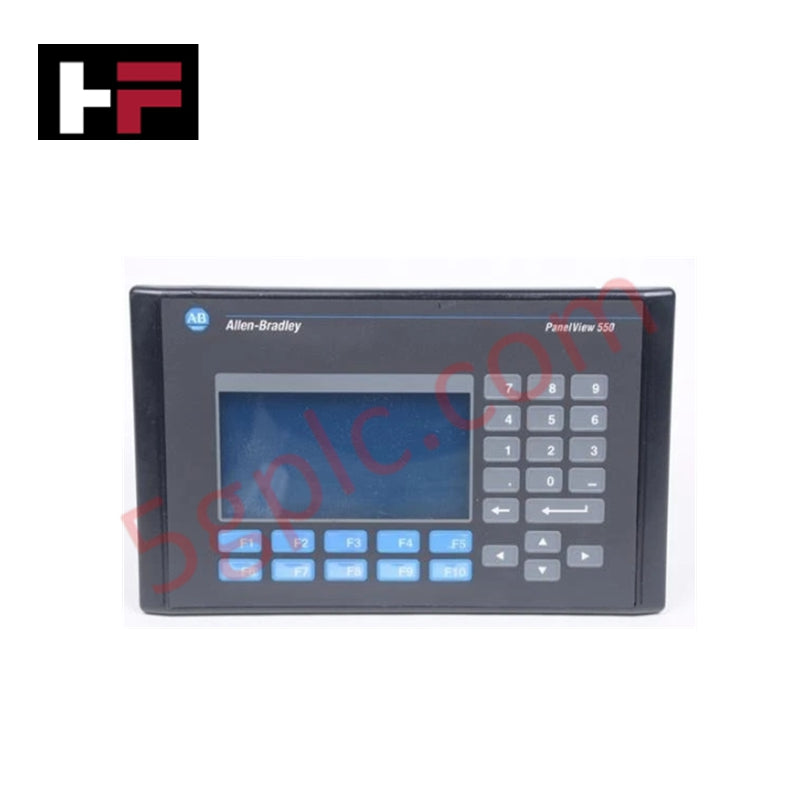
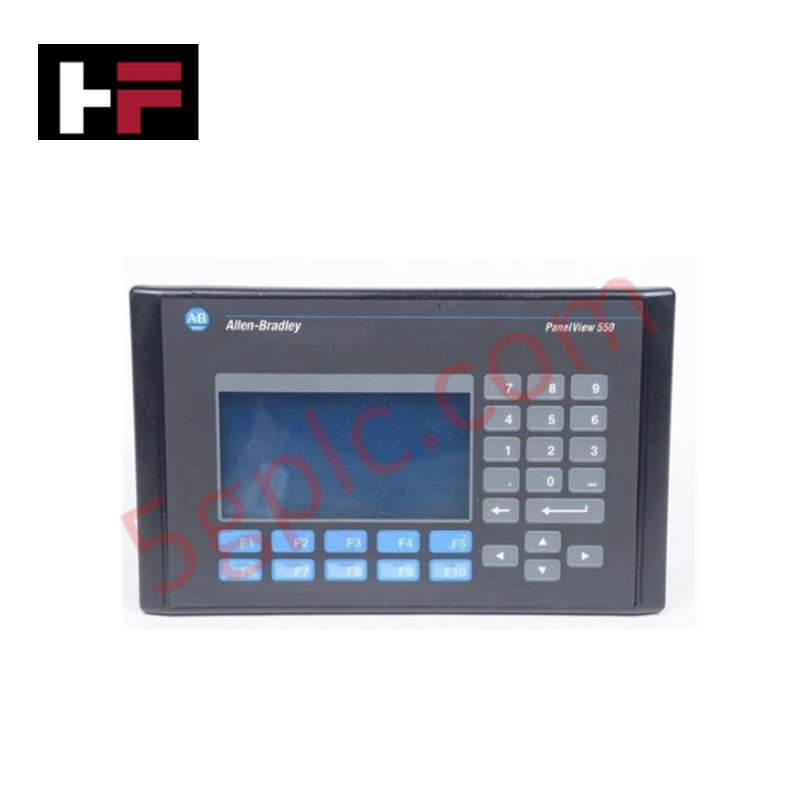
Allen Bradley 2711-K5A10 berfungsi sebagai Antara Muka Manusia-Mesin (HMI) berintegriti tinggi dalam siri PanelView 550 Standard. Ia menyediakan penyelesaian kawalan sentuhan untuk persekitaran industri, menggunakan papan kekunci berkubah keluli tahan karat dan LCD monokrom biru berkontras tinggi. Terminal ini memudahkan integrasi lancar ke dalam rangkaian DeviceNet, membolehkan pengendali memantau dan mengawal data tahap mesin tanpa beban pengaturcaraan yang rumit. Kami membekalkan unit ini sebagai 100% Baru dan Asal dari Kilang, menawarkan pengganti penting untuk sistem usang bagi mengelakkan migrasi panel penuh yang mahal.
Spesifikasi Teknikal
2711-K5A10 memberikan prestasi boleh dipercayai melalui perkakasan industri khusus:
| Ciri | Spesifikasi |
| Input Pengendali | Papan Kekunci Sentuhan (10 Kekunci Fungsi, F1–F10) |
| Jenis Paparan | Mod LCD Monokrom Biru |
| Saiz Paparan | 5.5 inci (120 x 60 mm kawasan paparan) |
| Resolusi | 256 x 128 Piksel |
| Komunikasi | Port DeviceNet; RS-232 (Port Pencetak) |
| Voltan Input | 85–264V AC (Input AC Universal) |
| Memori | 170 KB Masa Jalan Aplikasi; 240 KB Tidak Luntur |
| Jangka Hayat Lampu Belakang | LED Lampu Belakang 100,000 jam |
| Penarafan Penutup | NEMA 4X, 12, 13; IP54, IP65 |
| Berat | 3.31 lbs (1.50 kg) |
Kelebihan Kejuruteraan
-
Maklum Balas Sentuhan untuk Persekitaran Keras: Papan kekunci mekanikal memberikan maklum balas sentuhan yang pasti, memastikan kemasukan arahan yang tepat walaupun pengendali memakai sarung tangan industri tebal. Ini menghapuskan "sentuhan hantu" yang sering dikaitkan dengan skrin kapasitif dalam persekitaran bergetar tinggi atau bising elektrik.
-
Integrasi DeviceNet Asli: Port DeviceNet terbina menyokong teknologi komunikasi pengeluar/pengguna. Ini membolehkan pertukaran data berkelajuan tinggi dengan pengimbas dan nod lain dalam rangkaian, mengurangkan kerumitan pendawaian berbanding pendawaian titik-ke-titik tradisional.
-
Penebatan Gred Industri: Terminal memenuhi piawaian NEMA 4X (dalam bangunan) dan IP65 apabila dipasang dengan betul. Tahap perlindungan ini menghalang kemasukan habuk, minyak, dan percikan air, menjadikannya sesuai untuk pemprosesan makanan, air sisa, atau aplikasi pembuatan berat.
-
Penglihatan Diperluas: LCD monokrom biru menampilkan lampu belakang LED 100,000 jam. Pencahayaan berumur panjang ini memastikan kontras dan kebolehbacaan konsisten selama lebih sedekad operasi berterusan 24/7, mengurangkan campur tangan penyelenggaraan secara drastik.
-
Keserasian Kuasa AC Universal: Julat kuasa 85–264V AC memenuhi piawaian elektrik global. Kepelbagaian ini membolehkan jurutera menstandardkan model HMI tunggal di seluruh kemudahan antarabangsa tanpa memerlukan transformer kuasa tempatan.
Soalan Lazim
-
Adakah unit 2711-K5A10 ini 100% Baru?
Ya. Kami menjamin unit ini 100% Baru dan dihantar dalam pembungkusan asal Allen Bradley yang disegel dari kilang. Oleh kerana model ini secara rasmi telah dihentikan, stok baru dari kilang kami menyediakan jalan paling boleh dipercayai untuk pemulihan sistem kritikal.
-
Bolehkah saya menggantikan PanelView 550 skrin sentuh dengan versi papan kekunci ini?
Boleh, dengan syarat aplikasi PanelBuilder32 anda menyokong navigasi papan kekunci. "K" dalam nombor bahagian menunjukkan Papan Kekunci, manakala "T" menunjukkan Skrin Sentuh. Potongan panel fizikal kekal sama untuk kebanyakan model PanelView 550, tetapi anda mesti mengesahkan konfigurasi perisian untuk penugasan kekunci fungsi.
-
Perisian apa yang saya perlukan untuk memprogram 2711-K5A10?
Anda mesti menggunakan perisian PanelBuilder32. Anda boleh memuat turun aplikasi melalui port pencetak RS-232 menggunakan kabel 2711-NC13 atau terus melalui rangkaian DeviceNet jika PC anda mempunyai kad antara muka yang serasi.
-
Bagaimana penunjuk status membantu dalam penyelesaian masalah?
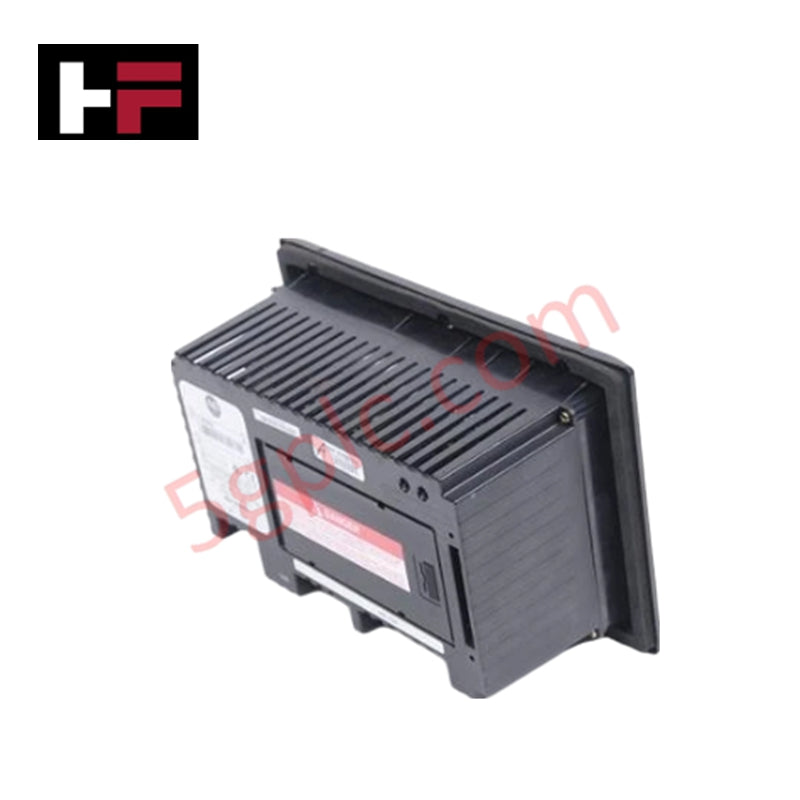
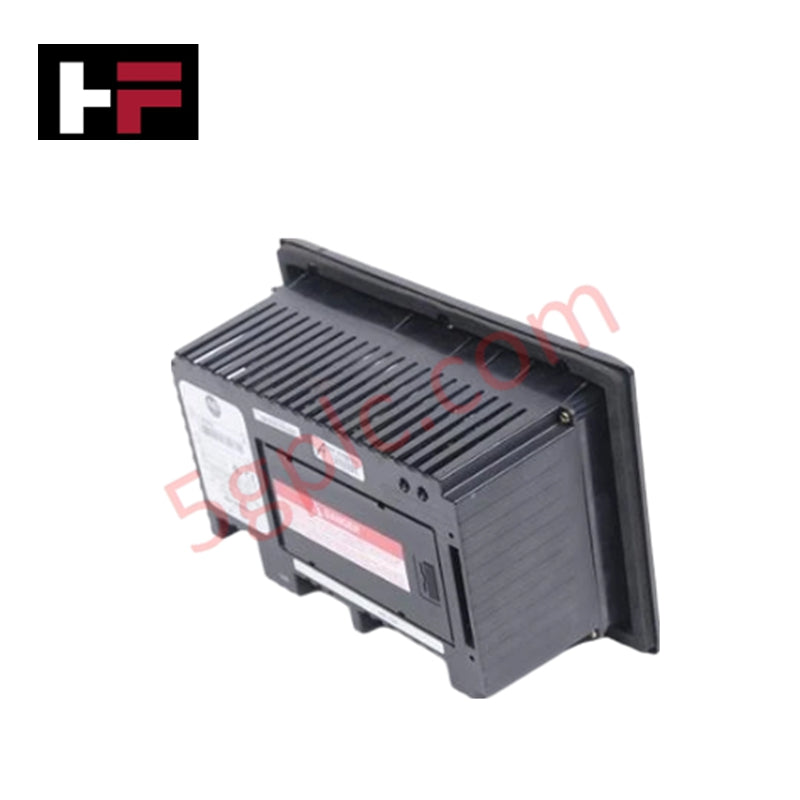
Unit ini mempunyai dua LED di bahagian belakang. Lampu hijau COMM yang menyala menunjukkan komunikasi rangkaian aktif, manakala lampu merah FAULT menandakan ralat perkakasan dalaman atau isu firmware. Ini membolehkan penilaian diagnostik pantas tanpa membuka kabinet kawalan.
Maklumat Tambahan
- 100% Alat Ganti Asli: Semua produk adalah asli dan tulen, memastikan prestasi industri yang boleh dipercayai.
- Jaminan Pulangan Wang 30 Hari: Pulangkan mana-mana item yang ada dalam stok dalam masa 30 hari dalam pembungkusan asal yang belum dibuka untuk bayaran balik penuh (tidak termasuk kos penghantaran dan yuran).
- Jaminan 12 Bulan: Meliputi kecacatan bahan atau kerja; tidak termasuk penyalahgunaan, kehausan biasa, atau pengubahsuaian tanpa kebenaran.
- Penghantaran Seluruh Dunia: Kami menghantar melalui USPS, UPS, FedEx, dan DHL. Masa penghantaran berbeza mengikut negara dan mungkin tertakluk kepada cukai kastam atau yuran import.
- Sokongan & Hubungi: Bantuan teknikal dan jaminan tersedia pada bila-bila masa. Hubungi kami di sini: Hubungi.
- Panduan Pembelian: Semak spesifikasi produk dan keserasian dengan teliti sebelum membuat pesanan untuk memastikan aplikasi yang betul.
Teknologi & Panduan Membeli

Panduan Langkah demi Langkah untuk Pemeriksaan Kesihatan Kabinet Sistem bagi Infrastruktur PLC dan DCS

5 Kelebihan Operasi Utama HMI dalam Automasi Kilang Moden
