




Détails du produit
Présentation du produit
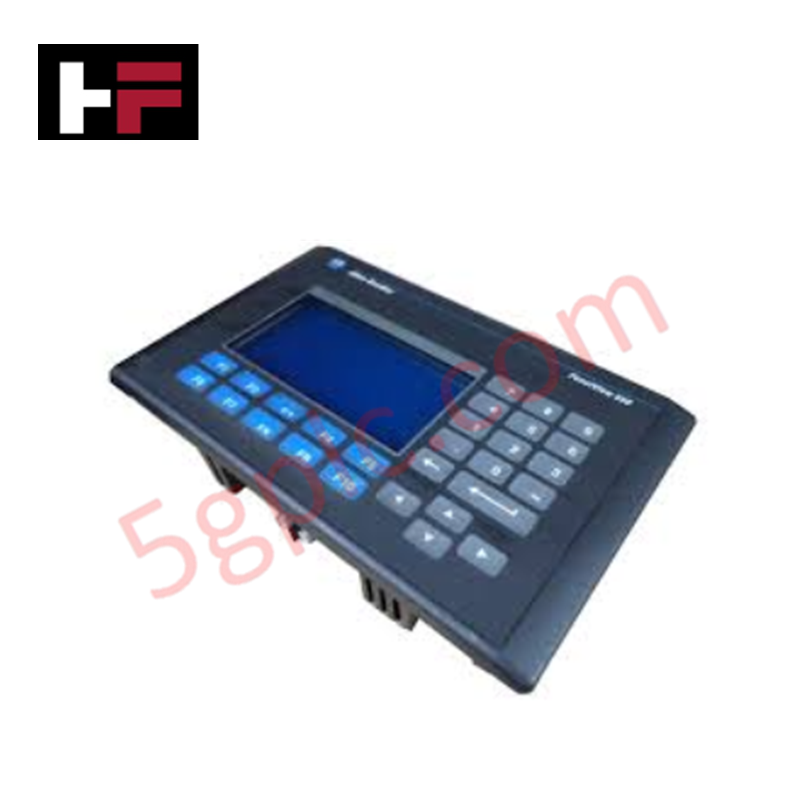
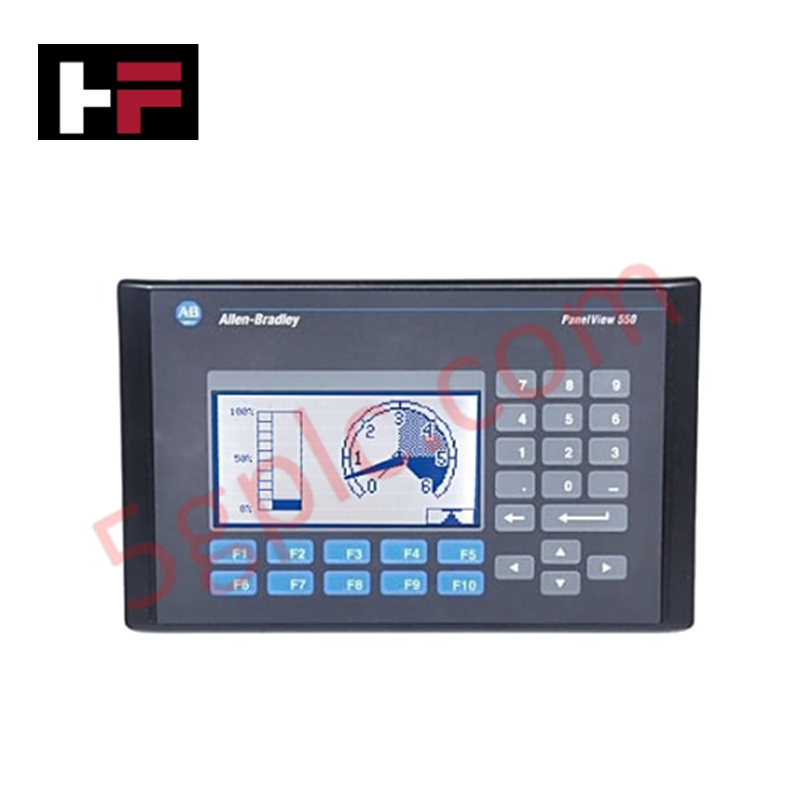
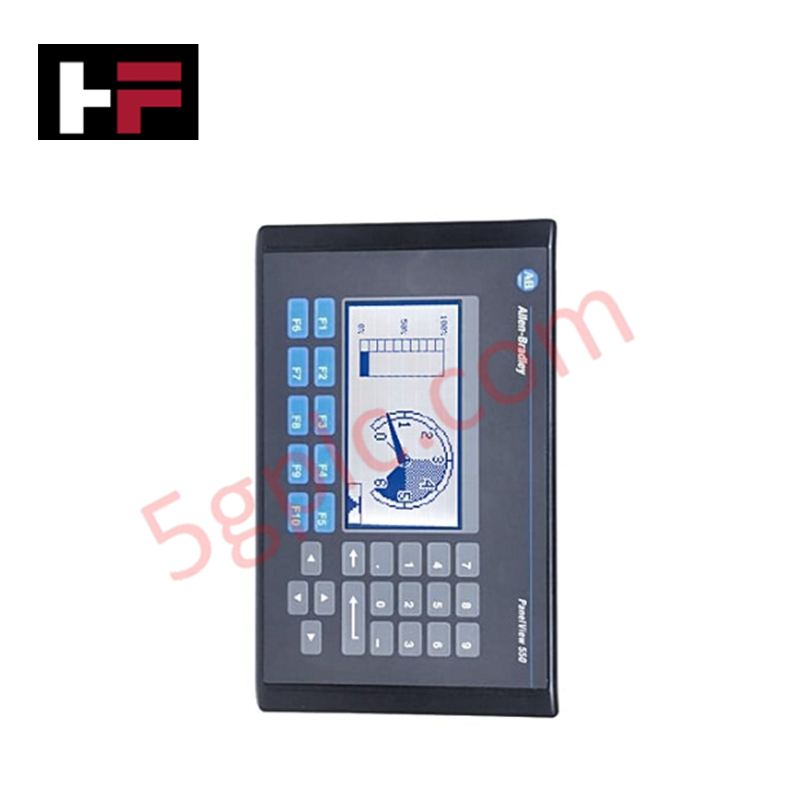
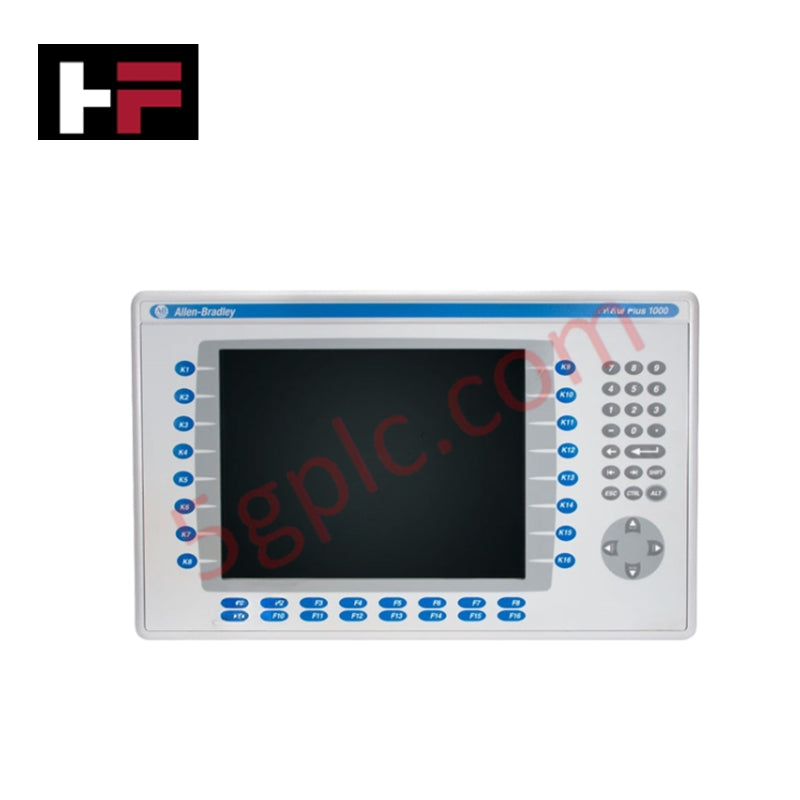
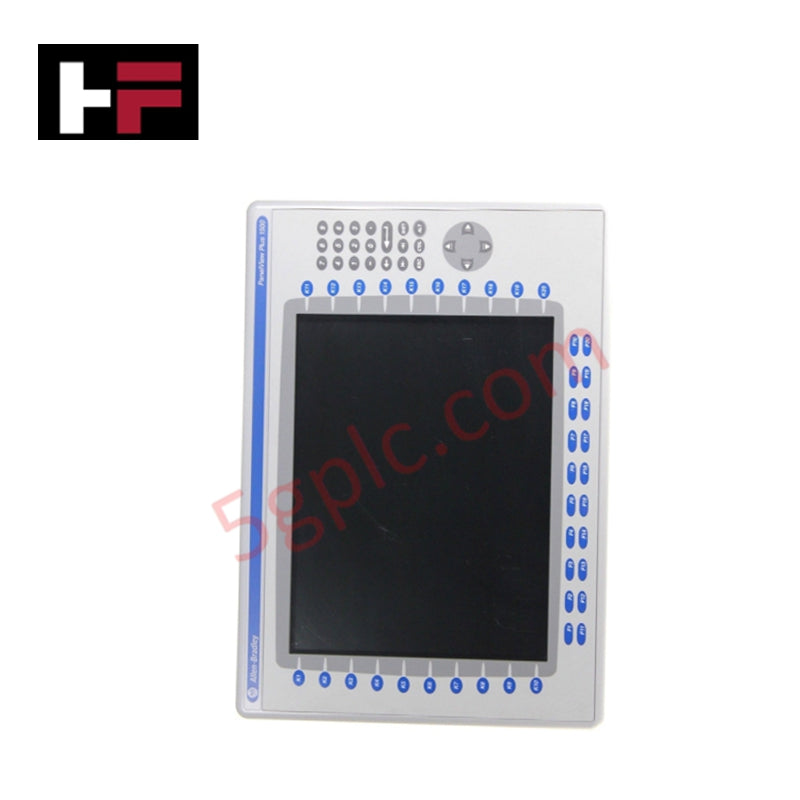
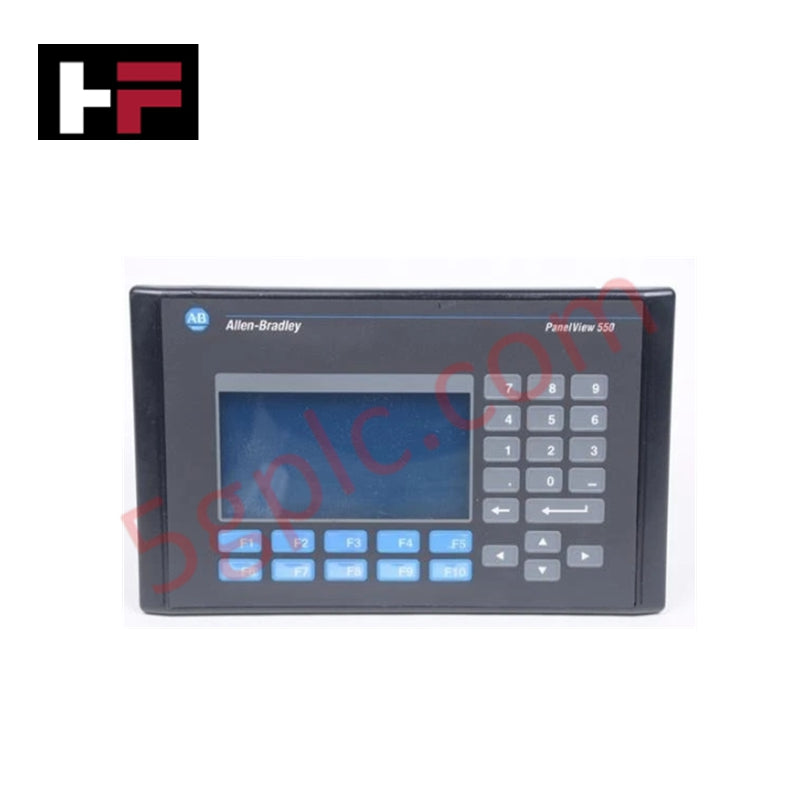
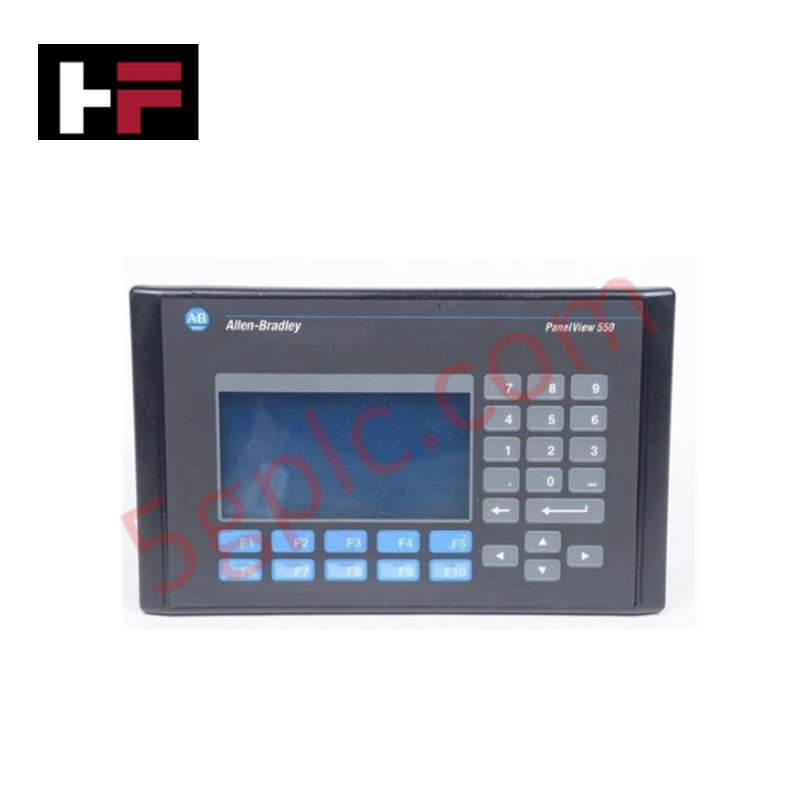
Le Allen Bradley 2711-K5A10 fonctionne comme une interface homme-machine (IHM) de haute intégrité dans la série PanelView 550 Standard. Il offre une solution de contrôle tactile pour les environnements industriels, utilisant un clavier à dôme en acier inoxydable et un écran LCD monochrome bleu à fort contraste. Ce terminal facilite une intégration fluide dans les réseaux DeviceNet, permettant aux opérateurs de surveiller et de contrôler les données au niveau machine sans complexité de programmation. Nous fournissons cette unité comme 100 % neuve et d'origine usine, offrant un remplacement essentiel pour les systèmes obsolètes afin d'éviter des migrations complètes coûteuses du panneau.
Spécifications techniques
Le 2711-K5A10 offre des performances fiables grâce à un matériel industriel spécialisé :
| Caractéristique | Spécification |
| Entrée opérateur | Clavier tactile (10 touches de fonction, F1–F10) |
| Type d’affichage | Écran LCD monochrome mode bleu |
| Taille de l’affichage | 5,5 pouces (zone d’affichage 120 x 60 mm) |
| Résolution | 256 x 128 pixels |
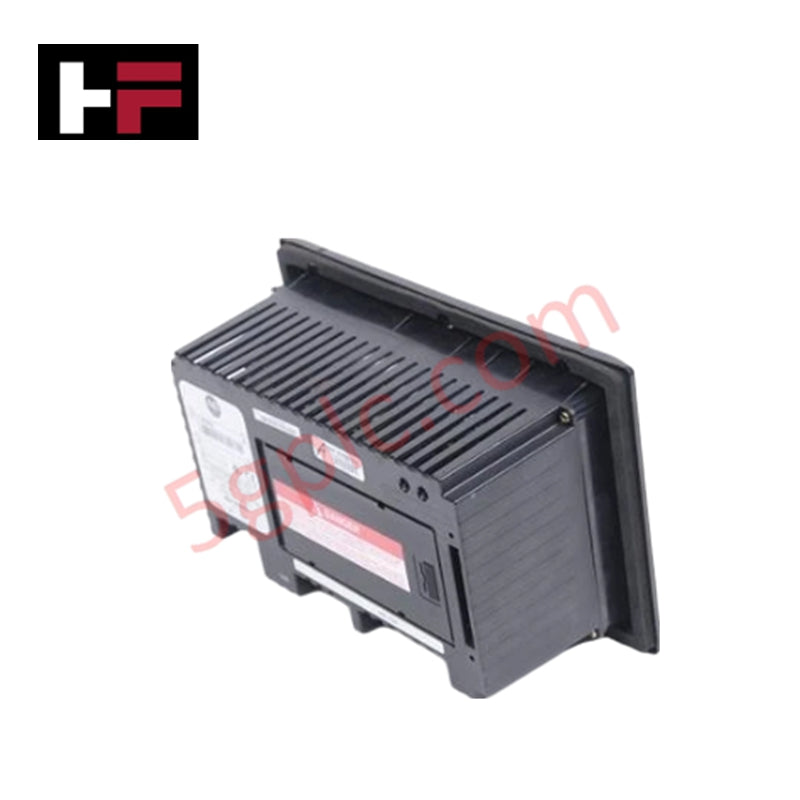
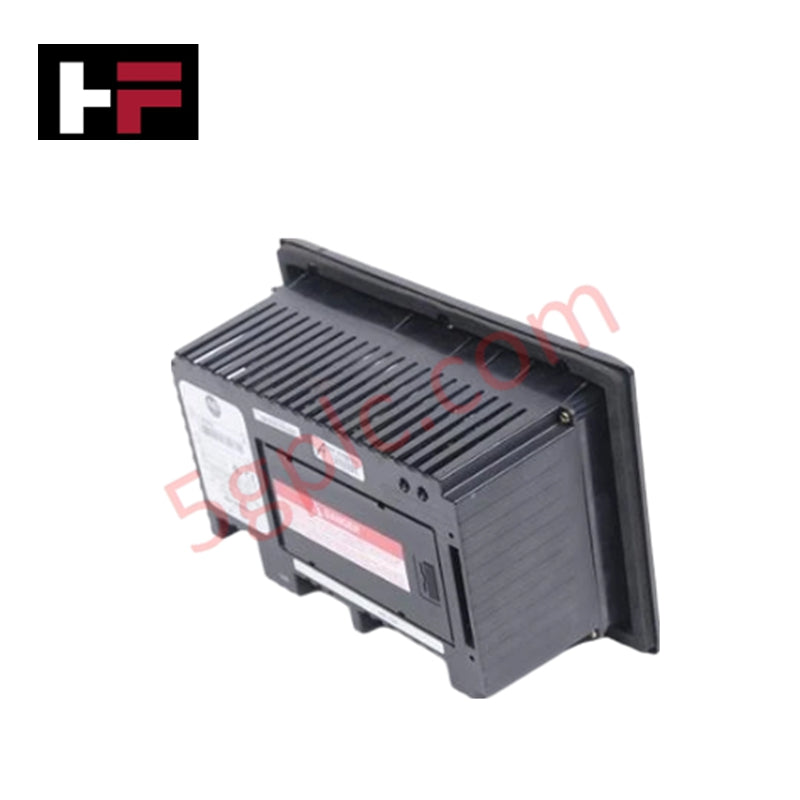
| Communication | Port DeviceNet ; RS-232 (port imprimante) |
| Tension d’entrée | 85–264 V AC (entrée AC universelle) |
| Mémoire | 170 Ko temps d’exécution application ; 240 Ko non volatile |
| Durée de vie du rétroéclairage | Rétroéclairage LED de 100 000 heures |
| Indice de protection | NEMA 4X, 12, 13 ; IP54, IP65 |
| Poids | 3,31 lbs (1,50 kg) |
Avantages techniques
-
Retour tactile pour environnements difficiles : Le clavier mécanique offre un retour tactile net, garantissant une saisie précise des commandes même lorsque les opérateurs portent des gants industriels épais. Cela élimine les « touches fantômes » souvent associées aux écrans capacitifs dans les environnements à forte vibration ou à interférences électriques.
-
Intégration native DeviceNet : Le port DeviceNet intégré prend en charge la technologie de communication producteur/consommateur. Cela permet un échange de données à haute vitesse avec les scanners et autres nœuds du réseau, réduisant la complexité du câblage par rapport au câblage point à point traditionnel.
-
Étanchéité de qualité industrielle : Le terminal répond aux normes NEMA 4X (intérieur) et IP65 lorsqu’il est correctement monté. Ce niveau de protection empêche l’infiltration de poussière, d’huile et d’éclaboussures d’eau, ce qui le rend idéal pour les applications agroalimentaires, le traitement des eaux usées ou la fabrication lourde.
-
Visibilité prolongée : L’écran LCD monochrome bleu est équipé d’un rétroéclairage LED de 100 000 heures. Cette illumination à longue durée assure un contraste et une lisibilité constants pendant plus d’une décennie d’utilisation continue 24h/24 et 7j/7, réduisant considérablement les interventions de maintenance.
-
Compatibilité universelle avec alimentation AC : La plage d’alimentation 85–264 V AC s’adapte aux normes électriques mondiales. Cette polyvalence permet aux ingénieurs de standardiser un seul modèle d’IHM dans des installations internationales sans nécessiter de transformateurs locaux.
Questions fréquentes
-
Cette unité 2711-K5A10 est-elle 100 % neuve ?
Oui. Nous garantissons que cette unité est 100 % neuve et expédiée dans son emballage d’origine scellé par Allen Bradley. Comme ce modèle est officiellement discontinué, notre stock neuf d’usine offre la solution la plus fiable pour la restauration des systèmes critiques.
-
Puis-je remplacer un PanelView 550 à écran tactile par cette version à clavier ?
Oui, à condition que votre application PanelBuilder32 prenne en charge la navigation au clavier. Le « K » dans la référence indique clavier, tandis que « T » désigne écran tactile. Les découpes physiques du panneau restent les mêmes pour la plupart des modèles PanelView 550, mais vous devez vérifier la configuration logicielle pour l’affectation des touches de fonction.
-
Quel logiciel dois-je utiliser pour programmer le 2711-K5A10 ?
Vous devez utiliser le logiciel PanelBuilder32 . Vous pouvez télécharger l’application via le port imprimante RS-232 avec un câble 2711-NC13 ou directement via le réseau DeviceNet si votre PC dispose d’une carte d’interface compatible.
-
Comment les indicateurs d’état aident-ils au dépannage ?
L’unité dispose de deux LED à l’arrière. Une lumière verte fixe COMM indique une communication réseau active, tandis qu’une lumière rouge FAULT signale des erreurs matérielles internes ou des problèmes de firmware. Cela permet une évaluation rapide du diagnostic sans ouvrir l’armoire de contrôle.
Informations supplémentaires
- Pièces 100 % d'origine : Tous les produits sont originaux et authentiques, garantissant des performances industrielles fiables.
- Garantie de remboursement de 30 jours : Retournez tout article en stock dans les 30 jours dans son emballage d'origine non ouvert pour un remboursement complet (hors frais de port et frais).
- Garantie de 12 mois : Couvre les défauts de matériaux ou de fabrication ; exclut les mauvais usages, l'usure normale ou les modifications non autorisées.
- Expédition mondiale : Nous expédions via USPS, UPS, FedEx et DHL. Les délais de livraison varient selon le pays et peuvent être soumis à des frais de douane ou d'importation.
- Assistance & Contact : Une assistance technique et garantie est disponible à tout moment. Contactez-nous ici : Contact.
- Conseils d'achat : Vérifiez attentivement les spécifications et la compatibilité du produit avant de commander pour assurer une application correcte.
Guide technique et d'achat

Commandes essentielles de contrôle de mouvement : un guide pratique pour les ingénieurs
Les ingénieurs en automatisation s'appuient souvent sur un contrôle précis de la position et de la vitesse pour piloter les machines modernes des usines. Les systèmes industriels modernes, tels que les automates programmables (API) et les systèmes de contrôle distribués (DCS), dépendent fortement des instructions de mouvement standardisées. Maîtriser ces commandes garantit la sécurité opérationnelle, protège les composants mécaniques et optimise les temps de cycle sur les lignes de production.
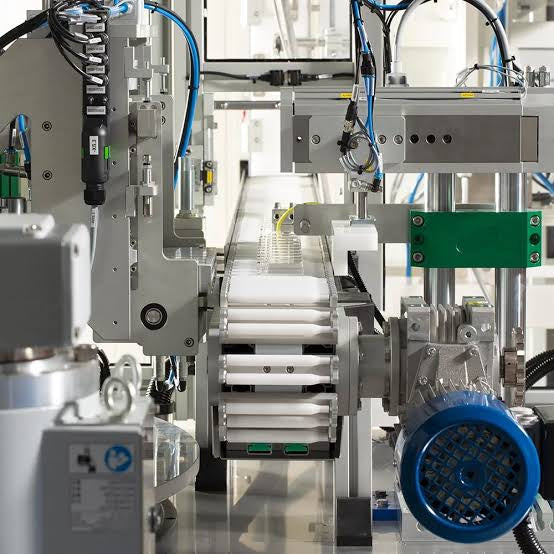
Maîtriser les commandes modernes de joystick industriel dans l'automatisation lourde
Les joysticks industriels jouent un rôle essentiel dans l'interaction homme-machine, notamment dans la manutention de matériaux lourds et les systèmes hydrauliques mobiles. Ces contrôleurs tactiles traduisent les mouvements complexes de l'opérateur en signaux électriques précis pour les automates programmables (PLC), les contrôleurs de mouvement et les réseaux DCS. Par conséquent, choisir et installer la bonne architecture de joystick garantit la sécurité de l'opérateur, réduit la fatigue et optimise les performances de l’équipement.
Naviguer dans les pannes d'automatisation industrielle : types, causes et stratégies d'atténuation
La fabrication moderne repose fortement sur des systèmes de contrôle automatisés pour maximiser le débit et maintenir la qualité des produits. Cependant, les arrêts non planifiés dans l'automatisation industrielle peuvent coûter des milliers de dollars par heure aux exploitants d'installations. Comprendre comment les automates programmables industriels (API), les systèmes de contrôle distribués (SCD) et les instruments de terrain tombent en panne permet aux équipes d'ingénierie de mettre en œuvre des stratégies de maintenance préventive robustes.