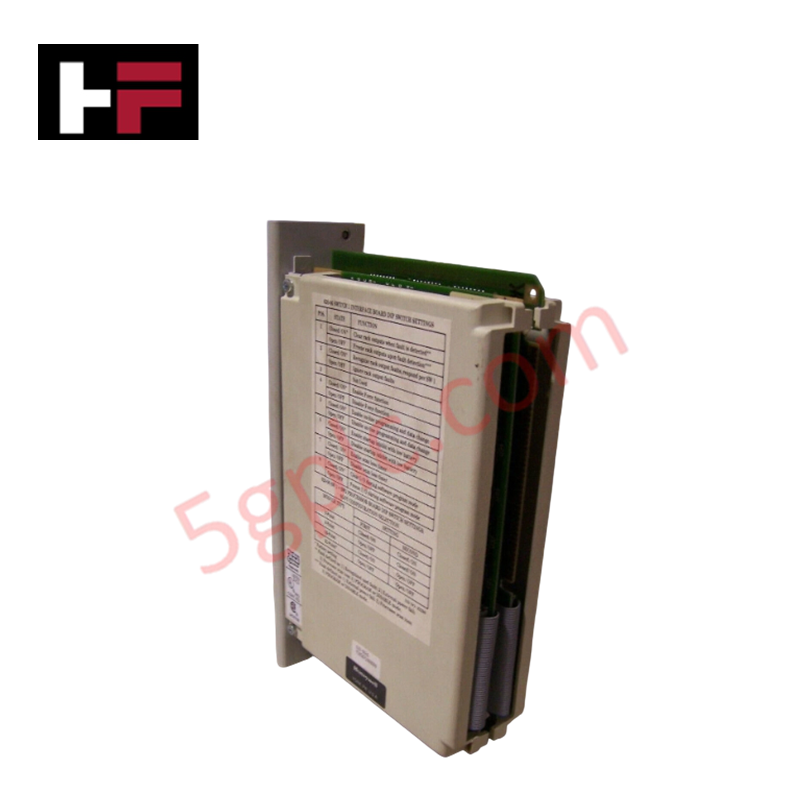

Product Details
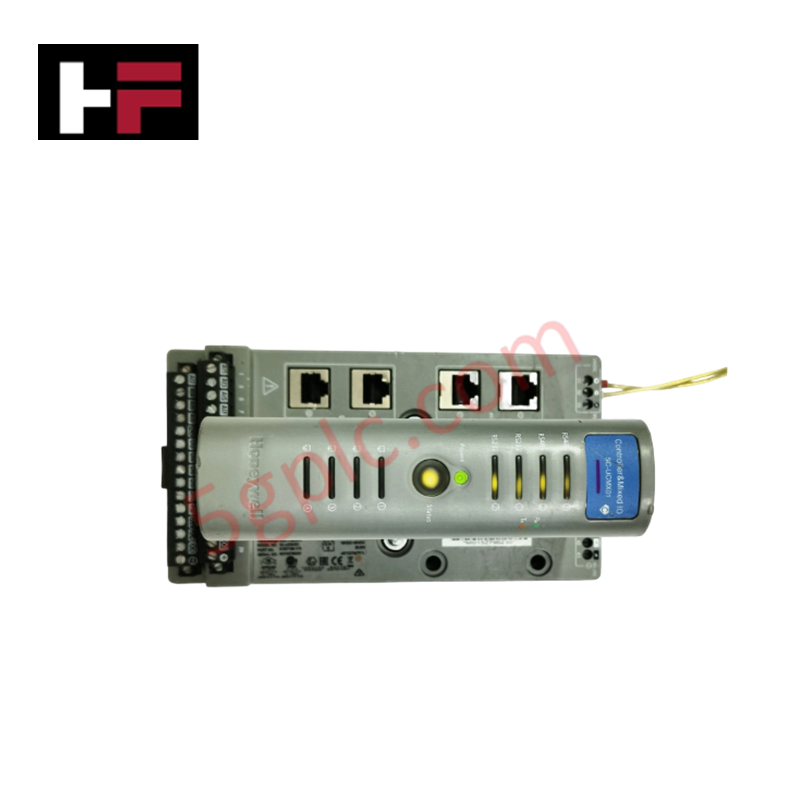
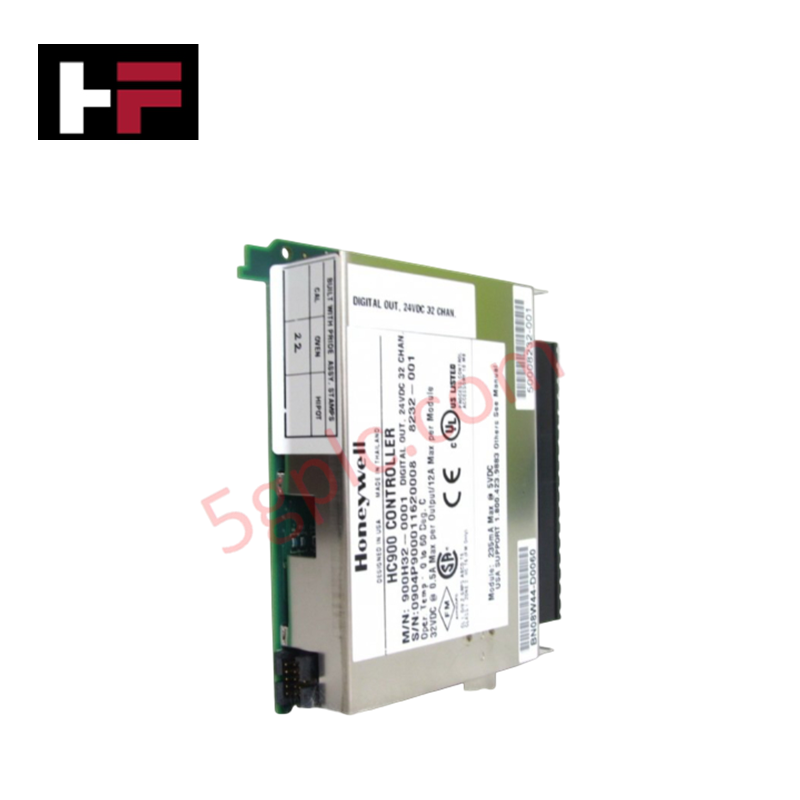
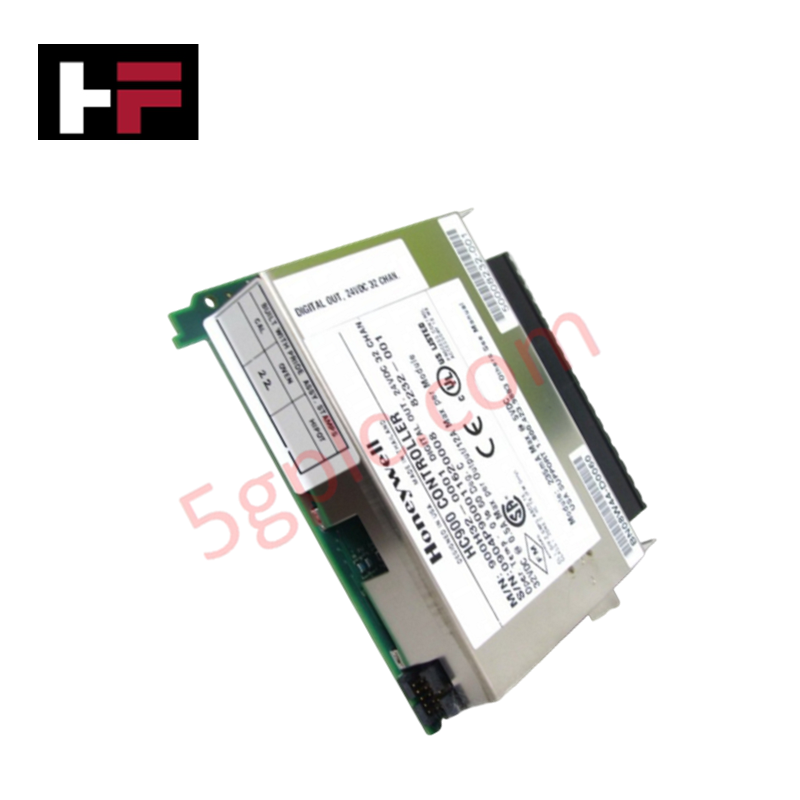
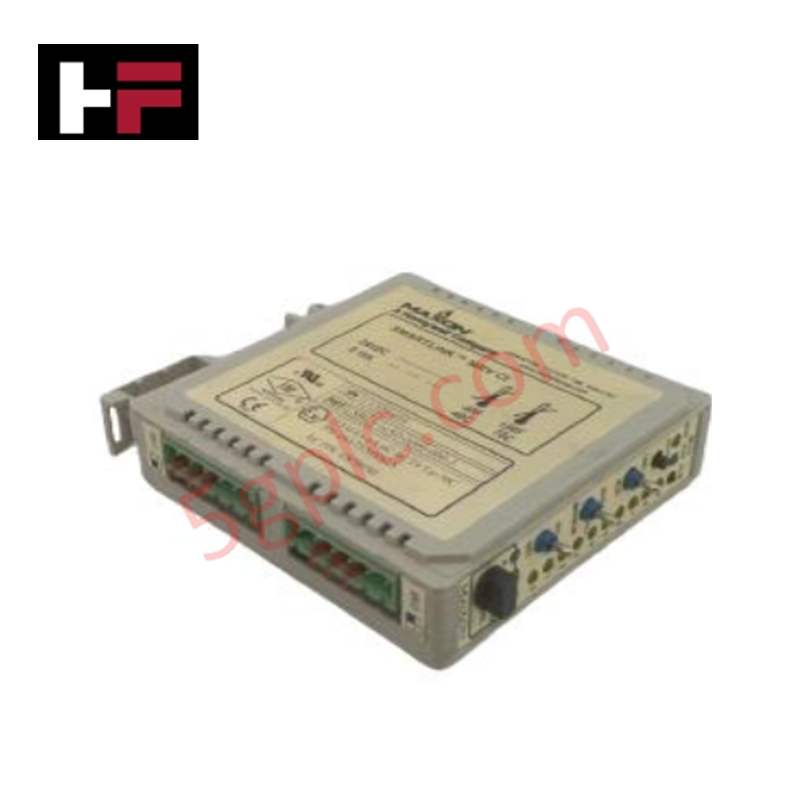
The Honeywell 620-0636, also cataloged as the 620-0636 Processor Module, operates as a dedicated hardware component for centralized logic execution and I/O scan management within Honeywell 620 Series control platforms. This unit functions as the primary CPU, managing instruction set processing and field device coordination through the backplane bus.
Hardware Specifications
| Parameter | Specification |
|---|---|
| Model | 620-0636 |
| Brand | Honeywell |
| Origin | Not Specified |
| Weight | 1.41 kg |
| Dimensions | Standard 620 Series rack-mount chassis depth |
| Operating Temp | 0 deg C to 60 deg C |
| Power Consumption | Backplane logic power supply required |
| Processing Task | Instruction set execution and I/O scan |
DCS Process Control and Connectivity
The module manages high-speed deterministic communication across the backplane to ensure consistent I/O scan cycles. By maintaining internal channel-to-channel isolation on diagnostic ports, the processor mitigates electromagnetic interference (EMI) that could otherwise destabilize the control bus. The firmware architecture supports precise timing for cyclic data exchange, ensuring that 4-20 mA loop data and discrete state changes are processed within defined scan time limits. Cold junction compensation (CJC) protocols are handled by associated I/O modules, with the processor providing the necessary data processing to normalize values into engineering units.
Frequently Asked Questions
Q: Does this module support hot-swapping during active operation?
A: Hot-swapping the 620-0636 is not recommended. Removing or inserting the processor module while the backplane is energized may cause a system-wide watchdog fault or loss of communication with I/O cards, resulting in a transition to a fail-safe state.
Q: How does the processor handle firmware flash compatibility if a replacement is required?
A: When replacing the module, ensure the firmware revision of the new unit matches or is backward-compatible with the existing application program stored in the non-volatile memory of the host rack. Mismatched firmware versions can result in communication latency or failure to establish the backplane bus connection.
Field Installation Guidelines
- Verify the power source is de-energized before handling the module to prevent backplane short circuits.
- Align the module card guides with the 620 Series chassis rack slots; ensure the edge connector is oriented correctly to prevent pin misalignment.
- Apply firm pressure to the front faceplate until the module is fully seated, then secure the mounting screws to the rack frame to ensure mechanical stability.
- Connect all required communication cables to the front-panel ports after confirming the module is locked into the backplane.
- Apply power and monitor the CPU status LEDs to verify the completion of self-diagnostic routines and transition to RUN mode.
Additional Information
- 100% Genuine Parts: All products are original and authentic, ensuring reliable industrial performance.
- 30-Day Refund Guarantee: Return any in-stock item within 30 days in original, unopened packaging for a full refund (excluding shipping and fees).
- 12-Month Warranty: Covers defects in materials or workmanship; excludes misuse, normal wear, or unauthorized modifications.
- Worldwide Shipping: We ship via USPS, UPS, FedEx, and DHL. Delivery times vary by country and may be subject to customs or import fees.
- Support & Contact: Technical and warranty assistance is available anytime. Contact us here: Contact.
- Purchase Guidance: Check product specifications and compatibility carefully before ordering to ensure proper application.
Tech & Buying Guide

Demystifying the 5 Levels of Industrial Automation Architecture
Modern manufacturing relies on structured communication hierarchy to bridge physical shop-floor hardware with enterprise management software. This framework, commonly known as the Automation Pyramid, establishes how data flows between field devices, logic controllers, and corporate IT networks. Understanding these five distinct levels helps engineers and plant managers optimize system operations, reduce downtime, and implement seamless factory automation solutions.

Transforming Shop Floor Data into Actionable Insights: A Deep Dive into MES
Manufacturing Execution Systems serve as the digital backbone of modern factory floors. Positioned at Level 3 of the ISA-95 automation pyramid, MES links enterprise resource planning with real-time shop floor control systems. Today, industrial operators rely on MES software to bridge operational strategy with physical production execution.