











Product Details
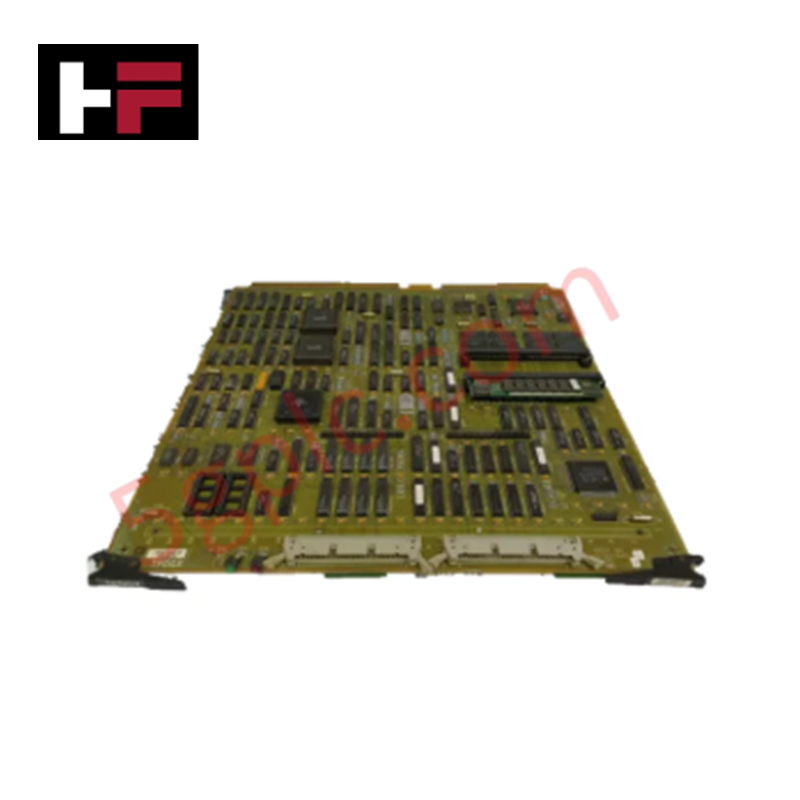
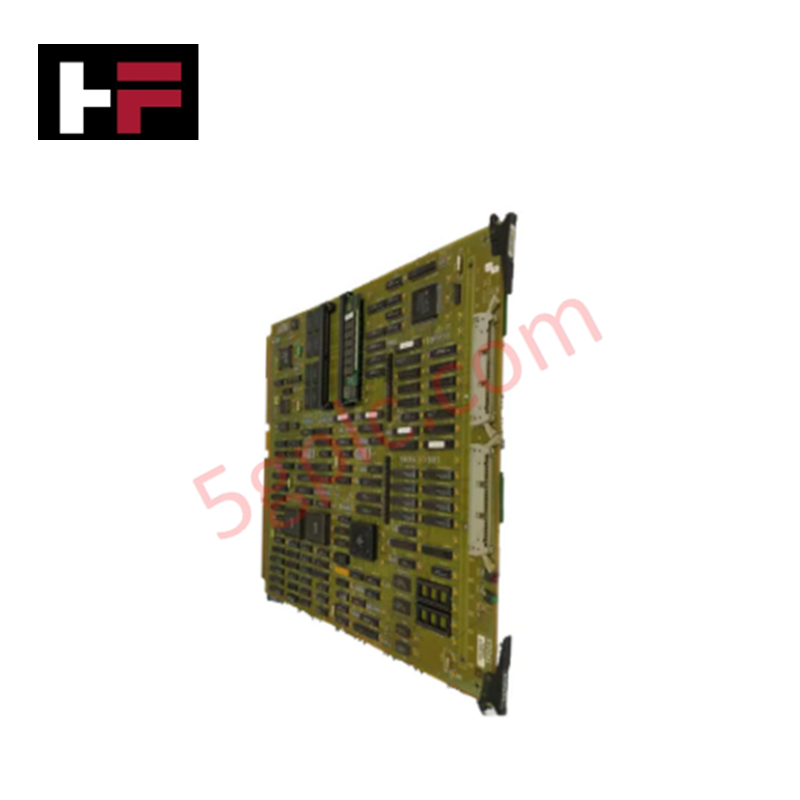
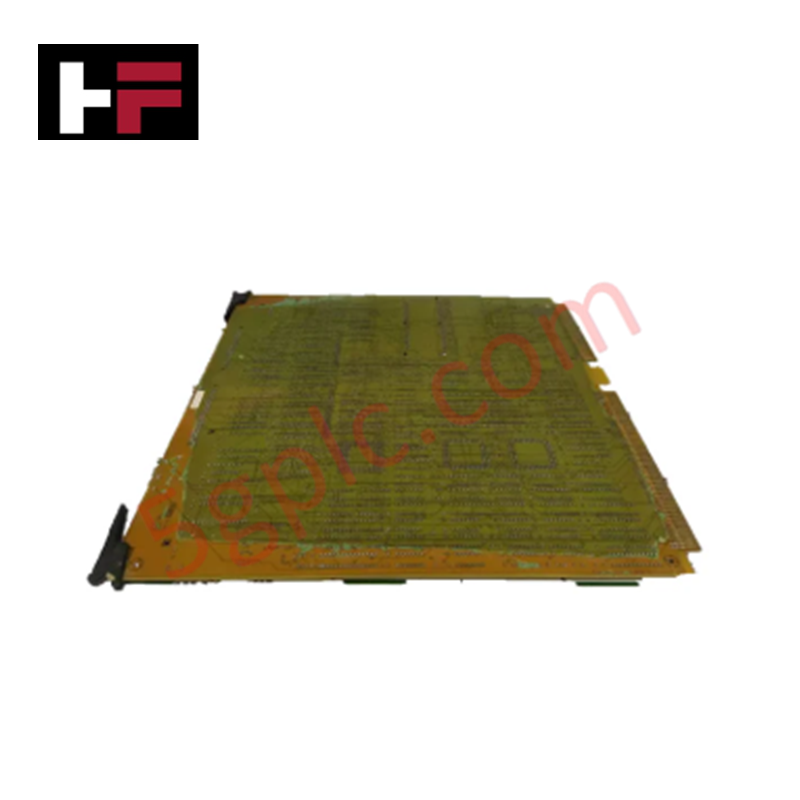
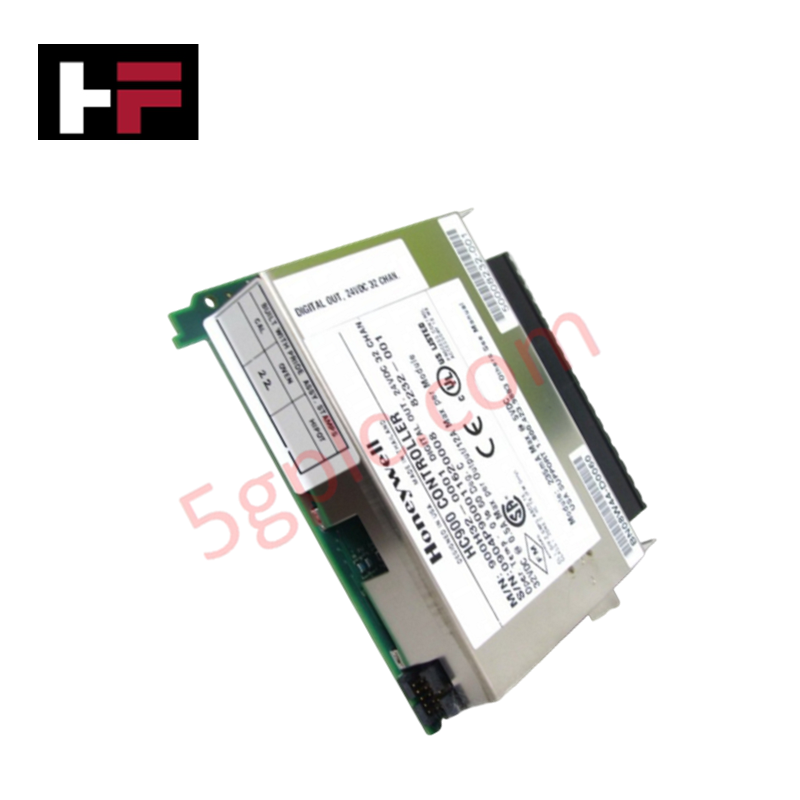
Configured for graphical interface and peripheral management in Universal Station architectures, the Honeywell 51402645-200 (51402645-200 Peripheral and Display Generator Interface Card) provides direct physical execution of display signal rendering and input device coordination. The module serves as the primary processing interface utilized to execute video output, mouse/trackball navigation, touch screen interaction, and media communication across Honeywell control system platforms.
Hardware Specifications
| Parameter | Specification |
|---|---|
| Model | 51402645-200 |
| Brand | Honeywell |
| Dimensions | Standard Universal Station form factor |
| Power Consumption | Backplane bus-powered |
| Function | Display generation and peripheral interface |
DCS Process Control and Connectivity
The 51402645-200 card manages high-speed graphical data streams to ensure consistent display output across station monitors. By maintaining channel-to-channel isolation on data bus interfaces, the card mitigates electromagnetic interference (EMI) that could otherwise destabilize the station's peripheral coordination. The firmware architecture supports precise timing for input device polling (mouse/trackball/touch screen), ensuring that operator inputs are registered without latency. The unit is designed to provide robust cold junction compensation (CJC) for integrated system diagnostics, facilitating accurate data normalization for display at the operator terminal.
Frequently Asked Questions
Q: Is the 51402645-200 compatible as a direct replacement for legacy EPDG cards?
A: Yes, this module can be used in a Universal Station as a replacement for the EPDG card, provided that the connected monitor is capable of supporting the native video signal resolution and refresh frequency output by this card. Verify monitor compatibility with the card's output specifications before final commissioning.
Q: Does this module support hot-swapping during active station operation?
A: Hot-swapping the 51402645-200 is not supported. Removing or inserting the card while the Universal Station backplane is energized may result in a system fault, loss of graphical interface, or permanent damage to the card's I/O interface circuitry.
Field Installation Guidelines
- Ensure the Universal Station is powered down and de-energized before handling the module.
- Align the module card guides with the chassis slots, ensuring the edge connector is fully seated into the backplane to prevent intermittent signal loss.
- Secure the front-panel locking mechanisms to ensure the card remains properly seated and bonded to the station chassis ground.
- Connect all peripheral interface cables (display, mouse, touch screen, printer) to the corresponding card ports.
- Apply power and verify the graphical interface initialization; confirm the system recognizes the peripheral inputs via the station diagnostic menus.
Additional Information
- 100% Genuine Parts: All products are original and authentic, ensuring reliable industrial performance.
- 30-Day Refund Guarantee: Return any in-stock item within 30 days in original, unopened packaging for a full refund (excluding shipping and fees).
- 12-Month Warranty: Covers defects in materials or workmanship; excludes misuse, normal wear, or unauthorized modifications.
- Worldwide Shipping: We ship via USPS, UPS, FedEx, and DHL. Delivery times vary by country and may be subject to customs or import fees.
- Support & Contact: Technical and warranty assistance is available anytime. Contact us here: Contact.
- Purchase Guidance: Check product specifications and compatibility carefully before ordering to ensure proper application.

Tech & Buying Guide

Transforming Shop Floor Data into Actionable Insights: A Deep Dive into MES
Manufacturing Execution Systems serve as the digital backbone of modern factory floors. Positioned at Level 3 of the ISA-95 automation pyramid, MES links enterprise resource planning with real-time shop floor control systems. Today, industrial operators rely on MES software to bridge operational strategy with physical production execution.
Managed Switch vs. Unmanaged Switch: Industrial Ethernet Architecture

Hot Standby vs. Cold Standby Redundancy in Industrial Automation
System availability determines process safety and productivity in industrial automation. Control engineers deploy redundancy to eliminate single points of failure. This technical guide evaluates Hot Standby vs. Cold Standby architectures, comparing failover speeds, memory sync, cost trade-offs, and field selection criteria.