












Product Details
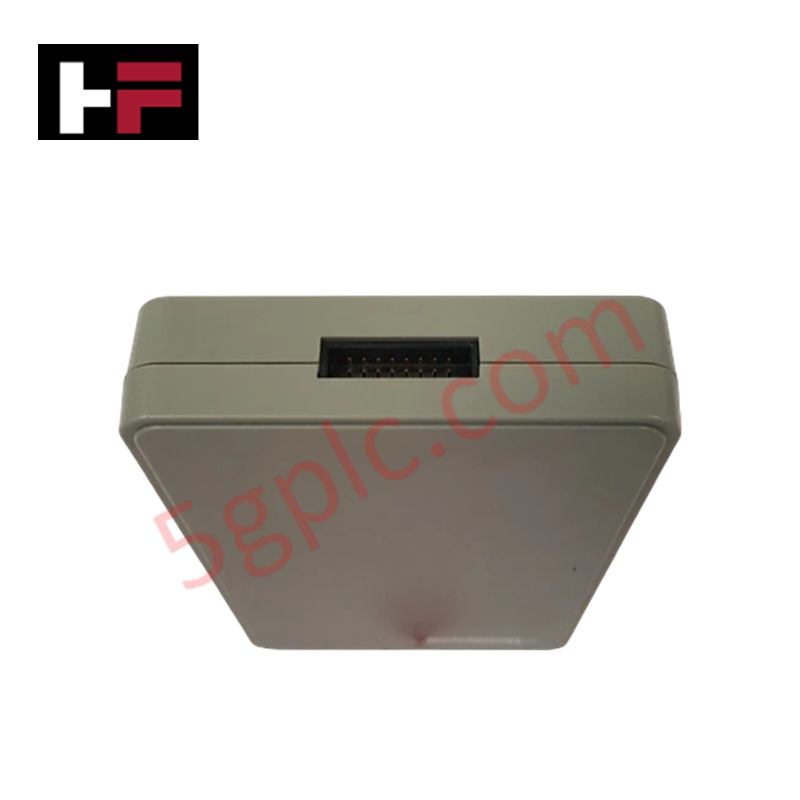
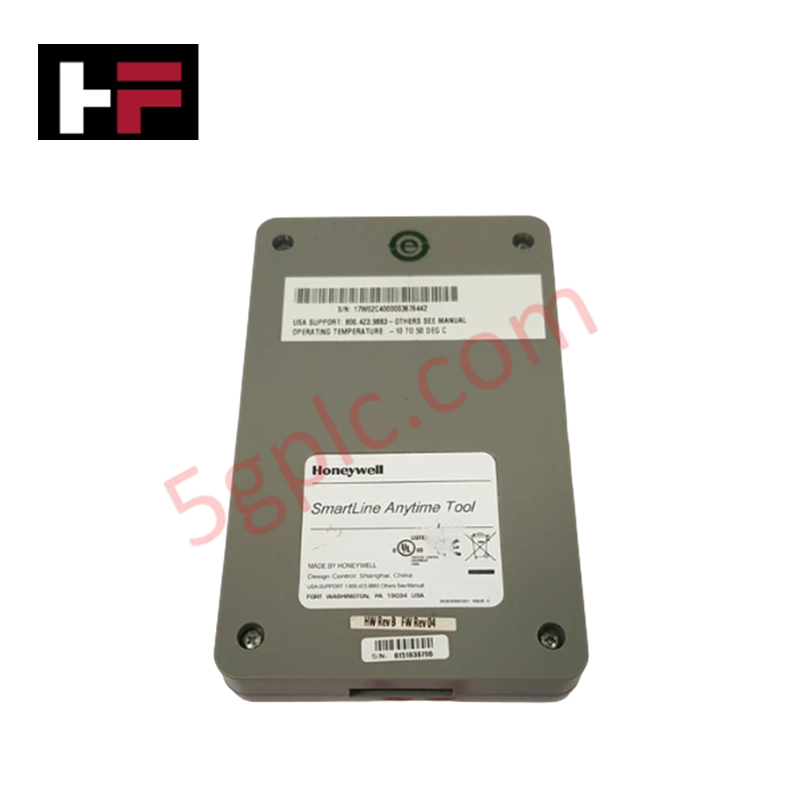
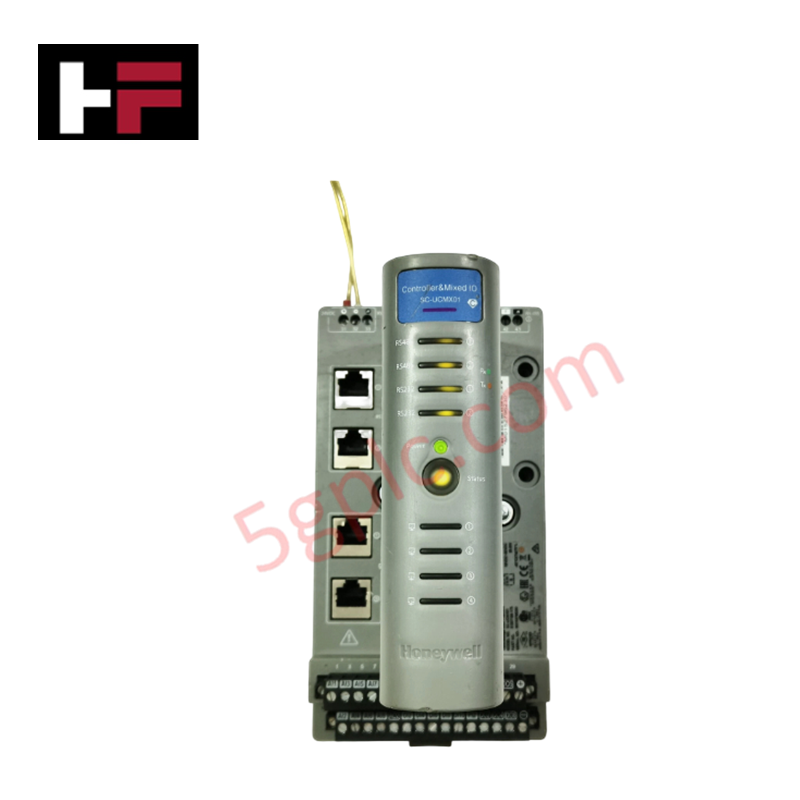
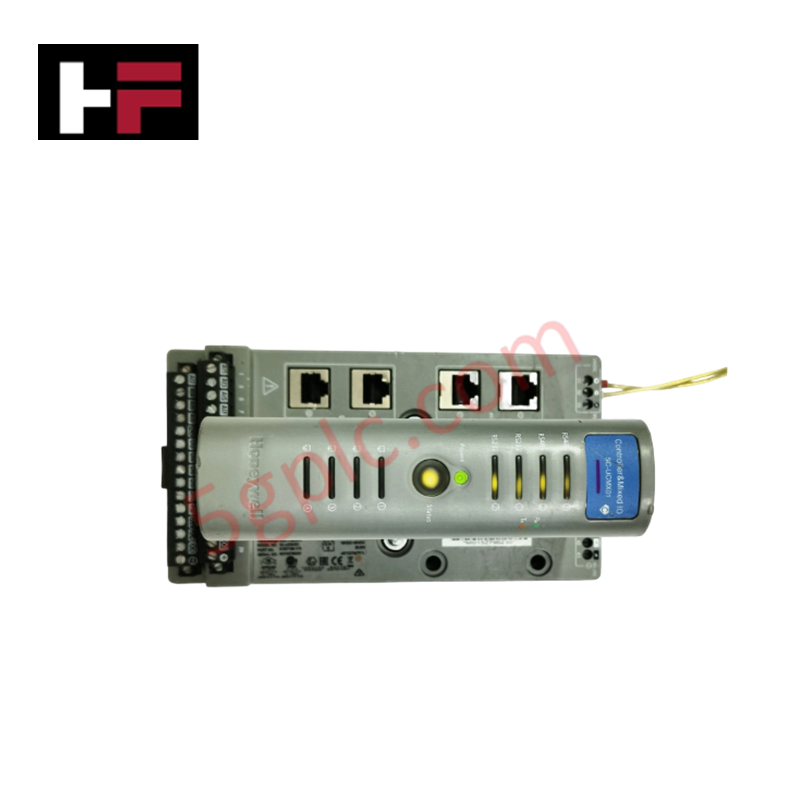
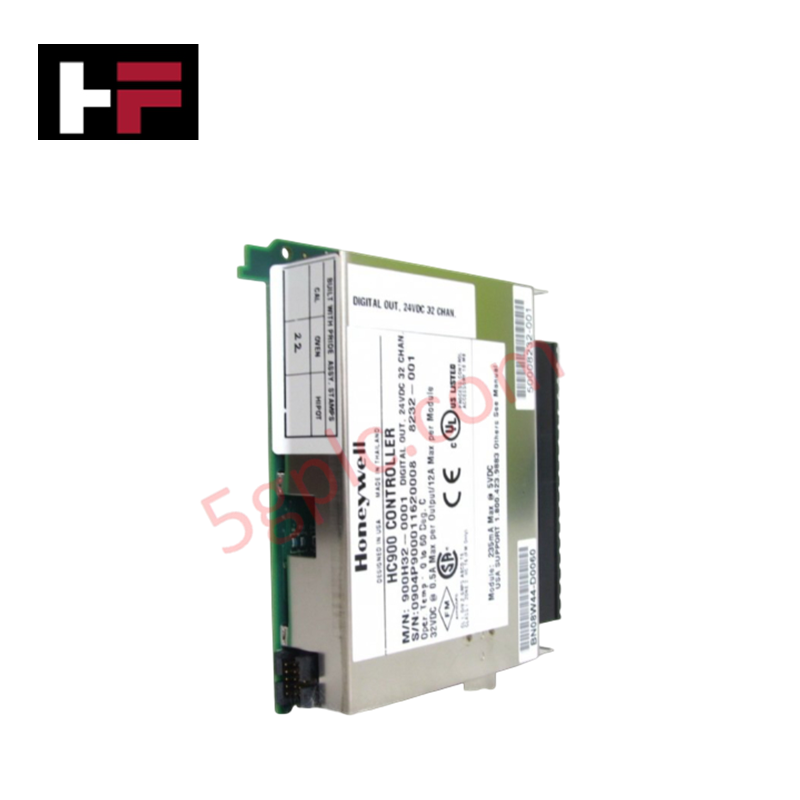
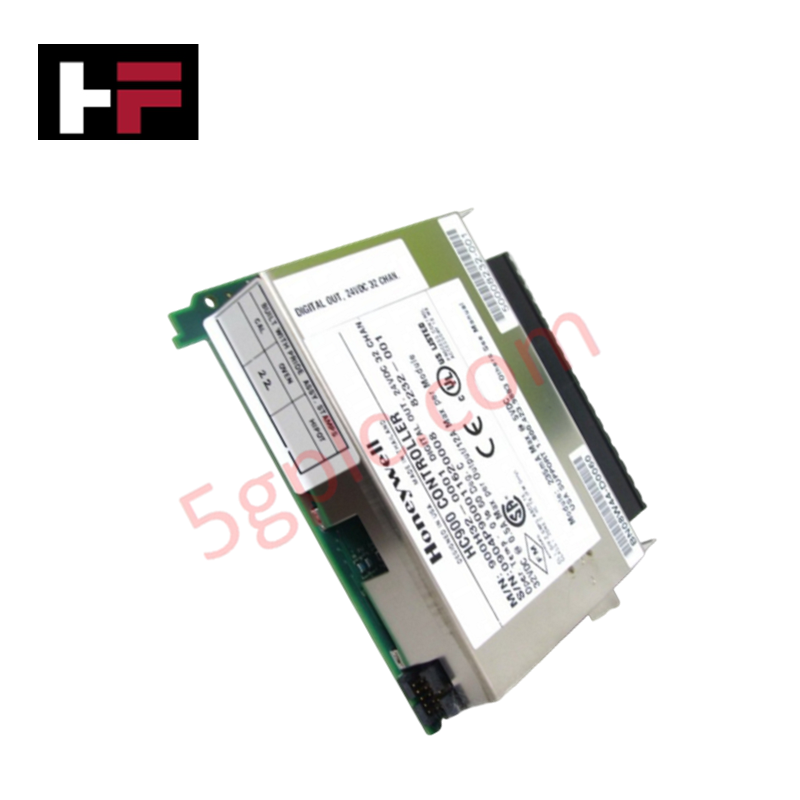
The Honeywell 32303999-501, also cataloged as the 32303999-501 SmartLine Configuration Tool, operates as a dedicated hardware component for firmware flash upgrades and electronic module interchange configuration within Honeywell SmartLine field instrument networks.
Hardware Specifications
| Parameter | Specification |
|---|---|
| Model | 32303999-501 |
| Brand | Honeywell |
| Origin | USA |
| Weight | Standard tool kit weight |
| Dimensions | Handheld / benchtop form factor |
| Operating Temp | 10 to 50 deg C |
| Power Consumption | USB bus / field loop powered |
| Product Type | Configuration and Firmware Upgrade Tool |
| System Compatibility | Honeywell SmartLine transmitters |
| Operation Mode | Automatic device detection via PC software interface |
| Key Function | Field firmware reflashing, module interchange setup |
Process Control and DCS Instrumentation Characteristics
The 32303999-501 tool interfaces with field devices configured for the 4-20 mA HART loop protocol without disrupting core signal conditioning circuits. It establishes digital communication sessions directly across instrument terminals to query transmitter diagnostics and verify cold junction compensation (CJC) calibration profiles on connected temperature units. When integrated into broader DCS loops, the utility validates device connectivity before deploying updated firmware images over digital communication channels. High-density isolation within the interface hardware prevents common-mode noise propagation and ground loop currents during active field reconfigurations.
Frequently Asked Questions
Q: Can the 32303999-501 be used to reflash a SmartLine transmitter while the process loop is in automatic control?
A: No. Initiating a firmware flash upgrade temporarily halts device signal output and forces the transmitter loop to an offline or fault state. The control loop must be placed in manual mode or bypassed prior to initiating communication.
Q: Does the tool require an external power supply when connected to a field transmitter?
A: The device draws operating current directly from the host PC interface connection or the active field loop, requiring no external AC adapter for standard diagnostic and flashing operations.
Field Installation Guidelines
- Verify that the ambient site temperature is strictly within the specified 10 to 50 deg C operational range before connecting the interface tool.
- Isolate or place the host DCS loop in manual mode to prevent process trips during transmitter configuration or firmware reflash.
- Connect the tool lead set across the transmitter communication terminals, maintaining correct polarity and ensuring firm clip contact.
- Ensure the PC host running the software utility is fully grounded to prevent electrostatic discharge (ESD) transfer into the transmitter electronics.
- Do not disconnect the interface cable or interrupt PC power while a firmware reflash cycle is actively writing to the instrument flash memory.
Additional Information
- 100% Genuine Parts: All products are original and authentic, ensuring reliable industrial performance.
- 30-Day Refund Guarantee: Return any in-stock item within 30 days in original, unopened packaging for a full refund (excluding shipping and fees).
- 12-Month Warranty: Covers defects in materials or workmanship; excludes misuse, normal wear, or unauthorized modifications.
- Worldwide Shipping: We ship via USPS, UPS, FedEx, and DHL. Delivery times vary by country and may be subject to customs or import fees.
- Support & Contact: Technical and warranty assistance is available anytime. Contact us here: Contact.
- Purchase Guidance: Check product specifications and compatibility carefully before ordering to ensure proper application.

Tech & Buying Guide

Transforming Shop Floor Data into Actionable Insights: A Deep Dive into MES
Manufacturing Execution Systems serve as the digital backbone of modern factory floors. Positioned at Level 3 of the ISA-95 automation pyramid, MES links enterprise resource planning with real-time shop floor control systems. Today, industrial operators rely on MES software to bridge operational strategy with physical production execution.

Managed Switch vs. Unmanaged Switch: Industrial Ethernet Architecture

Hot Standby vs. Cold Standby Redundancy in Industrial Automation
System availability determines process safety and productivity in industrial automation. Control engineers deploy redundancy to eliminate single points of failure. This technical guide evaluates Hot Standby vs. Cold Standby architectures, comparing failover speeds, memory sync, cost trade-offs, and field selection criteria.