










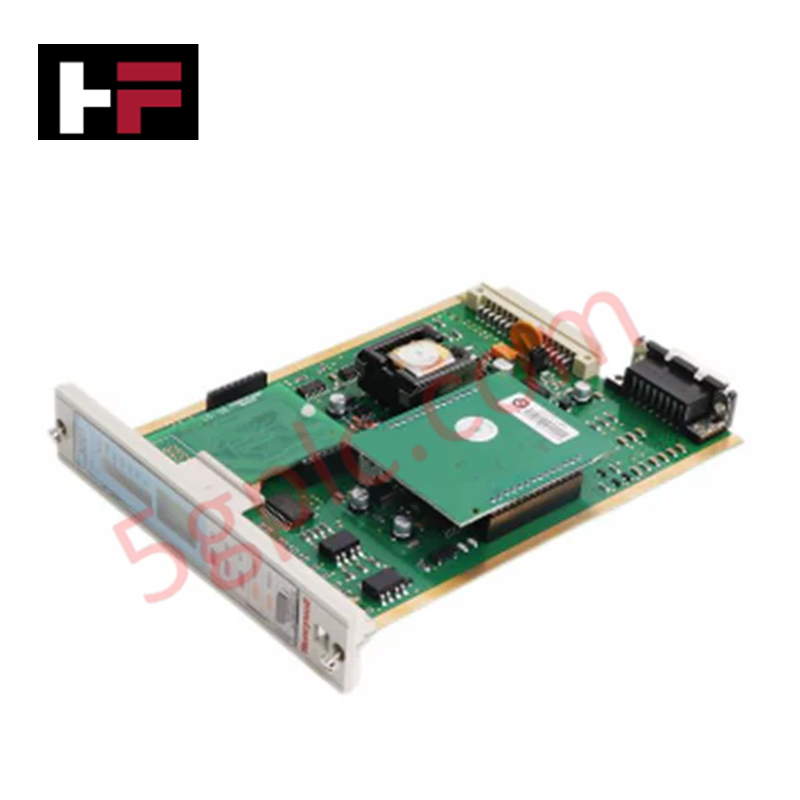
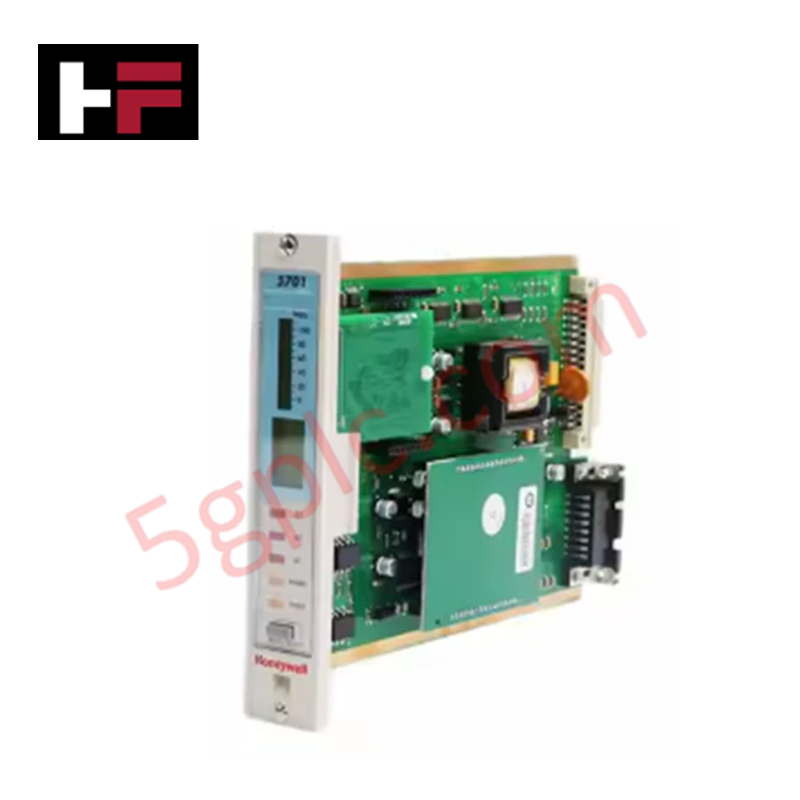
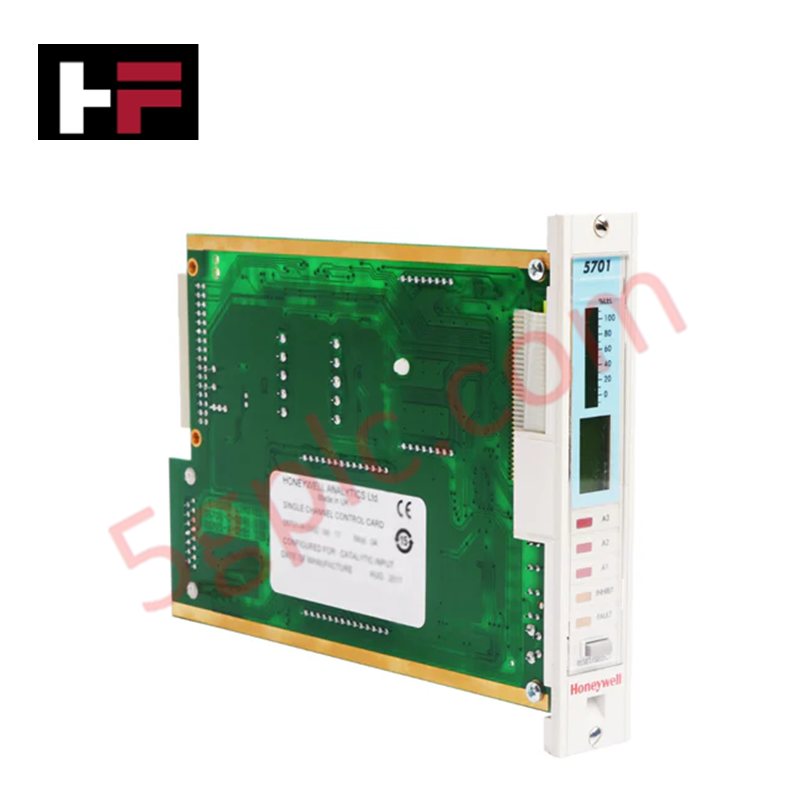
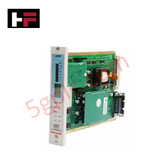
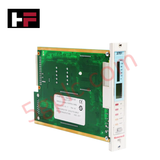
Product Details
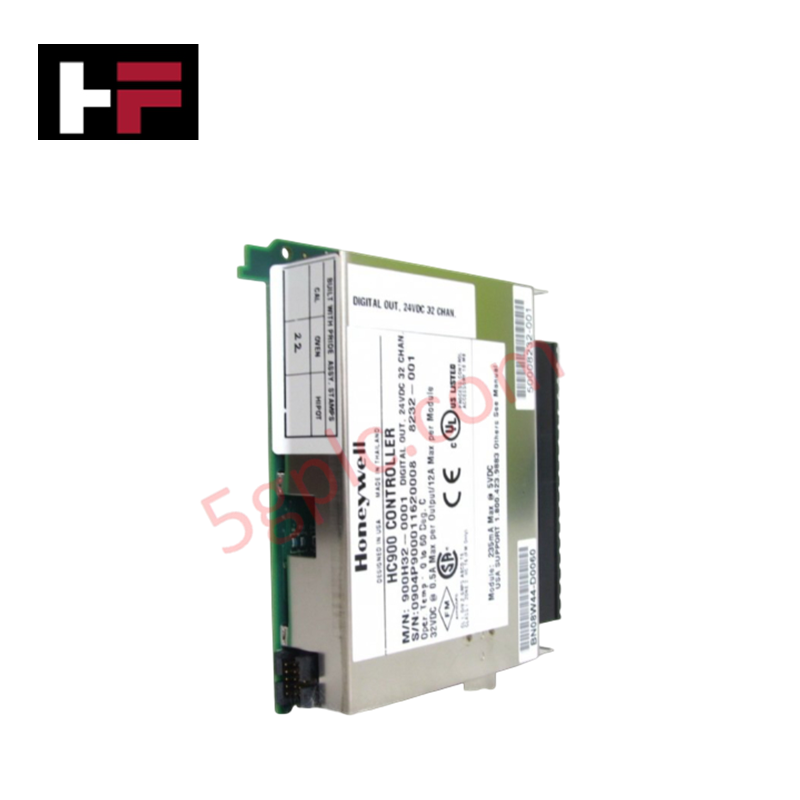
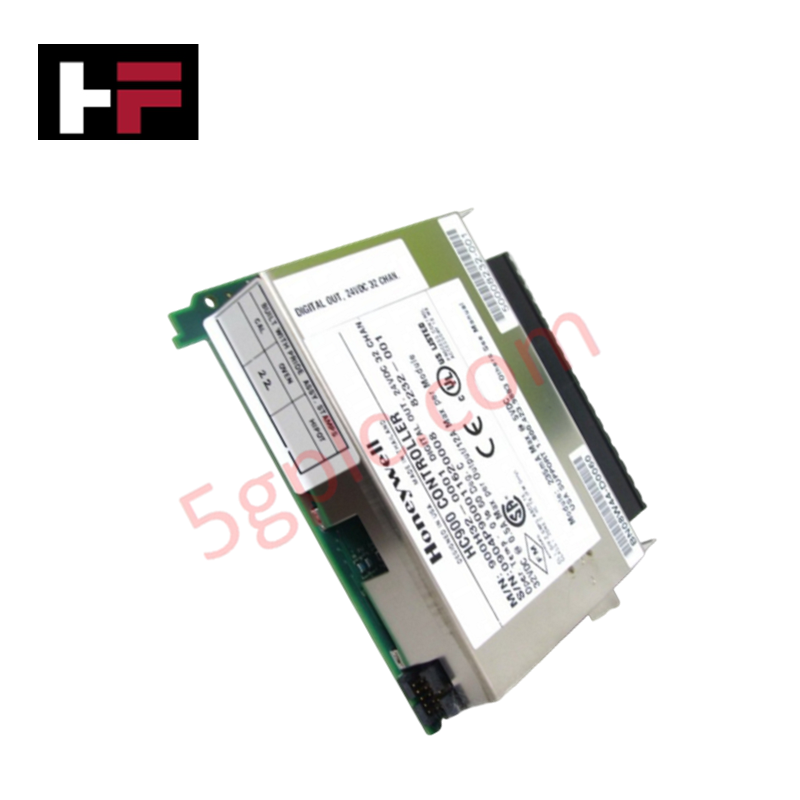
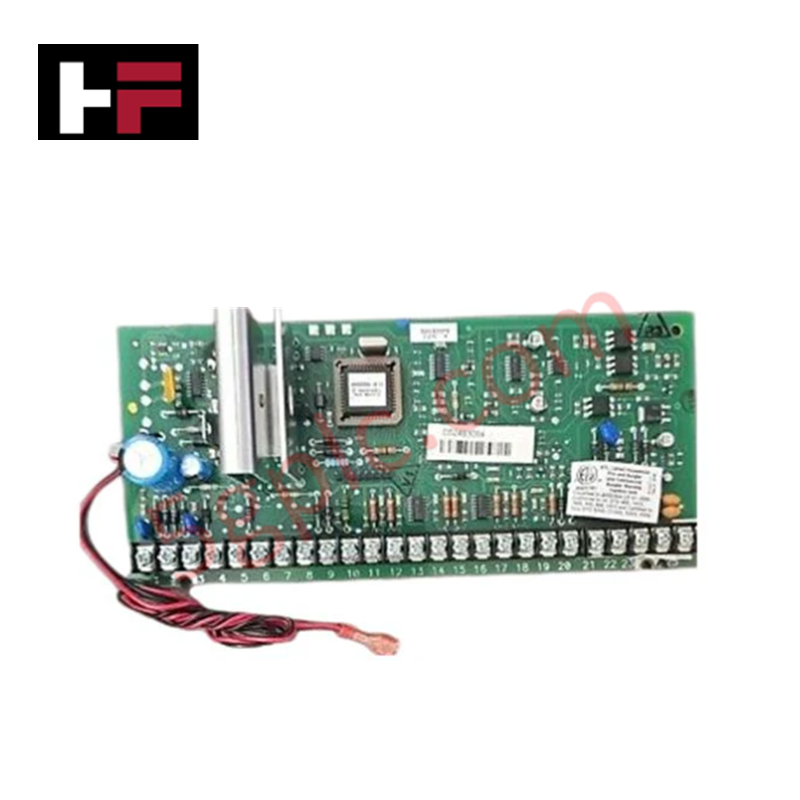
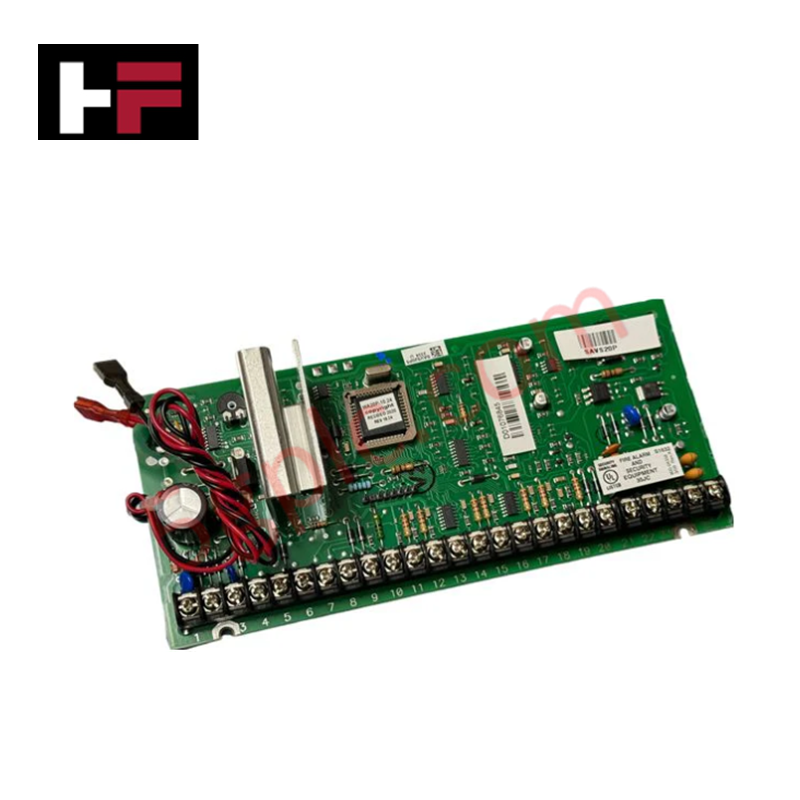
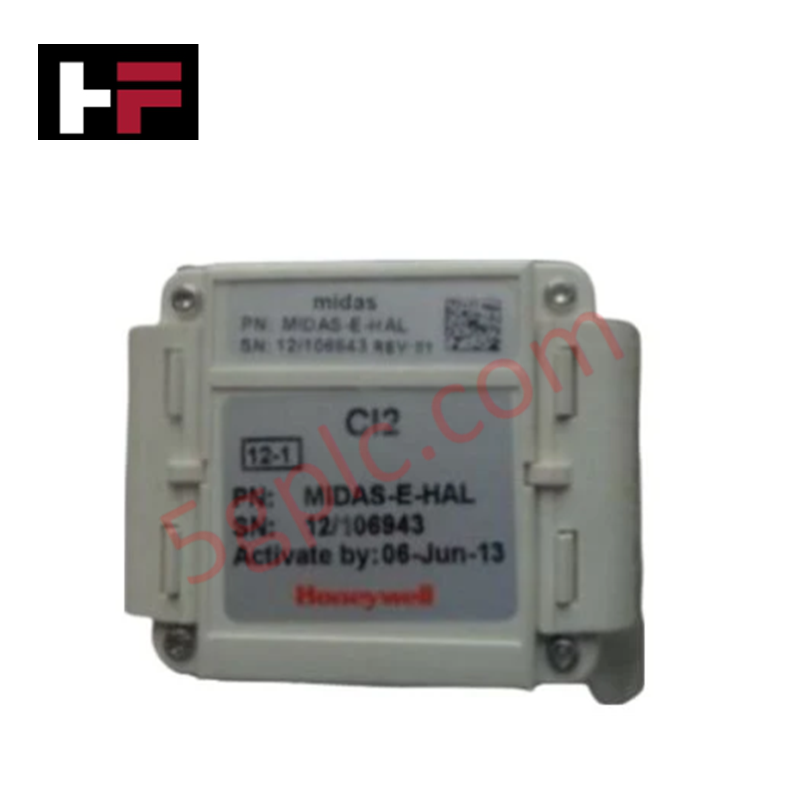
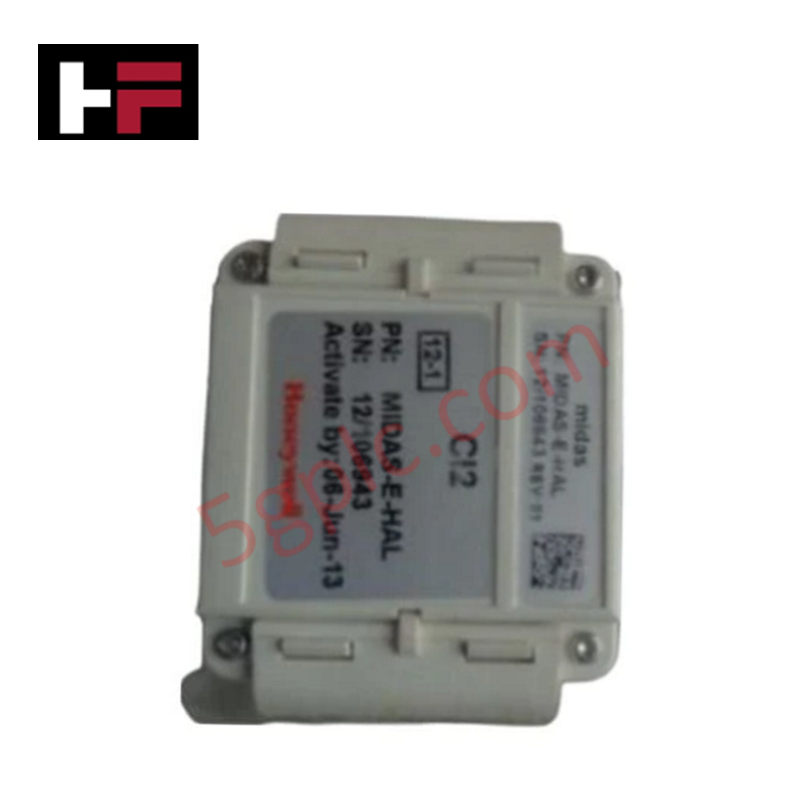
The Honeywell 05701-A-0302, also cataloged as the 05701-A-0302 Control Card, operates as a dedicated hardware component for single-channel signal management within the System 57 gas detection platform. This module executes signal processing and interface control for a single detection point, providing the necessary logical state outputs required for process monitoring and safety signaling architectures.
Hardware Specifications
| Parameter | Specification |
|---|---|
| Model | 05701-A-0302 |
| Brand | Honeywell |
| Origin | USA |
| Weight | 0.18 kg |
| Dimensions | 2.5 cm x 17 cm x 13 cm |
| Operating Temp | Consult system technical documentation |
| Power Consumption | Dependent on host rack backplane load |
| Function | Single-channel signal control |
Channel-to-Channel Isolation
The 05701-A-0302 module incorporates galvanically isolated circuits to ensure distinct signal separation between channels within the subrack. This design effectively mitigates common-mode interference and prevents electrical faults on a single sensor loop from compromising the data integrity of adjacent modules. Proper implementation of these isolation barriers is required to maintain a stable 4-20 mA output performance and ensure consistent alarm setpoint accuracy across the system.
Frequently Asked Questions
Q: Is this card compatible with hot-swap maintenance procedures?
A: No. Do not attempt to insert or extract the module while the subrack backplane is energized. Power must be removed to prevent damage to the connector pins and internal logic components.
Q: How is the module configured for specific sensor types?
A: Configuration is managed through the central System 57 controller interface. This module acts as the physical execution layer for the logic dictated by the host system setup.
Field Installation Guidelines
- Physical Mounting: Insert the module into the designated slot of the System 57 rack. Ensure the unit is fully seated to achieve a secure connection with the backplane pins.
- Grounding Requirements: Secure the rack to a common ground point using a low-impedance conductor to provide a stable reference for the isolated signal circuits.
- Wiring Practices: Use shielded cable for all field inputs to prevent electromagnetic interference. Terminate the shield at the cabinet ground bus, ensuring it does not create a ground loop.
- Pre-commissioning Inspection: Verify that the backplane connector is free from debris and that the insertion path is unobstructed before installation.
Additional Information
- 100% Genuine Parts: All products are original and authentic, ensuring reliable industrial performance.
- 30-Day Refund Guarantee: Return any in-stock item within 30 days in original, unopened packaging for a full refund (excluding shipping and fees).
- 12-Month Warranty: Covers defects in materials or workmanship; excludes misuse, normal wear, or unauthorized modifications.
- Worldwide Shipping: We ship via USPS, UPS, FedEx, and DHL. Delivery times vary by country and may be subject to customs or import fees.
- Support & Contact: Technical and warranty assistance is available anytime. Contact us here: Contact.
- Purchase Guidance: Check product specifications and compatibility carefully before ordering to ensure proper application.

Tech & Buying Guide

Transforming Shop Floor Data into Actionable Insights: A Deep Dive into MES
Manufacturing Execution Systems serve as the digital backbone of modern factory floors. Positioned at Level 3 of the ISA-95 automation pyramid, MES links enterprise resource planning with real-time shop floor control systems. Today, industrial operators rely on MES software to bridge operational strategy with physical production execution.

Managed Switch vs. Unmanaged Switch: Industrial Ethernet Architecture

Hot Standby vs. Cold Standby Redundancy in Industrial Automation
System availability determines process safety and productivity in industrial automation. Control engineers deploy redundancy to eliminate single points of failure. This technical guide evaluates Hot Standby vs. Cold Standby architectures, comparing failover speeds, memory sync, cost trade-offs, and field selection criteria.