Product Details
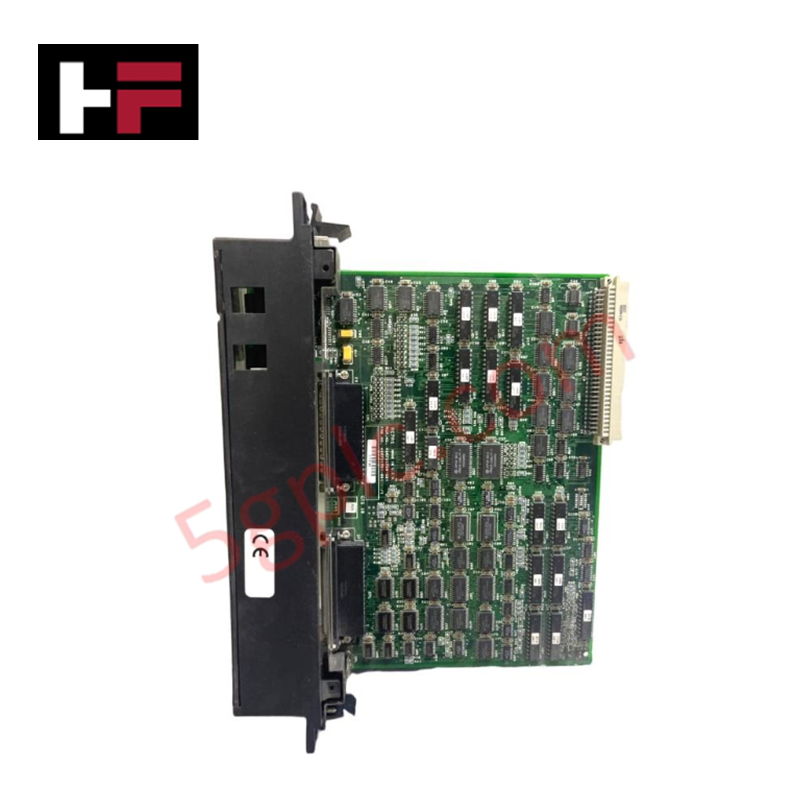
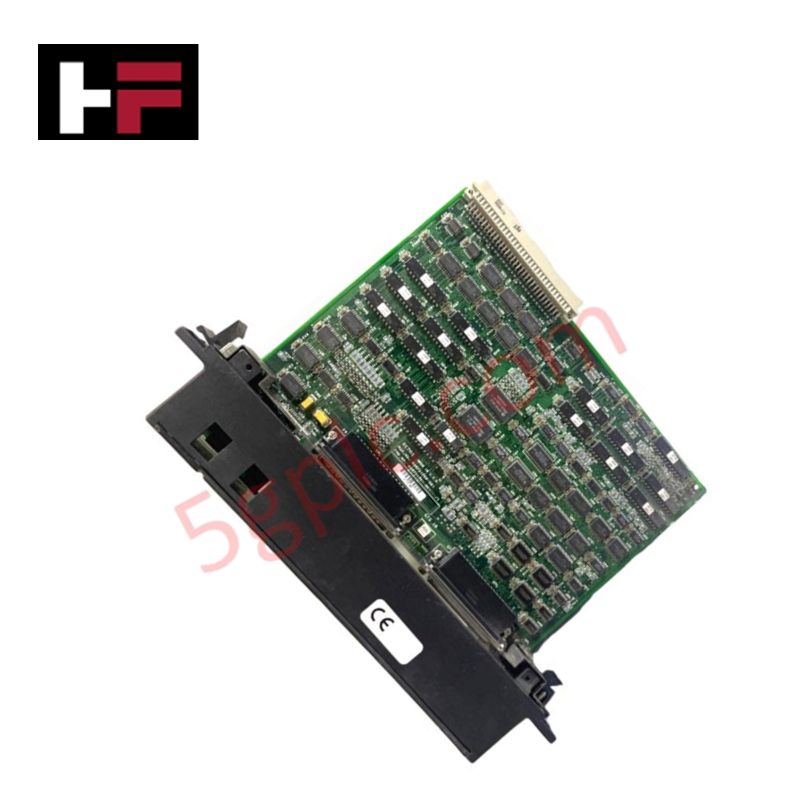
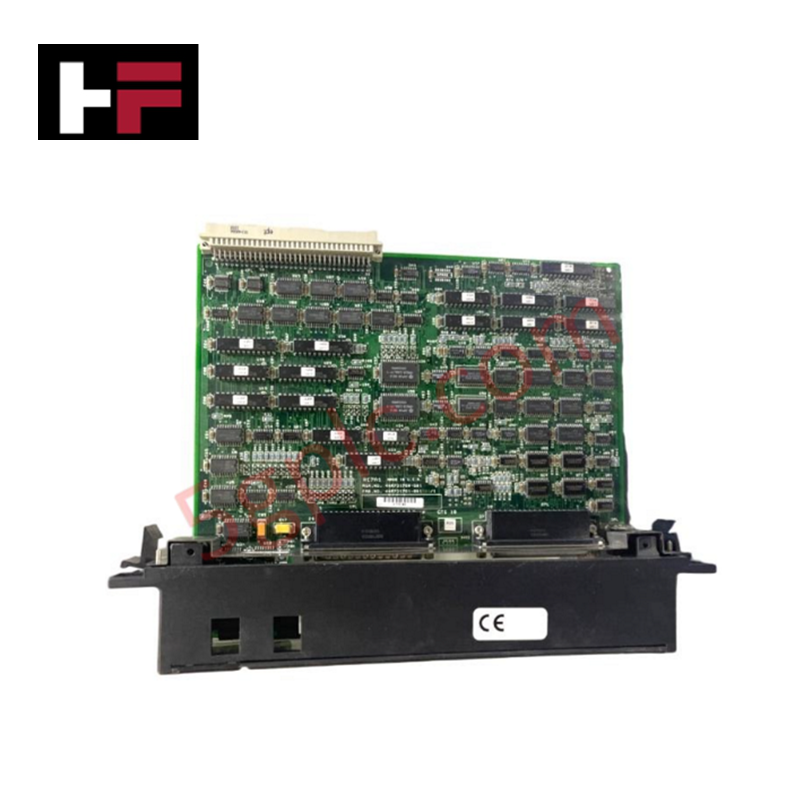
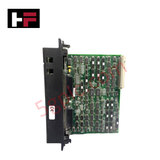
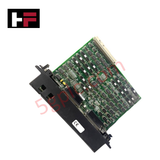
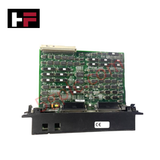
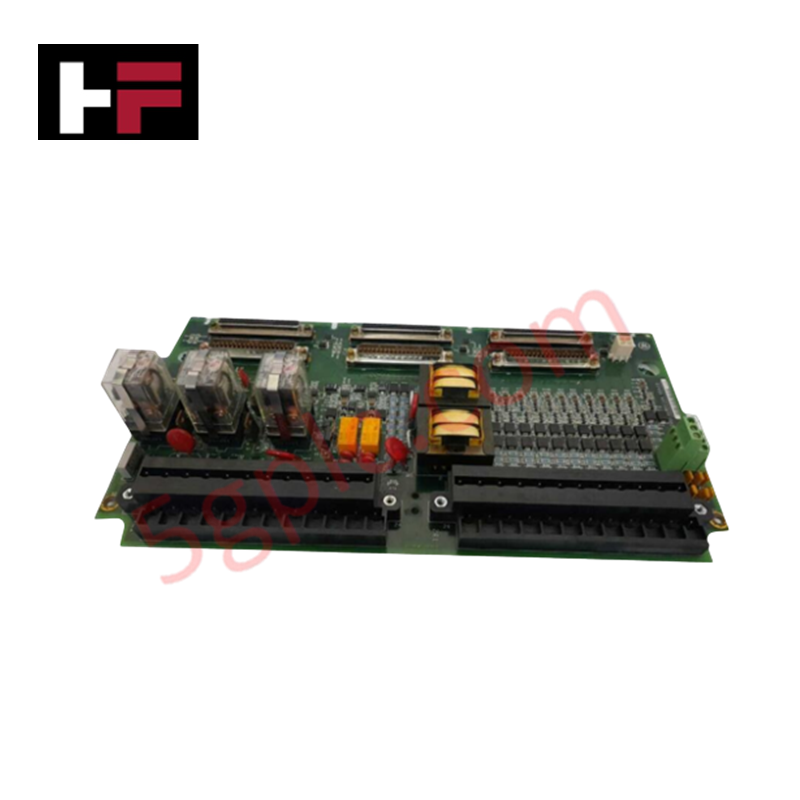
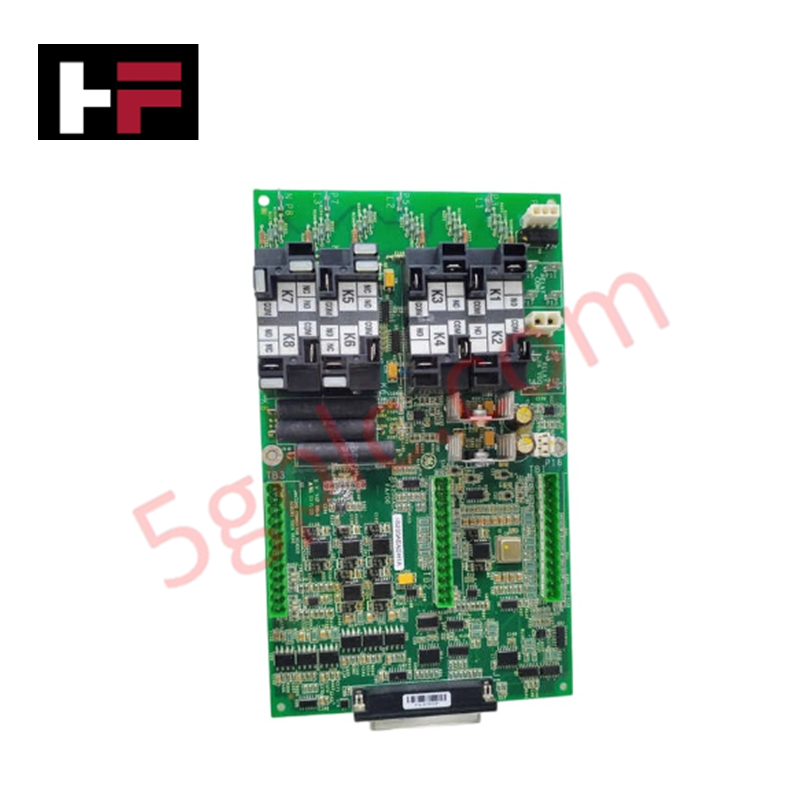
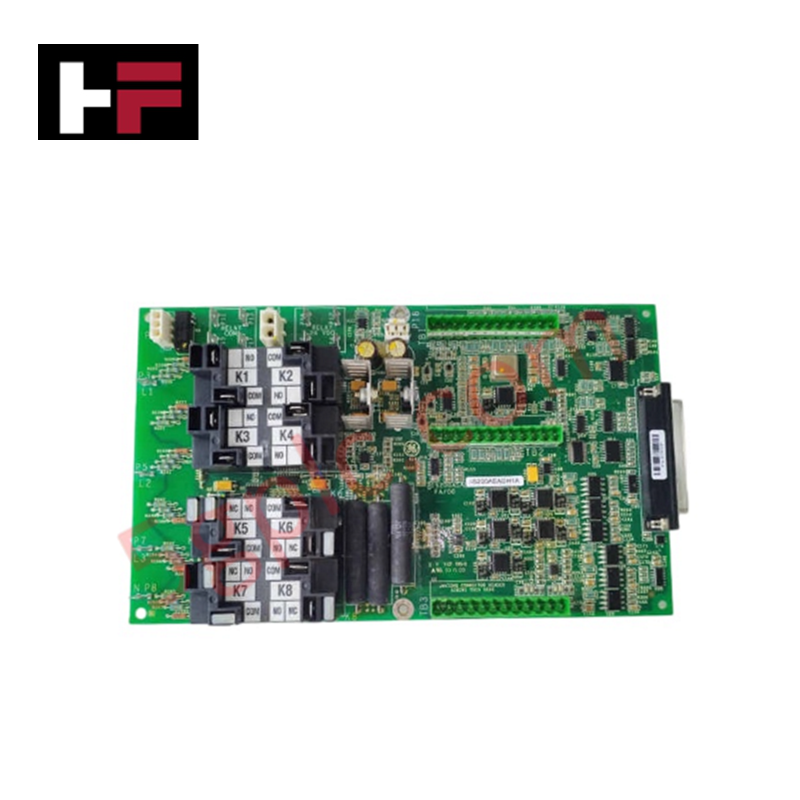
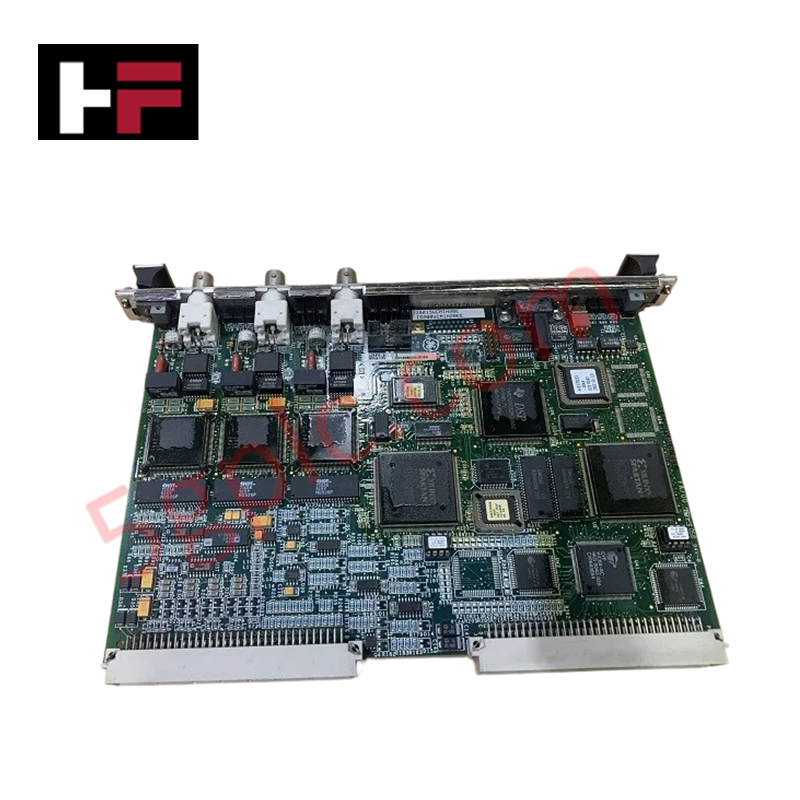
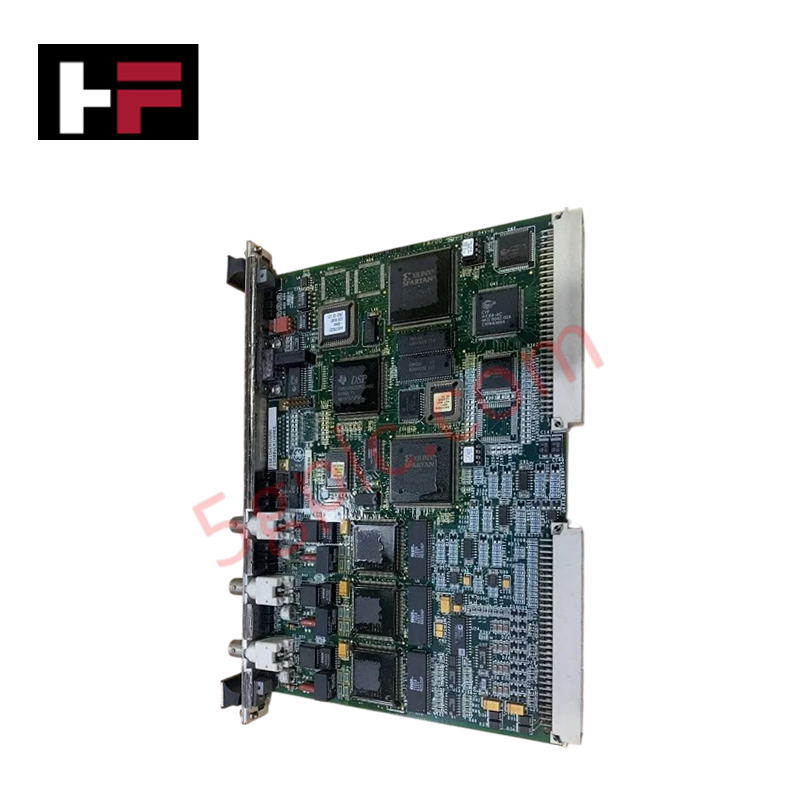
The GE Fanuc IC698BEM711, also cataloged as the IC698BEM711 Bus Expansion Module, operates as a dedicated hardware component for high-speed deterministic rack-to-rack data exchange within PACSystems RX7i platforms.
Hardware Specifications
| Parameter | Specification |
|---|---|
| Model | IC698BEM711 |
| Brand | GE Fanuc |
| Origin | USA |
| Controller Platform | PACSystems RX7i |
| Module Type | Bus Expansion Module |
| Form Factor | Standard RX7i single-width module |
| Slot Requirement | 1 RX7i rack slot |
| Expansion Medium | Copper or fiber expansion cables |
| Dimensions | 198 x 40 x 145 mm |
| Weight | 0.6 kg |
| Operating Temp | 0 to 60 deg C |
| Storage Temp | -40 to +85 deg C |
| Nominal Operating Voltage | 5 VDC (from rack backplane) |
| Power Consumption | 5 W (typical) |
| Backplane Communication | Deterministic parallel bus interface |
Deterministic Network Buffering & I/O Density Scaling
The module handles parallel backplane bus communication velocity across expanded chassis layouts without degrading CPU scan rates. By managing backplane logic cycles directly through physical expansion interfaces, the hardware maintains deterministic data synchronization across connected expansion racks. This architecture scales system I/O density while preserving noise isolation and bus logic integrity during high-throughput parallel data transfer.
Frequently Asked Questions
Q: How does the module draw operational power within the chassis assembly?
A: Power is supplied directly via the RX7i backplane bus at a nominal operating voltage of 5 VDC, consuming approximately 5 W under standard load.
Q: What medium is utilized to connect the main CPU rack to remote expansion racks?
A: The expansion topology uses copper or fiber expansion cabling depending on physical distance requirements and site noise immunity constraints.
Q: Does removing or inserting this module affect adjacent I/O modules on the rack?
A: Breaking the expansion bus connection interrupts parallel data transfer to down-stream expansion racks; slot changes must be executed with proper power sequencing and bus termination.
Field Installation Guidelines
- Align the module with the card guides of the designated single-width RX7i rack slot and push firmly until the rear connector seats into the backplane.
- Tighten top and bottom panel mounting screws to secure the chassis connection and ground reference.
- Connect specified copper or fiber expansion cables between the local expansion port and the remote chassis interface.
- Route expansion cabling away from high-voltage AC lines and drive outputs to prevent noise interference on parallel bus communication channels.
- Verify that backplane power limits are maintained within power supply specifications before powering on the rack.
Additional Information
- 100% Genuine Parts: All products are original and authentic, ensuring reliable industrial performance.
- 30-Day Refund Guarantee: Return any in-stock item within 30 days in original, unopened packaging for a full refund (excluding shipping and fees).
- 12-Month Warranty: Covers defects in materials or workmanship; excludes misuse, normal wear, or unauthorized modifications.
- Worldwide Shipping: We ship via USPS, UPS, FedEx, and DHL. Delivery times vary by country and may be subject to customs or import fees.
- Support & Contact: Technical and warranty assistance is available anytime. Contact us here: Contact.
- Purchase Guidance: Check product specifications and compatibility carefully before ordering to ensure proper application.
Tech & Buying Guide
Demystifying the 5 Levels of Industrial Automation Architecture
Modern manufacturing relies on structured communication hierarchy to bridge physical shop-floor hardware with enterprise management software. This framework, commonly known as the Automation Pyramid, establishes how data flows between field devices, logic controllers, and corporate IT networks. Understanding these five distinct levels helps engineers and plant managers optimize system operations, reduce downtime, and implement seamless factory automation solutions.

Transforming Shop Floor Data into Actionable Insights: A Deep Dive into MES
Manufacturing Execution Systems serve as the digital backbone of modern factory floors. Positioned at Level 3 of the ISA-95 automation pyramid, MES links enterprise resource planning with real-time shop floor control systems. Today, industrial operators rely on MES software to bridge operational strategy with physical production execution.