










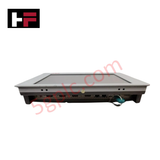
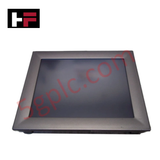
Product Details
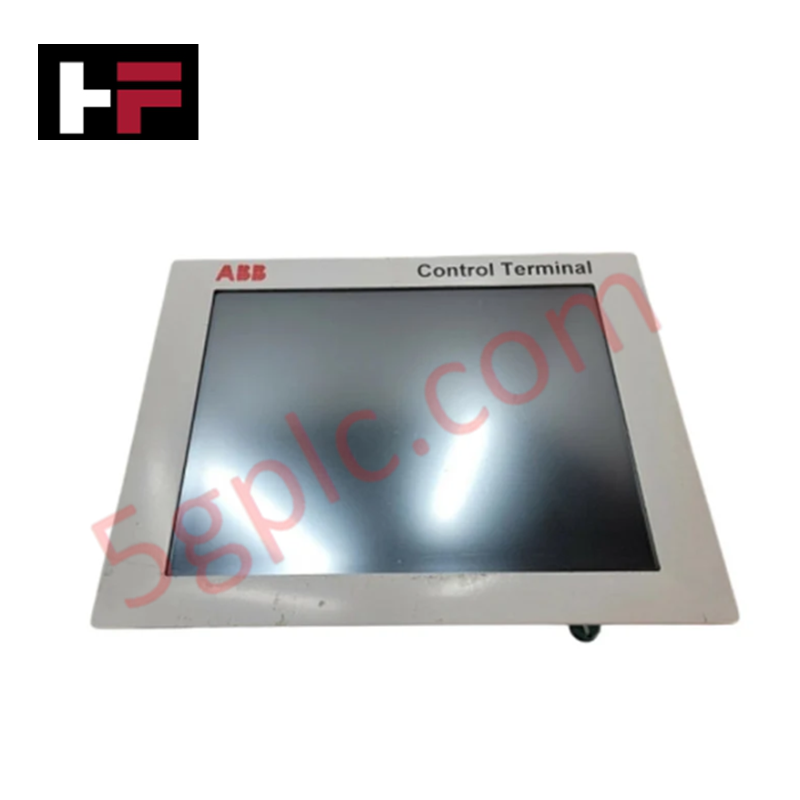
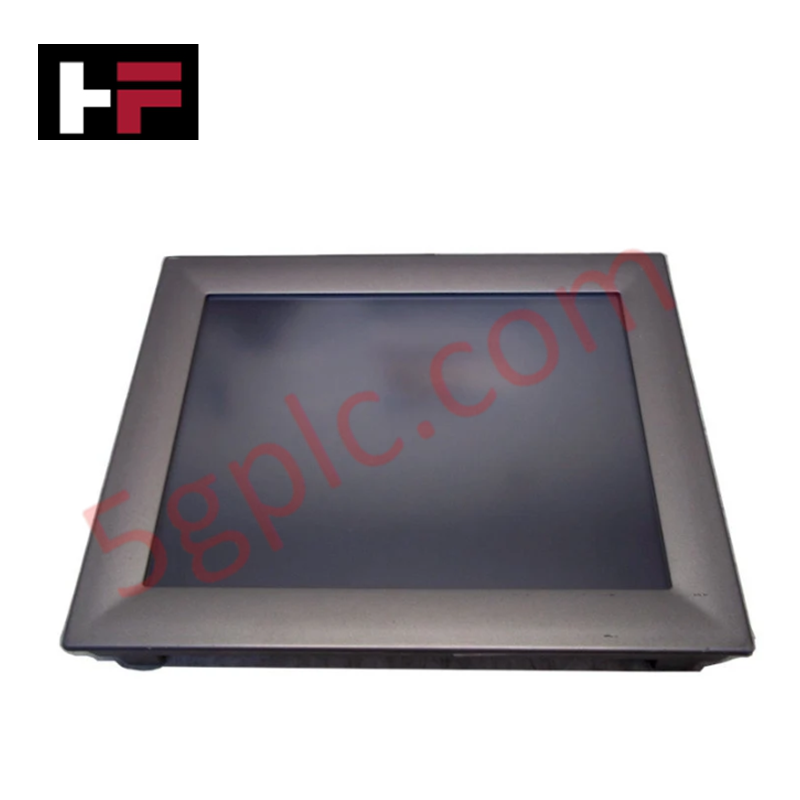
Configured for visual process monitoring and operator interface management in industrial control networks, the ABB TPC-1570H (3BHE031734R1111) provides direct graphical output execution and operator data input processing.
Hardware Specifications
| Parameter | Specification |
|---|---|
| Model | TPC-1570H |
| Brand | ABB |
| Part Number | 3BHE031734R1111 |
| Weight | 0.3 kg |
| Dimensions | 178 mm x 330 mm x 38 mm |
| Operating Temp | Standard industrial ambient |
| Power Consumption | Low-power architecture |
| Processor | Intel Pentium M 1.4 GHz / Celeron M 1 GHz |
| Display | 15-inch TFT LCD |
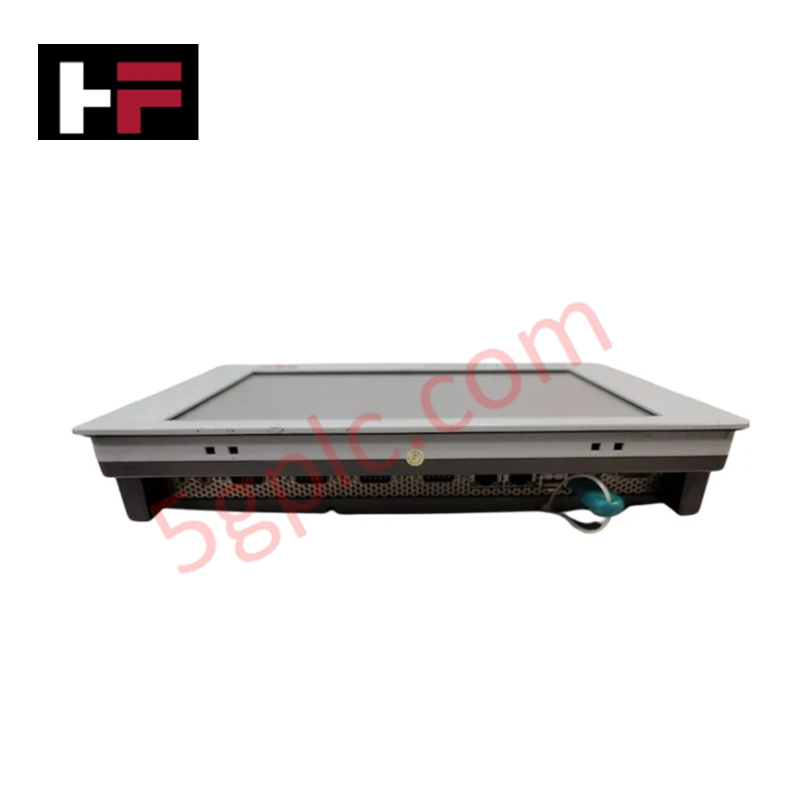
| Connectivity | RS-485, Serial, Parallel, Ethernet, USB 2.0 |
Profinet / EtherNet/IP deterministic networks
The TPC-1570H integrates into deterministic networks, utilizing its Ethernet interface to exchange process data with host controllers. The device supports high-speed data transmission required for real-time visualization of machine states and control parameters. Firmware flash compatibility is managed through the onboard operating system, requiring periodic synchronization with the control system network configuration to maintain data integrity. I/O density scaling on the display interface ensures that complex operator screens remain responsive under high data-load conditions. Ensure that network switch configuration aligns with the TPC-1570H Ethernet port specifications to prevent packet latency or connection timeouts.
Frequently Asked Questions
Q: Is the TPC-1570H touch panel field-replaceable while the system is under power?
A: No. The unit must be fully powered down and disconnected from all interface cabling before removal or installation to prevent electrical damage to the communication ports and internal logic components.
Q: Are there specific requirements for the Ethernet connection?
A: Yes. Use shielded, twisted-pair cabling for Ethernet connections. Ensure the cable shield is terminated at the designated cabinet ground to minimize electromagnetic interference that could affect touchscreen response or communication stability.
Field Installation Guidelines
- Mounting: Ensure the panel is mounted in a rigid enclosure with the appropriate gasket seated to prevent dust or moisture ingress. Use the provided mounting hardware to secure the unit against the panel face.
- Grounding: Connect the dedicated ground terminal on the chassis to a verified clean earth ground. This reduces electromagnetic interference (EMI) that can cause flicker on the display or instability in the touchscreen controller.
- Wiring: Route Ethernet and power cabling through separate conduits from high-voltage AC lines to prevent crosstalk and maintain communication integrity.
- Thermal Management: While the unit features a fanless design, maintain adequate clearance around the rear heat sink area to allow for natural airflow and passive heat dissipation.
- Inspection: Periodically verify that the retention hardware is tight and that the sealing gaskets show no signs of degradation, which could lead to contamination in high-humidity environments.
Additional Information
- 100% Genuine Parts: All products are original and authentic, ensuring reliable industrial performance.
- 30-Day Refund Guarantee: Return any in-stock item within 30 days in original, unopened packaging for a full refund (excluding shipping and fees).
- 12-Month Warranty: Covers defects in materials or workmanship; excludes misuse, normal wear, or unauthorized modifications.
- Worldwide Shipping: We ship via USPS, UPS, FedEx, and DHL. Delivery times vary by country and may be subject to customs or import fees.
- Support & Contact: Technical and warranty assistance is available anytime. Contact us here: Contact.
- Purchase Guidance: Check product specifications and compatibility carefully before ordering to ensure proper application.






Tech & Buying Guide

Static UPS vs. Rotary UPS: Technical Evaluation for Industrial Automation

Comprehensive Guide to Noise Types in Industrial Automation and Electronics

Mitigating Emergency Stop Spurious Trips in Industrial Control Systems
Emergency stop (E-Stop) pushbuttons serve as vital safety devices in factory automation and process control plants. Functional safety standards mandate normally-closed (NC) contact blocks to ensure fail-safe operation during wiring breaks or power outages. However, mechanical degradation over time can trigger unexpected spurious trips, halting production lines without an actual emergency. Understanding the underlying causes of mechanical contact failure allows automation engineers to implement robust, fault-tolerant safety circuits.