










Product Details
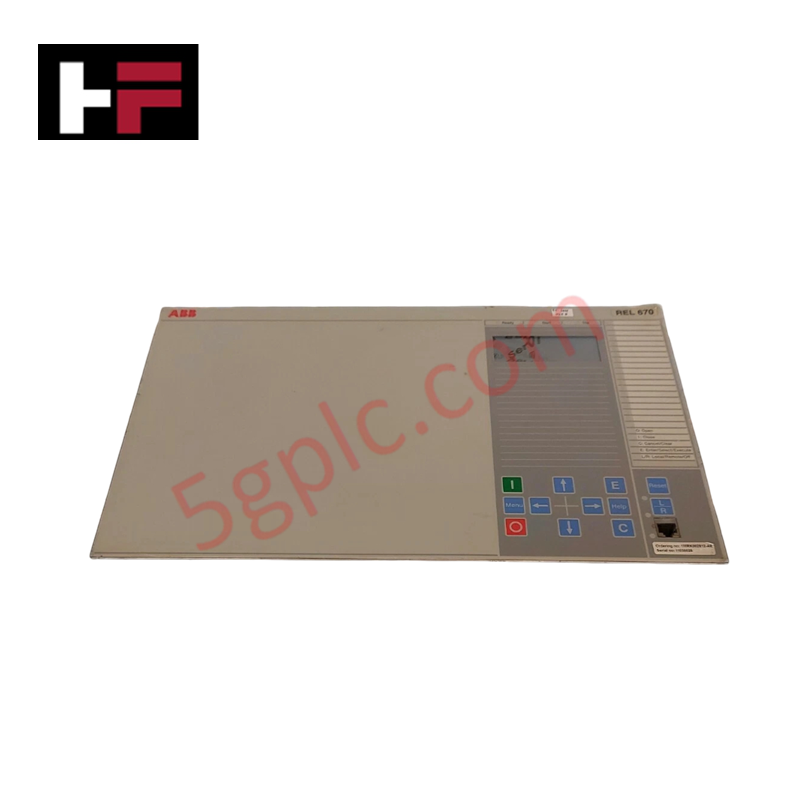
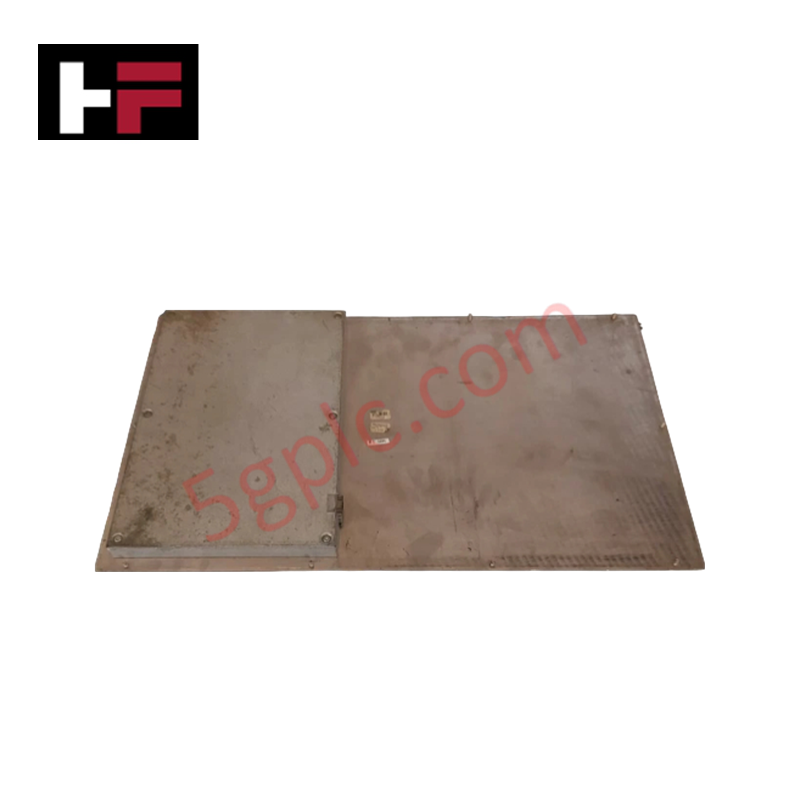
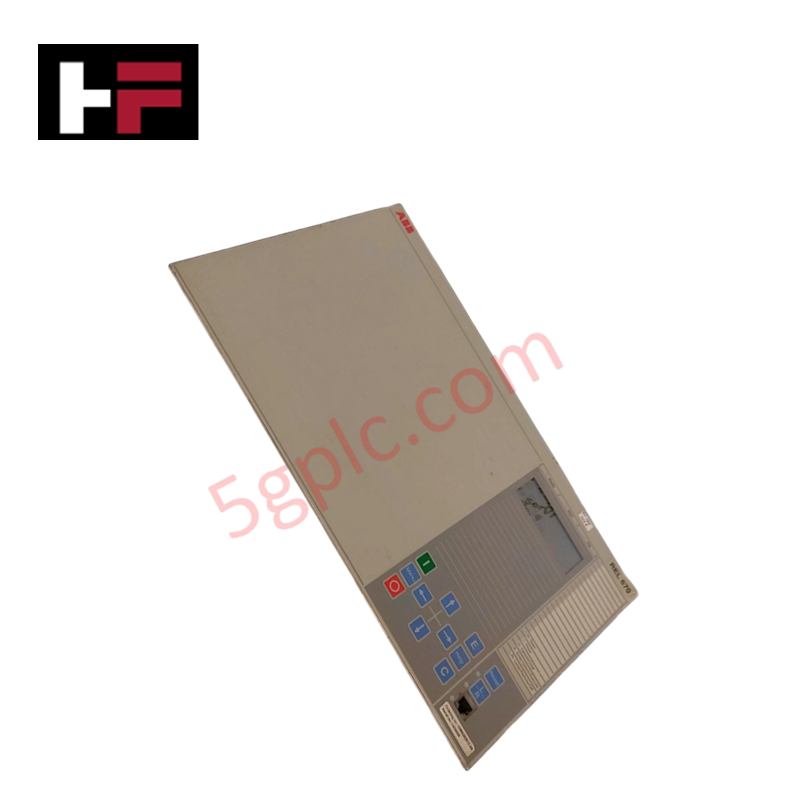
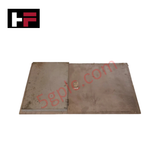
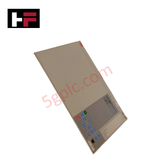
The ABB REL 670 1MRK000008-KB, also cataloged as the REL 670 Display Module, operates as a dedicated hardware component for local parameter monitoring and physical HMI interaction within ABB Relion 670 Series Protection and Control platforms.
Hardware Specifications
| Parameter | Specification |
|---|---|
| Model | REL 670 1MRK000008-KB |
| Brand | ABB |
| Origin | Standard ABB Manufacturing |
| Weight | 0.26 kg |
| Dimensions | Medium Frame Size Specification |
| Operating Temp | -10 to +55 deg C (Standard Industrial Range) |
| Power Consumption | Internal Bay Control Backplane Powered |
| Display Type | Medium-sized graphic display with ANSI symbols |
| Product Type | Human-Machine Interface (HMI) |
| Communication Protocols | Integrated Multi-Protocol Bus Support |
Backplane Bus Communication Velocity & I/O Density Scaling
The HMI unit interfaces directly with the main processing card of the protection relay via high-speed internal bus connections. To support scalable panel layouts, internal firmware maintains firmware flash compatibility across backplane communication layers. Fast backplane bus communication velocity allows immediate visual updates of ANSI single-line diagrams, alarm vectors, and event logs without creating computational latencies on primary protection functions.
Frequently Asked Questions
Q: Does the REL 670 1MRK000008-KB display module require a dedicated external DC power supply?
A: No, the module receives operational power directly through the internal backplane connection of the host Relion 670 protection relay enclosure.
Q: How are graphical symbols formatted on the local screen interface?
A: The medium-sized graphic display utilizes standardized ANSI symbology to show real-time breaker status, single-line diagrams, and diagnostic values.
Field Installation Guidelines
- Ensure the host protection relay unit is completely de-energized prior to installing or servicing the front fascia display assembly.
- Use appropriate electrostatic discharge (ESD) prevention measures, including grounded wrist straps, when handling the display module connectors.
- Align the module flush against the front bezel guides and secure all retaining hardware to guarantee chassis seal integrity.
- Verify that flat ribbon bus cables are correctly keyed and fully seated into header sockets before restoring system auxiliary power.
Additional Information
- 100% Genuine Parts: All products are original and authentic, ensuring reliable industrial performance.
- 30-Day Refund Guarantee: Return any in-stock item within 30 days in original, unopened packaging for a full refund (excluding shipping and fees).
- 12-Month Warranty: Covers defects in materials or workmanship; excludes misuse, normal wear, or unauthorized modifications.
- Worldwide Shipping: We ship via USPS, UPS, FedEx, and DHL. Delivery times vary by country and may be subject to customs or import fees.
- Support & Contact: Technical and warranty assistance is available anytime. Contact us here: Contact.
- Purchase Guidance: Check product specifications and compatibility carefully before ordering to ensure proper application.






Tech & Buying Guide

Demystifying the DDE Protocol in Legacy Industrial Automation Systems
Modern control systems rely heavily on seamless interprocess communication to exchange operational data between software programs. Microsoft first introduced the Dynamic Data Exchange (DDE) protocol in 1987 to enable real-time data sharing. In factory automation, DDE served as an early bridge between control software and Windows desktop applications. Therefore, understanding DDE mechanics provides crucial insights into how legacy industrial networks established software-level connectivity.

Demystifying CPU Communication Ports in Siemens PLC Architectures
Industrial automation relies heavily on robust data exchange between devices. Without seamless connectivity, field instruments, network switches, human-machine interfaces, and programmable logic controllers cannot coordinate effectively. Therefore, understanding the various CPU communication ports available in Siemens hardware ensures efficient factory automation design and seamless system integration.

Mastering the Siemens PLC Scan Cycle: How the CPU Executes Automation Programs
Industrial automation relies heavily on programmable logic controllers (PLCs) to manage complex manufacturing processes. Many engineers dive straight into programming without mastering the underlying architecture. However, understanding how a PLC CPU executes a program ensures reliable system design. Therefore, mastering the scan cycle optimizes both performance and troubleshooting in modern control systems.