











Product Details
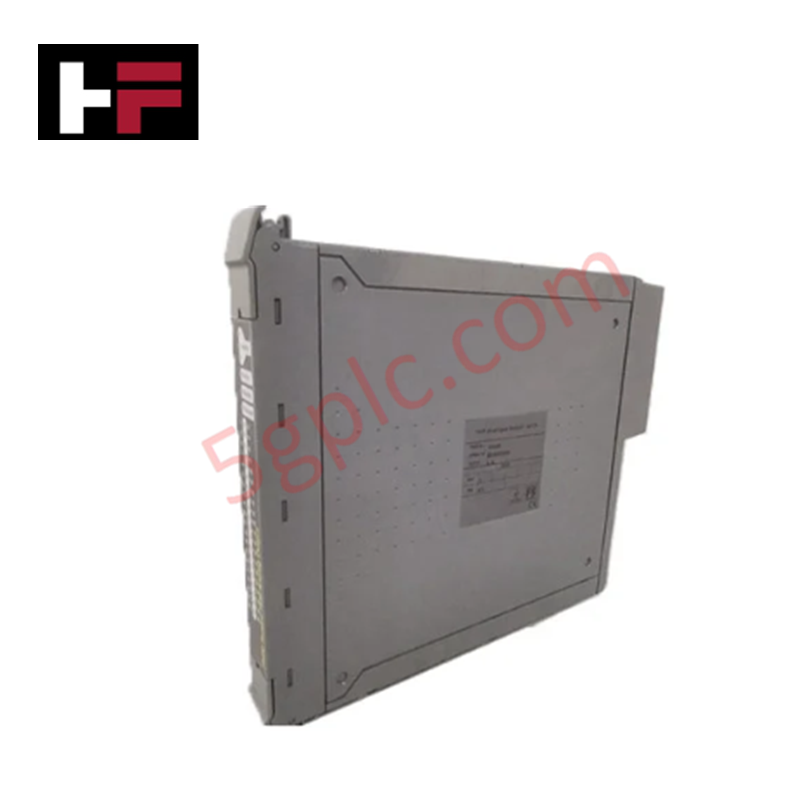
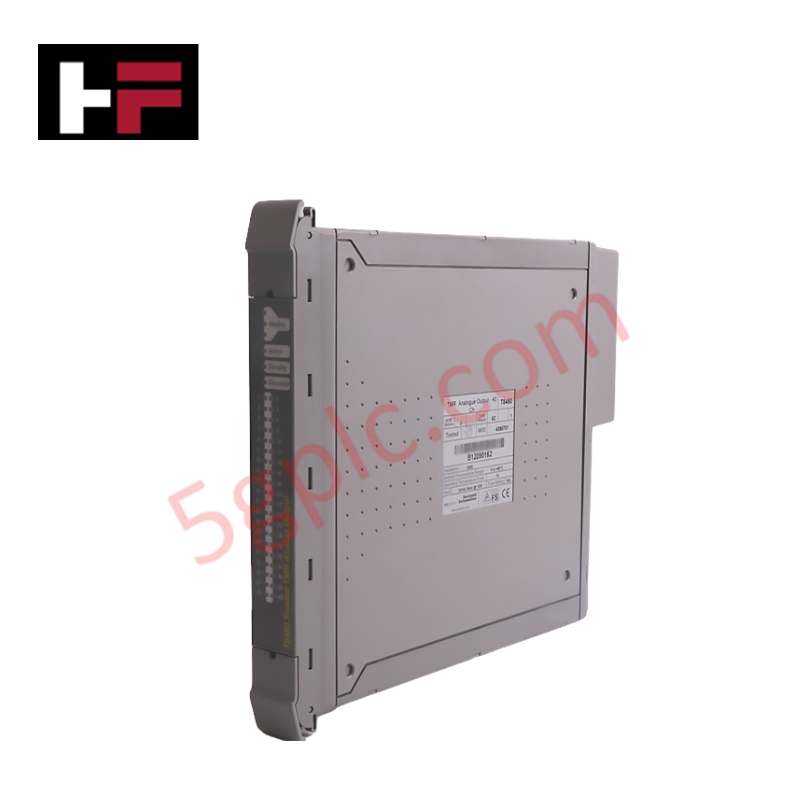
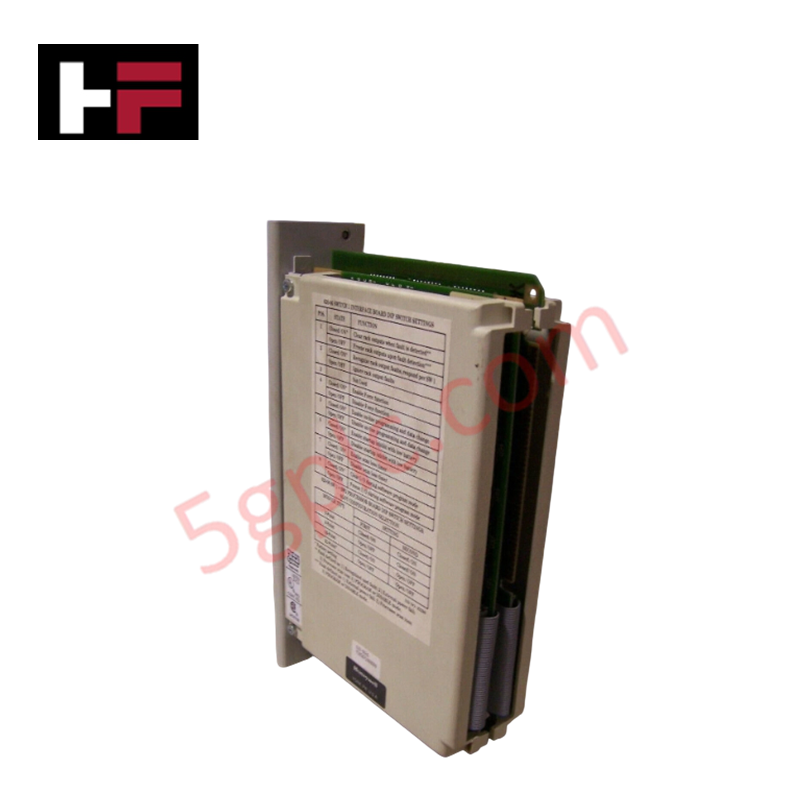
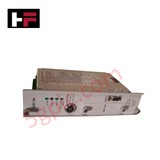
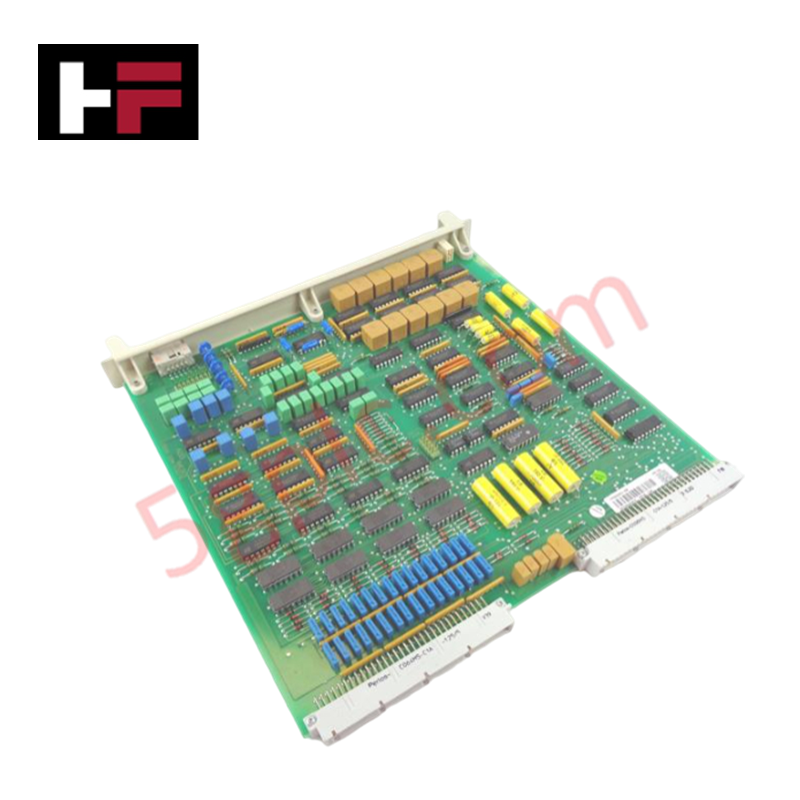
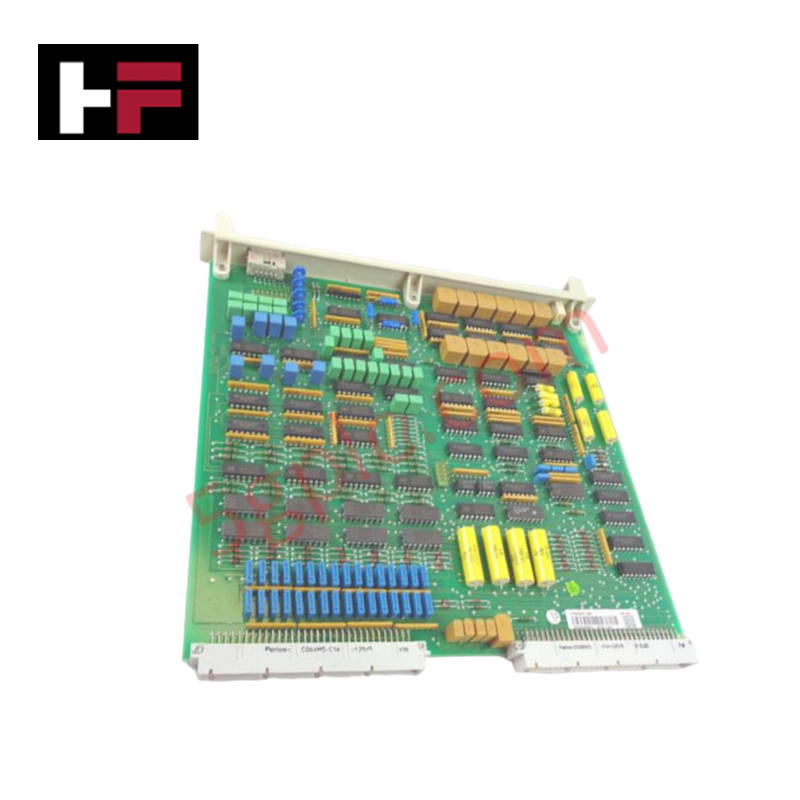
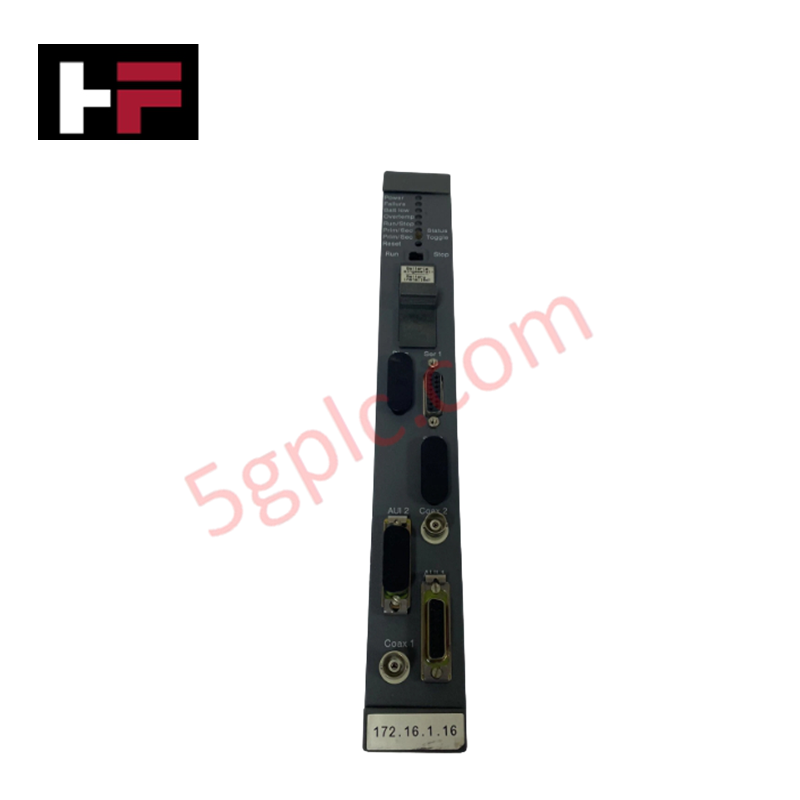
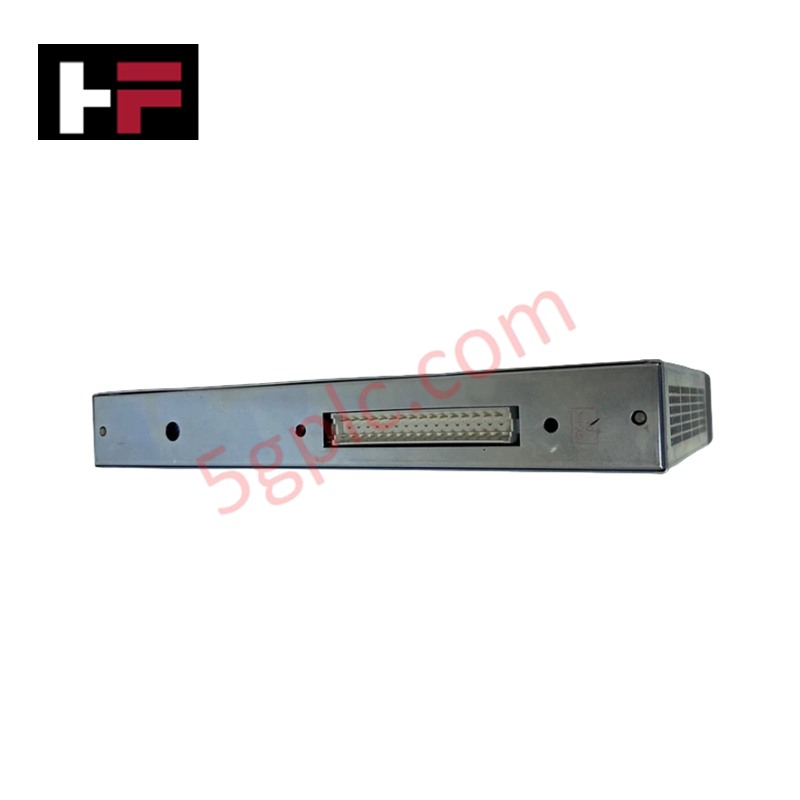
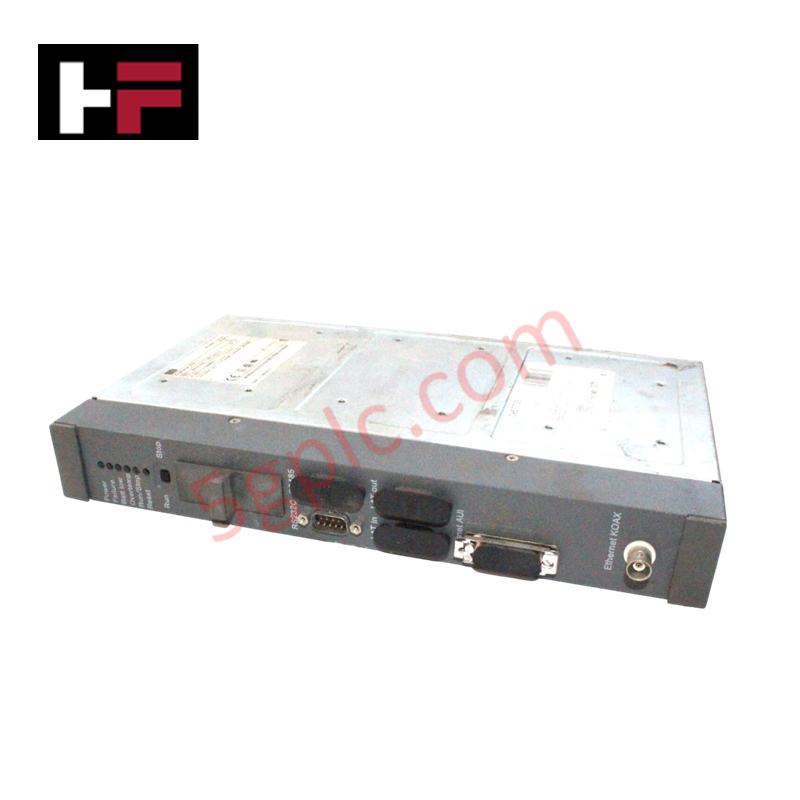
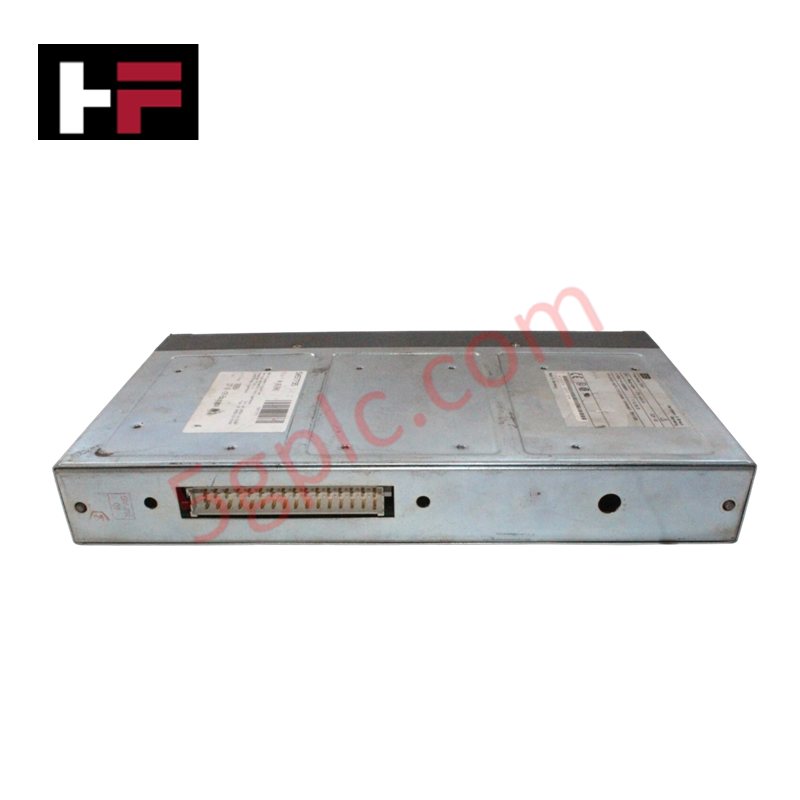
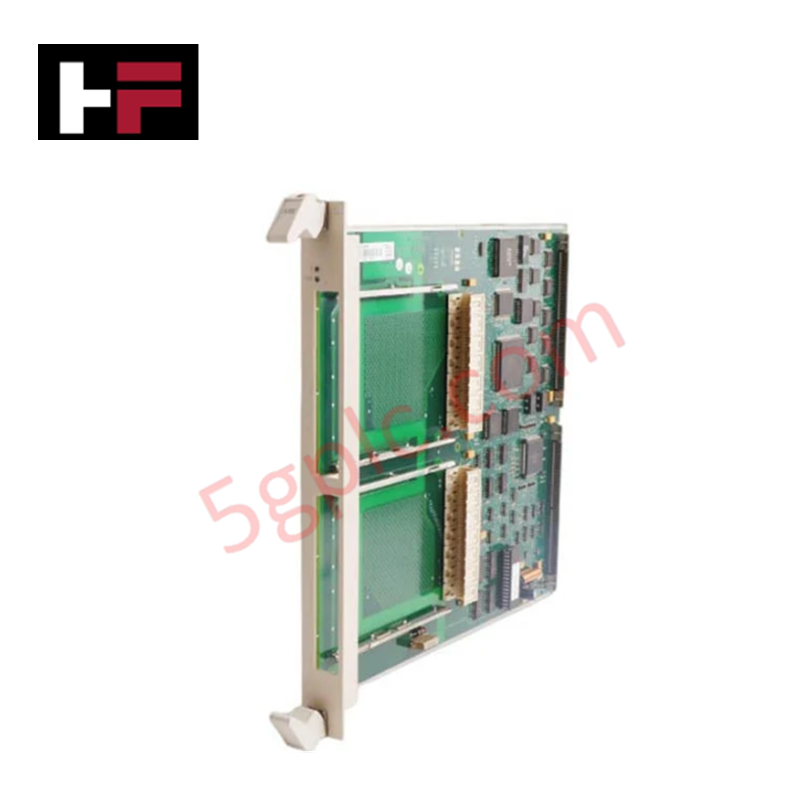
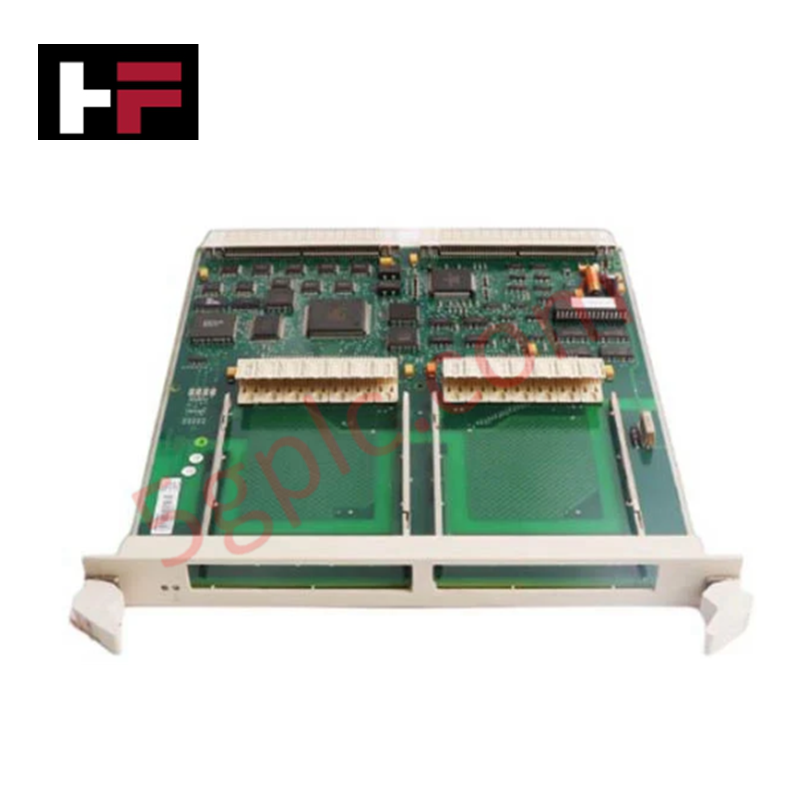
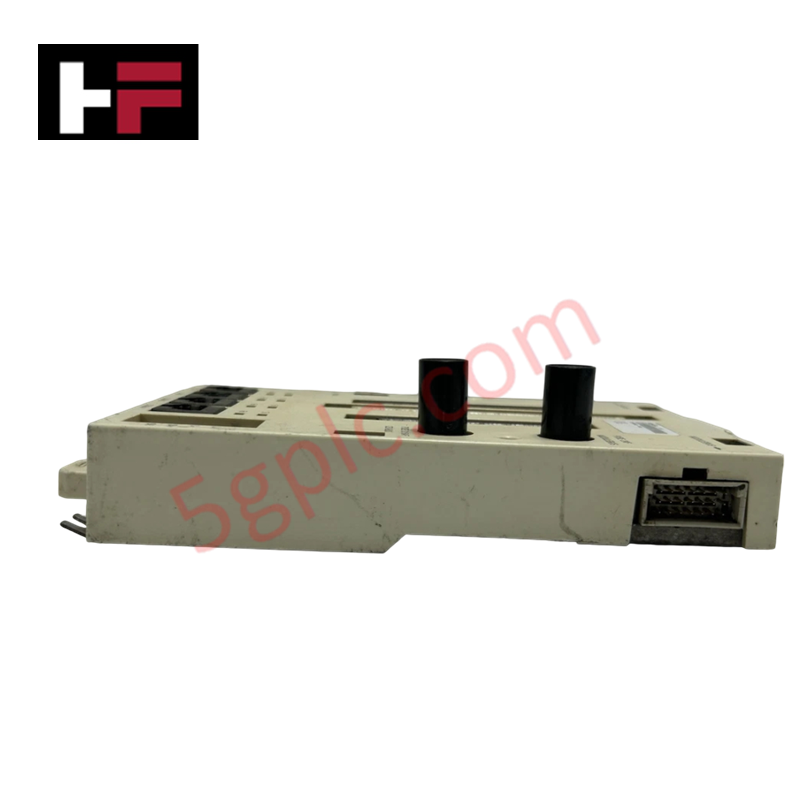
The Honeywell 620-0636, also cataloged as the 620-0636 Processor Module, operates as a dedicated hardware component for centralized logic execution and I/O scan management within Honeywell 620 Series control platforms. This unit functions as the primary CPU, managing instruction set processing and field device coordination through the backplane bus.
Hardware Specifications
| Parameter | Specification |
|---|---|
| Model | 620-0636 |
| Brand | Honeywell |
| Origin | Not Specified |
| Weight | 1.41 kg |
| Dimensions | Standard 620 Series rack-mount chassis depth |
| Operating Temp | 0 deg C to 60 deg C |
| Power Consumption | Backplane logic power supply required |
| Processing Task | Instruction set execution and I/O scan |
DCS Process Control and Connectivity
The module manages high-speed deterministic communication across the backplane to ensure consistent I/O scan cycles. By maintaining internal channel-to-channel isolation on diagnostic ports, the processor mitigates electromagnetic interference (EMI) that could otherwise destabilize the control bus. The firmware architecture supports precise timing for cyclic data exchange, ensuring that 4-20 mA loop data and discrete state changes are processed within defined scan time limits. Cold junction compensation (CJC) protocols are handled by associated I/O modules, with the processor providing the necessary data processing to normalize values into engineering units.
Frequently Asked Questions
Q: Does this module support hot-swapping during active operation?
A: Hot-swapping the 620-0636 is not recommended. Removing or inserting the processor module while the backplane is energized may cause a system-wide watchdog fault or loss of communication with I/O cards, resulting in a transition to a fail-safe state.
Q: How does the processor handle firmware flash compatibility if a replacement is required?
A: When replacing the module, ensure the firmware revision of the new unit matches or is backward-compatible with the existing application program stored in the non-volatile memory of the host rack. Mismatched firmware versions can result in communication latency or failure to establish the backplane bus connection.
Field Installation Guidelines
- Verify the power source is de-energized before handling the module to prevent backplane short circuits.
- Align the module card guides with the 620 Series chassis rack slots; ensure the edge connector is oriented correctly to prevent pin misalignment.
- Apply firm pressure to the front faceplate until the module is fully seated, then secure the mounting screws to the rack frame to ensure mechanical stability.
- Connect all required communication cables to the front-panel ports after confirming the module is locked into the backplane.
- Apply power and monitor the CPU status LEDs to verify the completion of self-diagnostic routines and transition to RUN mode.
Additional Information
- 100% Genuine Parts: All products are original and authentic, ensuring reliable industrial performance.
- 30-Day Refund Guarantee: Return any in-stock item within 30 days in original, unopened packaging for a full refund (excluding shipping and fees).
- 12-Month Warranty: Covers defects in materials or workmanship; excludes misuse, normal wear, or unauthorized modifications.
- Worldwide Shipping: We ship via USPS, UPS, FedEx, and DHL. Delivery times vary by country and may be subject to customs or import fees.
- Support & Contact: Technical and warranty assistance is available anytime. Contact us here: Contact.
- Purchase Guidance: Check product specifications and compatibility carefully before ordering to ensure proper application.
Tech & Buying Guide

Site Acceptance Testing (SAT) for PLC Control Systems: An Engineering Execution Guide
The Site Acceptance Test (SAT) represents the definitive handover stage in industrial automation projects. While the Factory Acceptance Test confirms cabinet hardware assembly off-site, the SAT validates real-world performance under live site conditions. Consequently, a structured execution strategy prevents equipment damage and guarantees seamless integration into plant operations.

Mastering the Factory Acceptance Test (FAT) for PLC Control Panels: An Expert Guide
The Factory Acceptance Test (FAT) is a vital milestone in industrial automation that ensures custom PLC panels meet exact design specifications before dispatch. This guide outlines the step-by-step FAT procedure and key industry best practices to prevent costly site delays and ensure long-term operational success.

Redundant Automation Systems: Ensuring Continuous Uptime in Critical Control Infrastructure
System reliability directly determines operational profitability across high stakes process industries. Modern industrial automation platforms must eliminate single points of failure to prevent catastrophic shutdowns. Deploying fault tolerant architecture safeguards complex facilities against unexpected hardware glitches, network disruptions, and maintenance outages.