










Product Details
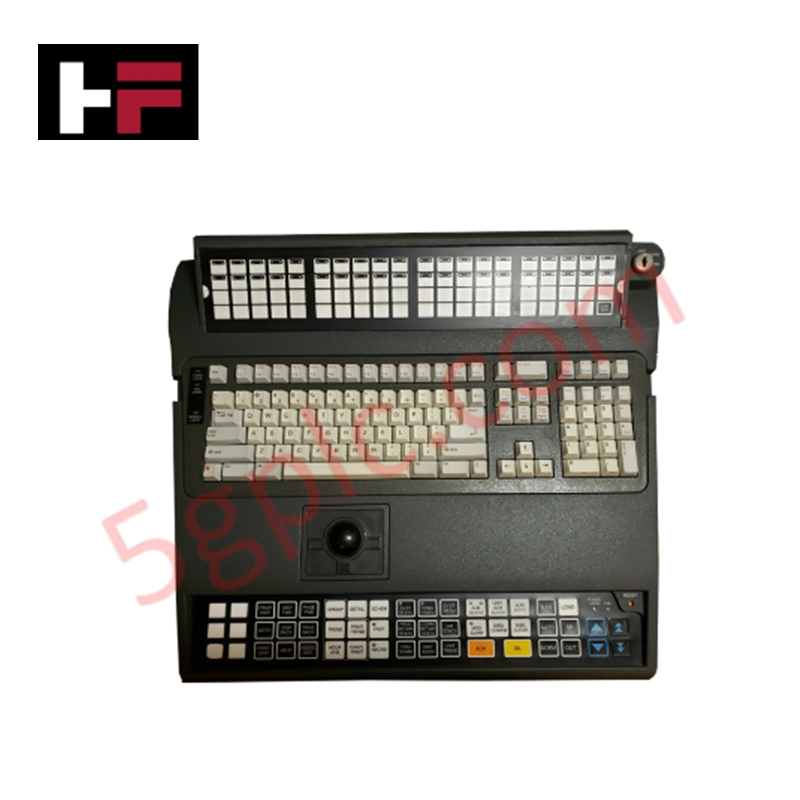
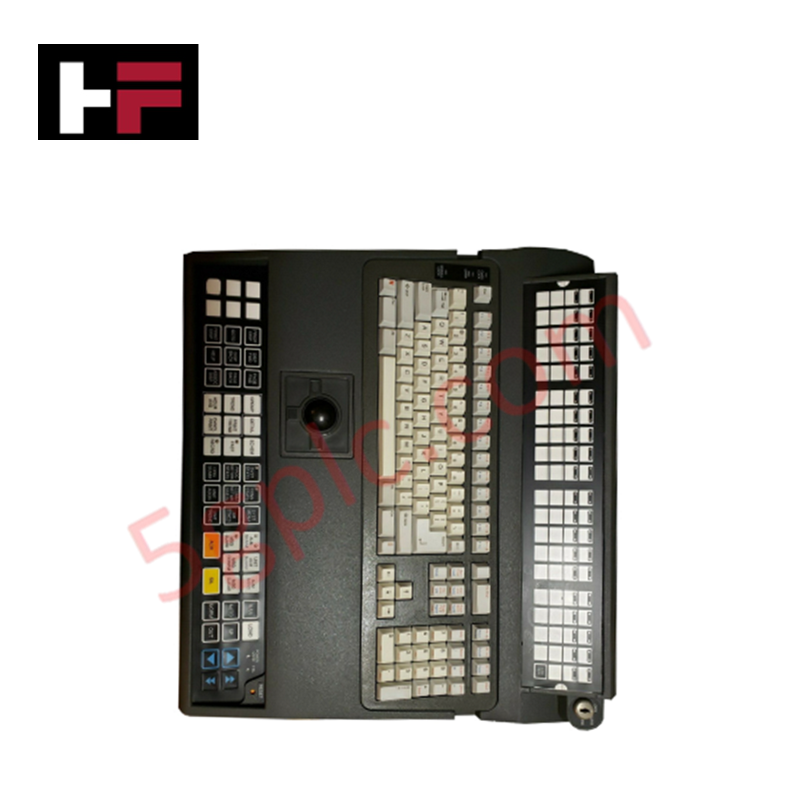
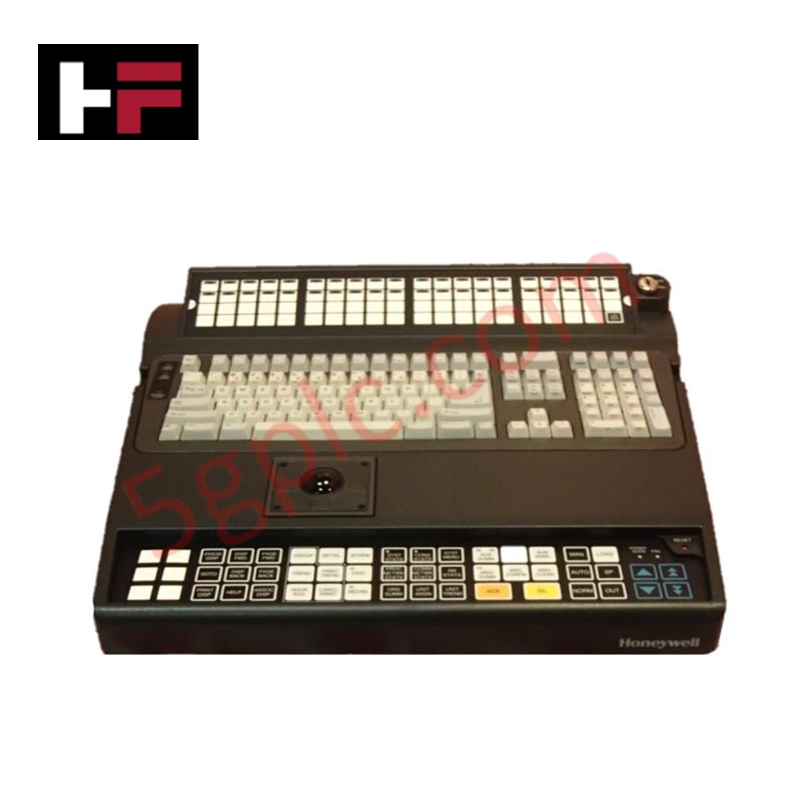
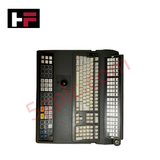
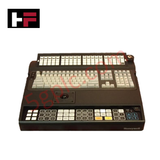
Configured for graphical user interface interaction in workstation consoles, the Honeywell 51196694-310 (51196694-310) industrial keyboard provides direct physical execution of operator input commands. The unit features an integrated optical trackball for cursor positioning and a QWERTY layout, facilitating interaction with Honeywell Graphic User System (GUS) platforms through serial or USB interface protocols.
Hardware Specifications
| Parameter | Specification |
|---|---|
| Model | 51196694-310 |
| Brand | Honeywell |
| Dimensions | Standard industrial console form factor |
| Operating Temp | Consult operator station manual |
| Power Consumption | Dependent on host interface (Serial/USB) |
| Interface | Serial or USB |
Cold Junction Compensation (CJC) and Peripheral Connectivity
The 51196694-310 keyboard is designed to maintain signal integrity within Honeywell GUS workstation environments. As an operator interface device, the keyboard must interface with the host workstation according to defined electrical protocols to ensure that key-press data and cursor coordinates are transmitted without signal corruption. While the keyboard primarily manages user input, the host workstation processor it interfaces with is often concurrently executing critical background tasks, such as monitoring cold junction compensation (CJC) references for field instrumentation loops. Ensuring a clean physical connection between the keyboard and the GUS console is mandatory to prevent electromagnetic noise from impacting the broader workstation communication bus or the processing of auxiliary process data.
Frequently Asked Questions
Q: Does the trackball require periodic calibration?
A: The optical trackball is designed for maintenance-free operation. However, accumulation of dust or debris on the optical sensor lens may degrade tracking precision. Clean the trackball cavity periodically using compressed air to maintain optimal cursor control.
Q: Is the keyboard interface (Serial vs USB) configurable by the user?
A: The interface is hardware-dependent based on the specific version of the 51196694-310 assembly. Consult the workstation hardware connection diagram to ensure the appropriate interface cable is utilized for the workstation port.
Field Installation Guidelines
- Interface Termination: Connect the keyboard to the workstation port specified by the console wiring schematic. If using a serial connection, ensure the baud rate and parity settings match the workstation port configuration.
- Ergonomic Positioning: Place the keyboard on a level, stable surface to reduce mechanical strain on the cable and connectors. Use the integrated adjustable feet if necessary to achieve the desired typing angle.
- Grounding Compliance: Bond the workstation chassis to the cabinet earth ground. Proper grounding is required to prevent electrostatic discharge (ESD) from damaging the internal keyboard controller board during operation.
- Cable Strain Relief: Ensure the interface cable has sufficient slack to prevent stress on the internal solder joints of the connector during routine console maintenance or sliding keyboard tray deployment.
Additional Information
- 100% Genuine Parts: All products are original and authentic, ensuring reliable industrial performance.
- 30-Day Refund Guarantee: Return any in-stock item within 30 days in original, unopened packaging for a full refund (excluding shipping and fees).
- 12-Month Warranty: Covers defects in materials or workmanship; excludes misuse, normal wear, or unauthorized modifications.
- Worldwide Shipping: We ship via USPS, UPS, FedEx, and DHL. Delivery times vary by country and may be subject to customs or import fees.
- Support & Contact: Technical and warranty assistance is available anytime. Contact us here: Contact.
- Purchase Guidance: Check product specifications and compatibility carefully before ordering to ensure proper application.




Tech & Buying Guide

Demystifying the DDE Protocol in Legacy Industrial Automation Systems
Modern control systems rely heavily on seamless interprocess communication to exchange operational data between software programs. Microsoft first introduced the Dynamic Data Exchange (DDE) protocol in 1987 to enable real-time data sharing. In factory automation, DDE served as an early bridge between control software and Windows desktop applications. Therefore, understanding DDE mechanics provides crucial insights into how legacy industrial networks established software-level connectivity.

Demystifying CPU Communication Ports in Siemens PLC Architectures
Industrial automation relies heavily on robust data exchange between devices. Without seamless connectivity, field instruments, network switches, human-machine interfaces, and programmable logic controllers cannot coordinate effectively. Therefore, understanding the various CPU communication ports available in Siemens hardware ensures efficient factory automation design and seamless system integration.

Mastering the Siemens PLC Scan Cycle: How the CPU Executes Automation Programs
Industrial automation relies heavily on programmable logic controllers (PLCs) to manage complex manufacturing processes. Many engineers dive straight into programming without mastering the underlying architecture. However, understanding how a PLC CPU executes a program ensures reliable system design. Therefore, mastering the scan cycle optimizes both performance and troubleshooting in modern control systems.