










Product Details
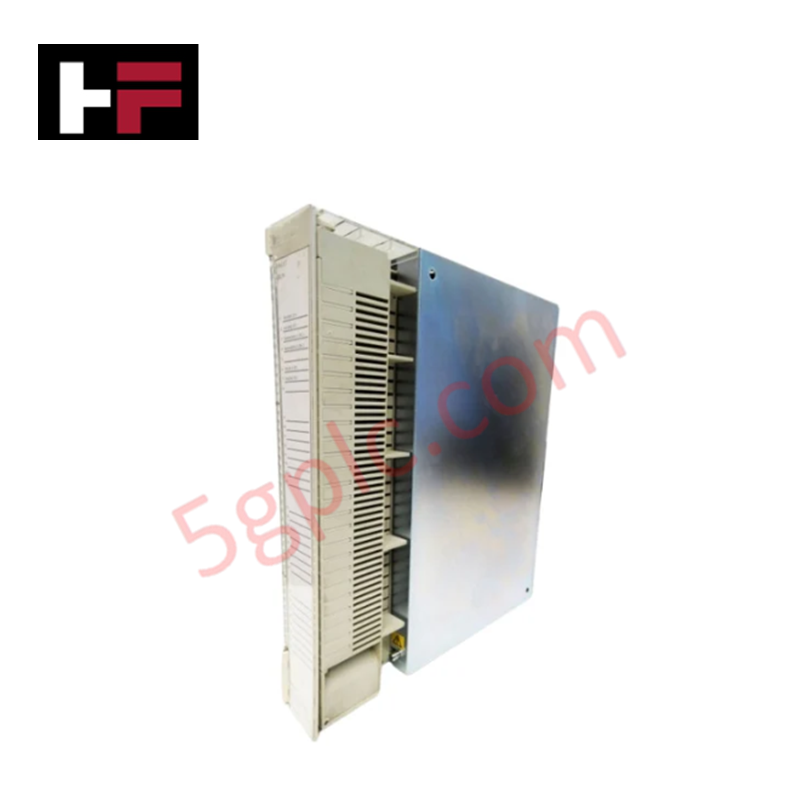
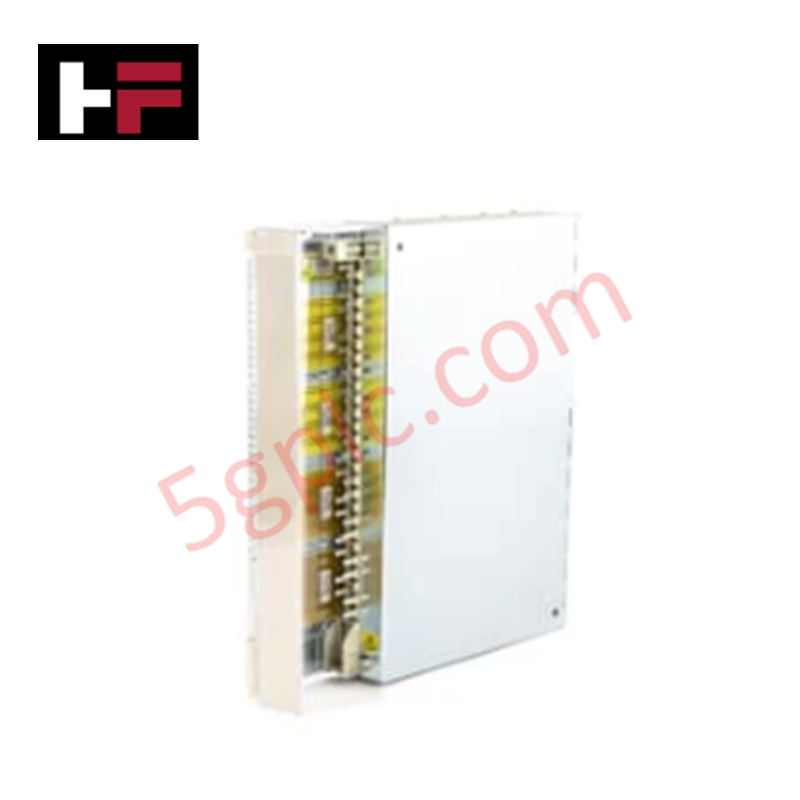
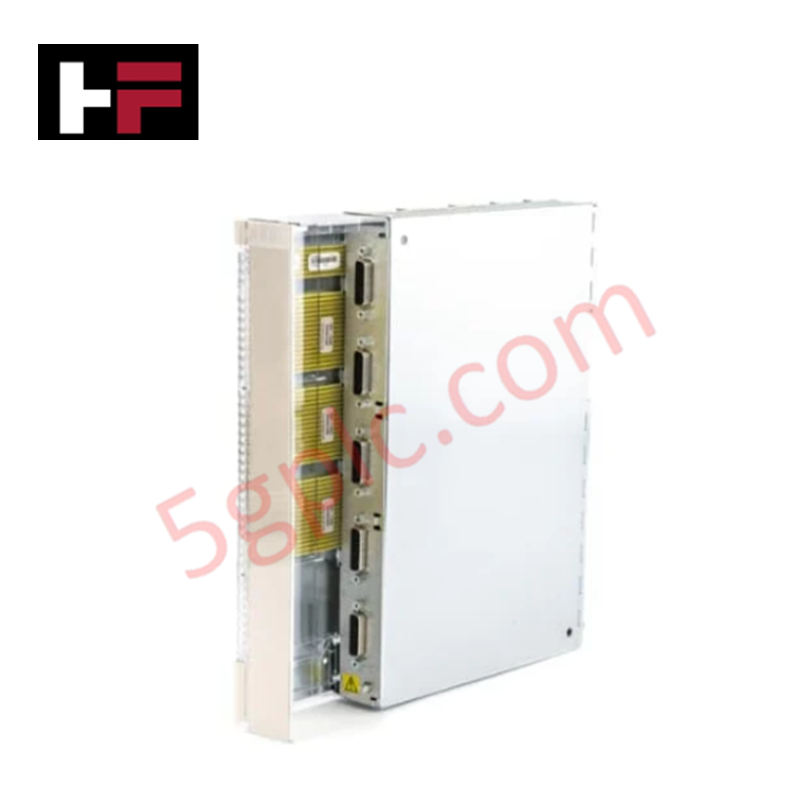
The ABB CI626V1 3BSE012868R1, also cataloged as the CI626V1 Communication Interface Module, operates as a dedicated hardware component for bridging ISA bus architectures and AF100 coaxial networks within Advant OCS and System 800xA platforms.
Hardware Specifications
| Parameter | Specification |
|---|---|
| Model | CI626V1 (3BSE012868R1) |
| Brand | ABB |
| Origin | Sweden |
| Weight | 1.4 kg |
| Dimensions | 25.4 cm x 5.1 cm x 27.9 cm |
| Operating Temp | +5 to +55 deg C (AF100) / -40 to +70 deg C (PROFIBUS) |
| Power Consumption | 2.5 W (24 VDC supplied via system backplane) |
| Communication Protocols | AF100, PROFIBUS DP V1 (Master/Slave) |
| Transmission Rate | 9.6 kbps to 12 Mbps (auto-negotiation) |
| Network Capacity | Supports up to 80 AF100 stations |
| Physical Interface | Integrated coaxial media modems (supports 75-ohm coaxial cabling up to 700 m) |
| Isolation | Galvanic isolation between field modems and internal interface logic |
| Mounting Type | DIN rail or panel mount |
| Protection Rating | IP20 |
Backplane Bus Communication Velocity and Firmware Flash Compatibility
The CI626V1 module manages deterministic message routing between local controller backplanes and AF100 coaxial segments without compromising backplane bus communication velocity. Integrated hardware modems and galvanically isolated transceiver stages maintain high-speed signal integrity across distances up to 700 meters. Built-in firmware flash compatibility across Advant Master and System 800xA nodes allows seamless network expansion, ensuring predictable data update rates and reliable I/O density scaling across redundant system topologies.
Frequently Asked Questions
Q: How is power provided to the CI626V1 communication module?
A: Power is drawn directly from the host system backplane at 24 VDC, with total module power dissipation rated at 2.5 W.
Q: What physical cabling and maximum segment length are supported for the AF100 interface?
A: The onboard integrated modems connect via standard 75-ohm coaxial cable, supporting point-to-point and bus segment distances up to 700 meters.
Q: Is galvanic isolation integrated into the modem interfaces?
A: Yes, the module features galvanic isolation positioned between the coaxial modems and internal logic circuitry to suppress ground loops and electrical transients.
Field Installation Guidelines
- Power down the rack chassis and verify complete system electrical isolation prior to mounting or unseating the CI626V1 module.
- Wear an ESD wrist strap connected to cabinet earth ground when handling the board assembly.
- Secure the chassis onto the DIN rail or panel mounting surface, ensuring the IP20 housing latches securely in place.
- Attach 75-ohm coaxial cables to the integrated media modem connectors, maintaining minimum cable bend radii and ensuring proper connector shield grounding.
- Apply backplane power to the rack and verify network boot status via diagnostic LED indicators during initialization.
Additional Information
- 100% Genuine Parts: All products are original and authentic, ensuring reliable industrial performance.
- 30-Day Refund Guarantee: Return any in-stock item within 30 days in original, unopened packaging for a full refund (excluding shipping and fees).
- 12-Month Warranty: Covers defects in materials or workmanship; excludes misuse, normal wear, or unauthorized modifications.
- Worldwide Shipping: We ship via USPS, UPS, FedEx, and DHL. Delivery times vary by country and may be subject to customs or import fees.
- Support & Contact: Technical and warranty assistance is available anytime. Contact us here: Contact.
- Purchase Guidance: Check product specifications and compatibility carefully before ordering to ensure proper application.






Tech & Buying Guide

Demystifying CPU Communication Ports in Siemens PLC Architectures
Industrial automation relies heavily on robust data exchange between devices. Without seamless connectivity, field instruments, network switches, human-machine interfaces, and programmable logic controllers cannot coordinate effectively. Therefore, understanding the various CPU communication ports available in Siemens hardware ensures efficient factory automation design and seamless system integration.

Mastering the Siemens PLC Scan Cycle: How the CPU Executes Automation Programs
Industrial automation relies heavily on programmable logic controllers (PLCs) to manage complex manufacturing processes. Many engineers dive straight into programming without mastering the underlying architecture. However, understanding how a PLC CPU executes a program ensures reliable system design. Therefore, mastering the scan cycle optimizes both performance and troubleshooting in modern control systems.

How to Connect to Siemens S7 PLCs: 5 Essential Communication Methods
Establishing a reliable hardware link between a programming terminal and a Siemens SIMATIC controller is essential for engineering workflows. Field engineers rely on distinct physical layers, ranging from legacy serial connections to high-speed Industrial Ethernet protocols. Modern factory automation environments prioritize fast data transfer and seamless driver integration. Selecting the correct connection method simplifies program downloads, online monitoring, and system troubleshooting in complex control systems.