










Product Details
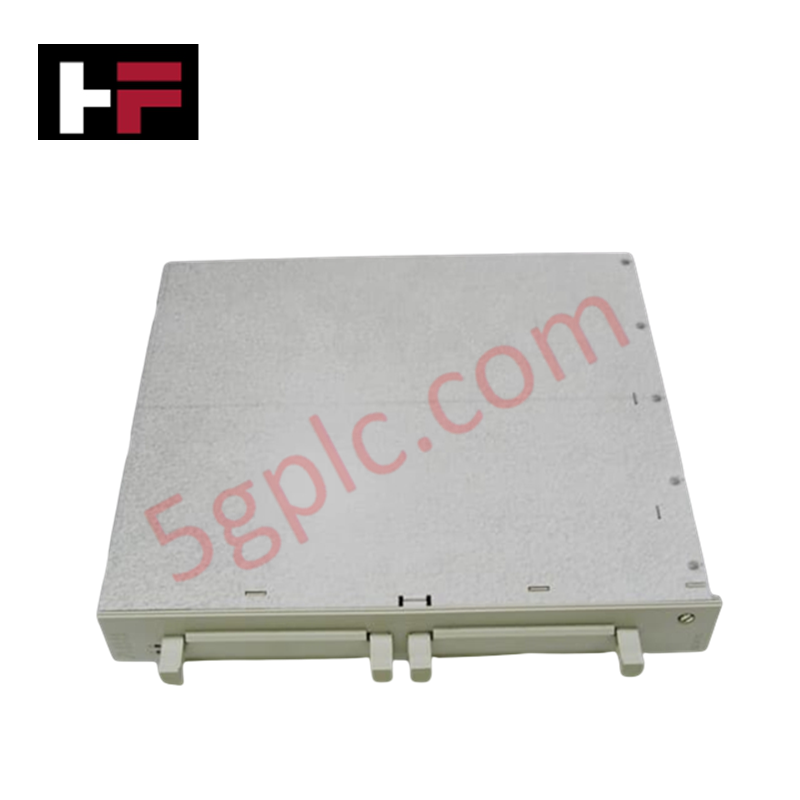
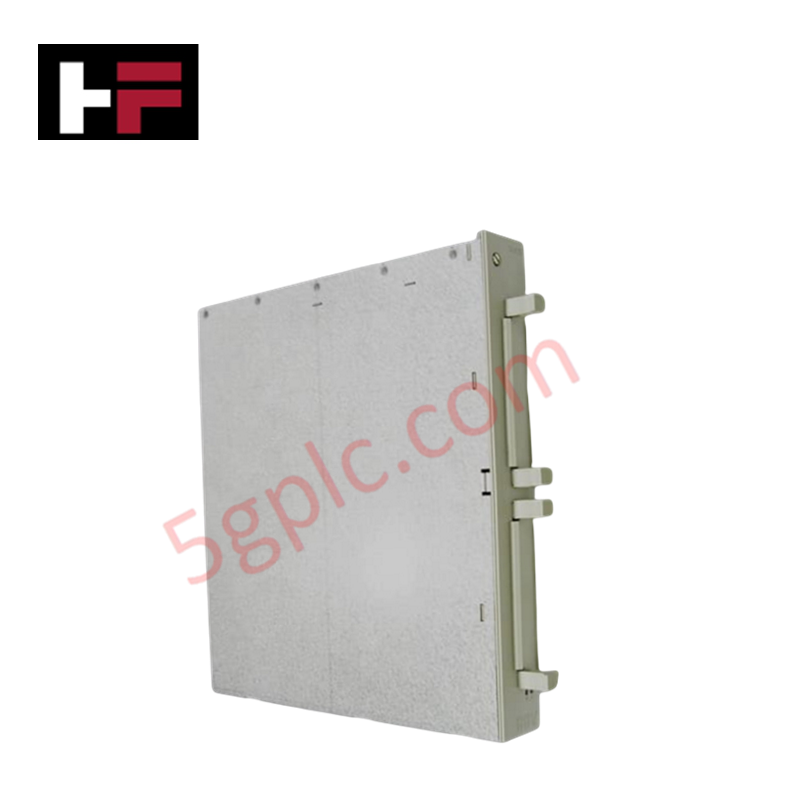
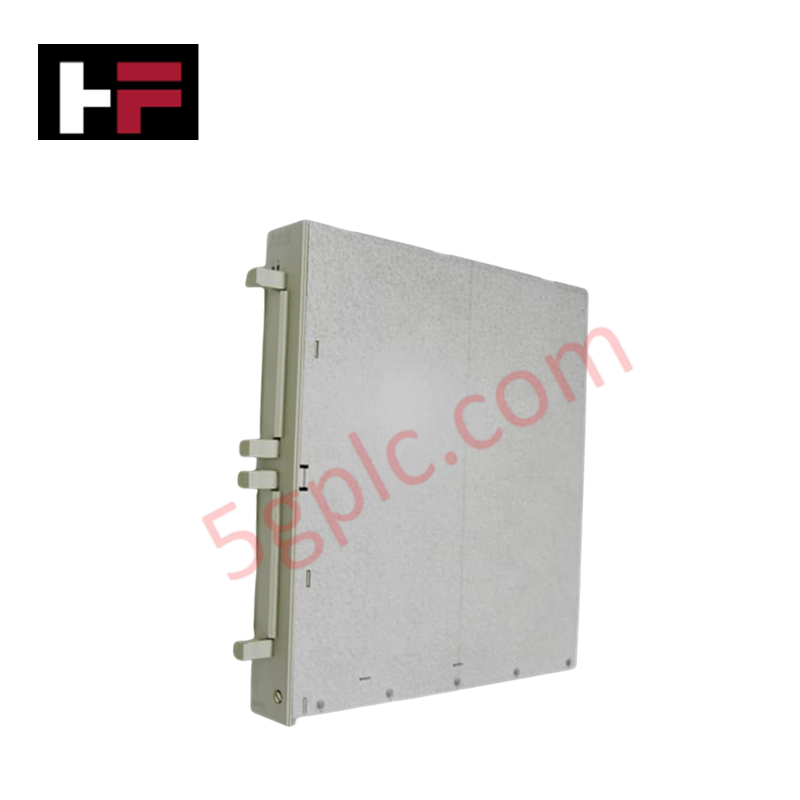
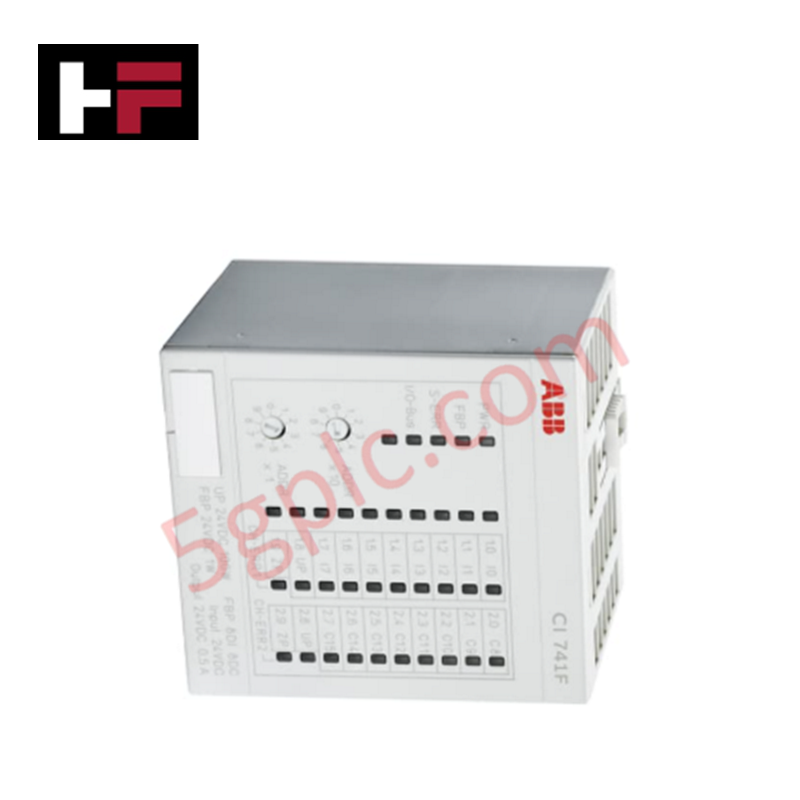
The ABB SC610 3BSE001552R1 serves as the primary SC610 Submodule Carrier utilized to execute interface communication module expansion across Advant Controller 100 Series platforms.
Hardware Specifications
| Parameter | Specification |
|---|---|
| Model | SC610 (Product ID: 3BSE001552R1) |
| Brand | ABB |
| Origin | Sweden |
| Weight | 1.44 kg |
| Dimensions | 40 mm x 273 mm x 252 mm |
| Operating Temp | 0 to +55 deg C (Standard baseline parameters) |
| Power Consumption | Dependent on host rack submodules (Passive bus allocation) |
| Product Type | Communication Modules |
| Module Capacity | Hosts up to two CI532 interface units |
| Base Board | BIOB Carrier Board |
| RoHS Information | Following EU Directive 2011/65/EU |
| WEEE Category | 4. Large Equipment (Any External Dimension More Than 50 cm) |
Profinet / EtherNet/IP Deterministic Networks and I/O Density Scaling
The electronic track configuration of the SC610 carrier handles parallel internal signal routing to bridge auxiliary communication processing blocks without reducing parent backplane bus communication velocity metrics. It sustains deterministic scan timing across connected submodules, enabling parallel signal mapping when integrated adjacent to Profinet / EtherNet/IP deterministic networks. The layout maintains uniform trace lengths, ensuring absolute firmware flash compatibility between hosted CI532 interface modules and the parent processor node. This layout eliminates data packet bottlenecks and permits linear I/O density scaling during large-scale network updates.
Frequently Asked Questions
Q: Does the SC610 carrier board allow hot-swap replacement of the two hosted CI532 submodules while active logic loops are processing?
A: No. The internal BIOB interface infrastructure does not isolate lines at the submodule terminal connections during active execution. The power supply to the carrier slot must be turned off before inserting or extracting any submodules to prevent backplane bus errors or memory synchronization drops.
Q: How is the electrical path ground continuity achieved across this 1.44 kg assembly?
A: Grounding is established through metal contact rails that lock into the chassis frame during insertion. This low-impedance connection filters out high-frequency noise and preserves signal integrity across the bus line.
Q: Are there onboard firmware configurations or software settings that require validation on this carrier?
A: No. The SC610 functions as a passive physical routing board. It contains no internal programmable microprocessors or flash memory arrays. Software address validation is configured directly on the specific CI532 submodules.
Field Installation Guidelines
- Chassis Seating and Realignment: Slide the 40 mm wide carrier unit straight into the designated rack slot channels. Apply stable horizontal pressure until the backplane connectors seat completely, then tighten the front retention fasteners.
- Shielding Ground Connection: Ensure the main cabinet frame links directly to the plant common earth ground matrix. Keeping connections clean prevents electromagnetic interference from shifting data thresholds on the bus traces.
- Submodule Interface Retention: Lock the hosted CI532 modules into the carrier frame using the integrated clips. Loose modules can break contact when subjected to continuous industrial floor vibration.
- Convective Thermal Boundaries: Maintain unobstructed clearances around the 273 mm height profile of the assembly. Adequate passive airflow is necessary to prevent localized heat pockets from exceeding the maximum +55 deg C operating limit.
Additional Information
- 100% Genuine Parts: All products are original and authentic, ensuring reliable industrial performance.
- 30-Day Refund Guarantee: Return any in-stock item within 30 days in original, unopened packaging for a full refund (excluding shipping and fees).
- 12-Month Warranty: Covers defects in materials or workmanship; excludes misuse, normal wear, or unauthorized modifications.
- Worldwide Shipping: We ship via USPS, UPS, FedEx, and DHL. Delivery times vary by country and may be subject to customs or import fees.
- Support & Contact: Technical and warranty assistance is available anytime. Contact us here: Contact.
- Purchase Guidance: Check product specifications and compatibility carefully before ordering to ensure proper application.






Tech & Buying Guide

Demystifying the DDE Protocol in Legacy Industrial Automation Systems
Modern control systems rely heavily on seamless interprocess communication to exchange operational data between software programs. Microsoft first introduced the Dynamic Data Exchange (DDE) protocol in 1987 to enable real-time data sharing. In factory automation, DDE served as an early bridge between control software and Windows desktop applications. Therefore, understanding DDE mechanics provides crucial insights into how legacy industrial networks established software-level connectivity.

Demystifying CPU Communication Ports in Siemens PLC Architectures
Industrial automation relies heavily on robust data exchange between devices. Without seamless connectivity, field instruments, network switches, human-machine interfaces, and programmable logic controllers cannot coordinate effectively. Therefore, understanding the various CPU communication ports available in Siemens hardware ensures efficient factory automation design and seamless system integration.

Mastering the Siemens PLC Scan Cycle: How the CPU Executes Automation Programs
Industrial automation relies heavily on programmable logic controllers (PLCs) to manage complex manufacturing processes. Many engineers dive straight into programming without mastering the underlying architecture. However, understanding how a PLC CPU executes a program ensures reliable system design. Therefore, mastering the scan cycle optimizes both performance and troubleshooting in modern control systems.