










Product Details
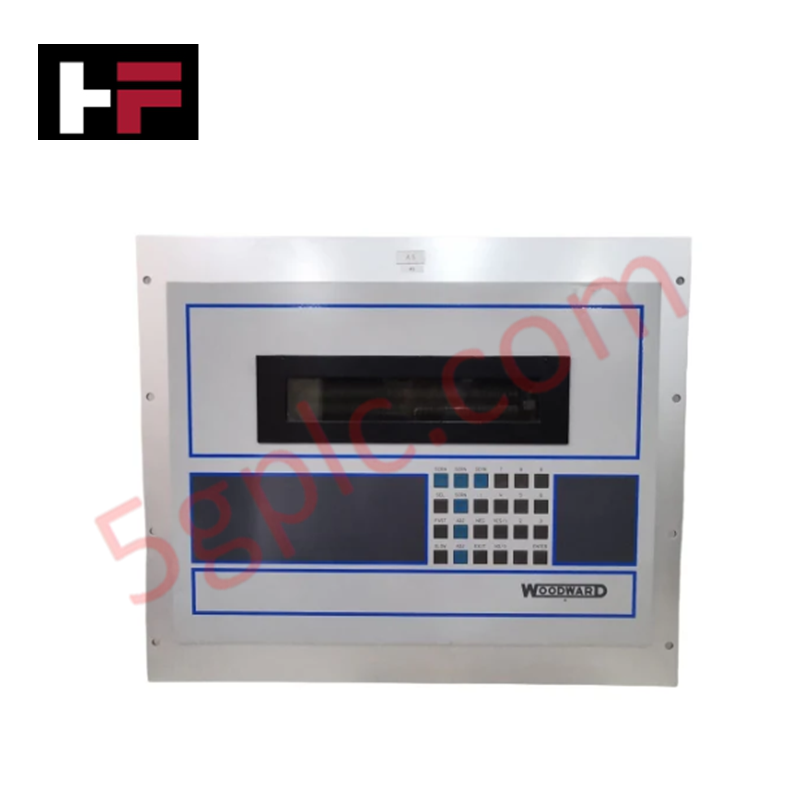
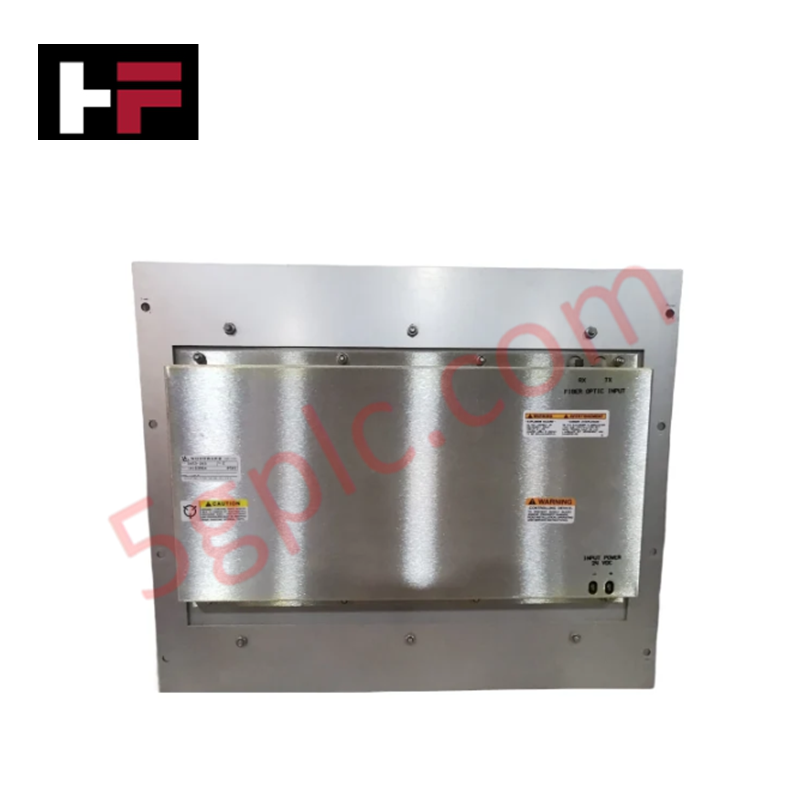
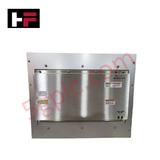
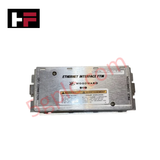
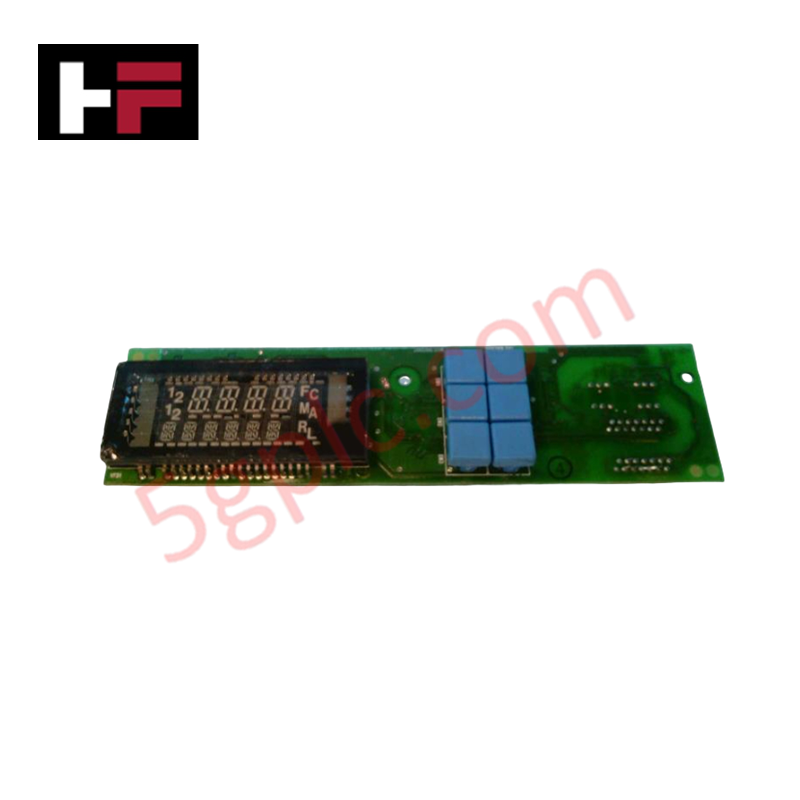
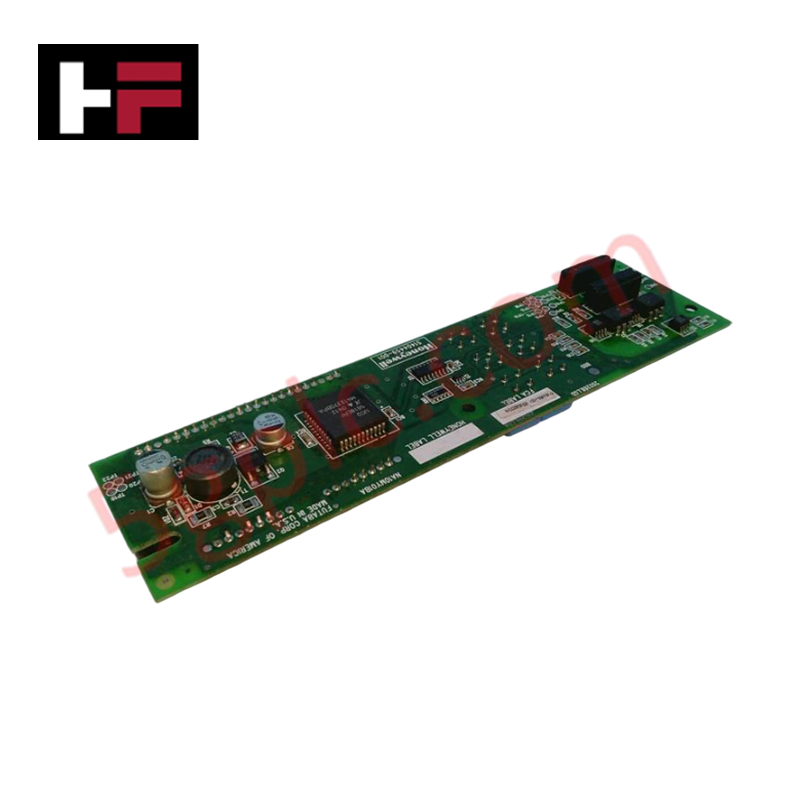
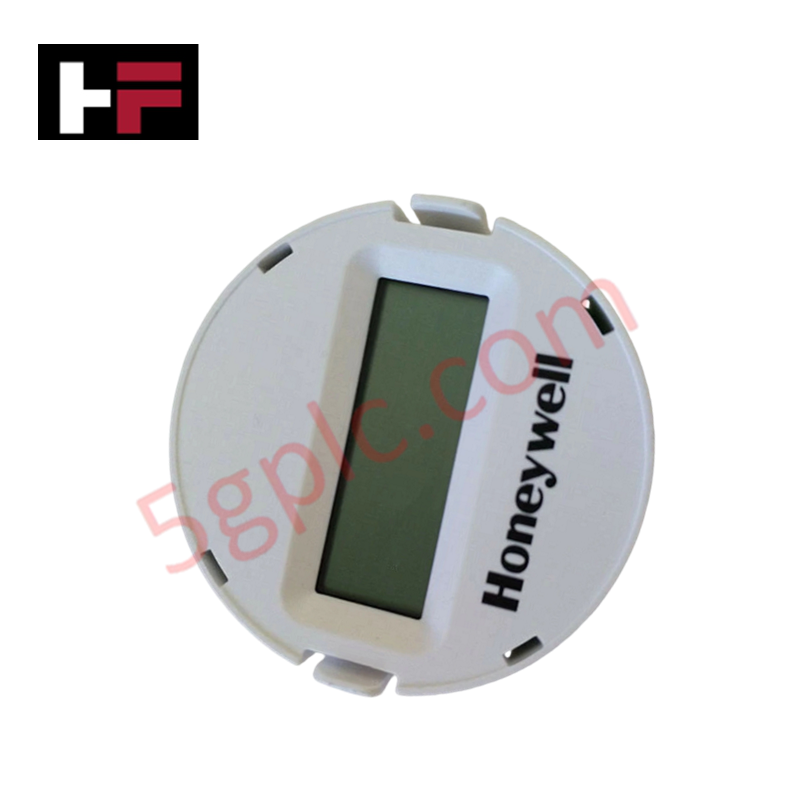
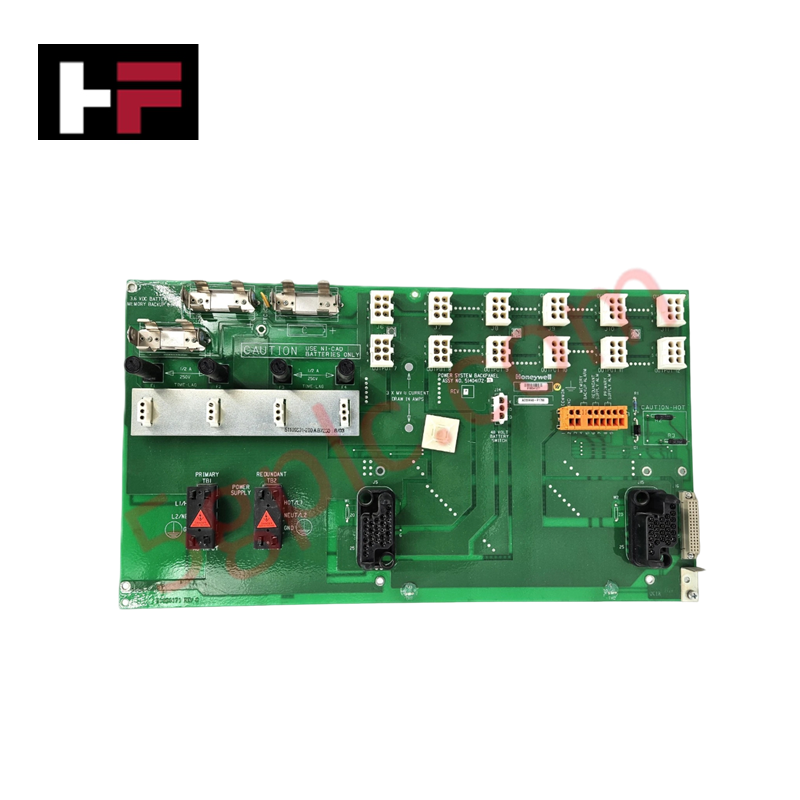
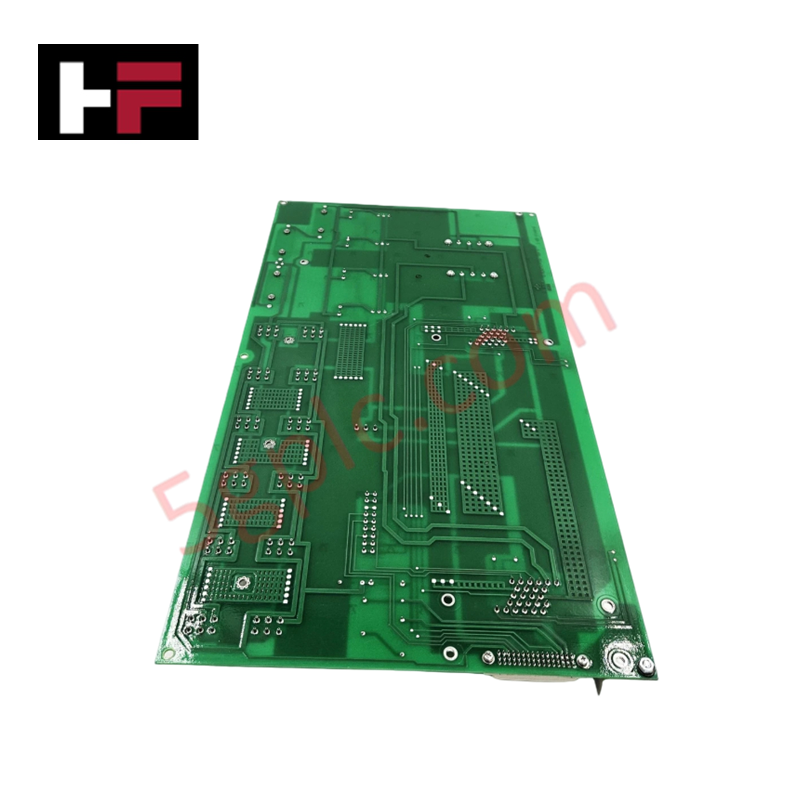
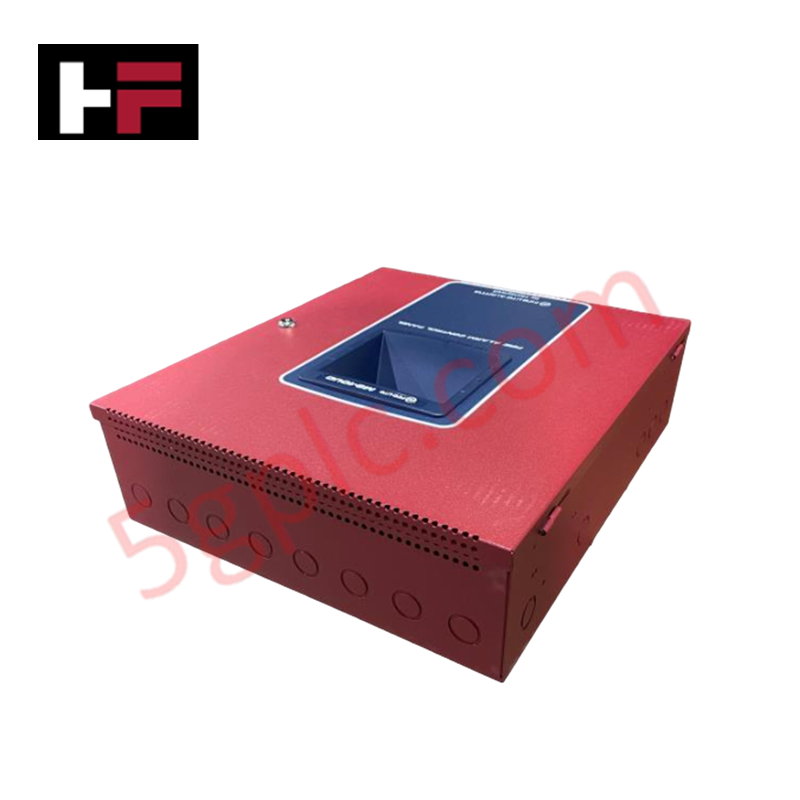
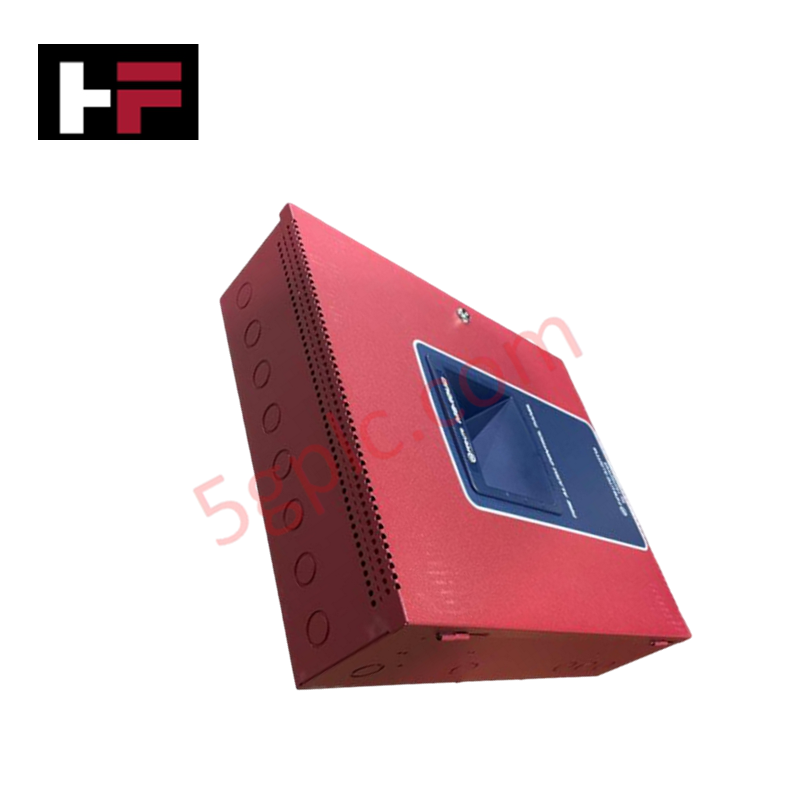
Configured for local operator interaction in turbine control platforms, the Woodward 5453-203 (5453-203 Operator Interface Panel) provides direct physical/electrical execution of machine status monitoring and control command input via serial communication.
Hardware Specifications
| Parameter | Specification |
|---|---|
| Model | 5453-203 |
| Brand | Woodward |
| Origin | USA |
| Weight | 1.82 kg |
| Dimensions | 356 x 305 x 152 mm |
| Operating Temp | -40 to 70 deg C |
| Power Consumption | 12 VDC at 650 mA |
| Connector Type | DB9 |
| Communication Ports | RS232, RS422 |
Actuator Loop Feedback Response
The 5453-203 interface panel serves as the primary terminal for monitoring governing parameters, including the state of fuel actuators and speed control setpoints. By interfacing with the controller, operators can observe real-time data to verify that the actuator loop feedback response is within nominal operating ranges. The panel supports alphanumeric feedback of system variables, enabling operators to identify deviations in actuator drive current or valve positioning. Stable communication through the RS232/RS422 ports is required to ensure that manual control inputs are processed by the governor with minimal latency, maintaining consistent control over engine dynamics.
Frequently Asked Questions
Q: Does the interface panel support direct HDMI video output for external displays?
A: While the specification references an HDMI-type cable for physical connectivity, the module is designed as a 2-line text-based operator interface panel. The HDMI connector is used for proprietary signal transmission to the interface display and should not be connected to standard consumer-grade video monitors.
Q: Can the panel be configured to switch between RS232 and RS422 communication modes?
A: Yes, the panel supports both RS232 and RS422 standards. Ensure the host controller is configured to the matching protocol and baud rate to establish a valid handshake. Verify proper line termination at the controller end when utilizing RS422 for longer cable runs.
Field Installation Guidelines
- Mounting: Utilize the specified 356 x 305 x 152 mm dimensions for panel cutout planning. Ensure the gasket is seated correctly to maintain the integrity of the cabinet seal.
- Wiring: Use shielded, multi-conductor cable for the DB9 serial interface. Route serial communication lines away from high-voltage AC cables and motor power leads to prevent induced signal errors.
- Grounding: Connect the panel chassis to the cabinet grounding bus using a low-impedance braided strap to ensure electromagnetic compatibility (EMC) and protection against transient interference.
- Power Supply: Provide a stable 12 VDC power source capable of delivering a minimum of 650 mA. Use twisted-pair power cabling to minimize noise injection into the interface circuitry.
- Validation: Upon power-up, confirm the display initializes correctly. Perform a loopback test via the serial diagnostic menu to verify that the interface is successfully exchanging data with the Woodward turbine control unit.
Additional Information
- 100% Genuine Parts: All products are original and authentic, ensuring reliable industrial performance.
- 30-Day Refund Guarantee: Return any in-stock item within 30 days in original, unopened packaging for a full refund (excluding shipping and fees).
- 12-Month Warranty: Covers defects in materials or workmanship; excludes misuse, normal wear, or unauthorized modifications.
- Worldwide Shipping: We ship via USPS, UPS, FedEx, and DHL. Delivery times vary by country and may be subject to customs or import fees.
- Support & Contact: Technical and warranty assistance is available anytime. Contact us here: Contact.
- Purchase Guidance: Check product specifications and compatibility carefully before ordering to ensure proper application.



Tech & Buying Guide

Demystifying Open Platform Communication (OPC): The Backbone of Industrial Interoperability
Interoperability remains a cornerstone requirement for modern smart factories and process automation. Open Platform Communication (OPC) bridges the gap between disparate hardware platforms, control systems, and visualization software. By establishing a universal communication standard, OPC allows field controllers, SCADA platforms, and enterprise software from different vendors to exchange real-time data seamlessly.

Understanding Siemens PLC Memory Cards: MMC, SMC, and SD Solutions in Industrial Automation
Memory management plays a pivotal role in maintaining control system reliability across modern manufacturing plants. Industrial control systems rely on specialized memory cards to store project logic, firmware updates, and retentive system data. Siemens uses several memory architectures, including Micro Memory Cards (MMC) and SIMATIC Memory Cards (SMC). Engineers must understand these hardware variations to ensure zero data loss and minimize downtime during maintenance routines.

Redefining Control Systems: The Rise of Flexible I/O Modules in Industrial Automation
Conventional input-output architectures often limit engineering agility and inflate long-term inventory costs. Today, Flexible Input/Output Modules (FIOM) are transforming how control system engineers design, commission, and maintain automation infrastructure. By allowing individual channel software configuration, FIOM technology bridges the gap between rigid hardware design and dynamic plant requirements.