












Product Details
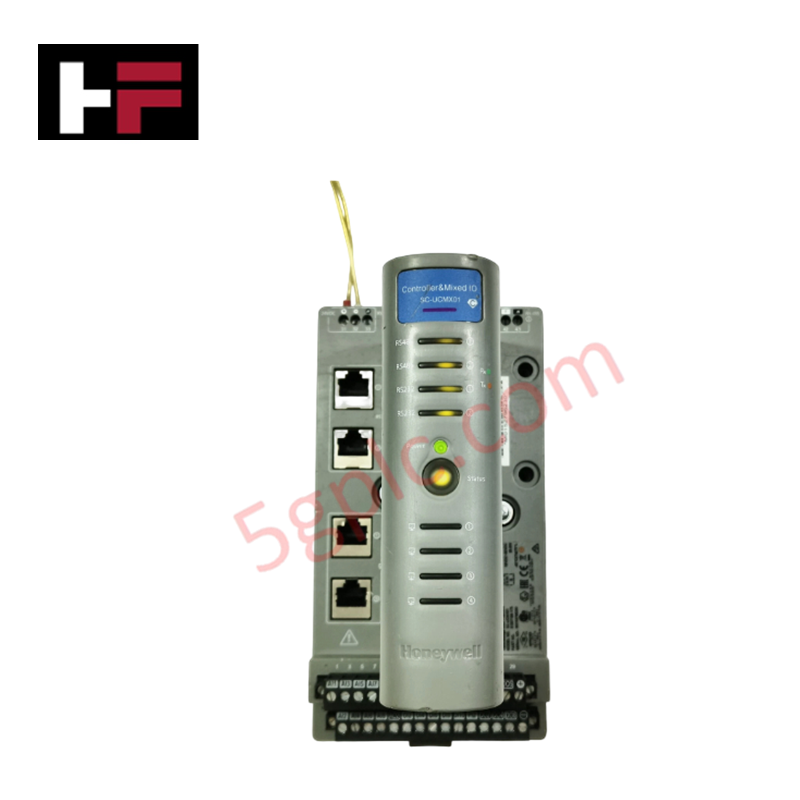
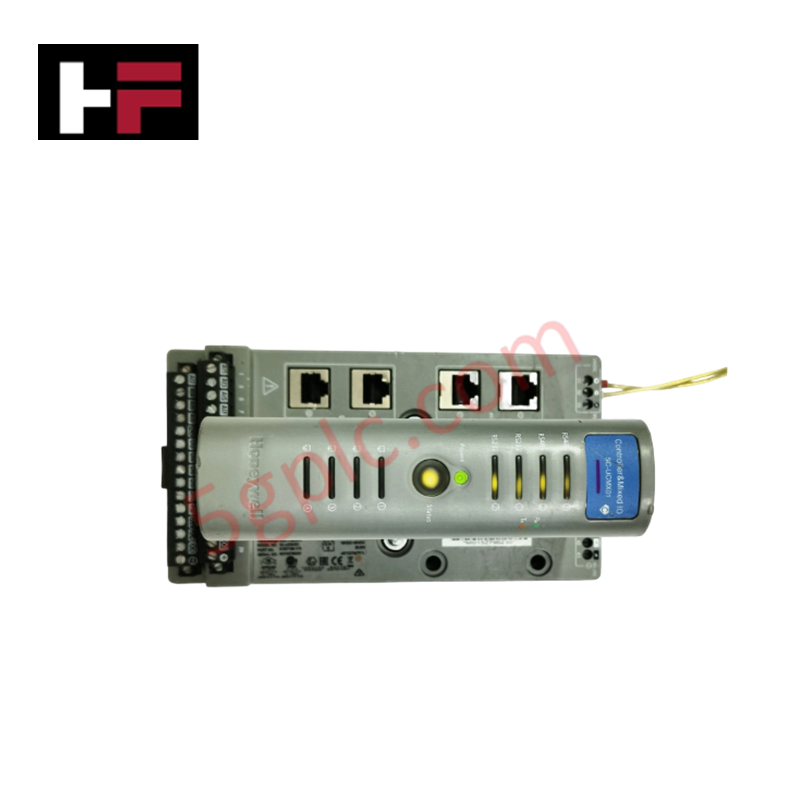
The Honeywell 51305348-100, also cataloged as the 51305348-100 MAU PWB Assembly, operates as a dedicated hardware component for Local Control Network media attachment within Honeywell TDC 3000 systems. Designed with Revision C board layout and an integrated terminal connector set, it establishes physical-layer signal coupling between node electronics and coaxial transmission cables.
Hardware Specifications
| Parameter | Specification |
|---|---|
| Model | 51305348-100 |
| Brand | Honeywell |
| Origin | USA |
| Weight | 0.22 lbs |
| Dimensions | Standard MAU Assembly Form Factor |
| Operating Temp | 0 to +60 deg C |
| Power Consumption | Powered via LCN Trunk Cable / Node Interface |
| Hardware Revision | Revision C |
| Included Accessories | Connector Set |
| Mounting Type | Wall Mount / Bracket Mount |
| Network Interface | LCN Coaxial Media Attachment Unit (MAU) |
4-20 mA HART Loop Protocol & Channel Isolation Features
In distributed process architectures, the Honeywell 51305348-100 operates alongside high-density I/O subsystems that interface 4-20 mA HART loop protocol instruments to the central LCN trunk. Integrated channel-to-channel isolation on adjacent control modules shields the node from common-mode voltage spikes, while built-in noise filtration maintains low bit error rates across long serial coaxial segments.
Frequently Asked Questions
Q: What is the primary physical function of the 51305348-100 MAU assembly?
A: It provides physical layer conversion and electrical isolation between Honeywell TDC 3000 system nodes and the Local Control Network (LCN) coaxial cable backbone.
Q: Is special care required when replacing the connector set on Revision C boards?
A: Yes. Ensure all coaxial strain reliefs and terminal screws are properly torqued to prevent signal attenuation and intermittent open circuits on the LCN bus segment.
Q: Can the 51305348-100 be mounted directly onto enclosure panels?
A: Yes, this assembly is designed for wall mount configurations using designated mounting holes to provide strain relief for incoming coaxial drop cables.
Field Installation Guidelines
- Disconnect network cable drops and confirm complete power down of the node interface slot before removing or installing the MAU assembly.
- Inspect the Revision C PCB for physical damage, verifying that all connector pins in the supplied connector set are straight and uncorroded.
- Secure the MAU PWB assembly to the wall or panel mounting bracket using standard industrial hardware.
- Connect the LCN coaxial cables ensuring center pin alignment and proper connector seating to maintain signal impedance.
- Verify that network cable shields are grounded in accordance with Honeywell LCN installation standards to prevent common-mode noise issues.
Additional Information
- 100% Genuine Parts: All products are original and authentic, ensuring reliable industrial performance.
- 30-Day Refund Guarantee: Return any in-stock item within 30 days in original, unopened packaging for a full refund (excluding shipping and fees).
- 12-Month Warranty: Covers defects in materials or workmanship; excludes misuse, normal wear, or unauthorized modifications.
- Worldwide Shipping: We ship via USPS, UPS, FedEx, and DHL. Delivery times vary by country and may be subject to customs or import fees.
- Support & Contact: Technical and warranty assistance is available anytime. Contact us here: Contact.
- Purchase Guidance: Check product specifications and compatibility carefully before ordering to ensure proper application.


Tech & Buying Guide

Comprehensive Guide to Noise Types in Industrial Automation and Electronics

Mitigating Emergency Stop Spurious Trips in Industrial Control Systems
Emergency stop (E-Stop) pushbuttons serve as vital safety devices in factory automation and process control plants. Functional safety standards mandate normally-closed (NC) contact blocks to ensure fail-safe operation during wiring breaks or power outages. However, mechanical degradation over time can trigger unexpected spurious trips, halting production lines without an actual emergency. Understanding the underlying causes of mechanical contact failure allows automation engineers to implement robust, fault-tolerant safety circuits.

Redundant Automation Systems: Maximizing Uptime in Critical Control Applications
Industrial automation relies on continuous operational stability to prevent catastrophic downtime and financial loss. While standard dictionary definitions treat redundancy as superfluous, industrial engineers consider redundant control architectures indispensable for high-availability systems. Implementing backup hardware ensures seamless takeover during primary equipment failures, protecting critical infrastructure across manufacturing and process industries.